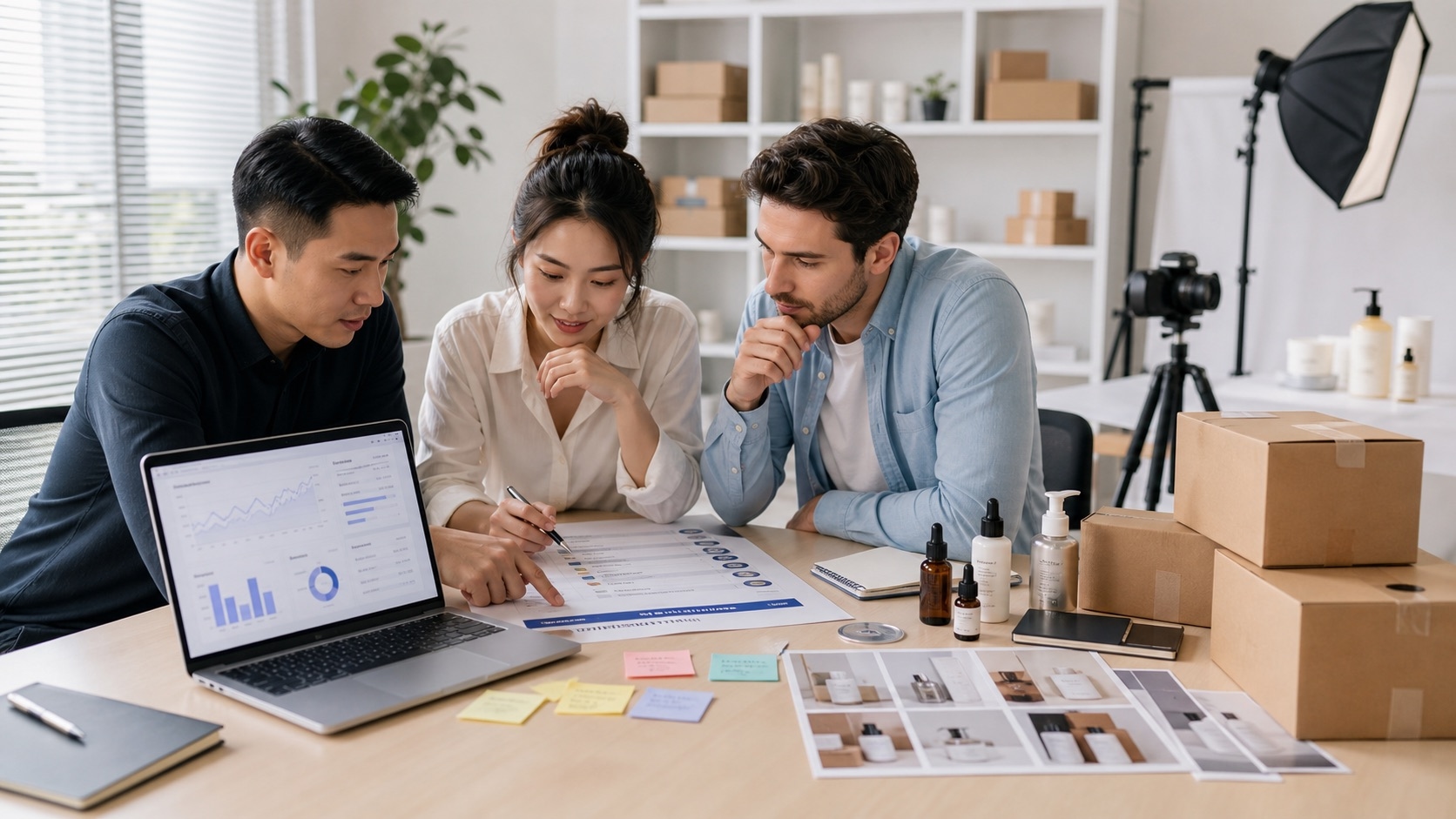
Studio product photos
Clean catalog shots for listings and PDPs.
Create marketplace-ready product photos, lifestyle scenes, and ad creatives from a prompt or reference image.
Use prompts, reference images, and guided variations to move from idea to marketplace-ready visuals.
Clean catalog shots for listings and PDPs.
Place products into realistic ecommerce scenes.
Create scroll-stopping visuals for paid campaigns.
Generate marketplace-ready image variations.
Build richer brand blocks and storefront banners.
Describe the product image, scene, style, and final use case.
Optionally upload one or more images to guide the result.
Choose aspect ratio and how many variations to create.
Start the run and continue editing from the result page.
Enter a text prompt describing the product image you want, choose an aspect ratio and image count, then click Generate. You can also upload a reference image for style guidance.
Yes. Upload one or more reference images and the AI will use them as visual guidance. You can also draw annotation masks to specify which areas to modify.
Yes. All images generated with Nexscope are yours to use commercially on any marketplace or ecommerce platform, including Amazon, Shopify, TikTok Shop, Walmart, and eBay.
You can create studio product photos, lifestyle scenes, ad creatives, marketplace listing images, A+ content visuals, and storefront banners — all optimized for ecommerce.
You can browse the example gallery without an account. To generate images, you will need to sign in and have credits available.