
The Unified API For Ecommerce.
Connect apps and AI agents to ecommerce data and creative APIs through one API key. Research products, understand markets, and create ecommerce content from one catalog.
- 1,000 trial credits
- No credit card required
- 1 API key
- Online tester
 TikTok Shop
 Walmart
 Shopify
 Shopee
 Temu
Temu Ozon
Ozon eBay
eBay 1688
1688 Google
 Nano Banana
 Seedream
 Kling
Kling WanSeedance
 GPT Image
 MiniMax
 Hailuo
 Happy Horse
Featured Ecommerce Data APIs
Explore selected APIs for product discovery, keyword intelligence, advertising, reviews, rankings, store research, and sourcing.

Amazon Product Detail
Retrieve detailed Amazon product information by ASIN, including title, images, bullet points, specifications, A+ content, pricing, ratings & reviews, variants, and…
Google Trends By Keywords
Google Trends keyword search popularity comparison and trend analysis, supporting global regions and custom time ranges. Triggered by: Google Trends, keyword…
TikTok New Product Rank
Discover trending new products across 16 TikTok Shop regional markets via EchoTik new product ranking data. Trigger when users mention TikTok new product rankings,…
1688 Search By Image
Perform image-based product search on the 1688 platform. Use an image URL to find visually similar supplier products, returning title, price, minimum order quantity,…
Featured Creative Model APIs
Start with selected image and video generation models available through Nexscope.
Seedance 2.5 API
Generate ecommerce videos from frame or multi-image references with Seedance 2.5.
Happy Horse 2 API
Generate ecommerce product videos from one to nine reference images with Happy Horse 2.

GPT Image 2 API
Generate product and campaign images with selectable quality and resolution.

Nano Banana 2 API
Generate ecommerce images from reference assets and prompts with Nano Banana 2.
Featured Creative Workflow APIs
Use documented workflows for talking videos, product cutouts, visual analysis, and AI model imagery.
Sales Talking Video API
Generate a talking sales video for ecommerce promotion.


Background Remover API
Automatically remove image backgrounds for clean, reusable product cutouts.

Virtual Try-On API
Place an apparel product naturally onto a person or model image.
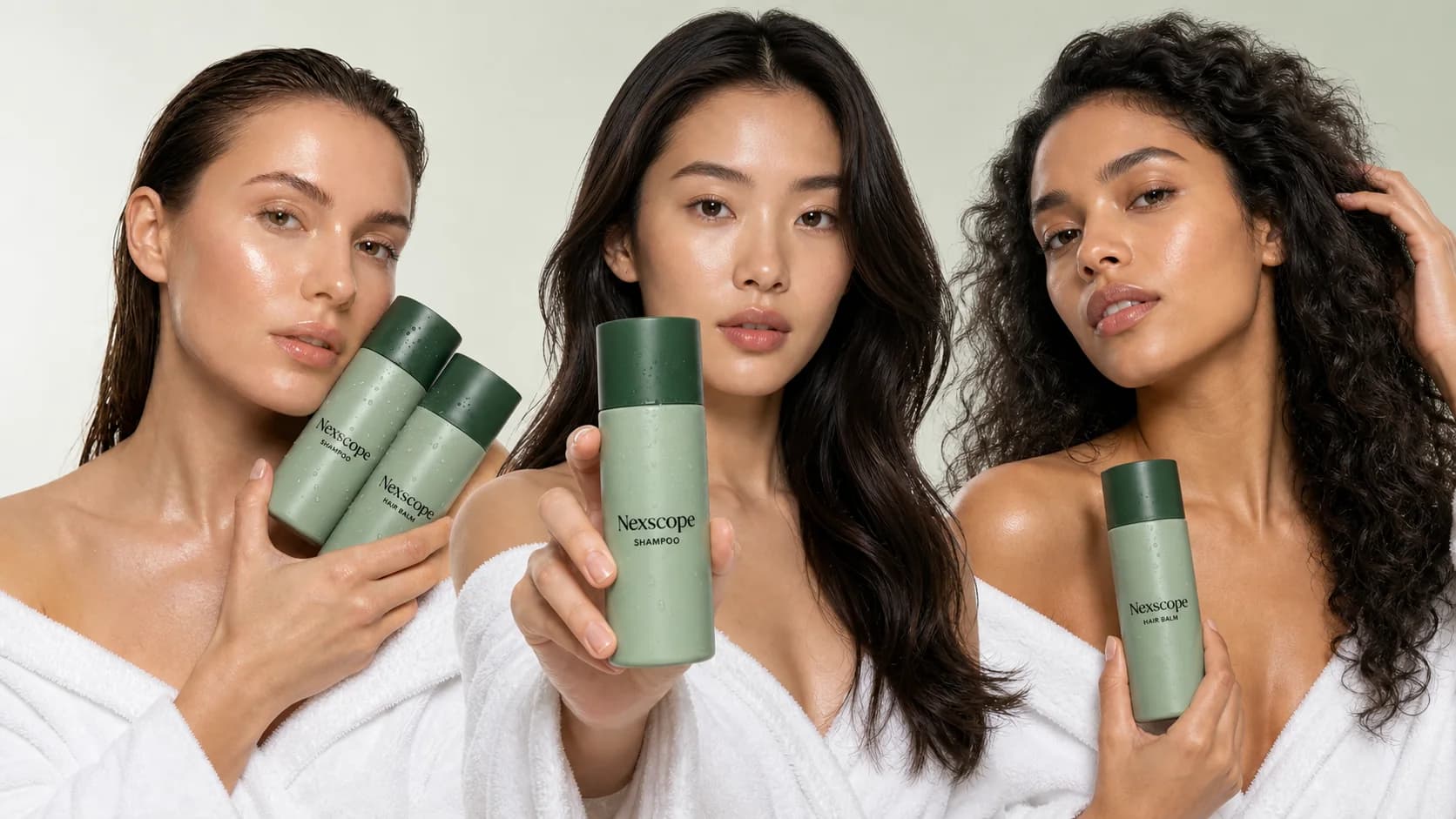
AI Model Swap API 2.0
Show the same ecommerce product with different model references using the version 2.0 workflow.
How to Use Nexscope APIs
Choose an API, get your key, and connect it to your workflow.
Choose an API
Choose a Data API for ecommerce research or a Creative API for content creation.
Browse APIs 02Get API Key
Get one Nexscope API key to access Data and Creative APIs and start building.
Get API Key 03Connect to Your Workflow
Use REST API, MCP, or Skills for Data APIs, and REST API for Creative APIs.
Start BuildingFrequently Asked Questions.
What types of ecommerce APIs does Nexscope provide?
Nexscope provides Data APIs for marketplace research and ecommerce intelligence, plus Creative APIs for image and video generation, editing, enhancement, virtual try-on, and ready-made creative workflows.
Which marketplaces, data sources, and creative models are available?
The API catalog shows the current marketplaces, cross-platform data sources, image and video models, and creative workflows available through Nexscope. Use the catalog filters or search to view the latest coverage.
How do I find the right API for my use case?
Start with Data APIs for product, keyword, market, store, sourcing, and competitor research. Choose Creative APIs for image, video, editing, virtual try-on, and product-content workflows. Open an API card to review its exact inputs and outputs.
Do I need separate API keys for Data and Creative APIs?
No. One Nexscope API key can access the supported Data and Creative APIs available to your account, subject to your plan and available credits. Keep the key on the server side and out of public code.
Can I test an API before integrating it?
Yes. Open an API Docs detail page to review its request fields, response format, examples, authentication guidance, and online tester before connecting it to your product or workflow.
How are Nexscope API calls priced?
Credit usage varies by endpoint, model, workflow, and output settings. Check the catalog card and the relevant API Docs page for the current usage information before running the API.
Can I use the same APIs through REST API, MCP, and Skills?
Data APIs support REST API, MCP, and Skills where documented. Creative models and workflows are available through documented REST APIs. Check the selected API page for its current access methods.
Can I use Nexscope APIs in an AI agent, app, or automation?
Yes. You can connect Nexscope to backend applications, ecommerce tools, AI agents, and automated workflows. Use REST API for direct integration, or MCP and Skills for supported Data API agent workflows.
Are Data APIs real-time, and is historical data available?
Freshness and historical coverage vary by source and capability. Check the selected API Docs page for its update behavior, supported date parameters, marketplace or regional coverage, and returned time range.
Where do Nexscope’s data, models, and Workflow APIs come from?
Nexscope connects to official and established professional data sources, including Amazon, Google, TikTok Shop, Jungle Scout, Keepa, and others. Creative APIs provide access to official models such as Seedance, Kling, Wan, GPT Image, and Nano Banana. We also turn our team’s ecommerce operating experience into documented Workflow APIs for product research, sourcing, content creation, editing, virtual try-on, and other repeatable tasks. Each API Docs page identifies the relevant source, model, workflow, supported markets, version, freshness, and current availability.
Get Your Nexscope API Key. Make Your First Call.
Access ecommerce data and creative APIs through one documented platform.