
10 Best 1688 Scraper APIs for Product and Supplier Data

Table of Contents
The best 1688 scraper API depends on what your application needs to retrieve: product listings, SKU details, wholesale price tiers, supplier information, or visual matches. A sourcing tool that starts with a product photo needs a different interface from a pipeline that collects selected product pages every week.
For teams already using 1688 to find and compare products, the next question is how to move that research into a repeatable data workflow. Some services provide structured records through predefined endpoints. Others fetch pages and let you configure extraction. Managed providers can also arrange collection and delivery around a custom specification.
Nexscope is the first recommendation here for sourcing workflows that need documented product search, detail, image-search, and bestseller interfaces. The other options suit different levels of customization and operational control. This comparison focuses on data coverage, integration work, and how each service fits a procurement application.
1688 Scraper APIs at a Glance
Use this table to identify the service model that matches your project before comparing individual features.
| Provider | Best fit | Service model | Integration consideration |
|---|---|---|---|
| 1. Nexscope | Structured sourcing workflows | Task-specific data APIs | REST API or MCP with documented inputs |
| 2. Oxylabs | Configurable extraction | Web Scraper API | URL retrieval and configurable parsing |
| 3. Bright Data | Custom scraper workflows | AI Scraper Studio and managed collection | Generate or commission the required scraper |
| 4. Decodo | Broader web-data pipelines | Web Data API | Select retrieval and extraction settings |
| 5. ScrapingBee | Rule-based extraction | Rendering and extraction API | Configure selectors or AI extraction rules |
| 6. WebScrapingAPI | Managed data delivery | Custom collection and structured records | Agree fields, refresh frequency, and delivery |
| 7. Apify | Actor-based automation | Marketplace of callable Actors | Choose a specific Actor and its input schema |
| 8. Just One API | Focused search and detail lookup | Dedicated 1688 endpoints | Map the selected endpoint's response handling |
| 9. EveryInfra | Search and detail actions | Unified action-based data API | Choose search, product detail, or image search |
| 10. TMAPI | Product and SKU enrichment | Dedicated ecommerce endpoints | Select product-ID or URL-based lookup |
An API that returns HTML still needs an extraction step. A predefined JSON response removes that step for supported fields, while a managed collection service can accommodate a more specific delivery requirement.
1. Nexscope
Best for structured sourcing workflows
Nexscope provides ecommerce data through REST API and MCP, allowing teams to connect product research to their own applications, agents, and workflows. Its 1688 interfaces cover distinct sourcing tasks, so the integration can begin with the data action a buyer actually needs.
For example, a sourcing application might discover candidates by keyword, retain their offer IDs, and retrieve details only for the products that pass an initial screen. The application can then organize those records into a comparison of specifications, quantity requirements, and supplier terms.
Product and Supplier Research
The available 1688 capabilities include:
- Product search: Find wholesale listings from a product query and use supported filters to narrow the candidate set.
- Product details: Retrieve an identified offer's available product attributes, SKU information, pricing, images, and supplier-related fields.
- Image search: Use a reference image to discover visually similar products for further inspection.
- Bestseller data: Explore ranked product candidates as a starting point for sourcing research.
When a shortlist already contains offer IDs, retrieving the corresponding product details gives the comparison a concrete reference for each listing. Keep the selected variant and purchase quantity alongside the price rather than reducing every offer to a single headline number.
These interfaces make Nexscope a practical option when their documented fields cover the application. The team can work with structured responses without maintaining its own page-fetching and parsing code for those tasks.
Integration and Pricing
Developers can call the REST endpoints using a Nexscope API key or connect the supported tools through MCP. The application or agent remains in the team's own environment; Nexscope supplies the data access.
Data APIs use pay-as-you-go Data Credits, with no Data API subscription required. New users receive 1,000 trial credits valid for three days, with no credit card required. Review the selected interface's credit requirement when estimating the cost of search, pagination, and detail enrichment.
Choose Nexscope when: you want documented sourcing interfaces that can connect directly to a research application, comparison workflow, or your own AI agent.
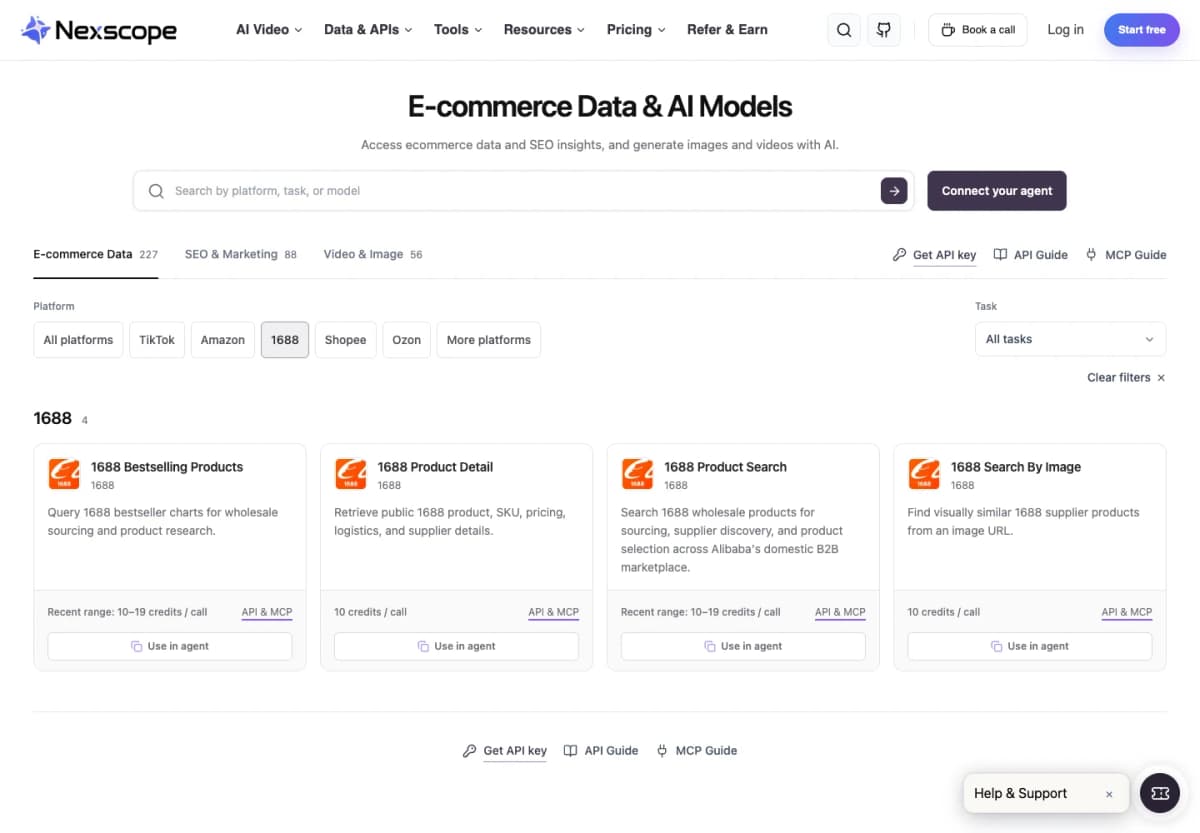
Build Your 1688 Data Workflow
Explore product search, product details, image search, and bestseller data through Nexscope's 1688 APIs.
Try for Free Now →2. Oxylabs
Best for configurable extraction
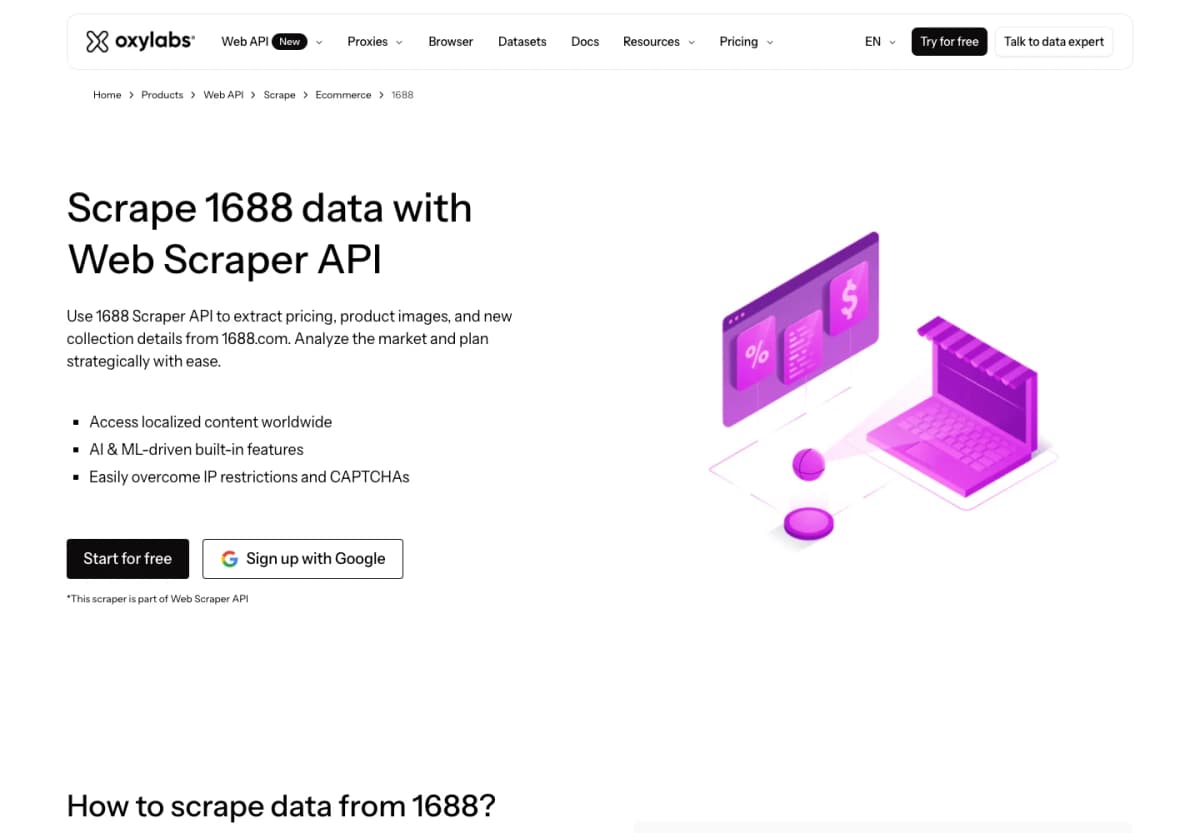
Oxylabs offers 1688 collection through its Web Scraper API. Its 1688 example sends a target URL and returns page HTML. Custom parsing adds an extraction layer for teams that need selected fields in a structured result.
- Coverage approach: Retrieve chosen 1688 pages and define the data to extract.
- Workflow features: Configurable parsing, scheduling, and batch-oriented collection.
- Setup: Decide which page types to collect and how the returned content maps to your schema.
This suits a team with specific extraction requirements and the engineering capacity to manage its data model. It is a different starting point from calling a fixed product-detail endpoint.
Cost consideration: Compare the relevant result type and rendering configuration. A base retrieval rate may not represent the complete job.
Choose Oxylabs when: control over collection and parsing matters more than starting from a predefined sourcing schema.
3. Bright Data
Best for custom scraper workflows
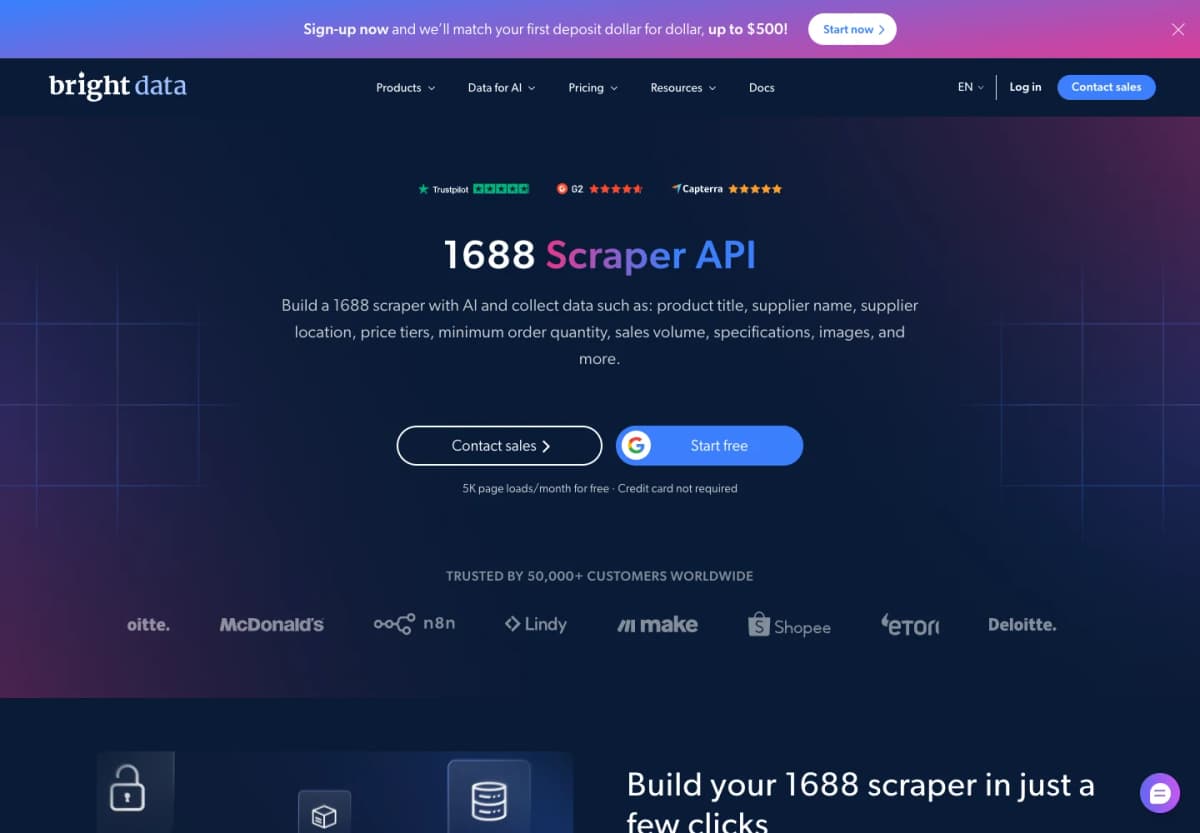
Bright Data's 1688 offering includes a route through AI Scraper Studio: describe the required data, generate a scraper, refine its code, and expose the workflow through an API. Its page also presents managed collection for teams that want the provider to handle implementation.
- Customization: Define the required page scope and output fields.
- Execution: Run on hosted infrastructure and schedule collection.
- Delivery: Use the supported API or data-delivery options for the configured scraper.
The practical choice is how much of the configuration your team wants to own. A generated scraper still needs a review of its output against the intended product records.
Cost consideration: Separate page-load pricing from any managed-service scope when comparing proposals.
Choose Bright Data when: your project needs a custom extraction workflow or managed implementation beyond a fixed endpoint catalog.
4. Decodo
Best for broader web-data pipelines
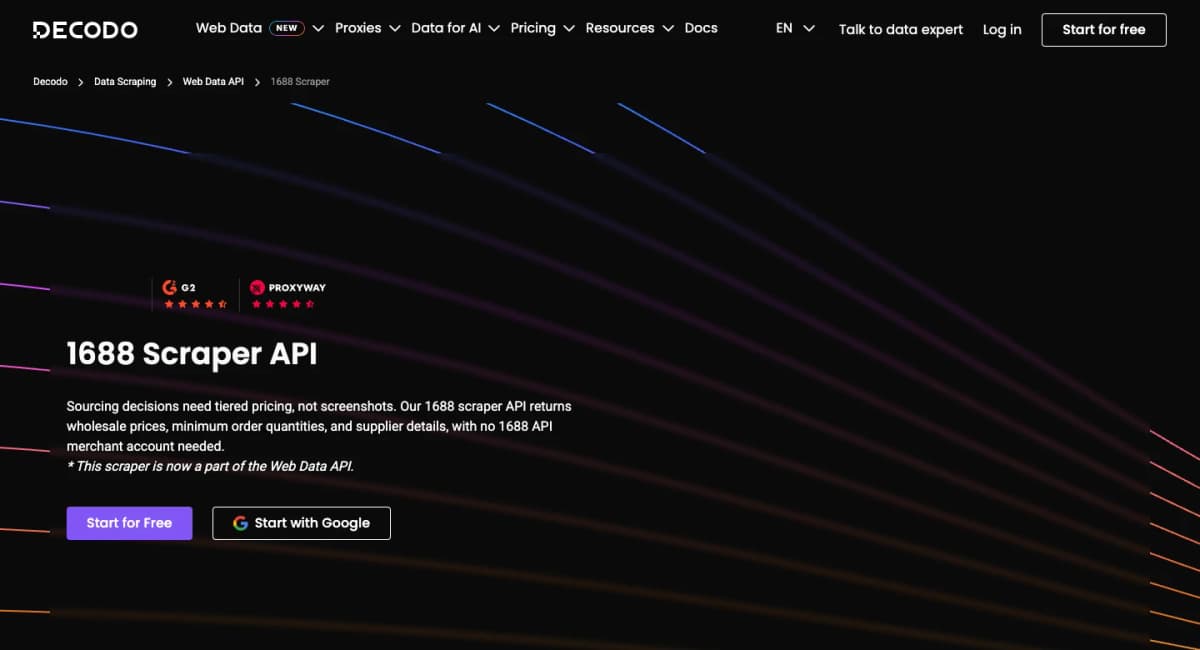
Decodo's 1688 scraper is part of its Web Data API. The 1688 page targets wholesale information such as prices, minimum order quantities, and supplier details, within a broader web-data service.
- Application fit: Add 1688 collection to an existing web-data pipeline.
- Configuration: Select the retrieval and extraction options appropriate to the target page.
- Data handling: Confirm the selected output contains the fields the downstream application expects.
For a team already collecting from several websites, using one broader service can simplify the integration pattern. The important evaluation is whether its configured output preserves the 1688 details your comparison needs, including the relationship between quantity and price.
Cost consideration: Price the actual request configuration and complexity rather than applying the lowest advertised rate to every request.
Choose Decodo when: 1688 is one source within a wider collection workflow.
5. ScrapingBee
Best for selectable extraction rules
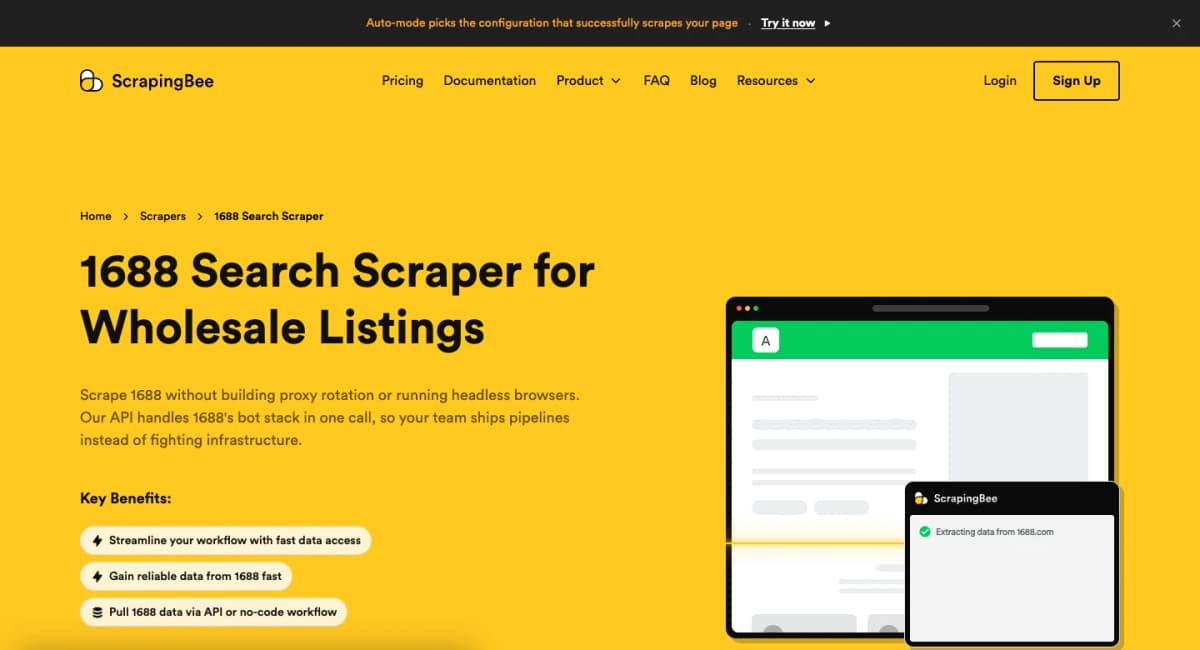
ScrapingBee's 1688 offering combines page retrieval with configurable extraction. Its documentation describes returning rendered HTML, using CSS-based extraction rules, or defining an AI extraction specification to obtain parsed JSON.
- Rendering: Retrieve content after JavaScript execution when needed.
- Extraction: Map selectors to output fields or describe the required information.
- Development: Use the API from the application's preferred programming language.
This approach gives developers flexibility over which visible fields become part of the result. It also means the extraction specification is part of the project: a returned page and a useful product record are separate milestones.
Cost consideration: Include the chosen rendering and extraction options when estimating usage.
Choose ScrapingBee when: the team wants to define its own extraction rules while outsourcing browser and request infrastructure.
6. WebScrapingAPI
Best for managed data delivery
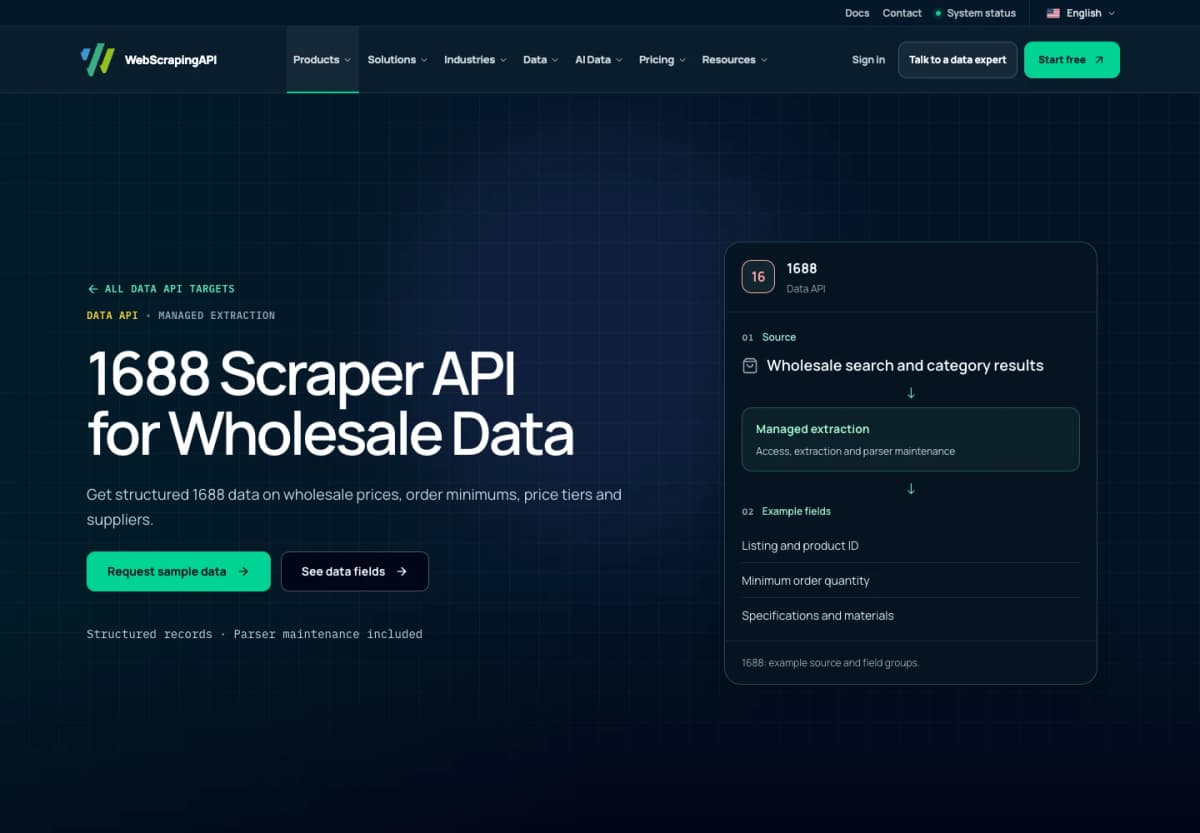
WebScrapingAPI presents its 1688 Data API as a managed collection service. Its stated scope includes wholesale search and category results, product and SKU pages, and factory or supplier storefronts.
The onboarding process starts with example pages and required fields. The team reviews sample data, then agrees on collection frequency and delivery.
- Field groups: Product identifiers, wholesale price tiers, minimum orders, supplier information, and SKU options.
- Provider responsibilities: Collection, extraction, parser maintenance, and quality monitoring.
- Customer responsibilities: Define the dataset, review samples, and use the delivered records.
This is a useful model when a procurement team knows the dataset it needs but wants collection operated for it.
Cost consideration: Pricing depends on the agreed pages, fields, volume, refresh frequency, and delivery method.
Choose WebScrapingAPI when: a managed recurring dataset fits the project better than assembling individual API calls.
7. Apify
Best for Actor-based workflows
Apify offers a marketplace of runnable tools called Actors. For 1688, select a particular Actor rather than assuming every listing has the same coverage.
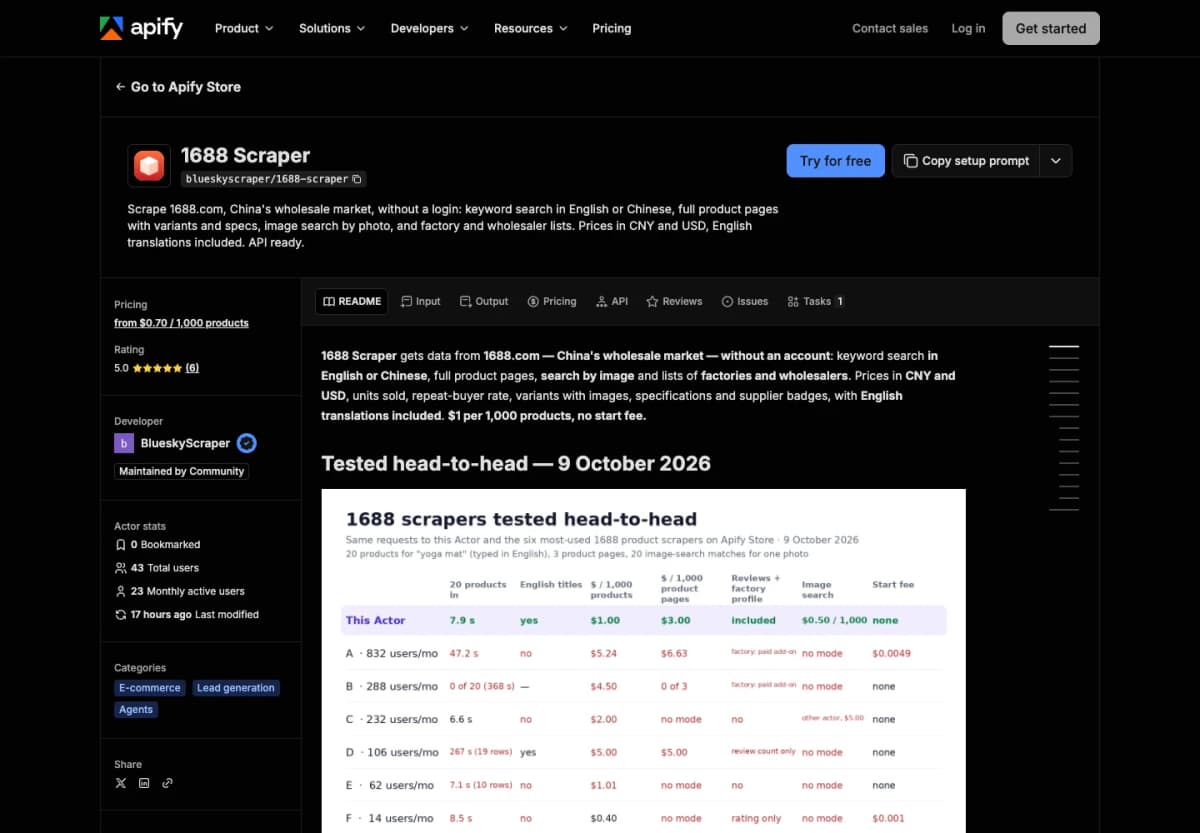
One example is BlueskyScraper's 1688 Scraper, which advertises keyword search, product pages, image search, and supplier discovery. It is maintained by a community developer and can be called through Apify's API.
- Execution model: Start an Actor with its documented inputs.
- Results: Retrieve the run's dataset items for downstream processing.
- Selection: Compare the specific Actor's input schema, output, pricing, and maintenance history.
This fits applications already built around Apify runs and datasets, or teams that want to evaluate multiple implementations without changing their orchestration platform.
Cost consideration: Use the selected Actor's pricing and applicable platform charges, not a price from another 1688 listing.
Choose Apify when: its Actor execution model fits your automation stack.
8. Just One API
Best for endpoint-specific product lookup
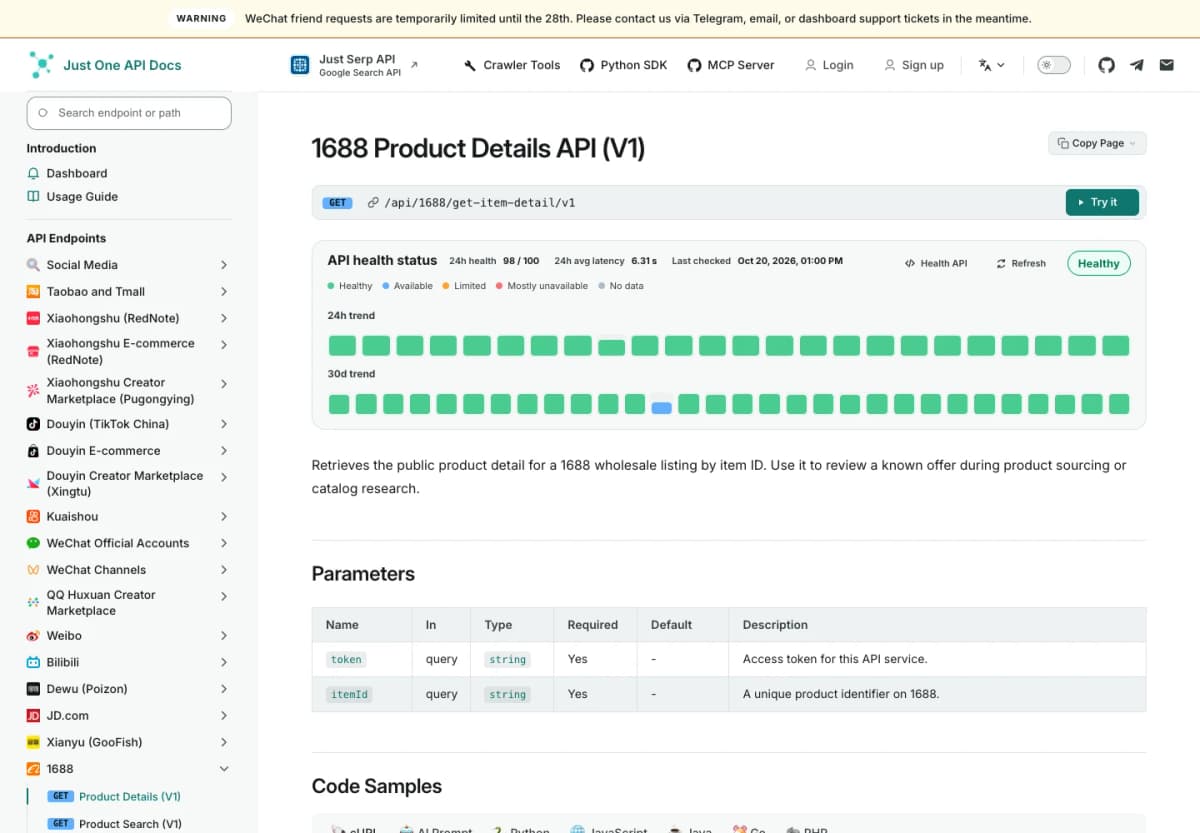
Just One API lists dedicated 1688 product-search and product-detail endpoints. Its Product Details V1 operation retrieves a public wholesale listing by item ID, making it relevant to applications that already hold a sourcing shortlist.
- Entry point: Use an item ID for details or a keyword for product search.
- Implementation: The documentation provides request parameters and code samples in several languages.
- Response handling: Check the response body's business code as well as the HTTP result.
This is a focused approach for discovery and known-offer review. Match the response to the fields your application needs before building a broader supplier comparison around it.
Cost consideration: Establish the current terms for the endpoint and planned request volume before estimating operating cost.
Choose Just One API when: you want separate search and detail operations with explicit request and error-handling documentation.
9. EveryInfra
Best for action-based data access
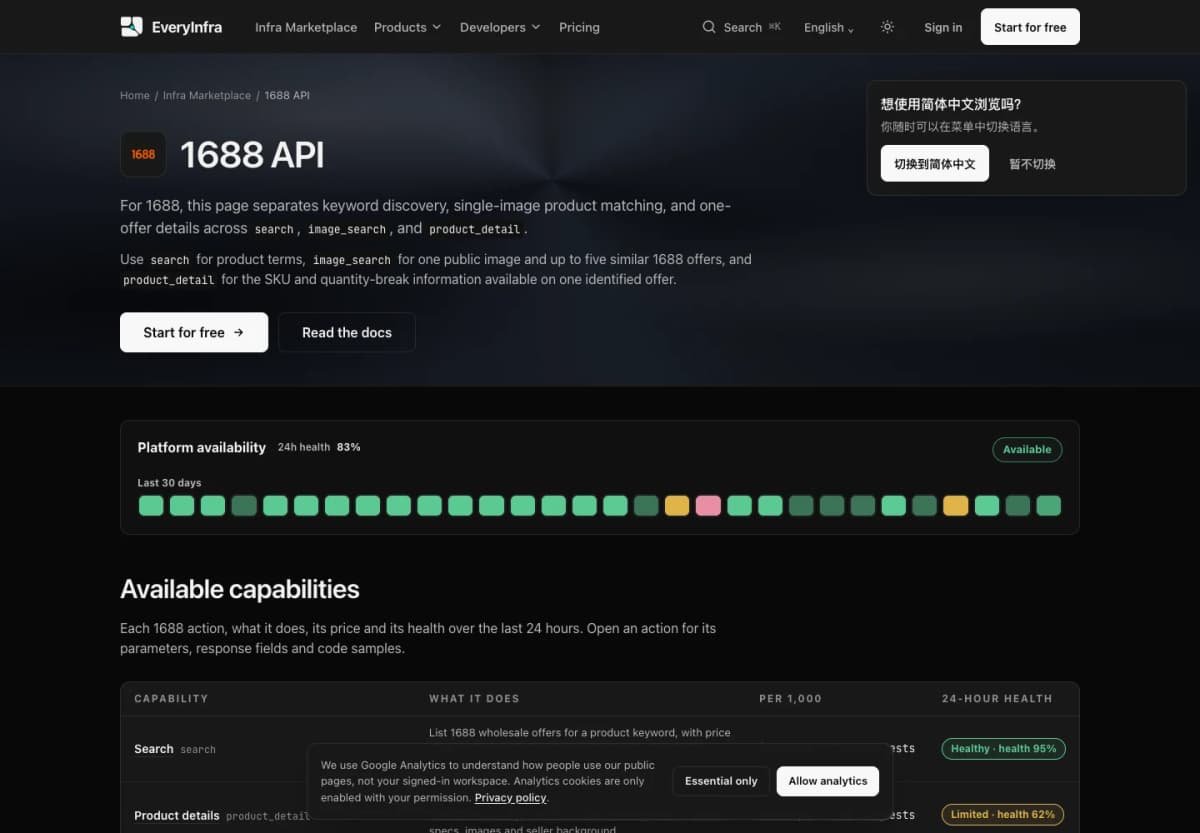
EveryInfra separates its 1688 functionality into three actions: search, product_detail, and image_search. Requests use its unified API with the platform, selected action, and parameters.
- Search: Discover wholesale offers from product terms.
- Product details: Retrieve one identified offer's available variants and quantity-break information.
- Image search: Submit a public product-image URL to retrieve up to five similar offers.
The action model makes the stages of a sourcing workflow explicit. An image-search result can become a candidate for a separate detail lookup, rather than treating every response as a complete supplier record.
Cost consideration: The service uses per-action pricing funded by a topped-up balance. Its public policy states that failed calls and empty results are not charged.
Choose EveryInfra when: you want these sourcing tasks behind a shared action-based request format.
10. TMAPI
Best for product and SKU enrichment
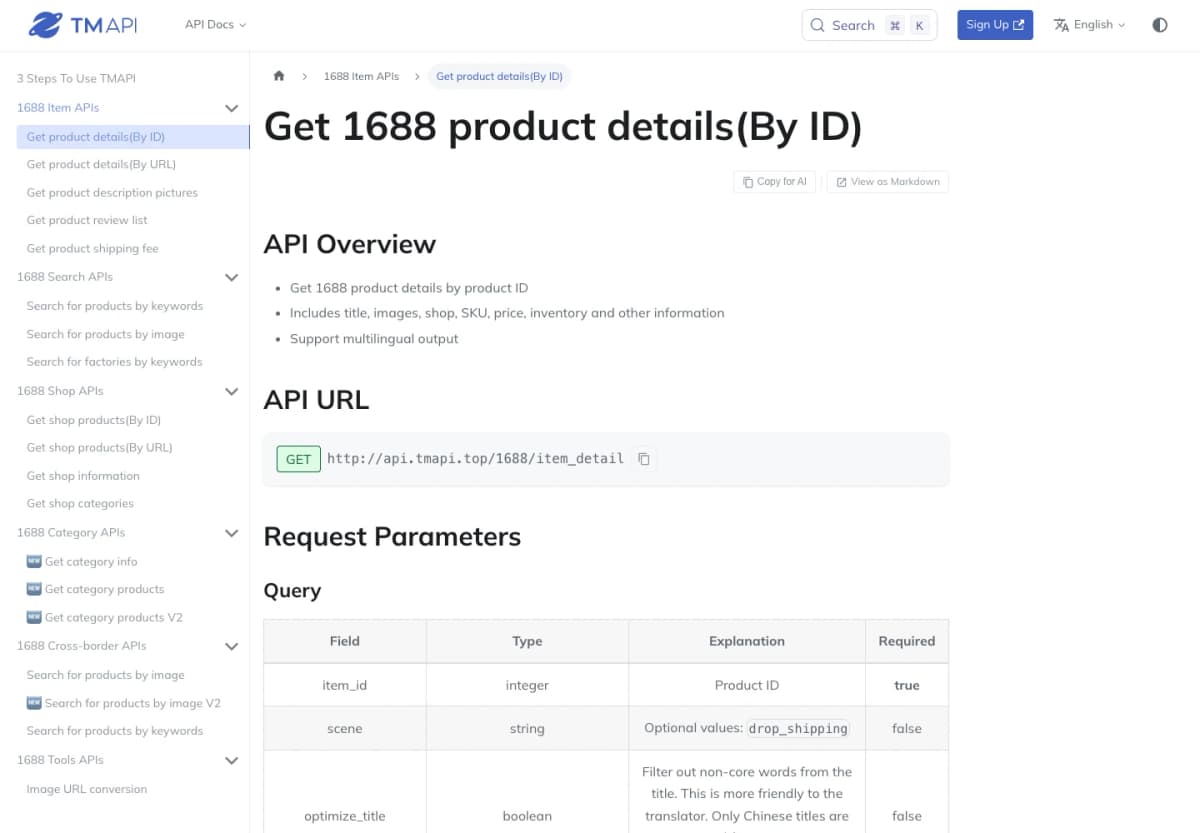
TMAPI provides dedicated 1688 ecommerce endpoints. Its product-detail documentation describes lookup by product ID, with fields covering titles, images, shops, SKUs, prices, and inventory, plus support for multilingual output.
- Lookup options: Product-detail interfaces for known IDs or product URLs.
- Related operations: Separate documented endpoints for other item, search, and shop tasks.
- Integration: Select the operation and version that match the application.
This is a useful option for enriching an existing list of products. Keeping the original identifier in the stored record makes it easier to reconnect the returned information to the source listing.
Cost consideration: Confirm the selected operation's billing and concurrency conditions rather than assuming all endpoints share the same allowance.
Choose TMAPI when: your application needs documented product-level enrichment and the available schema matches its requirements.
How to Choose a 1688 API
The most useful comparison starts with a small, representative sourcing task. Define the required result before testing a provider, then evaluate the complete path from input to a usable record.
Match Inputs to Tasks
Choose the interface around the information your workflow already has:
- A product phrase: Start with keyword search.
- A known offer ID or URL: Retrieve product details.
- A reference photograph: Find visual matches, then inspect selected offers.
- A defined set of pages: Evaluate configurable extraction or managed collection.
If the workflow starts with a photo, choosing a service solely for product-detail retrieval leaves the discovery step unresolved. Conversely, repeatedly searching for an offer you already identified adds unnecessary work.
Check the Returned Fields
Build an acceptance checklist for the information your application must preserve. For a wholesale comparison, that might include:
| Required information | Why it matters |
|---|---|
| Offer ID and source reference | Keep each result traceable to a listing |
| Selected variant or SKU | Compare the intended size, material, or configuration |
| Price and currency | Avoid combining values with different monetary units |
| Quantity tier and minimum order | Relate the price to the purchase commitment |
| Supplier information | Identify the business to investigate and contact |
| Retrieval time | Record when your application received the observation |
Test products with different variant structures and quantity tiers. A simple single-variant item does not reveal how an integration handles a listing with many options. Preserve missing fields as missing values instead of silently substituting zero.
Compare Integration Work
Count the steps between the API response and the decision the user needs to make.
With a predefined data API, the main work is mapping its schema, handling responses, and connecting records to the application. With HTML retrieval, add extraction and validation. With an Actor, account for execution status and result retrieval. With managed collection, define the sample acceptance criteria and delivery arrangement.
For an AI workflow, keep the data retrieval and interpretation responsibilities clear. The model can organize returned information, explain differences, and propose follow-up questions. The application should retain the underlying offer IDs and values so a buyer can review the comparison.
Compare the Full Cost
Estimate the cost of a complete workflow, including search pages and detail lookups.
For example, an application might inspect three pages of search results and enrich eight shortlisted offers. Model those operations using each provider's billing unit. One provider may charge per request, another per result, another per page load, and another for an agreed delivery.
Also include the engineering work required to make the output usable. A low retrieval rate has limited value if the team must spend substantial time repairing extraction or resolving inconsistent records.
Conclusion
Choose a 1688 scraper API by the data task and integration model it supports. Custom extraction services suit projects with unusual fields or page requirements. Managed collection suits a defined dataset and delivery schedule. Dedicated data endpoints provide a direct starting point when their schemas cover the sourcing workflow.
Nexscope gives your sourcing application four dedicated 1688 APIs, so you can move from product discovery to detailed comparison through documented interfaces:
- 1688 Product Search API: Find wholesale products by keyword and narrow your sourcing shortlist.
- 1688 Product Detail API: Retrieve an offer's available product attributes, SKUs, prices, images, and supplier-related fields.
- 1688 Image Search API: Discover visually similar products using a reference image.
- 1688 Bestselling Products API: Explore ranked product candidates for further sourcing research.
Get structured 1688 data without building and maintaining your own scraper. Nexscope handles data retrieval behind its API, reducing the page-fetching and parsing code your team needs to maintain. Your application can work with documented response fields instead of depending on its own HTML selectors. That means less scraping maintenance and more time to compare products, evaluate supplier terms, and build your sourcing workflow.
Build Your 1688 Workflow With Nexscope
Connect product search, product details, image search, and bestseller data to your application—without maintaining your own scraper.
Try for Free Now →Frequently Asked Questions
What is a 1688 scraper API?
A 1688 scraper API provides programmatic access to information collected from 1688 pages or listings. Depending on the service, it may return page content, extracted fields, or structured product records. Compare the input, output, and setup requirements: a URL-fetching service and a product-detail endpoint can require substantially different integration work.
Which 1688 API should I use for product details?
Use an interface that accepts the product identifier or URL you already have and returns the fields your application needs. Nexscope, Just One API, EveryInfra, and TMAPI offer product-detail options described above. Evaluate variant structure, price information, supplier fields, and missing-value handling with representative listings before committing to a schema.
Can I search 1688 products by image through an API?
Yes. Nexscope and EveryInfra provide image-search interfaces, and the featured Apify Actor also advertises that capability. Check the accepted image input and result limits for the chosen service. Use visual matches to create a candidate list, then examine the relevant product details before treating two offers as equivalent.
Do I need to maintain my own scraper?
Not when a provider's existing service covers the task. A documented data endpoint can remove the need to maintain your own page-fetching and parsing code. Some managed providers also operate collection for you. Your application still needs to handle authentication, responses, field mapping, usage, and how the returned records support the workflow.
Can I connect 1688 data to an AI agent?
Yes. An agent can use supported REST tools or MCP integrations to retrieve data and work with the results. Nexscope supports both access methods for its documented 1688 capabilities. Give the agent a specific research task and preserve the returned records so its summary can be checked against the product information.
How should I compare 1688 API pricing?
Compare the cost of the same completed task, rather than a single advertised starting price. Include search pagination, product-detail enrichment, any selected rendering or extraction options, and the provider's billing unit. Separate requests, results, page loads, and credits, then include the implementation and maintenance work your team will perform.
Sources
- Nexscope. (n.d.). 1688 Product Search API; 1688 Product Detail API; 1688 Search By Image API; 1688 Bestselling Products API. nexscope.ai.
- Oxylabs. (n.d.). Scrape 1688 Data With Web Scraper API. oxylabs.io.
- Bright Data. (n.d.). 1688 Scraper. brightdata.com.
- Decodo. (n.d.). 1688 Scraper API. decodo.com.
- ScrapingBee. (n.d.). 1688 Search Scraper for Wholesale Listings. scrapingbee.com.
- WebScrapingAPI. (n.d.). 1688 Scraper API for Wholesale Data. webscrapingapi.com.
- BlueskyScraper. (n.d.). 1688 Scraper. Apify Store. apify.com.
- Just One API. (n.d.). Alibaba 1688 API Docs and Endpoint Directory; 1688 Product Details API (V1). docs.justoneapi.com.
- EveryInfra. (n.d.). 1688 API. everyinfra.com.
- TMAPI. (n.d.). Get 1688 Product Details (By ID). tmapi.top.