GPT Image 2.5 Flare
Fast, high-quality image generation for everyday creativity

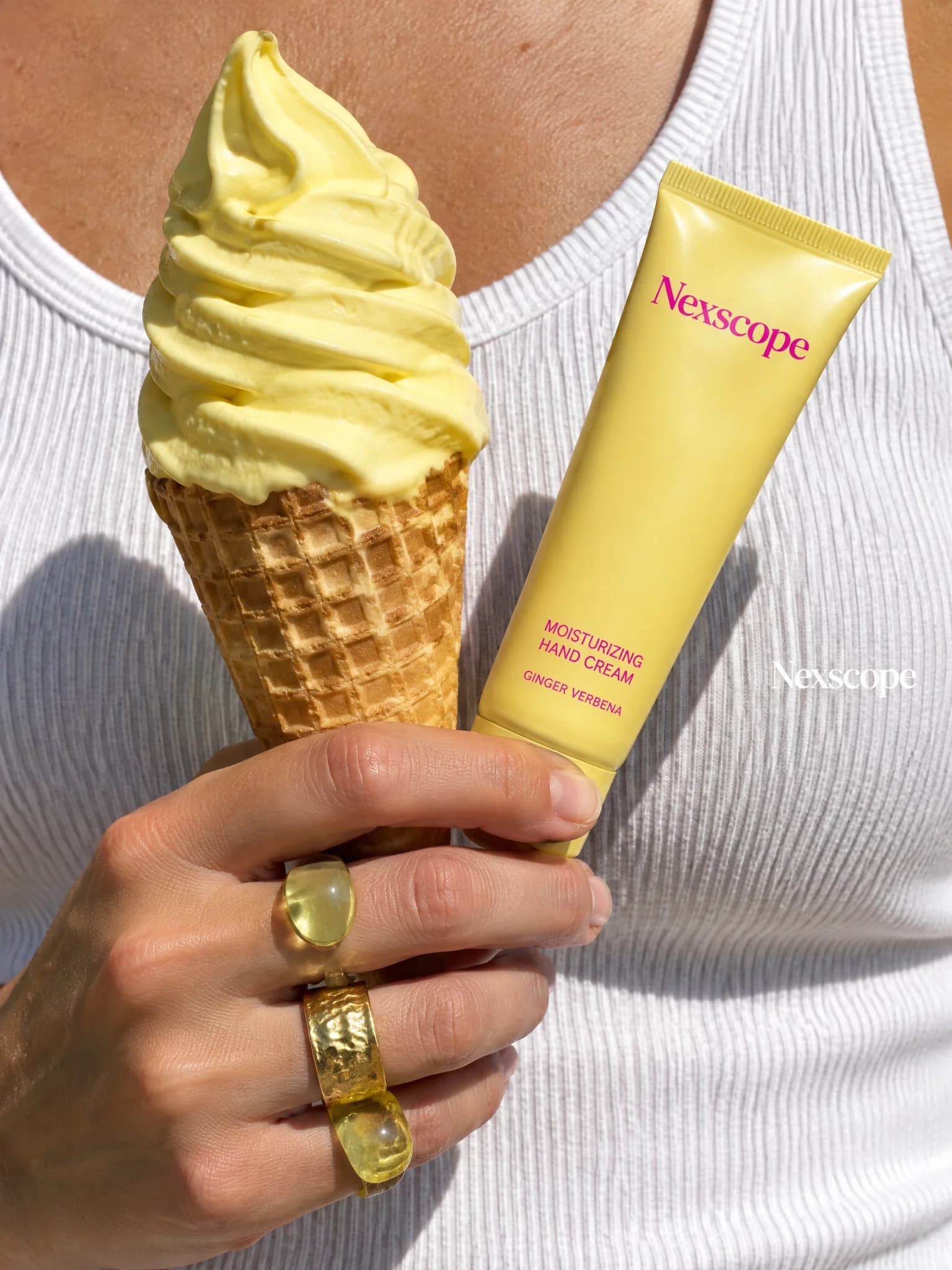
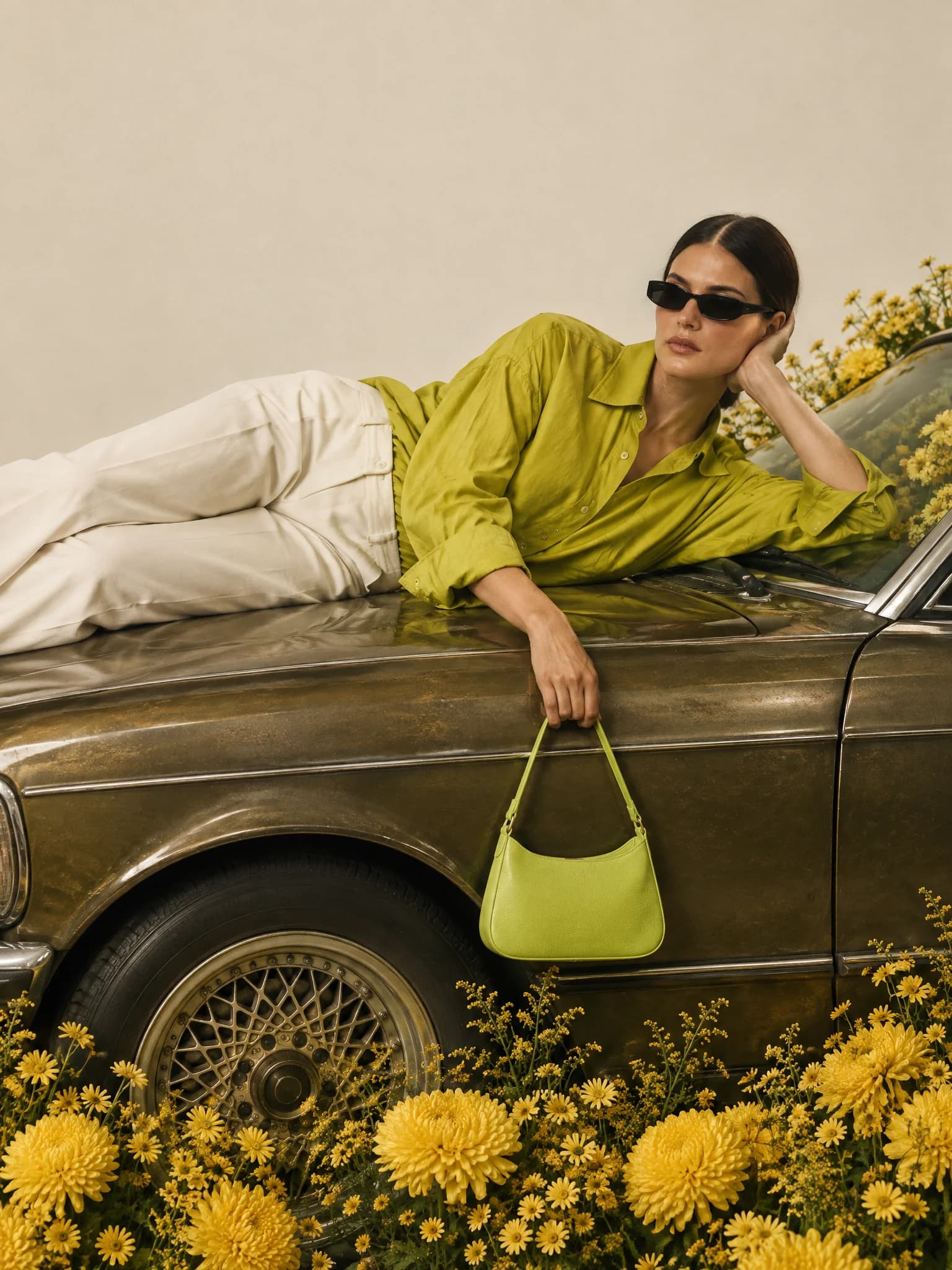
Start with your product photo. Explore studio shots, lifestyle scenes, and ad ideas. Find your next look for Amazon, Shopify, and social campaigns.
Upload a product reference, describe the scene, then choose the output format and quality.
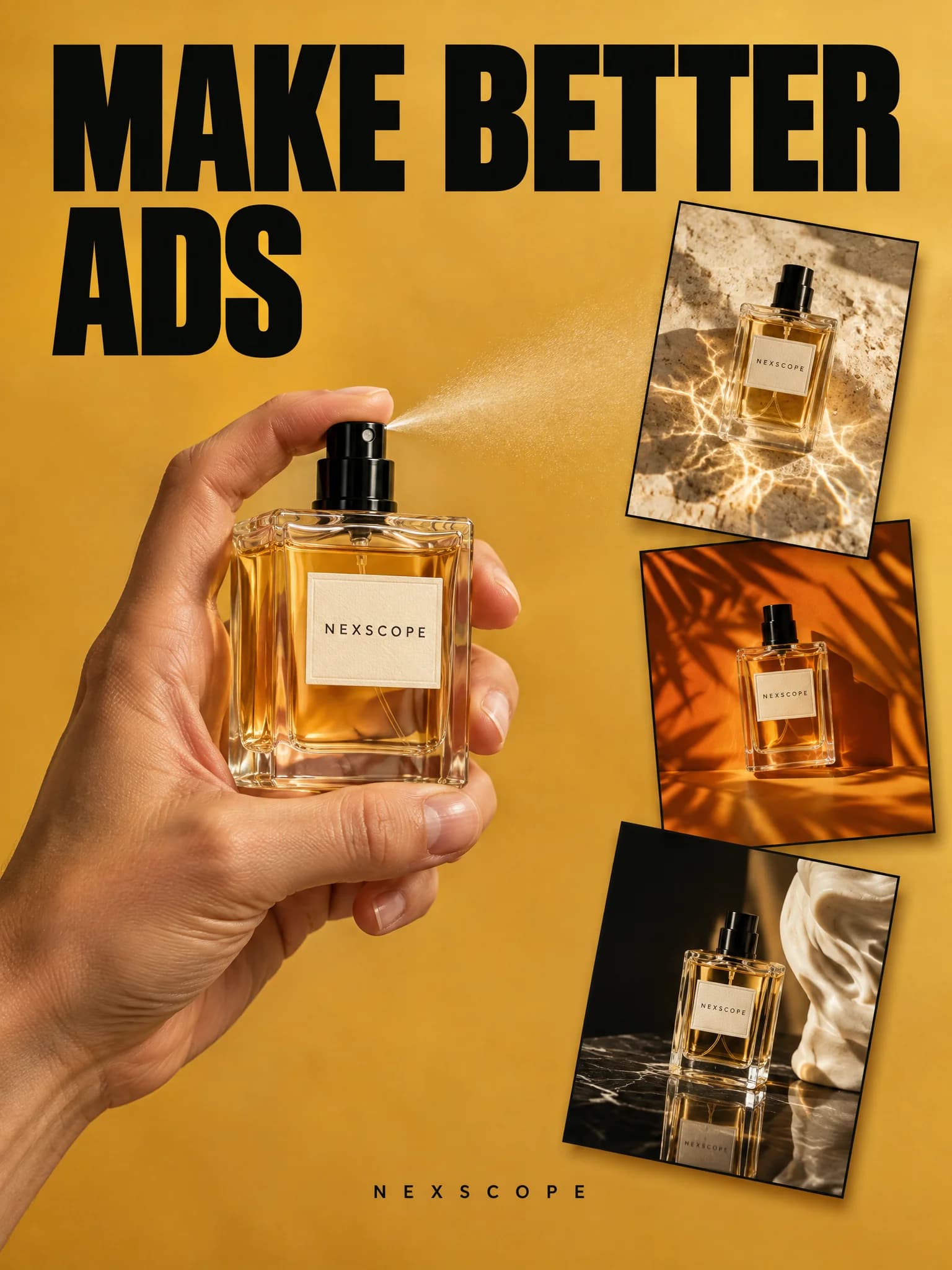
Product photography, fashion editorials, and complete ad creatives. See how different ideas take shape.
The same prompt, interpreted by Flare and Sunburst
Fast, high-quality image generation for everyday creativity
Powerful image generation with precise editing control
Start with your product, describe your idea, and refine the details in the GPT Image playground.
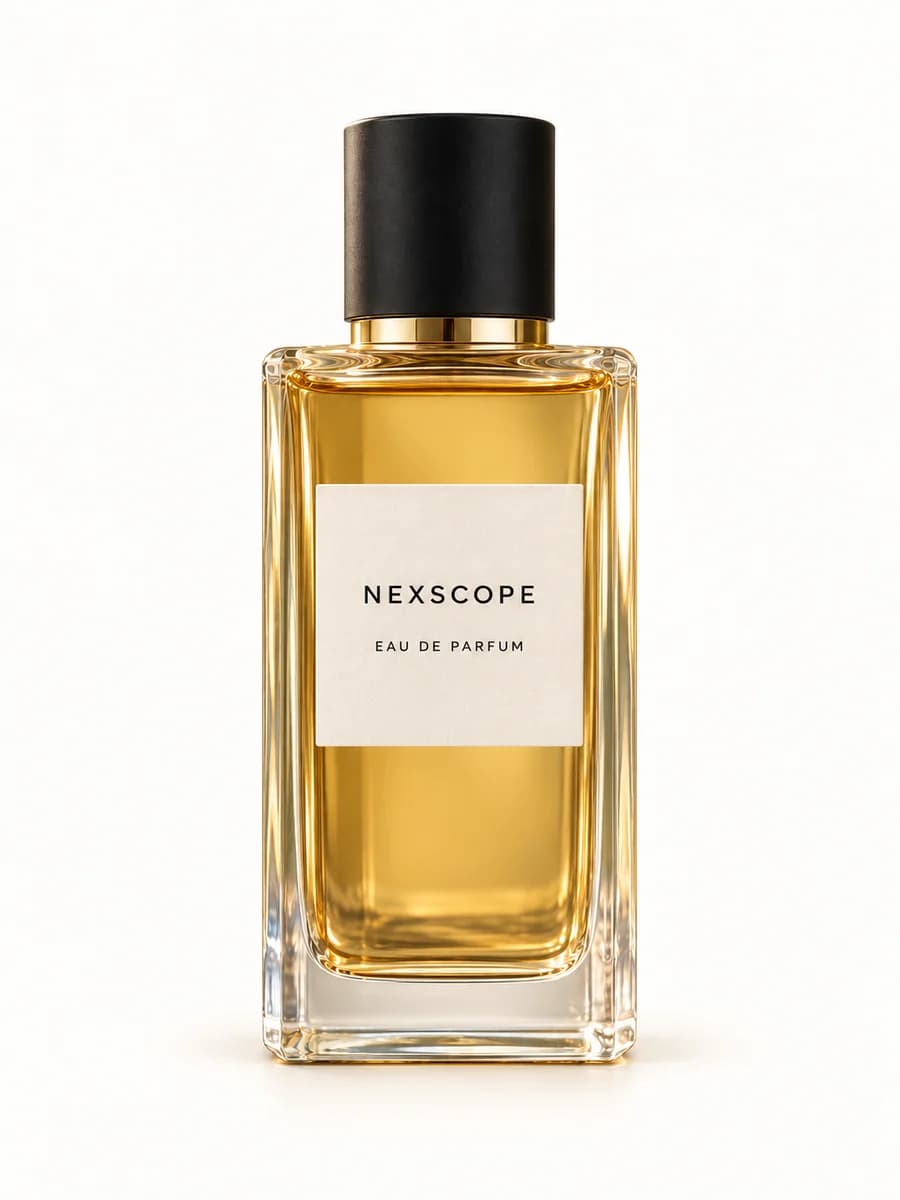 Product reference
Start with a clear photo of your product, with its shape and label visible.
Place this perfume bottle on dark stone, with orange peel and white flowers. Use warm golden light and a softly blurred olive-green background. Keep the bottle shape, amber liquid, black cap, and Nexscope label unchanged.
Set the scene and lighting, then specify the product details to preserve.
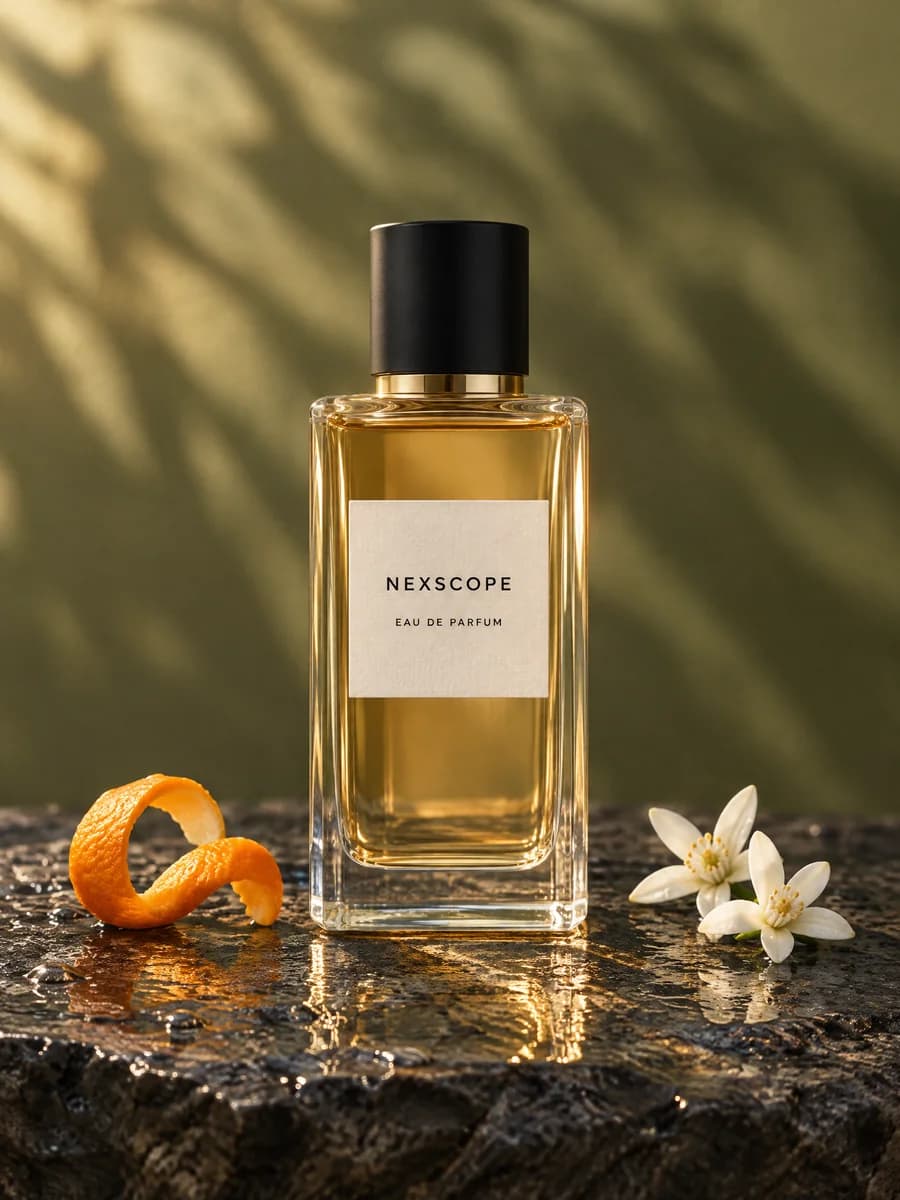 Creative direction
Generate your image in the playground, then review and refine the details.
Estimated cost per image in USD
≈ $0.04
per image≈ $0.13
per image≈ $0.38
per image≈ $0.61
per image≈ $0.71
per image50%OFF
Your first subscription paymentEstimates use credit-range midpoints at 1,000 credits per US dollar. Actual credit usage varies.
Creative briefs, product references, and direct GPT Image generation.
Explore studio product shots, lifestyle scenes, campaign visuals, and social ad concepts. Add a product photo and describe your idea in the playground, then generate and refine the result with the selected GPT Image model.
Yes. After you sign in, the playground sends the selected model, reference images, prompt, resolution, aspect ratio, and quality to the GPT Image API. It shows an estimated credit cost before generation and the completed task returns the final charge.
The uploaded JPG, PNG, or WebP references are sent as imageUrls, while your prompt, resolution, aspect ratio, and quality map directly to the selected model request. One output image is generated by default, so optional controls stay focused on the choices that change the result.
The playground accepts one JPG, PNG, or WebP image up to 20 MB. Use a clear, well-lit photo with the full product visible and readable packaging or labels where possible.
The comparison shows two poolside creative examples labeled Flare and Sunburst. The gallery and three-step workflow show additional product styling and composition ideas. These are references to explore, not previews of the image your own prompt will generate.
A clear reference photo and instructions about what to preserve can help, but exact preservation is not guaranteed. Check the generated image against your original for shape, color, proportions, logos, and label text, and refine any differences before using it.
You can explore catalog, lifestyle, and storefront visuals for these channels. Before publishing, check the final image against the requirements for its intended placement and make sure it accurately represents your product. An AI-generated image is not automatically listing-ready.
The playground requests a live credit estimate for the selected model and settings before generation. The final task response reports the actual cost; the pricing table is a quick guide to how resolution and quality can affect usage, not a replacement for the estimate shown in the playground.
Turn your next idea into a product photo, lifestyle scene, or ad. Start with your product in the GPT Image playground.