
Image & Video Generation APIs For Ecommerce Sellers.
Generate product images, videos, and campaign creatives with leading AI models and ecommerce-ready workflows through documented REST APIs.
Featured Models
Start with selected image and video generation models available through Nexscope.
Seedance 2.5 API
Generate ecommerce videos from frame or multi-image references with Seedance 2.5.
Happy Horse 2 API
Generate ecommerce product videos from one to nine reference images with Happy Horse 2.
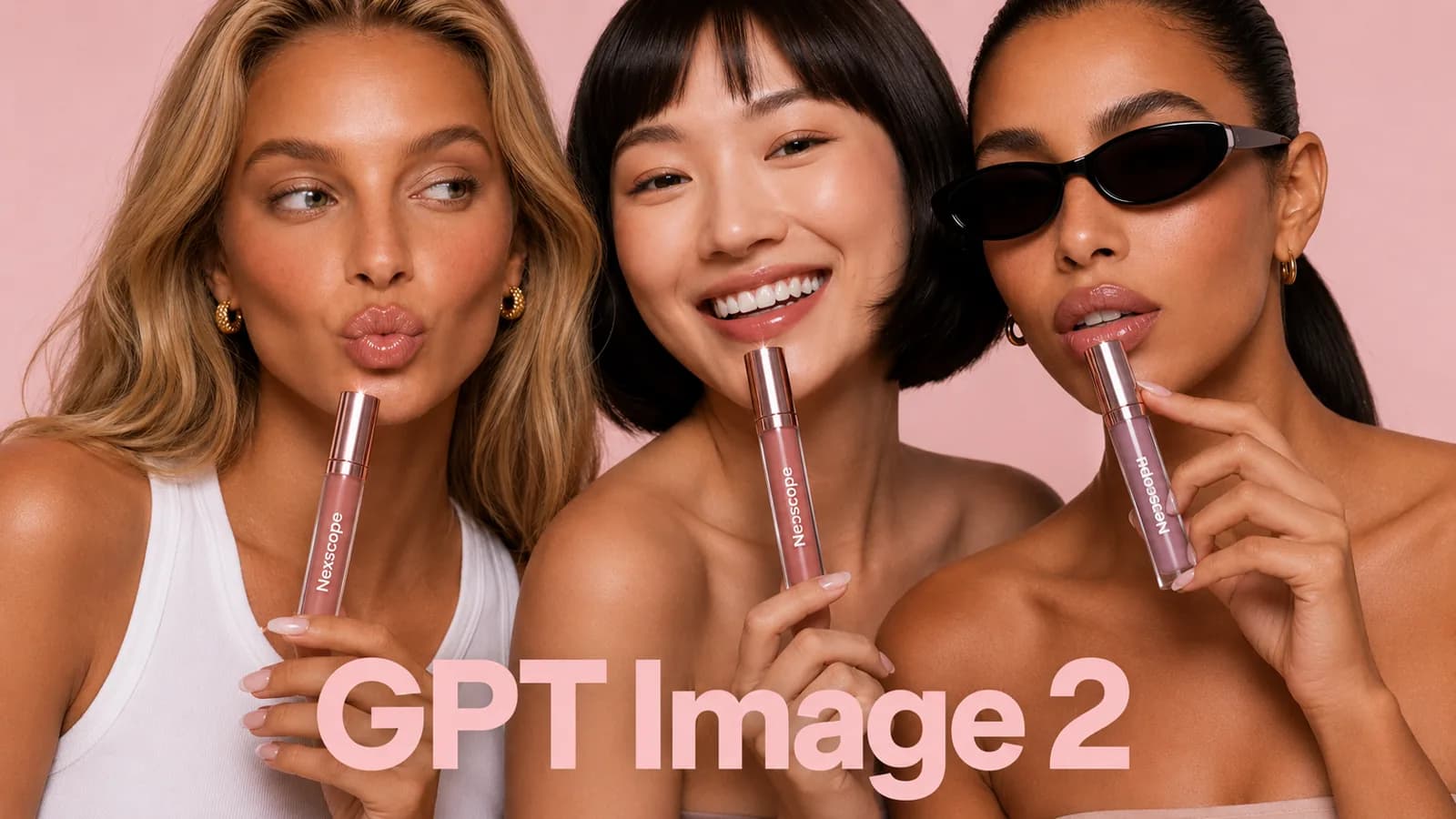
GPT Image 2 API
Generate product and campaign images with selectable quality and resolution.
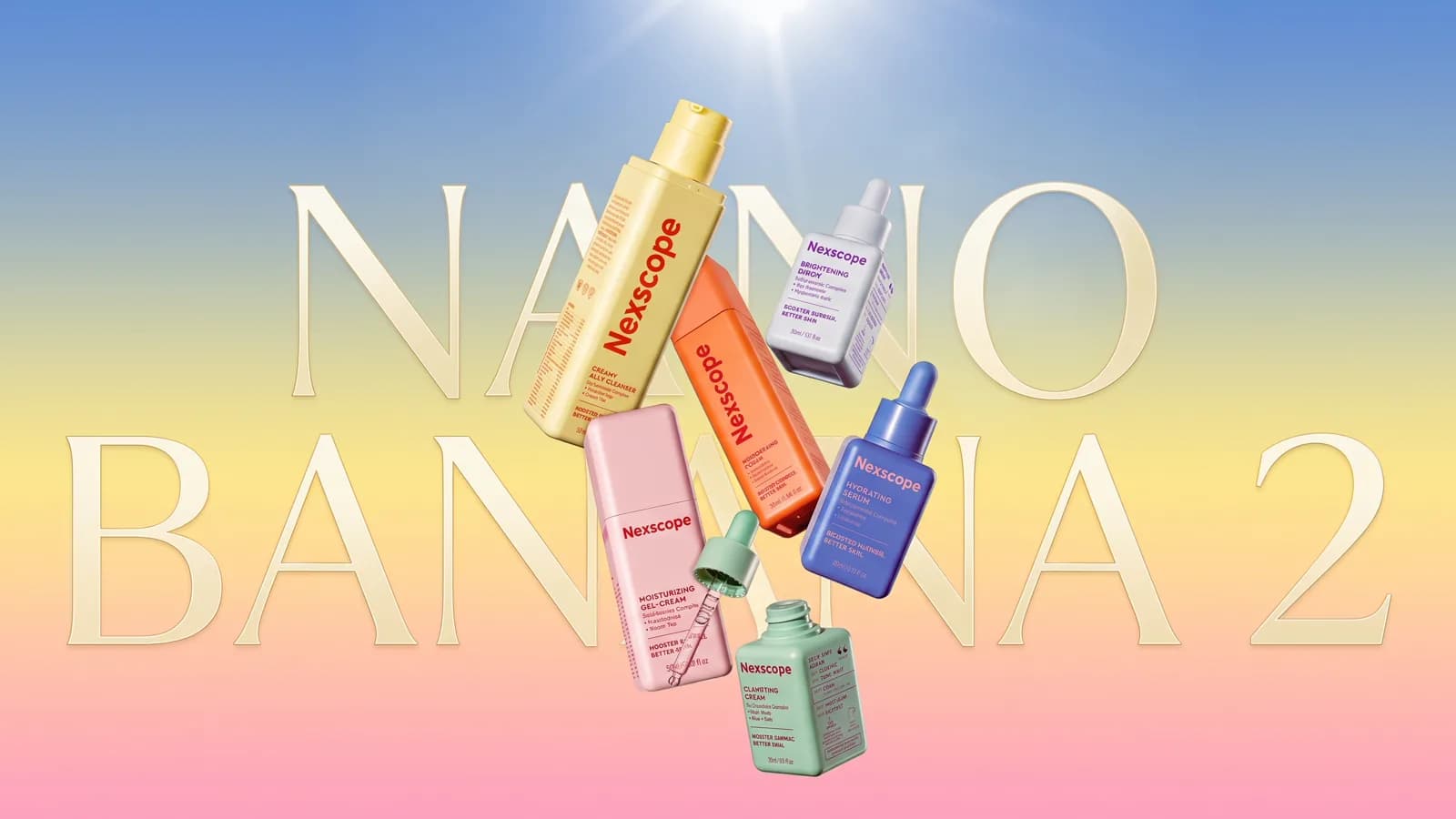
Nano Banana 2 API
Generate ecommerce images from reference assets and prompts with Nano Banana 2.
Featured Creative Workflows
Use documented workflows for talking videos, product cutouts, visual analysis, and model imagery.
Sales Talking Video API
Generate a talking sales video for ecommerce promotion.
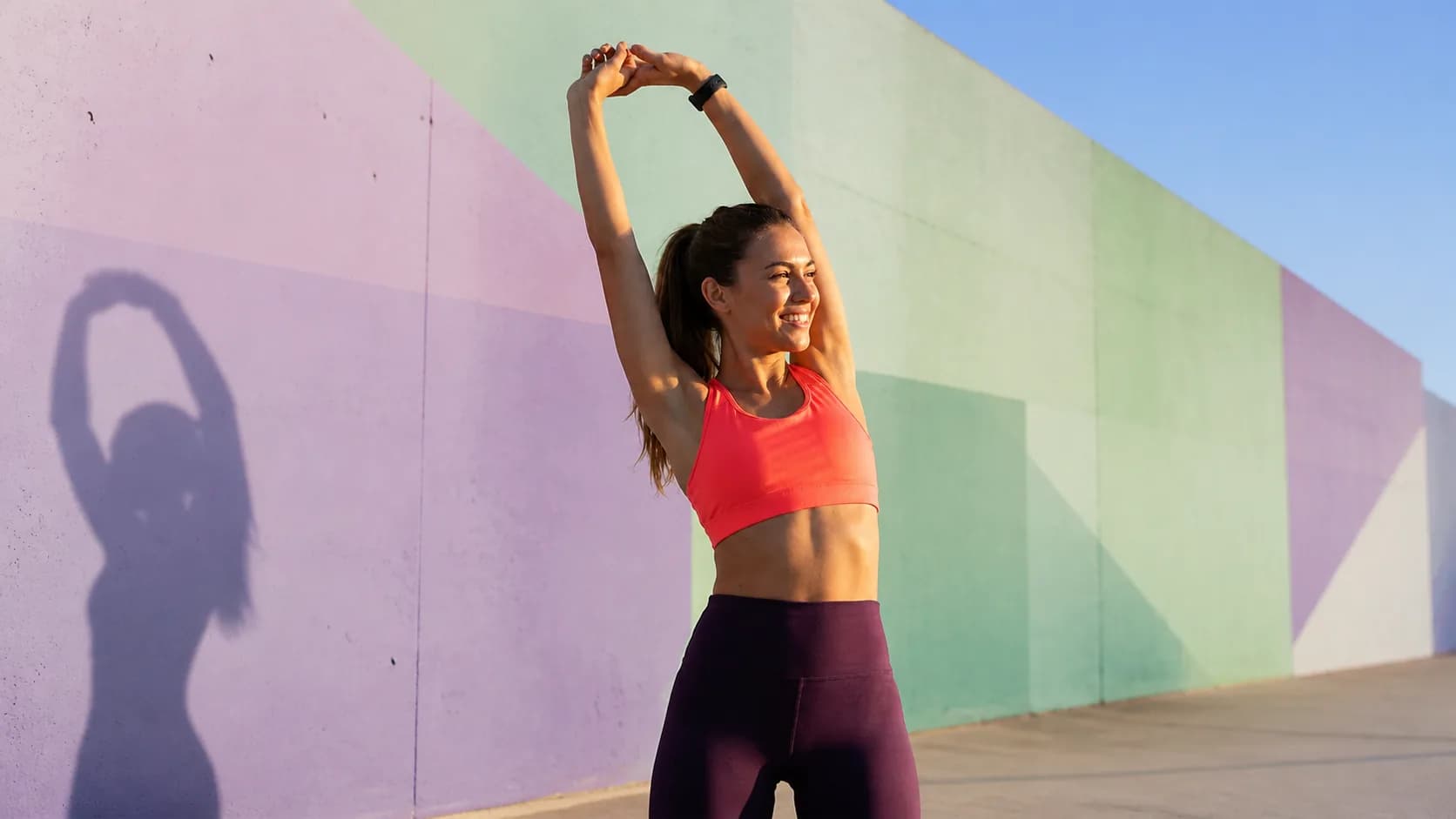

Background Remover API
Automatically remove image backgrounds for clean, reusable product cutouts.
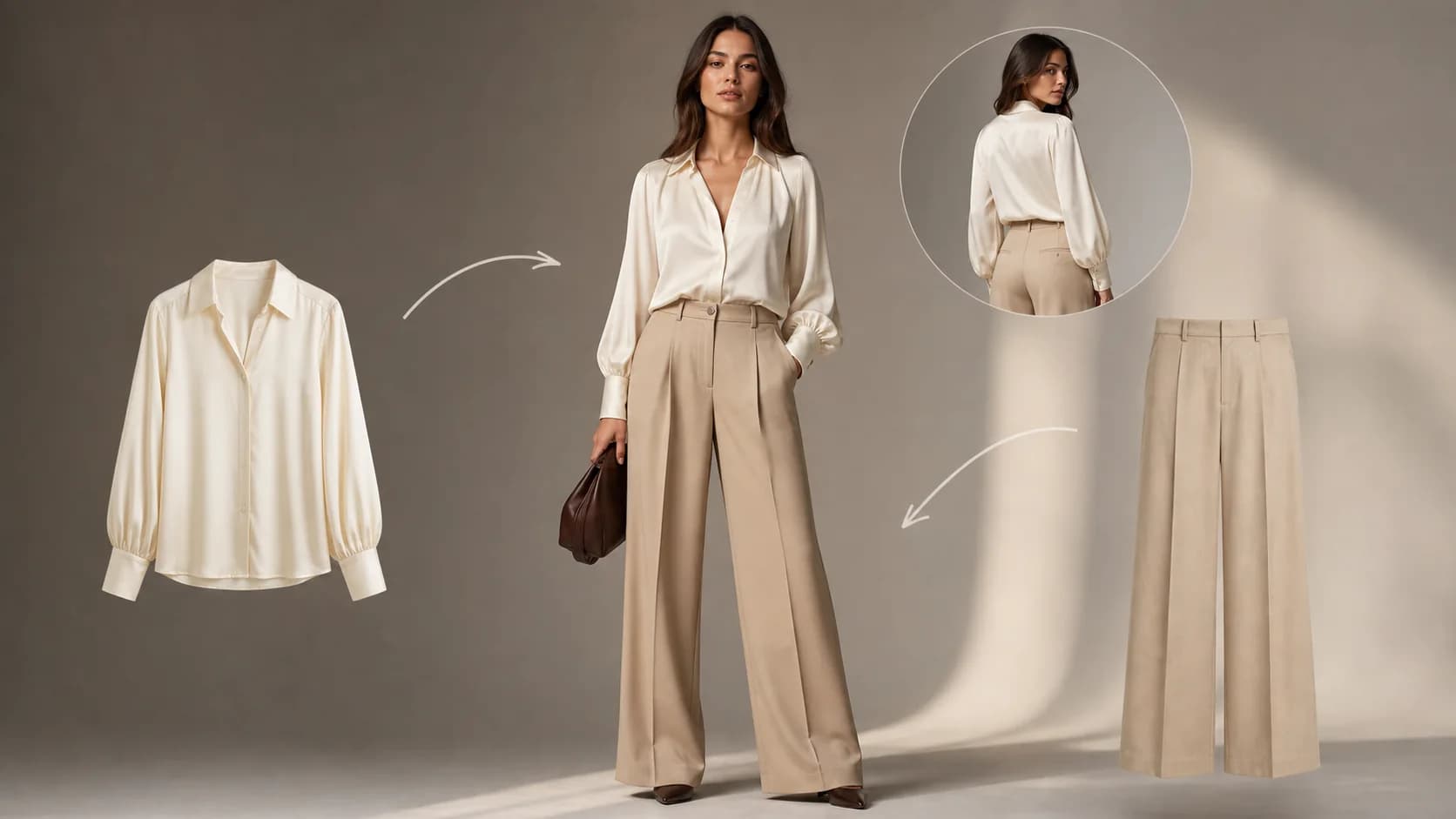
Virtual Try-On API
Place an apparel product naturally onto a person or model image.
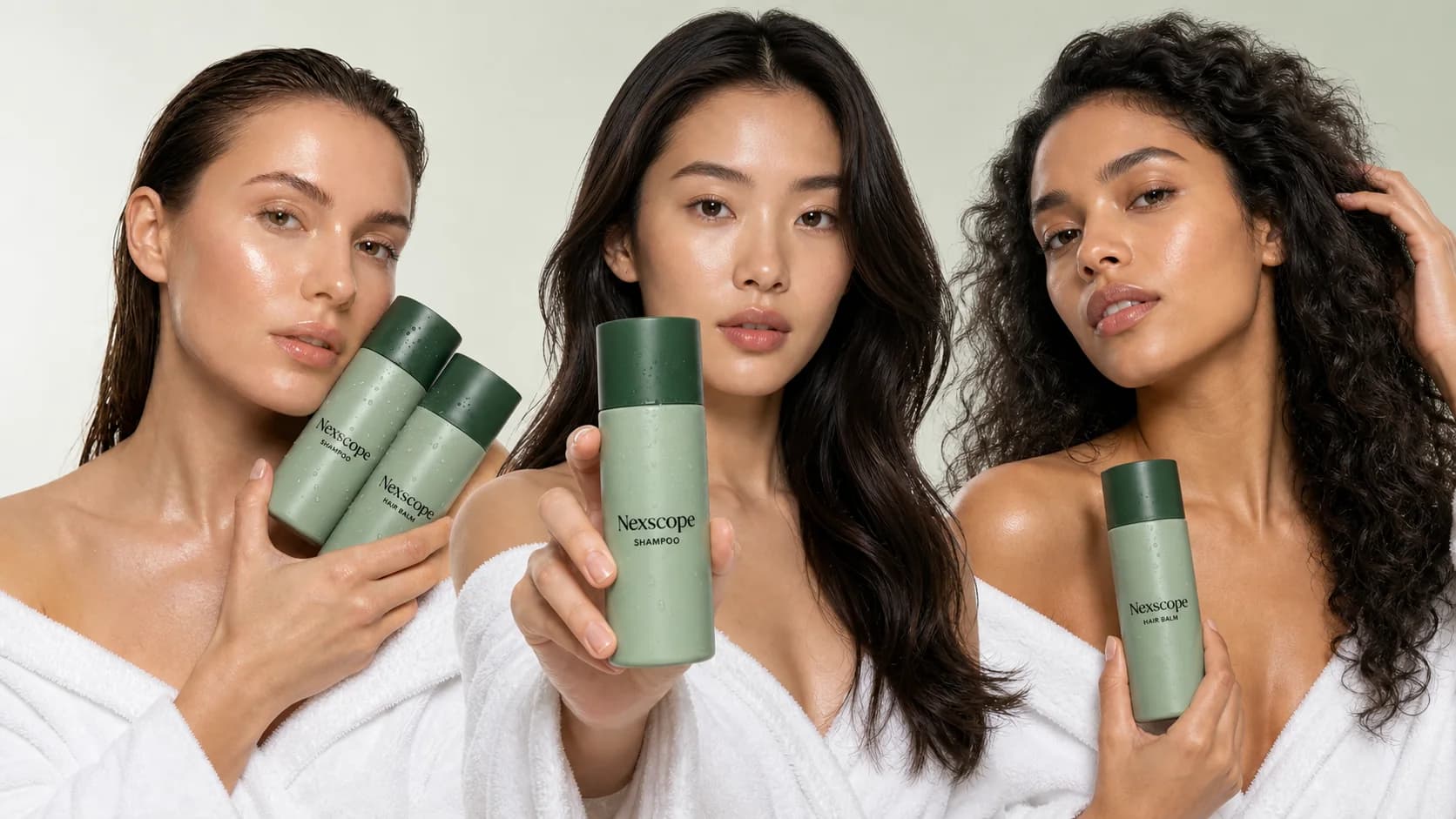
AI Model Swap API 2.0
Show the same ecommerce product with different model references using the version 2.0 workflow.
Browse All Creative APIs
Search the complete catalog of image and video models alongside ecommerce-ready creative workflows.
55 Creative APIs for All Creative APIs
Cards open the existing API Docs and online tester.
Nano Banana Image Generation
Generate ecommerce images with the BANANA model.
Image ModelsNano Banana Pro Image Generation
Generate ecommerce images with the BANANA_PRO model.
Image ModelsNano Banana 2 Image Generation
Generate ecommerce images with the BANANA_2 model.
Image ModelsNano Banana 2 Lite Image Generation
Generate ecommerce images with the BANANA_2_LITE model.
Image Models
Wan 2.7 Image Generation
Generate ecommerce images with the WAN2_7 model.
Image Models
Seedream 5 Pro Image Generation
Generate ecommerce images with the SEEDREAM5_PRO model.
Image Models
GPT Image 2 Generation
Generate ecommerce images with the GPT_2_IMAGE model.
Image ModelsGPT Image 2.5 Sunburst
Generate ecommerce images with the GPT_2_5_IMAGE model.
Image ModelsGPT Image 2.5 Flare
Generate ecommerce images with the GPT_2_5_F_IMAGE model.
Image ModelsSeedance 2.0 Video Generation
Generate ecommerce videos with the seedance-2-0 model.
Video ModelsSeedance 2.0 Fast Video Generation
Generate ecommerce videos with the seedance-2-0-fast model.
Video ModelsSeedance 2.0 Mini Video Generation
Generate ecommerce videos with the seedance-2-0-mini model.
Video ModelsSeedance 2.5 Video Generation
Generate ecommerce videos with the seedance-2-5 model.
Video Models
Kling 2.6 Video Generation
Generate ecommerce videos with the kling-v2-6 model.
Video ModelsKling 3 Omni Video Generation
Generate ecommerce videos with the kling-v3-omni model.
Video ModelsWan 2.6 Video Generation
Generate ecommerce videos with the wan-2-6 model.
Video Models
Hailuo 2.3 Video Generation
Generate ecommerce videos with the hailuo-2-3 model.
Video Models
Happy Horse 2 Video Generation
Generate ecommerce videos with the happyhorse-v2 model.
Video ModelsWan 3 Video Generation
Generate ecommerce videos with the wan3 model.
Video Models
MiniMax H3 Video Generation
Generate ecommerce videos with the minimax-h3 model.
Video ModelsMiniMax H3 Lite Video Generation
Generate ecommerce videos with the minimax-h3-lite model.
Video Models
AI Model Swap API
Swap an ecommerce product image onto a target model.
Image WorkflowsAI Model Swap API 2.0
Swap a product image onto a fixed model reference.
Image WorkflowsAI Model Scene & Background Replacement API
Place a model image into a new scene.
Image WorkflowsAI Clothes Changer API for Tops & Bottoms
Generate try-on images for separate upper and lower garments.
Image WorkflowsAI Suit Virtual Try-On API
Generate try-on images for one-piece outfits.
Image WorkflowsVirtual Try-On API
Place a product naturally onto a person or model image.
Image WorkflowsProduct Replacement API
Replace a product region in an ecommerce image.
Image WorkflowsProduct Scene Variations API
Create scene variations from an image.
Image WorkflowsAI Background Generator API
Generate an ecommerce scene image from a prompt.
Image WorkflowsSimilar Image Variations API
Create similar image variations.
Image WorkflowsBackground Remover API
Automatically remove image background.
Image WorkflowsFine Cutout Image Segmentation API
Create a fine cutout task and return the completed result.
Image WorkflowsImage Upscale API
Upscale and enhance an image.
Image WorkflowsSmart Image Outpainting API
Expand an image canvas with AI.
Image WorkflowsImage Translation API
Translate text inside an image.
Image WorkflowsAI Hand Repair API
Repair distorted hands in an image.
Image WorkflowsImage Inpainting API
Redraw a masked image area.
Image WorkflowsPrint & Pattern Extraction API
Extract printed artwork from an image.
Image WorkflowsObject Eraser & Image Object Removal API
Erase masked objects from an image.
Image WorkflowsJewelry Text Design API
Generate linked text for jewelry or accessory designs.
Image WorkflowsHandheld Product Mockup API
Place a product in a hand-held scene.
Image WorkflowsImage Captioning API
Create an image prompt extraction task and return the completed result.
Image WorkflowsProduct Image Enhancement API
Retouch a product image.
Image WorkflowsImage Text Editing API
Remove or edit text from an image.
Image WorkflowsSmart Image Edit & Manipulation API v3
Edit an image using an instruction prompt.
Image WorkflowsSmart Multi-Image Editing API v3
Fuse multiple images with an instruction prompt.
Image WorkflowsWhite Background Product Image API
Generate a square white-background product image from reference photos.
Image WorkflowsAI Video Reclone API
Recreate a product marketing video from references.
Video WorkflowsAI Product Marketing Image Set API v4
Generate product marketing image sets.
Image WorkflowsAI Apparel Image Set & Photography API v3
Generate apparel marketing image sets.
Image WorkflowsAI Model Pose Generation API
Create new pose variants for a model image.
Image WorkflowsSales Talking Video API
Generate a talking sales video.
Video WorkflowsProduct Logo Detection & Removal API
Detect and remove product logos.
Image WorkflowsOne-Click Image Recoloring API v2
Change product colors in an image.
Image WorkflowsHow to Use Nexscope Creative APIs
Choose the creative capability you need, connect it using our API documentation, and bring ecommerce-ready images and videos directly into your product or workflow.
Choose the Right Creative API
Explore APIs for image and video generation, editing, virtual try-on, and more. Choose the capability that fits your ecommerce use case.
Browse Creative APIsIntegrate With the API Docs
Follow the authentication guide, request fields, code examples, and online tester to connect the API to your application.
View API DocsUse It in Your Product or Automation
Generate creative assets in your website, application, content system, or ecommerce automation.
Get API KeyNeed Ecommerce Data Too?
Access product, keyword, pricing, review, store, marketplace, and sourcing data through documented Nexscope Data APIs.
Frequently Asked Questions.
What can I build with Nexscope Creative APIs?
You can add image and video generation, background removal, image editing, enhancement, virtual try-on, ecommerce creative workflows, and more to your own product or automation.
How do I choose between a model API and a workflow API?
Choose a model API when you want direct access to a specific generation model. Choose a workflow API when you want a ready-made ecommerce task such as background removal, virtual try-on, or a product creative workflow.
Can I test a Creative API before integrating it?
Yes. Open an API card to review its request schema, examples, authentication guidance, and online tester before connecting it to your production workflow.
What do I need to integrate a Creative API?
You need a Nexscope API key and the required inputs listed in that API's documentation. The docs show the endpoint, request fields, examples, and expected response format.
Can I use Creative APIs inside my own app or automation?
Yes. You can call the APIs from your website, application, content system, or ecommerce automation and return the generated assets to your own user experience.
Which image and video models are available?
The Creative API Directory lists the currently available image models, video models, image workflows, and video workflows. Use the category filters or search to find the capability you need.
Do I need a separate API key for every Creative API?
No. One Nexscope API key can be used across the Creative APIs available to your account, subject to your access and available credits.
How are Creative API calls priced?
Credit usage depends on the selected model, workflow, and output settings. Review the current pricing page and the relevant API documentation before integrating.
Turn a Creative Idea Into an API Call.
Get one Nexscope API key, review each workflow in API Docs, and use available trial credits before integrating it.