

What Is Claude Duet and How Can It Help Your Business?

Table of Contents
Claude Duet is Anthropic’s proactive AI application for professionals and small business owners. Announced on October 21, 2026, it prepares work, flags items that need attention, and continues tasks in the background.
For a business owner, the appeal is practical: fewer unfinished follow-ups and less time assembling information before making a decision. The useful question is which responsibilities to hand over first, and how to keep the resulting work easy to review.
What Can Claude Duet Do?
Claude Duet combines proactive updates, persistent context, cloud execution, and reviewable outputs. Its core features cover how work starts, how it continues, and how the user stays involved.
Proactive Briefs and Follow-Ups
Duet can initiate updates without waiting for a new prompt. It reviews connected email and calendar information for morning briefs, prepares initial work, and follows up on quiet threads. Set priorities around the decisions that matter to the business, such as approaching deadlines or unanswered customer questions.
Cloud Execution and Browser Access
Tasks can continue after the app closes. Duet uses its own cloud computer and browser, including for websites without a connector. This suits assignments that involve gathering information across several sources. Define the required result before leaving it to work, so the output can be assessed against a specific request.
Shared Memory and Conversation Context
Existing Claude memory, skills, and connections carry over. With chat referencing enabled, Duet can also search earlier Duet conversations and Claude chats outside projects. This helps carry context forward; teams should still state which document or decision supersedes an older version when plans change.
Text, Voice, and Topic Channels
Users can type or record voice messages, continue in a main thread, or create topic channels with shared memory. Separate channels can keep a launch discussion distinct from daily administration. Include names, dates, and the expected output when a spoken request contains details that could be ambiguous.
Task Tracking and Editable Deliverables
The Tasks tab shows ongoing work and items needing input; only the user marks a task complete. The Make tab holds finished outputs such as briefs, financial models, slide decks, and dashboards. Review both the deliverable and any unresolved questions before deciding the assignment is finished.
Approval Before Consequential Actions
Duet presents messages, payments, signatures, and deletions for approval. If approval is delayed, it can continue other work and return to the request later. Give the reviewer enough context to decide: the intended recipient, proposed change, supporting source, and any commitment being made.
Connect to 6,000+ Connectors and Plugins
Anthropic says Claude Duet can use more than 6,000 connectors and plugins in Claude Marketplace. That figure describes the combined ecosystem of connectors and plugins; individual capabilities depend on the connection and permissions available.
Choose connections around the job: communication tools for follow-ups, accounting systems for invoice checks, or store access for product work. Connect the accounts needed for the first workflow, then expand when another task requires them.

Source: Anthropic. Claude Marketplace ecosystem illustration; individual integration availability varies.
10 Business Workflows for Claude Duet
The following workflows pair supported capabilities with practical ways to scope the assignment. Start with one recurring task and a clear review point before connecting more of the business.
1. Morning Priorities and Meeting Briefs
Duet can prepare a morning brief from connected email and calendar context. Ask for decisions due today, meetings that need preparation, and unanswered questions that could delay a project. A useful brief separates items requiring a decision from updates that can simply be read later.
2. Inbox Triage and Reply Drafts
Use Gmail or supported Slack access to find overlooked messages and prepare replies. Specify which customers, projects, or deadlines matter most. Ask for each draft to include the proposed next step, then check the recipient and any commitment before approving delivery.
3. Unpaid Invoice Follow-Ups
Duet can check QuickBooks or Stripe for unpaid invoices and draft reminders. Define the reporting date and overdue threshold, and separate disputed invoices from routine reminders. The review should make it easy to match each message to the correct customer, balance, and invoice.
4. Payroll Preparation
Gusto workflows can include hours, bonuses, and reimbursements. Provide an approved pay period and source records, then ask for exceptions to be listed separately. A missing timesheet or unclear reimbursement should remain an open question for the payroll owner rather than becoming an assumed amount.
5. Hiring Posts
Duet can draft a LinkedIn job posting for review and approved publication. Supply the role’s responsibilities, location, compensation information, and application process. Keep the first assignment focused on a usable posting; hiring criteria and employment decisions remain the employer’s responsibility.
6. Agreements and Signature Requests
Docusign support lets Duet help prepare agreements and route them for review and signature. Start with the approved template, correct parties, and agreed commercial terms. Ask it to flag missing fields and changes from the template so the reviewer can focus on unresolved terms.
7. Sales Follow-Ups
Duet can use HubSpot contact and deal context to draft follow-up emails. Specify the opportunity and desired next step, such as confirming a demo or answering an open question. Review the proposed message for accurate commitments, especially delivery dates, discounts, and product capabilities.
8. Product-Launch Campaigns
Canva support can help turn a launch into social campaign materials. Give the task an audience, approved product facts, required formats, and a launch date. Request a coherent first set of assets, then review visual consistency and claims before deciding what to publish.
9. Ecommerce Store Operations
Duet supports Shopify store work. Shopify’s Claude connector can create and update products, including descriptions, images, variants, and prices, within approved permissions. Shopify admin remains necessary for payments, taxes, domains, and launch readiness; refunds, returns, and gift-card changes are blocked through the connector.
Start with a small group of draft products. Provide approved specifications and ask for missing attributes to be flagged. Review the resulting content before activation, particularly materials, dimensions, certifications, and warranties.
Before deciding what to change, compare the offer with the market. Use Nexscope’s ecommerce data to research competing products, prices, and customer reviews through REST API or supported MCP tools in your own workflow. Turn the findings into a focused brief: which shopper questions need answers, which differences matter, and which claims the evidence supports.
Apply that brief to Shopify keyword placement. Match each page to a shopper’s intent, then incorporate relevant wording naturally into titles, descriptions, and image alt text. Market research should guide the proposed changes while the merchant’s own records establish product facts.
10. Approved Business Purchases
Duet supports purchases through Link and Shop Pay, with approval. Describe the item, quantity, budget, and required delivery date. Before authorizing payment, check the exact variant, merchant, delivered total, and return terms.
This is one part of agentic commerce: an assistant helps move a purchase from a request toward an authorized transaction. Product discovery and successful checkout remain separate outcomes.
The wider market includes Meta Muse’s Shopify shopping and checkout flows. Shopify supports direct checkout on eligible Meta surfaces, including Muse when available, while merchants remain responsible for fulfilling the order. For a business evaluating these channels, the useful questions are whether the right product was purchased, whether it arrived as promised, and whether the transaction can be reconciled.
Approvals, Access, and Usage Limits
The research preview requires a US Claude account, Pro or Max, and a waitlist invitation. Team and Enterprise are not supported yet. Access arrives in waves.
Duet is included in the eligible plan during the preview, but background activity consumes shared usage limits. It checks accounts periodically, so an urgent event can arrive between checks. Users cannot currently watch or take over its browser.
Decisions That Need Approval
Messages, payments, signatures, and deletions require approval. Securities trading and transfers between accounts remain prohibited even with permission. Anthropic also warns that Duet may misread conversations or misjudge urgency.
Review the actual proposed action. For a customer email, that means checking the recipient, attachment, figures, and promised next step. For a store change, compare the proposed content with the approved product record. An approval button is most useful when the person clicking it can see what will change.
Avoid an Overloaded First Trial
Choose one recurring process and run it through a complete review cycle before adding more. Track how long the finished output takes to check, what corrections it needs, and whether it arrives early enough to be useful.
The strongest evidence of value is a repeatable task completed to an acceptable standard. A large number of connected apps says little about how much review a particular business will need.
Conclusion
Claude Duet makes ongoing task preparation a practical focus for business AI. Start with work whose quality can be checked quickly, give it clear boundaries, and expand after the results earn that responsibility.
Bring Ecommerce Evidence Into Your Workflow
Internal records explain what happened inside a business. Ecommerce decisions also need outside context: competing offers, customer feedback, and changing search interest. Those inputs help a team decide which questions an agent should investigate next.
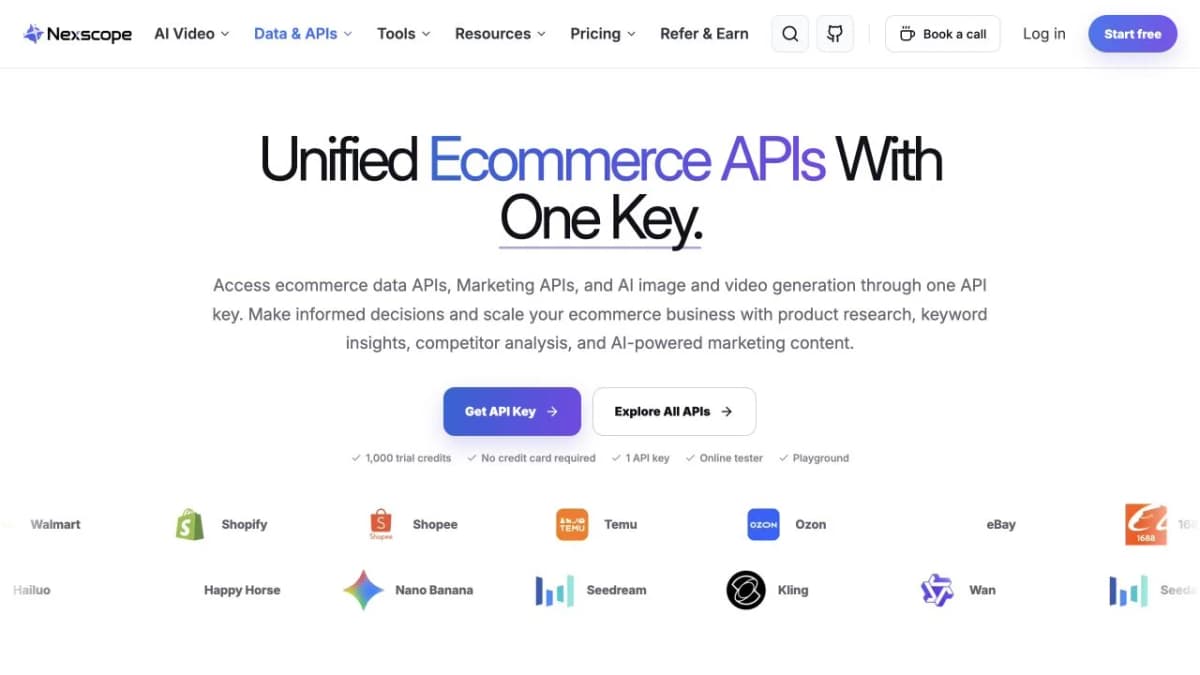
Nexscope provides ecommerce data and creative APIs for workflows built by your team:
- Product and market research: Compare supported product, pricing, review, and demand data.
- Agent and workflow access: Use REST APIs, with MCP available for supported Data APIs.
- Creative production: Generate product images and marketing videos through Creative APIs.
Keep the research question specific, inspect the returned fields, and preserve timestamps and source context when passing evidence into your own agent.
Source: Nexscope.
Explore Ecommerce Data and Creative APIs
Find the data and creative capabilities that fit your next ecommerce workflow, from product and competitor research to image and video generation. Explore supported APIs and choose how to connect them to your own tools.
Frequently Asked Questions
What is Claude Duet?
An application that uses Claude to prepare tasks, surface work needing attention, and act with user approval.
Who can access Claude Duet?
Invited US Pro and Max subscribers during the research preview.
Can Claude Duet work after the app closes?
Yes. Work runs on its cloud computer.
Does Claude Duet cost extra?
The preview is included in Pro and Max; background work counts toward shared limits.
Can Claude Duet manage a Shopify store?
It supports Shopify work, subject to connector permissions. Store launch settings and restricted financial actions still require Shopify admin.
Sources
- Anthropic. (2026). Introducing Claude Duet. Retrieved from claude.com
- Anthropic. (2026). Get started with Claude Duet. Retrieved from support.claude.com
- Shopify. (2026). Shopify connector for Claude. Retrieved from help.shopify.com
- Shopify. (2026). Selling on Meta. Retrieved from help.shopify.com