
What Is Shopify Shop MCP and How Does It Change AI Shopping?

Table of Contents
Shop MCP brings product discovery, checkout, and order tracking into an AI shopping workflow. Shopify announced the service on October 13, 2026, alongside two entry points: shop.md for shoppers and shop.dev for developers building shopping into an app or agent.
The change gives an assistant more of the information and tools needed to act on a shopping request. A useful recommendation still depends on the selected product, available inventory, delivery requirements, and buyer approval. The launch establishes a new way to connect those steps; its effect on merchant sales will need to be measured.
What did Shopify launch with Shop MCP?
Shop MCP is Shopify's commerce connection for compatible AI agents and applications. MCP, short for Model Context Protocol, lets an application expose capabilities as tools an agent can call. Shopify's launch announcement describes 17 tools covering catalog discovery, accounts, carts, checkout, payment approvals, and orders.
The release is supported by more than a social announcement. Shopify's developer changelog links to shop.dev, and both shop.dev and shop.md were accessible during an October 14 review. A public search on shop.dev for “ceramic coffee dripper” returned listings including HARIO V60, ORIGAMI, and Kalita products.
| Claim | Evidence available at review |
|---|---|
| Shop MCP has launched | Confirmed in Shopify's dated developer announcement |
| The two public entry points are available | Both pages opened successfully |
| Public product search returns results | Observed in the shop.dev search interface |
| Catalog coverage exceeds one billion products | Shopify's published figure; not independently audited |
| Checkout and order tracking are supported | Described by Shopify; no purchase or signed-in order test performed |
This establishes the release and a working public search experience. It does not establish checkout reliability across every merchant or client.
How do shop.md and shop.dev differ?
shop.md gives shoppers a reusable shopping skill. shop.dev gives developers access to the commerce capabilities behind that experience. Both relate to Shop MCP, but they serve different tasks.
A personal shopping skill
At shop.md, a shopper can copy the setup prompt, use the displayed ChatGPT or Claude entry point, or customize the skill's shopping preferences. The skill describes how an assistant should search, compare product options, prepare a purchase, and handle orders.
Connecting a Shop account enables account-dependent features such as saved addresses, Shop Pay, and order history. Sign-in is optional for anonymous discovery. Adding the skill still requires a host that can use its tools; “any agent” should be read with that compatibility requirement in mind.
A developer commerce interface
At shop.dev, developers can explore search and integration examples before building an application. The site presents MCP, CLI, and HTTP access, with an interactive playground and links to further documentation.
| Entry point | Primary user | Starting task |
|---|---|---|
| shop.md | Shopper using an existing assistant | Add a shopping skill and optional account connection |
| shop.dev | Developer building an app or agent | Explore the tools and choose an integration method |
| Shop MCP | The connected client | Execute supported commerce operations |
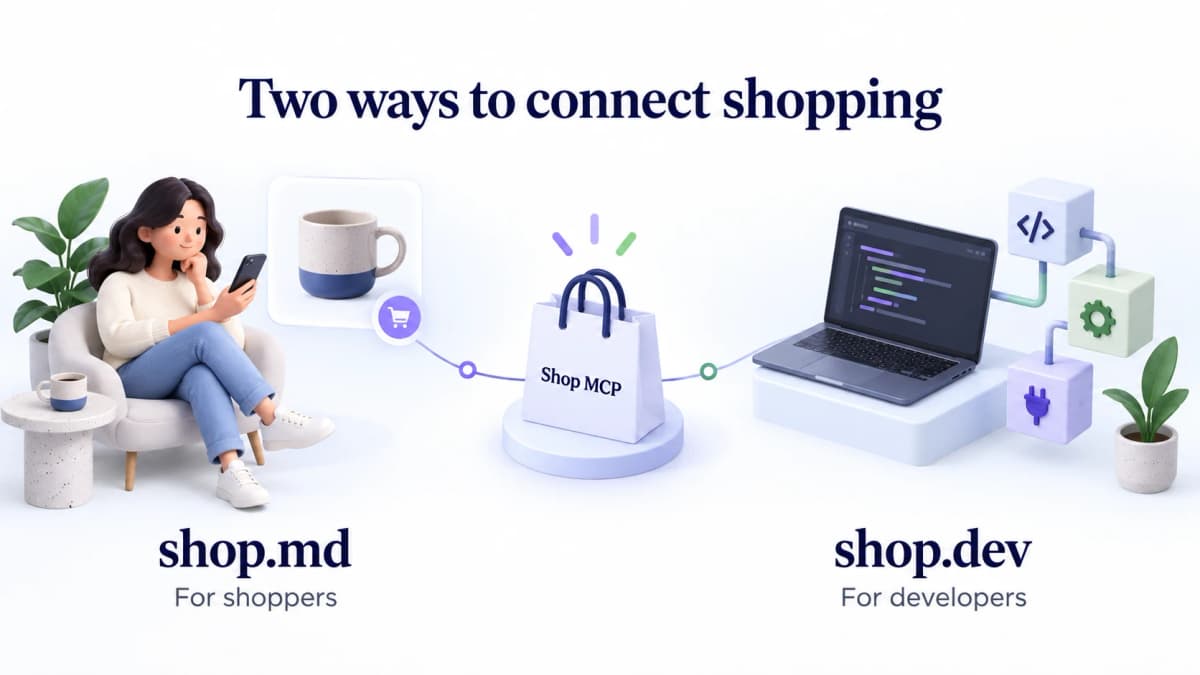
The skill and developer interface share underlying commerce capabilities.
How does shopping through an agent work?
The intended flow moves from a shopper's request to a specific product selection, approved checkout, and order follow-up. Each step needs its own evidence: a matching search result does not prove that the exact selected variant can be delivered on time.
Product discovery and selection
Consider an illustrative request: a ceramic coffee dripper in a particular color, shipped to the United States, within a stated budget. The assistant searches for candidates, compares the returned products, and checks the chosen option's price and stock.
Shop's skill explicitly separates general search results from variant verification. A product listing may show available sizes or colors without proving that one particular combination is in stock. Before recommending that combination or preparing checkout, the assistant must verify the selected options.
Delivery deserves the same care. A product being eligible to ship to a country does not establish arrival before a birthday or other deadline. Delivery options need to be checked during checkout.
Buyer-approved checkout
For a requested purchase, the assistant can prepare a cart or checkout using the selected product identifiers and quantities. The shopper reviews the merchant, items, total, and offered payment method before completion.
Preparing checkout and completing a purchase are separate events. Shop's skill treats a completed checkout status accompanied by an order as purchase confirmation. If an operation has an uncertain result, the assistant should reconcile its status before taking another action that could create a duplicate purchase.
Orders and delivery tracking
With a connected Shop account, the assistant can retrieve relevant orders and delivery information. This supports questions such as whether an item has shipped or which order contains a particular purchase.
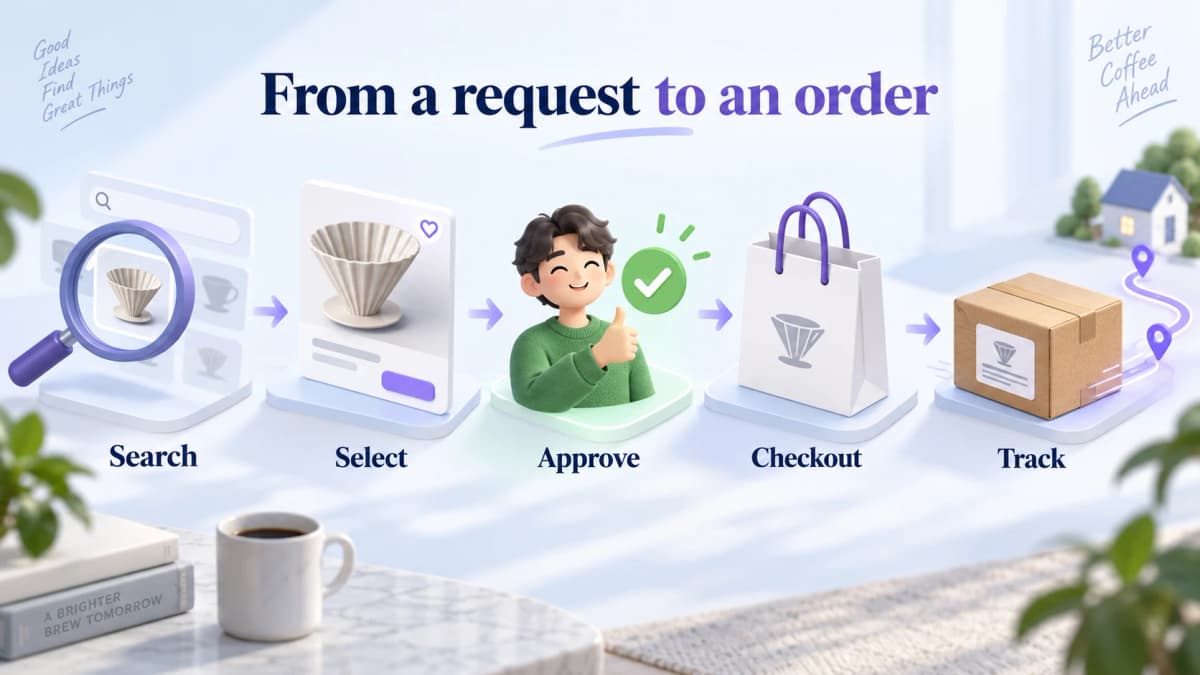
Illustrative sequence. Buyer approval occurs before purchase completion; account access is needed for personal order queries.
What should users and developers verify?
The main checks concern payment credentials, personalization, and the integration's operating limits. These details determine what an application actually receives and what a shopper has authorized.
Real cards and payment credentials
Shop Pay keeps the buyer's real card details private from the agent. For a purchase through an external website's card checkout, Shop can issue single-use payment credentials after buyer approval. The agent can use those credentials to complete the authorized transaction.
That distinction matters when describing the product. “The agent never receives the buyer's real card number” is different from “the agent never handles payment credentials.” Shopify-store checkout and the external payment-approval flow should also be implemented according to their respective requirements.
Personalization and data access
Shop can use shopping preferences and history to rank results. shop.dev distinguishes those personalization signals from information an authorized application can access, such as account details, addresses, and orders.
A personalized result does not mean that the app receives the shopper's complete underlying preference profile. Applications should explain the actual account permissions they request and avoid inferring access from a marketing demonstration.
Availability and integration limits
Shopify's launch notes say checkout status requires polling because checkout webhooks were unavailable at launch. Developers should recheck that behavior when implementing the service.
Catalog data also needs field-level interpretation. Shopify labels some Global Catalog attributes as inferred or enriched. Those fields can be useful discovery signals, but they are not necessarily merchant-authored specifications and may be absent.
Finally, Shop MCP, Global Catalog MCP, Storefront MCP, and Dev MCP have different scopes. Global Catalog supports discovery across merchants; Storefront MCP serves shopping within a merchant context; Dev MCP provides development resources. Teams planning Shopify MCP workflows with Codex should identify the intended operation before selecting the connection. Merchant administration requires its own authorized access.
What does this mean for ecommerce teams?
The practical opportunity is to make products easier for a shopping assistant to evaluate and to test the resulting customer journey. The launch alone does not demonstrate higher sales, guaranteed recommendations, or a new ranking formula.
Product information quality
As an operational implication, teams should review the information needed to make a specific purchase decision: variant names, dimensions, materials, compatible accessories, price, inventory, and delivery conditions.
A ceramic dripper described only as “premium” leaves basic questions unanswered. A buyer may need its size, compatible filter type, and care instructions. Clear product facts help both human shoppers and software evaluate suitability.
Testing should follow actual buyer questions. Record the query, returned product, selected options, and any missing information. Fix inaccuracies at their source and compare the experience again. This is a product-data improvement process, not a promise of placement in Shop's recommendations.
Discovery versus market research
A shopping result helps answer which product fits a buyer's request. A merchant evaluating an assortment needs additional evidence about competing products, stores, and the period represented by the data.
For that research task, a team can compare Shopify products by keyword and price through Nexscope's REST API or MCP. The documented response includes optional competition and weekly sales-related fields, plus a data snapshot month. Preserve that date and any source limitations when comparing results. Missing fields should remain unknown, and third-party sales indicators should not be presented as a merchant's audited order records.
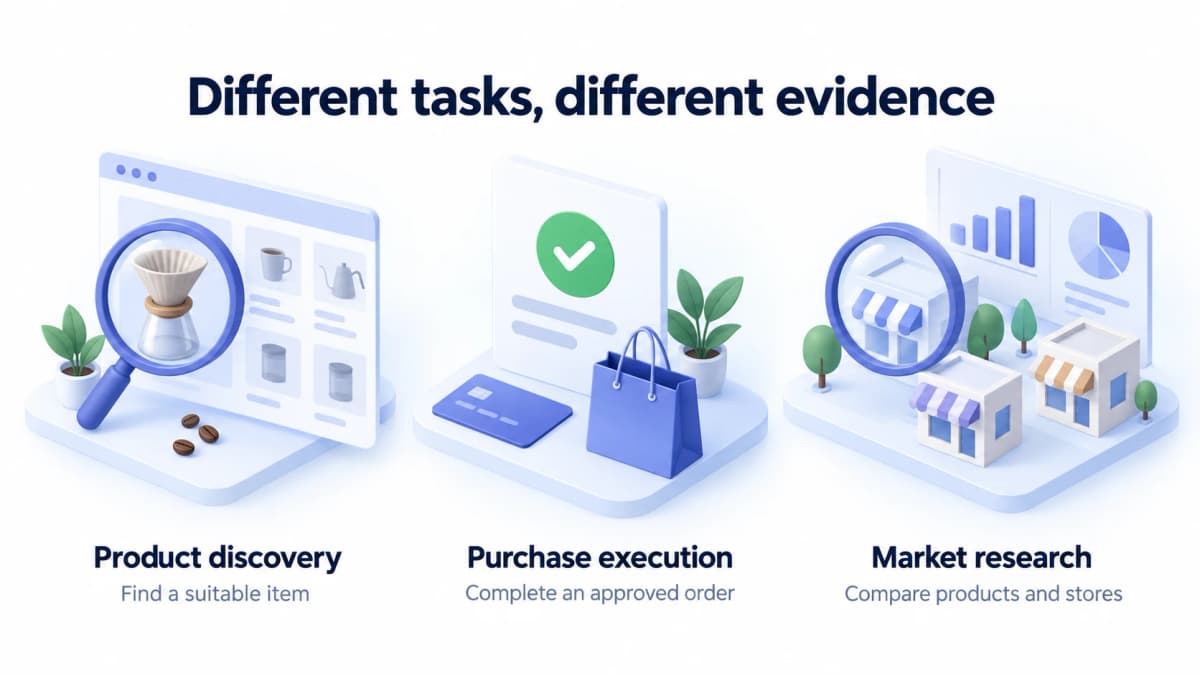
These are different research and transaction tasks, not a claim of an existing integration between providers.
Conclusion
Shop MCP is a confirmed Shopify release with public shopper and developer entry points. Its significance is the ability to connect more of the shopping journey inside a compatible application, from product selection to approved payment and order follow-up.
For ecommerce teams, the next step is concrete: test representative buying requests, correct product information gaps, and evaluate results before assuming a revenue impact.
Research Shopify opportunities with Nexscope
Nexscope is an ecommerce data platform that teams can connect to their own agents and workflows through REST API or MCP. Its Shopify product research supports assortment comparisons, while Shopify store research helps narrow a competitor set using supported country, product-range, and business filters.
Use the product query for a candidate shortlist and the store query to investigate the merchants behind it. Review snapshot dates and field availability before drawing conclusions. Nexscope Data APIs use pay-as-you-go Data Credits, with no Data API subscription required.
Build a Shopify research workflow
Explore Shopify product and store data that your own agent can use for assortment and competitor research.
Explore Shopify Data APIs →Frequently Asked Questions
Is Shop MCP an official Shopify product?
Yes. Shopify announced Shop MCP in its developer changelog on October 13, 2026. The announcement links to the developer entry point at shop.dev. The public shop.md page provides the related shopping skill.
What is the difference between shop.md and shop.dev?
shop.md helps shoppers add a shopping skill to an existing compatible assistant. shop.dev helps developers integrate shopping capabilities into an app or agent. Shop MCP supplies the underlying tools.
Do developers need an API key for product search?
Basic public search does not require an API key. Shopify describes keys as an option for higher rate limits. Personal account information and payment operations have additional authentication and authorization requirements.
Can an agent purchase without buyer approval?
The published Shop skill requires explicit approval of the merchant, items, quantities, current total, and offered payment method before completing checkout. A request to search for products does not authorize a purchase.
Does an agent receive the shopper's real card details?
Shop Pay keeps real card details private from the agent. For supported external checkout flows, an agent may receive single-use payment credentials after the buyer approves the purchase. Those credentials are distinct from the buyer's real card details.
Is Shop MCP the same as Storefront MCP?
No. Shop MCP brings together broader shopping, account, payment, and order capabilities. Storefront MCP focuses on a particular merchant's shopping experience. Development assistance and merchant-admin operations involve other tools and permissions.
Sources
- Shopify. (2026). Add shopping and Shop Pay checkout to any agent with Shop MCP. Retrieved from shopify.dev
- Shopify. (2026). Shop MCP for agentic commerce. Retrieved from shop.dev
- Shop. (2026). Turn any agent into your personal shopper. Retrieved from shop.md
- Shopify. (2026). Global Catalog MCP. Retrieved from shopify.dev