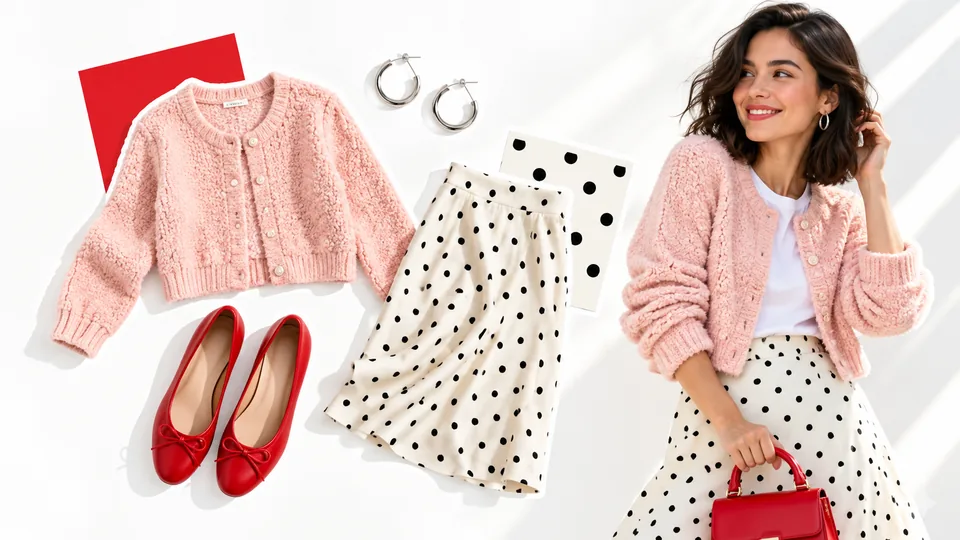
Bring product details into focus
Use close-ups and camera movement to draw attention to textures, shapes, and finishes.

Free trial1,000 credits
Create product videos from your photos. No filming needed.
Product preview
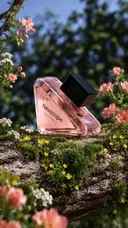
Video still
Video type
Video description
Show the perfume bottle among pink flowers in a sunlit garden. Use close-ups and gentle camera movement to highlight the bottle and floral details.
Video settings
Upload your photos, choose how your video looks, and generate.
Create product videoStart with clear, well-lit photos that show your product and its details.
Choose a product showcase, UGC review, or problem–solution template, or describe your own scene.
Choose your video settings, review the credit estimate, and generate. Preview the result before downloading.
Explore different ways to put a product in motion.
Create videos that show product details, demonstrate everyday use, and introduce your next launch.
Use close-ups and camera movement to draw attention to textures, shapes, and finishes.

Describe a scene that helps shoppers picture your product in their daily lives.
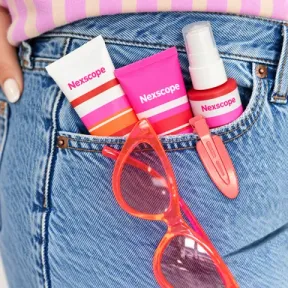
Try different scenes and motion from the same product photos for your social posts and ads.

Turn existing product photos into a new introduction for your store or social feed.
Choose the starting point that works for you.
Image to Video turns product photos into videos using a template or your own scene description. Use it to create product showcases, social posts, and video ads.
Start with clear, well-lit product images you have permission to use. Visible product details and an uncluttered background make your input easier to interpret.
You can describe the movement and scene, then choose from the aspect ratios, durations, and resolutions supported by your selected model.
First and last frame options depend on the selected model. The workspace shows which image modes are available.
You can browse these examples without signing in. Sign in to generate videos; the workspace shows an estimated credit cost before you start.
AI-generated details and motion can vary. Review each result for product accuracy before using it in a listing or campaign.
Turn your product photos into videos for your store, social posts, and ads.
Create product video