

10 Best Free AI Image to Video Tools in 2026
Table of Contents
The best free AI image to video tools in 2026 give you different ways to start: Nexscope offers a product-focused trial, Vidu provides a monthly allowance, and Dreamina and PixVerse replenish credits daily. HeyGen adds talking-photo workflows, VEED combines generation and editing, and MimicPC offers customizable cloud workflows. Leonardo.Ai provides another creative workspace with model-specific free access.
The useful distinction is how far each free option takes you. A signup bonus can help you evaluate a tool once. Recurring credits give you room to return and improve a prompt. Cloud workflow trials give you more control, with usage limited by the available compute budget.
For a first project, start with the image you already have: a product photograph, portrait, illustration, or landscape. Decide whether you need a subtle camera move, an animated subject, or a new scene. Then compare the free allowance with the cost of that specific task. The ten options below cover these different workflows, with their most relevant free-access conditions alongside practical suggestions for using them.
Free Tools at a Glance
Use the free-access column to distinguish a renewable allowance from a trial. Credits belong to each platform's own system: 100 credits on one service cannot be compared directly with 100 on another.
| Tool | Useful starting point | Free access | Main condition |
|---|---|---|---|
| Nexscope | Product photos and ecommerce creatives | 1,000 new-user trial credits | Three-day validity; usage depends on the model and settings |
| Vidu | Photo and character animation | Free access with account and regional conditions | Allowance and eligible settings vary by region |
| Runway | Exploring a creative video workspace | 125 one-time credits | Free model selection changes; free videos carry a watermark |
| PixVerse | Regular short-video experiments | 30 daily credits for non-members | Daily credits expire; renewal is at 00:00 UTC |
| Hailuo AI | Single-image motion experiments | One-time new-user credit package | Welcome credits expire after three days |
| HeyGen | Talking photos and presenters | 3 videos per month, up to 1 minute each | Watermarked; advanced models require paid access |
| Dreamina | Repeated image-to-video iterations | 120 daily free credits | Model, duration, resolution, and mode affect cost |
| MimicPC | Customizable cloud workflows | $0.50 trial credit | Hardware usage consumes the trial budget |
| VEED | Generation plus browser editing | Free-account trial | Watermarked; continued use requires an upgrade |
| Leonardo.Ai | Artwork and motion experiments | 150 daily tokens; eligible video tools only | Start/end-frame models have access restrictions |
Free-access terms checked October 23–26, 2026. The list includes recurring allowances and limited trials.
The 10 Best Free AI Image-to-Video Tools
1. Nexscope — Product Video Workflows
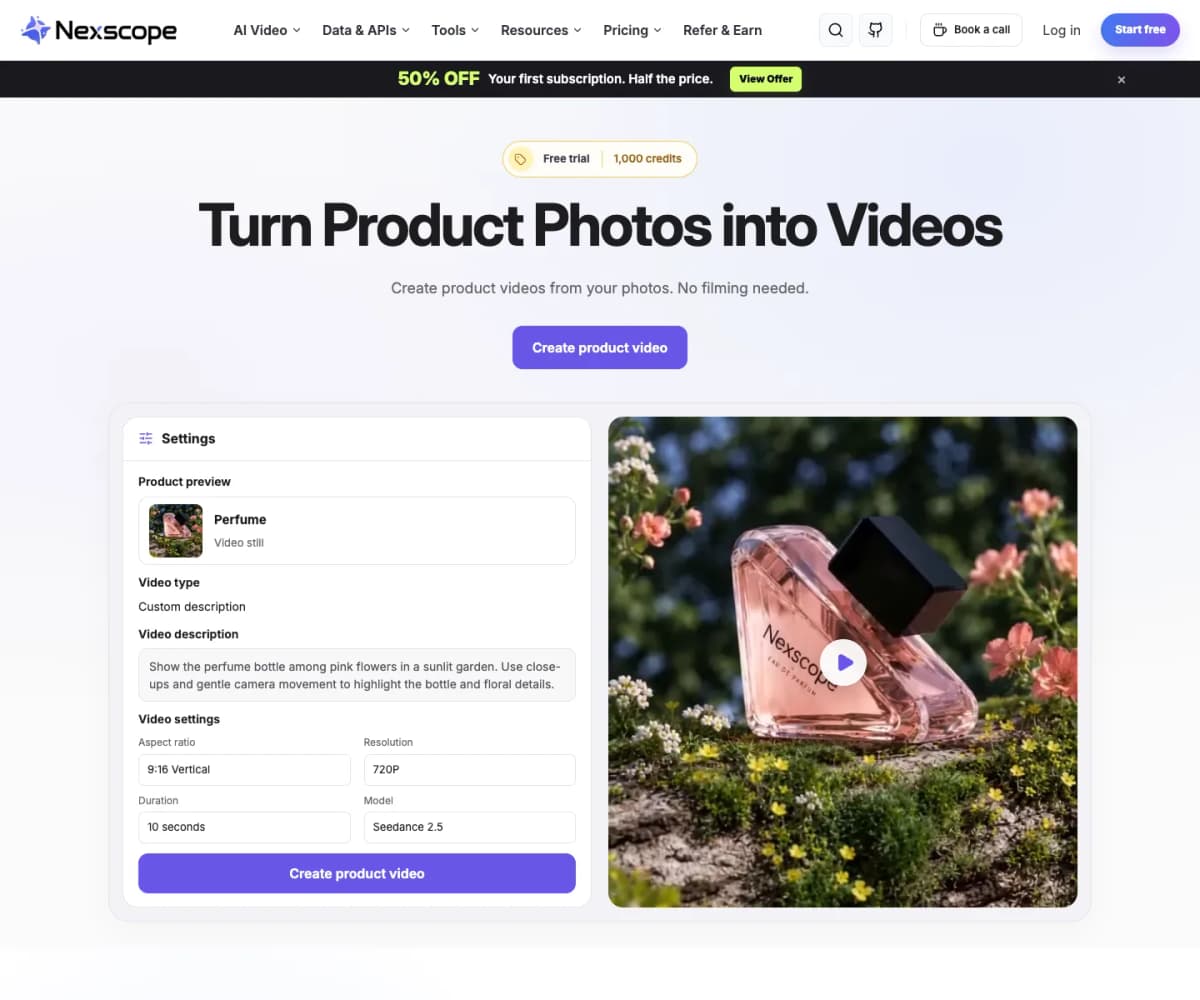
Nexscope brings product-image generation and video creation into an ecommerce creative workflow. Its AI video generator lets you start with an existing product photograph, choose a built-in video template or add a custom description, and select supported model and output settings.
This is a useful starting point when the image already contains the item you want to advertise. A clean bottle shot could become a slow camera push-in for a storefront banner; a fashion accessory could become a short vertical scene for a social post. The creative task stays focused on the product rather than building a scene from scratch.
Key capabilities:
- Start with built-in video templates and preset scripts—no need to write a script from scratch.
- Turn reference images and motion prompts into short product-video concepts.
- Choose among available models, including Seedance 2.5.
- Adjust supported duration, resolution, and aspect ratio for the intended placement.
- Review the displayed credit estimate before generation.
- Continue into dedicated creator-style video or reference-video workflows when the brief needs them.
Free access: New users receive 1,000 trial credits, valid for three days, with no credit card required. Sign-in is required to generate. The number of clips depends on the selected model and settings; the trial is not a recurring free plan. Continued Creative usage follows its separate subscription model.
For a first attempt, keep the product stationary and ask for one camera movement. Review the label, silhouette, color, and material before adding more ambitious motion. This is particularly useful for packaging, where an attractive result still needs accurate product details.
Best fit: Ecommerce teams and creators turning product photos into storefront, social, or ad concepts.
Give Your Product Photo a New Scene
Choose a model, direct the motion, and turn your product photo into a video concept with Nexscope.
Create Your First Product Video →2. Vidu — Photo and Character Animation
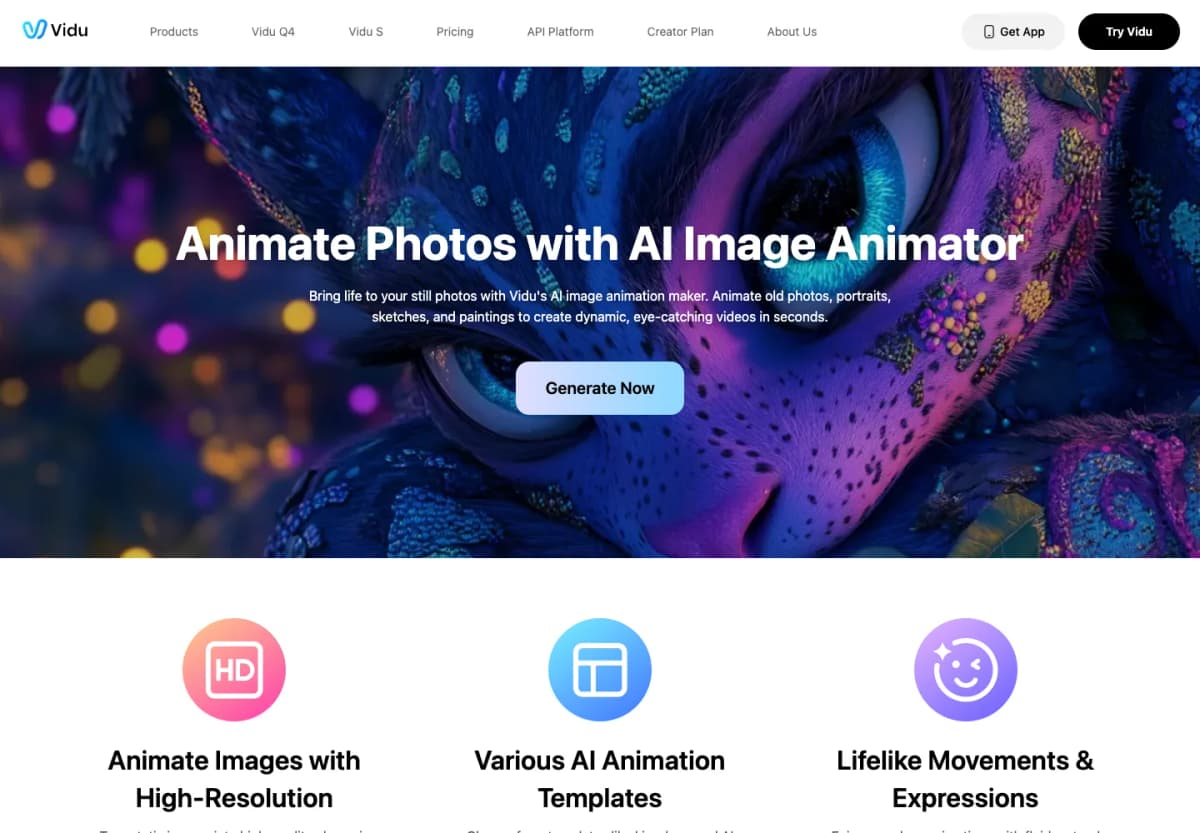
Vidu supports image-to-video and reference-to-video workflows. It is a useful option when your source material is a portrait, illustration, character, or object that you want to place in motion.
Key capabilities:
- Animate a supplied image with a text description.
- Use reference-based creation for scenes built around a subject.
- Adjust available generation settings before creating a clip.
Free access: Vidu offers free access, with credit allowances and eligible video settings determined by the account and regional plan. Review the allowance shown in your workspace before choosing a model.
Start with a short action that preserves the original composition. For an illustrated character, a head turn or gentle breeze is a clearer first test than a complex walking sequence with a moving camera. Compare how the face, clothing, and background hold together before attempting a longer scene.
Main limit: A monthly balance can disappear quickly through repeated generations. Check the selected model's export and usage conditions before preparing a commercial deliverable.
Best fit: Creators exploring motion from portraits, drawings, and recurring characters.
3. Runway — Creative Workflow Trials
Runway is worth considering when photo animation is part of a broader creative project. Its video workspace provides a route for exploring generated clips alongside other creative tools, rather than treating every output as an isolated file.
Free access: The Free plan includes 125 one-time credits. They do not expire or replenish. Access is limited to the models currently included in the Free plan; an upgrade prompt means the selected model is outside that allowance.
What to check first:
- Whether your chosen image-to-video model is included.
- How much the selected clip configuration consumes.
- Whether a watermarked draft fits your evaluation task.
All videos generated on Runway's Free plan carry a watermark. Watermark-free generation requires a qualifying paid plan, so the free tier is most useful for evaluating a concept and the interface.
Use the initial allowance on a small set of deliberate variations. Keep the image constant and change only the motion prompt, so you can understand which direction works before committing to a larger project.
Best fit: Creators evaluating a video-production workspace with a finite trial budget.
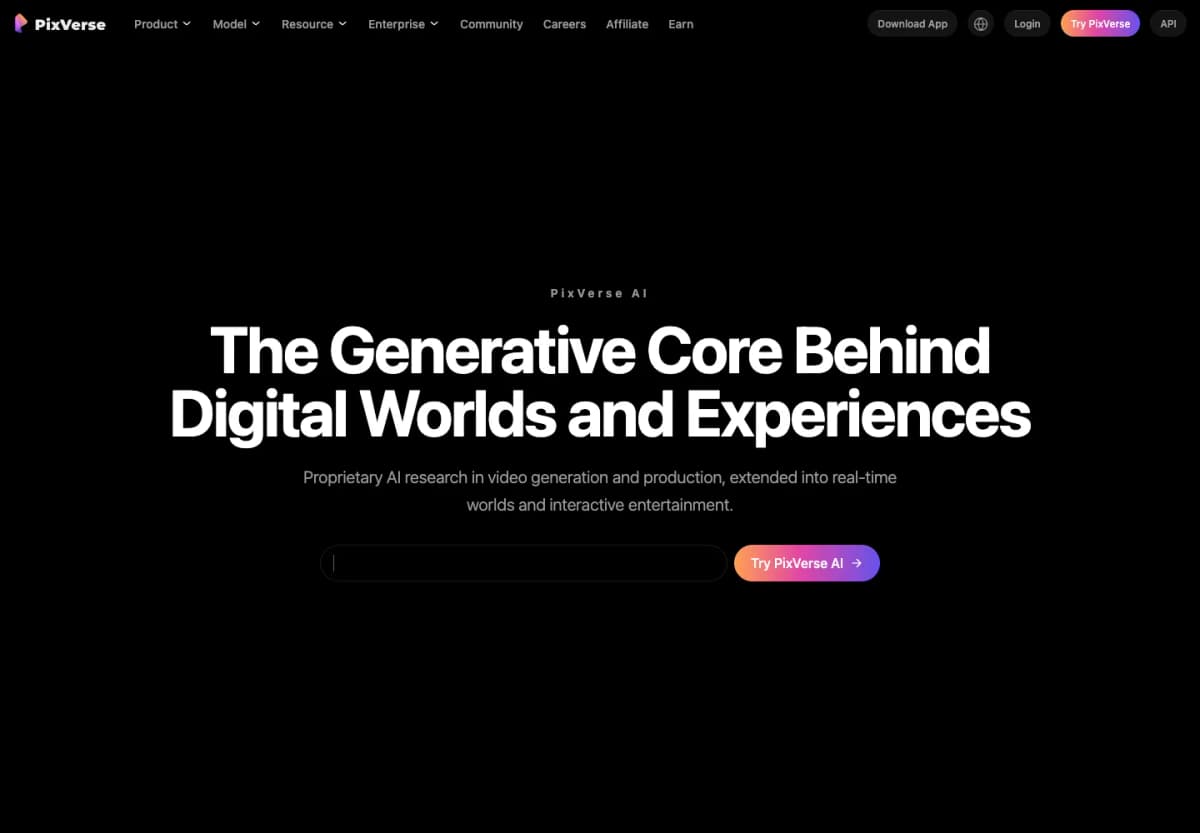
4. PixVerse — Daily Video Experiments
PixVerse is a useful candidate for creators who want to revisit photo-animation ideas regularly. Its daily allowance encourages small, focused experiments instead of spending an entire monthly allocation in one session.
Free access: PixVerse's official app FAQ lists 30 daily credits for non-members. Credits renew at 00:00 UTC and expire at the end of the day if unused. Account data, membership benefits, and credits are shared between its app and web service.
Useful approach:
- Choose one source image and a short motion prompt.
- Check the generation cost against the day's available balance.
- Save the successful prompt before the next session.
A daily reset does not mean unlimited video creation. Higher-cost settings can consume the allowance faster, and paid subscriptions include benefits such as watermark-free output and additional resolution options.
For social content, begin with a visual action that reads immediately: fabric moving, a subject glancing sideways, or a camera approaching an object. Leave complex edits until the core movement works.
Best fit: Creators building a regular habit of testing short visual concepts.
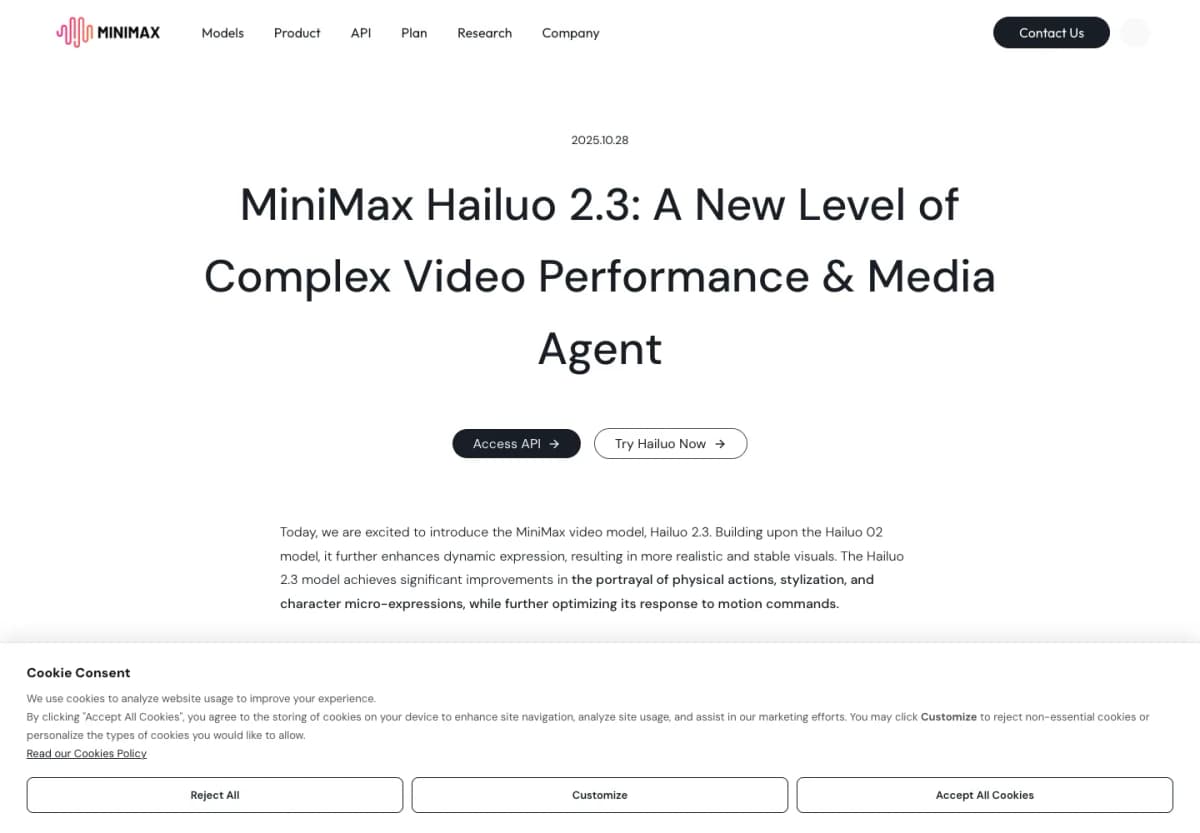
5. Hailuo AI — Single-Image Motion
Hailuo AI provides image-to-video generation, including a Hailuo 2.3 workflow that starts from a single image. Its Fast variant focuses on image-to-video iteration, making it relevant when the task is exploring a short visual action.
Key capabilities:
- Generate motion from a single starting image.
- Describe subject movement and camera direction through the prompt.
- Choose among supported clip configurations.
Free access: Hailuo's subscription terms describe a one-time welcome package for new users, with credits expiring three days after allocation. Promotional offers may add other opportunities, but their conditions belong to the offer shown in the product. There is no permanent daily quota implied by the welcome package.
Prepare two or three images before opening the trial. A portrait with a clear face, a simple product photograph, and an uncomplicated landscape can reveal whether the workflow suits your subjects.
Main limit: The short expiry rewards a planned evaluation. Avoid spending the first session searching for source material while the trial clock runs.
Best fit: Creators trying single-image animation with a prepared set of ideas.
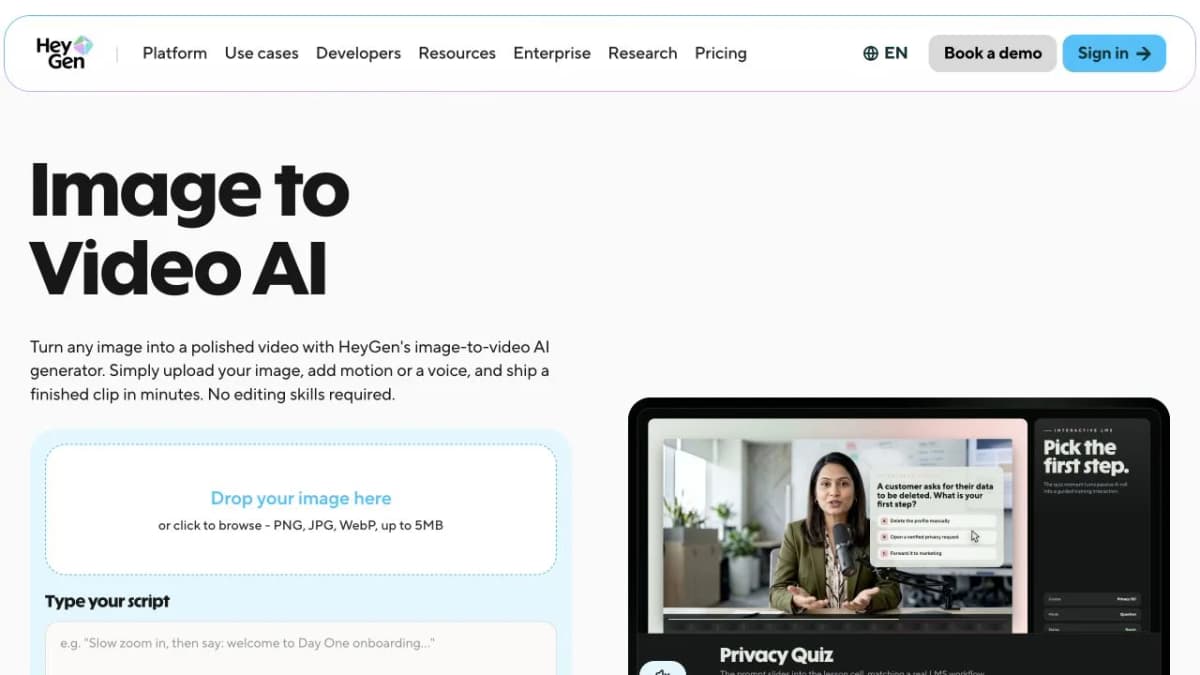
6. HeyGen — Talking Photos and Presenters
HeyGen is a useful choice when a photo needs a voice. Its talking-photo and avatar workflows suit explainers, introductions, and presenter-led social videos.
- Features: Upload a portrait and add a script to create a speaking character with lip sync.
- Creative options: Combine a photo with voice and presentation elements in a browser workflow.
- Free access: The Free plan includes three videos per month, up to one minute each, with a watermark.
- Main limit: Free avatar access does not include every cinematic video model; advanced generation and watermark removal require paid access.
- Best fit: Educators and marketers making a photo-based presenter or short explainer.
Use a clear front-facing portrait and a short script for the first clip. Choose HeyGen when speech and presentation matter more than a complex cinematic camera move.
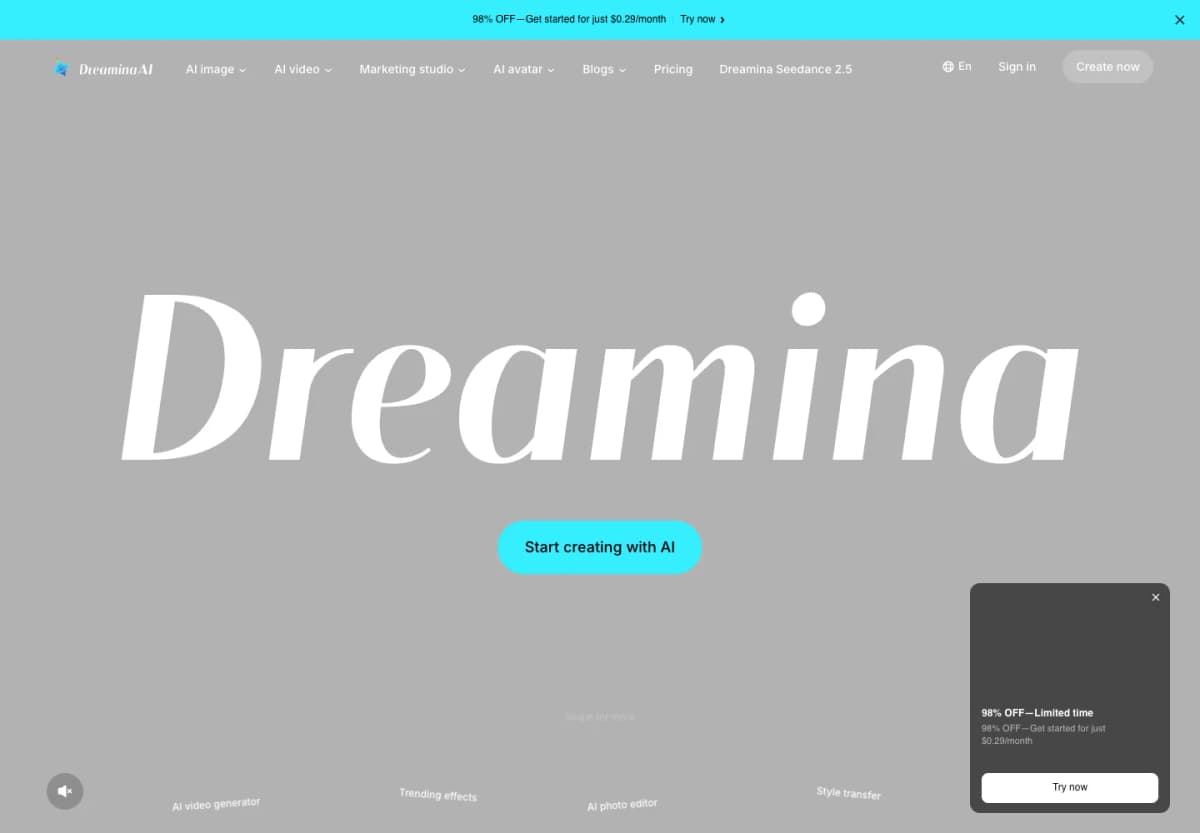
7. Dreamina — Repeatable Daily Iteration
Dreamina combines image and video creation, making it useful when you want to develop a still image and then explore how it moves. Its recurring allowance supports a workflow built around successive revisions.
Free access: Dreamina's official image-to-video credits FAQ lists 120 free credits per day. The cost of a video depends on the model, duration, resolution, generation mode, references, and additional settings. The balance therefore does not translate into a fixed number of clips.
Useful approach:
- Choose a source image with a clear subject.
- Select a supported image-to-video configuration.
- Read the credit estimate before running it.
- Use the next attempt to correct one visible problem.
For a landscape, separate camera movement from environmental motion. First try drifting clouds with a fixed camera. If that works, try a slow camera move in a later version. Changing both at once makes it harder to identify why an output fails.
Main limit: A larger-looking credit balance is only valuable relative to the cost of your chosen generation.
Best fit: Creators who expect to return regularly and refine their prompts over several sessions.
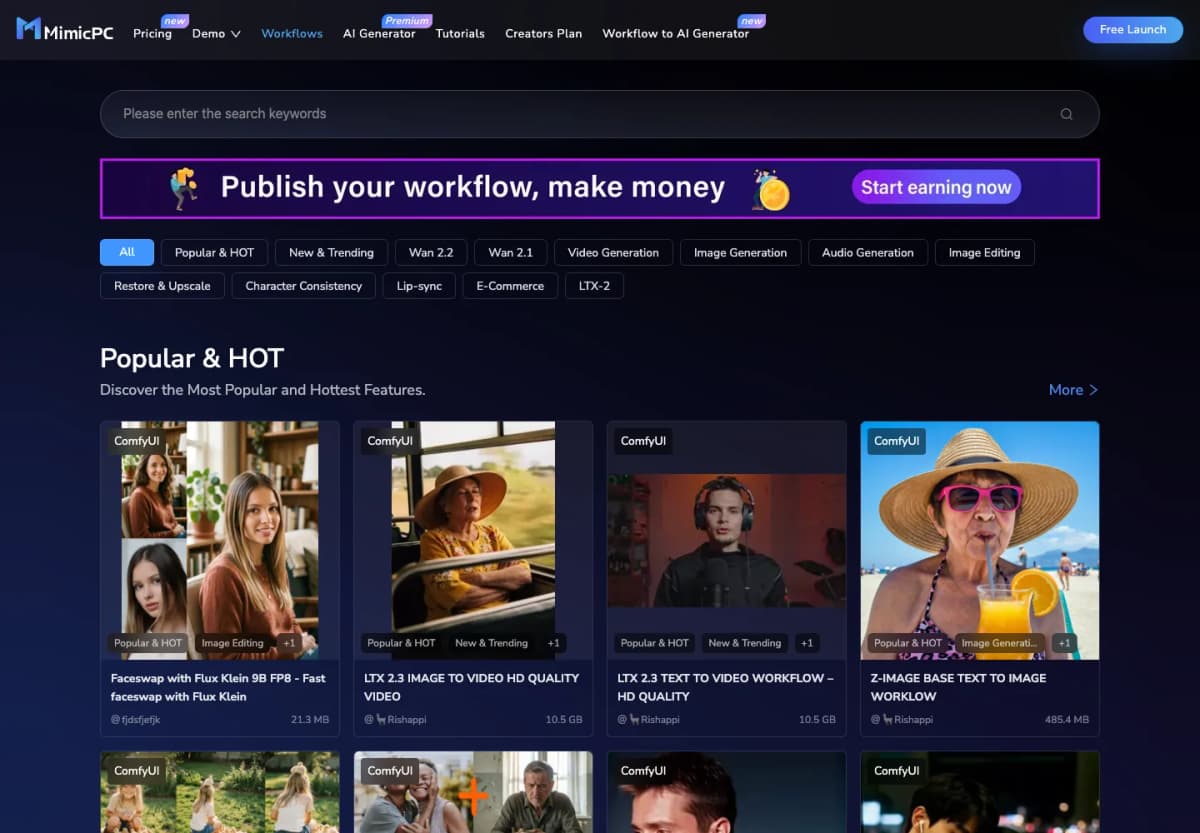
8. MimicPC — Customizable Cloud Video Workflows
MimicPC runs AI applications and ready-made workflows in the cloud. Its image-to-video options appeal to creators who want more control over a workflow without installing models on their own computer.
- Features: Launch preconfigured ComfyUI workflows for image-to-video generation.
- Customization: Adjust workflow settings and use supported custom models or extensions.
- Free access: The Starter offer includes $0.50 in trial credit.
- Main limit: Cloud hardware is billed by usage; the trial is a small testing budget, not a recurring free-video allowance.
- Best fit: Creators comfortable with workflow controls who want to experiment without a local GPU.
Start with a ready-made image-to-video template and review its hardware requirements before launching. Keep the first test short so you can learn the controls within the trial budget.
9. VEED — Photo Animation with Editing Tools
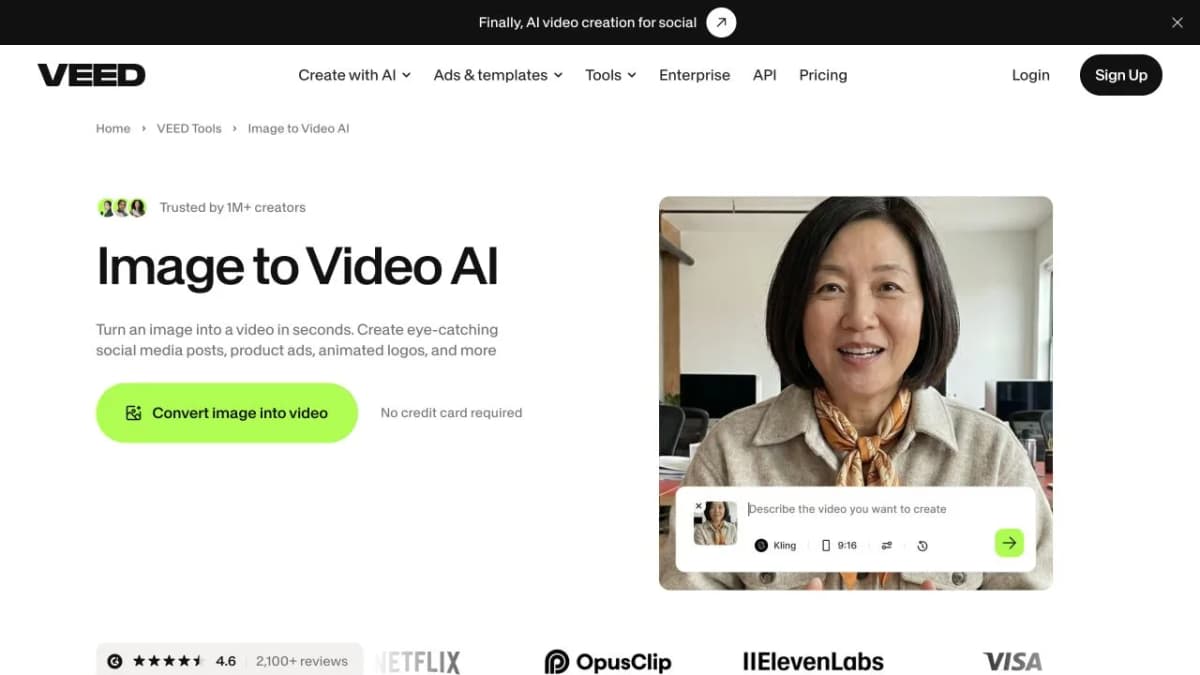
VEED combines image-to-video generation with a browser video editor. It fits creators who want to animate a photo and then continue editing the clip for social media.
- Features: Upload a JPG, PNG, or WebP image and describe the movement you want.
- Editing workflow: Continue with captions, text, and other finishing touches in the editor.
- Free access: A free account can try image-to-video generation, with a watermark on the free version.
- Main limit: Continued use and watermark removal require an upgrade; this is a trial rather than an unlimited free service.
- Best fit: Creators who want generation and post-production in one browser workspace.
Start with a simple motion prompt, then build the final message around the clip. Leave space in the image composition for captions or a short headline.
10. Leonardo.Ai — Artwork-to-Motion Workflows
Leonardo.Ai brings image creation and video generation into the same creative platform. It is a candidate for artists who want to develop a visual and then explore motion.
- Features: Create images and explore video generation within one workspace.
- Creative options: Available video models offer different motion and image-reference controls.
- Free access: The platform offers free video experimentation and 150 daily tokens, with access restricted by model.
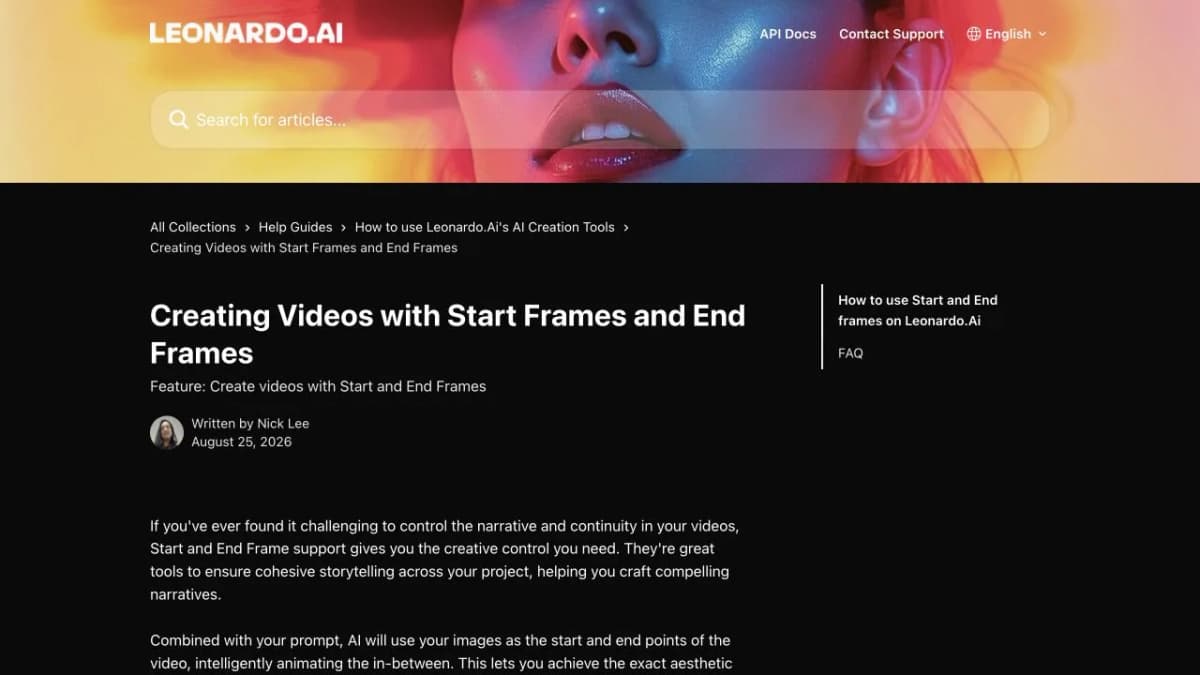
- Main limit: Start-frame and end-frame models have additional access restrictions. The free tier should not be treated as guaranteed access to animate any uploaded photo.
- Best fit: Artists exploring the free account's eligible motion tools before choosing a paid workflow.
Select an eligible video model before preparing a detailed image-reference workflow. For projects that require precise opening and closing frames, compare the model's plan requirements first.
Choose for Your Next Project
For a product campaign, start with Nexscope's image-to-video workflow and a photograph that clearly shows the item. For repeated practice, compare Dreamina, PixVerse, and HeyGen according to whether daily or monthly access fits your schedule.
For a one-session evaluation, prepare inputs before using Hailuo's welcome credits or another limited trial. For customizable cloud workflows, consider MimicPC. Use VEED when editing matters, HeyGen for talking photos, and Leonardo.Ai to explore artwork and eligible motion tools.
Choose based on the next deliverable. A watermarked concept can be useful for an internal discussion; a finished advertisement needs an appropriate export and usage rights. A recurring free balance is valuable when you can return later, while a short trial is better used with a ready brief.
How to Use Nexscope
Start with a clear product photo and use Nexscope's built-in video templates to guide the creative. You do not need to write a script from scratch. The four numbered markers below follow the image-to-video workflow.
- Upload your image. Open Nexscope Image to Video, sign in, and upload a product photo under Reference Images. Use a sharp image that clearly shows the product; the upload area accepts image files up to 10 MB.
- Add product details if needed. Use AI Analyze to identify the product, then review and complete the information. You can also enter details manually. This field is optional.
- Choose a video template. Select Video Template and pick a format such as Product showcase, UGC product review, or Problem–solution. Built-in templates provide a starting script. Choose Custom Description when you want to supply your own direction.
- Check the cost and generate. Review your selected settings and the displayed credit estimate, then click Generate once the required inputs are complete and your balance covers the cost. Open My videos to review the result and check the product's appearance before using it.
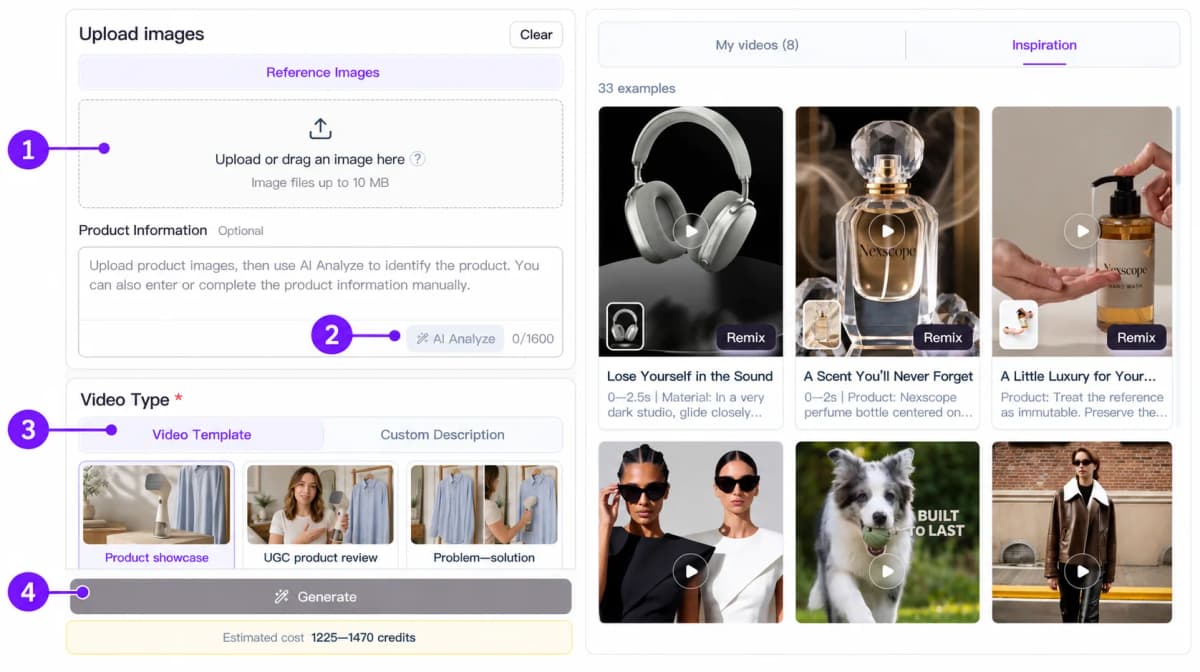
The credit estimate changes with your configuration. The example shown costs more than the 1,000-credit new-user trial, so choose settings within your available balance for a trial attempt.
Conclusion
The best free image-to-video tool is the one that gives you enough room to complete your next creative task. Match the access type to your schedule, keep your first motion prompt simple, and evaluate the result before increasing the generation cost.
For product photos, Nexscope offers an Image to Video workflow that turns a still product image into a video concept. Upload an image, choose a built-in template, and refine the result around the product details that matter—without writing a script from scratch.
Nexscope also offers other video workflows for different creative needs:
- URL to Video: Start a video workflow from a product URL.
- Avatar Video: Create presenter-led video content.
- Video Clone: Use a reference video you have permission to use as a starting point for new creative.
- Bulk Video: Work on multiple videos in a batch.
Give Your Product Photo a New Scene
Choose a model, direct the motion, and turn your product photo into a video concept with Nexscope.
Create Your First Product Video →Frequently Asked Questions
What is the best free AI image-to-video tool in 2026?
Nexscope is a useful starting point for product-video workflows, while Dreamina, PixVerse, and HeyGen offer recurring allowances for experimentation. MimicPC and VEED add trial-based options, while Leonardo.Ai offers model-dependent free video access. Choose according to the subject, the required export, and whether you need another free attempt tomorrow or next month.
Which tools refresh their free credits?
Dreamina lists 120 daily free credits, PixVerse lists 30 daily credits for non-members, and HeyGen offers three free videos per month. Leonardo.Ai provides 150 daily tokens, but video-model eligibility still applies. These allowances use different accounting systems. Compare the cost of your chosen image-to-video configuration rather than deciding from the credit totals alone.
Can I generate videos without a watermark for free?
Runway, HeyGen, and VEED apply watermarks to their free video outputs. Watermark-free export is a separate plan condition from free generation. On other platforms, the selected model and plan can affect export conditions, so compare the downloaded file and the plan's export options.
Can I use free AI videos commercially?
Commercial permission depends on the provider's terms and the plan used for generation. A free account or watermark-free export does not automatically grant commercial rights. Check the conditions for the specific tool and model, and make sure you can use the uploaded photograph, artwork, or likeness for the intended project. Treat these as separate decisions from output quality.
Why do credits produce different numbers of videos?
Each service sets its own credit prices. Within a service, the model, duration, resolution, audio, and generation mode can change the cost. Divide the usable balance by the displayed cost per generation to estimate how many attempts fit, then round down. That calculates attempts, not usable final clips: some outputs may need another iteration.
How can I keep a product or face consistent?
Start with a clear image, reduce unnecessary movement, and describe one action at a time. For products, inspect the label, proportions, and material throughout the clip. For portraits, inspect facial features and movement between key frames. If consistency weakens, simplify the camera motion or shorten the action before adding more detail to the scene.
Sources
- Runway. (2026). Free Plan Details. Retrieved from help.runwayml.com
- PixVerse. (2026). FAQ - PixVerse App. Retrieved from docs.pixverse.ai
- Dreamina. (2026). Best Free Online AI Image-to-Video Generator: Dreamina Free Credits FAQ. Retrieved from dreamina.capcut.com
- HeyGen. (2026). Image to Video AI. heygen.com
- MimicPC. (2026). Pricing and ComfyUI Workflows. mimicpc.com
- VEED. (2026). Image to Video AI. veed.io
- Leonardo.Ai. (2026). AI Video Generator, Tokens - Frequently Asked Questions, and Creating Videos with Start Frames and End Frames. leonardo.ai and intercom.help