Text and product references
Start with a prompt or add permitted JPG, PNG, or WebP references when the selected model supports them.

Create product photos, lifestyle scenes, and ad concepts from a prompt or product references. Choose an available image model, set the supported format, and review the live credit estimate before generating.
Create a product image
Nexscope creates ecommerce images from text prompts, product reference images, or both. This page reads the available models and their supported fields from the same Nexscope catalog used by API Docs, requests a live credit estimate, submits an asynchronous generation task, and returns available images for preview and download.
Start with a prompt or add permitted JPG, PNG, or WebP references when the selected model supports them.
Completed asynchronous tasks return the available generated images so they can be reviewed and downloaded.
Resolution, aspect ratio, output count, quality, and reference limits appear only when the selected API exposes them.
Sign-in is required. The page shows an estimate before submission; usage varies by model and request settings.
Capability record: On September 22, 2026, the live catalog exposed 10 models on this page: Nano Banana, Nano Banana Pro, Nano Banana 2, Nano Banana 2.1, Nano Banana 2 Lite, Wan 2.7, Seedream 5 Pro, GPT Image 2, GPT Image 2.5 Sunburst, GPT Image 2.5 Flare. Availability can change. Each model in the comparison table links to its current API definition.
Use a text idea, product references, or both. Choose the output that matches your next ecommerce placement.
Create clean product-focused compositions for catalogs, storefronts, and listing concepts.
Create on this pagePlace a product reference into a scene that communicates context, mood, and intended use.
Build a lifestyle sceneExplore campaign compositions and social-ready formats with room for your own approved copy.
Create an ad conceptUpload product references or start from a prompt, then review the live credit estimate before generating.
Need an editing workspace and generation history? Open the full Image Studio
Start from text or product references, select a model and its supported settings, describe one clear composition, and review every result for product accuracy before publishing.
Upload clear product images for image-to-image generation, or begin with a prompt when the selected model supports text-to-image generation.
Select the supported resolution, aspect ratio, output count, and quality, then describe the composition and product details to preserve.
Check the product shape, label, colors, proportions, and framing before downloading or adjusting your prompt for another result.
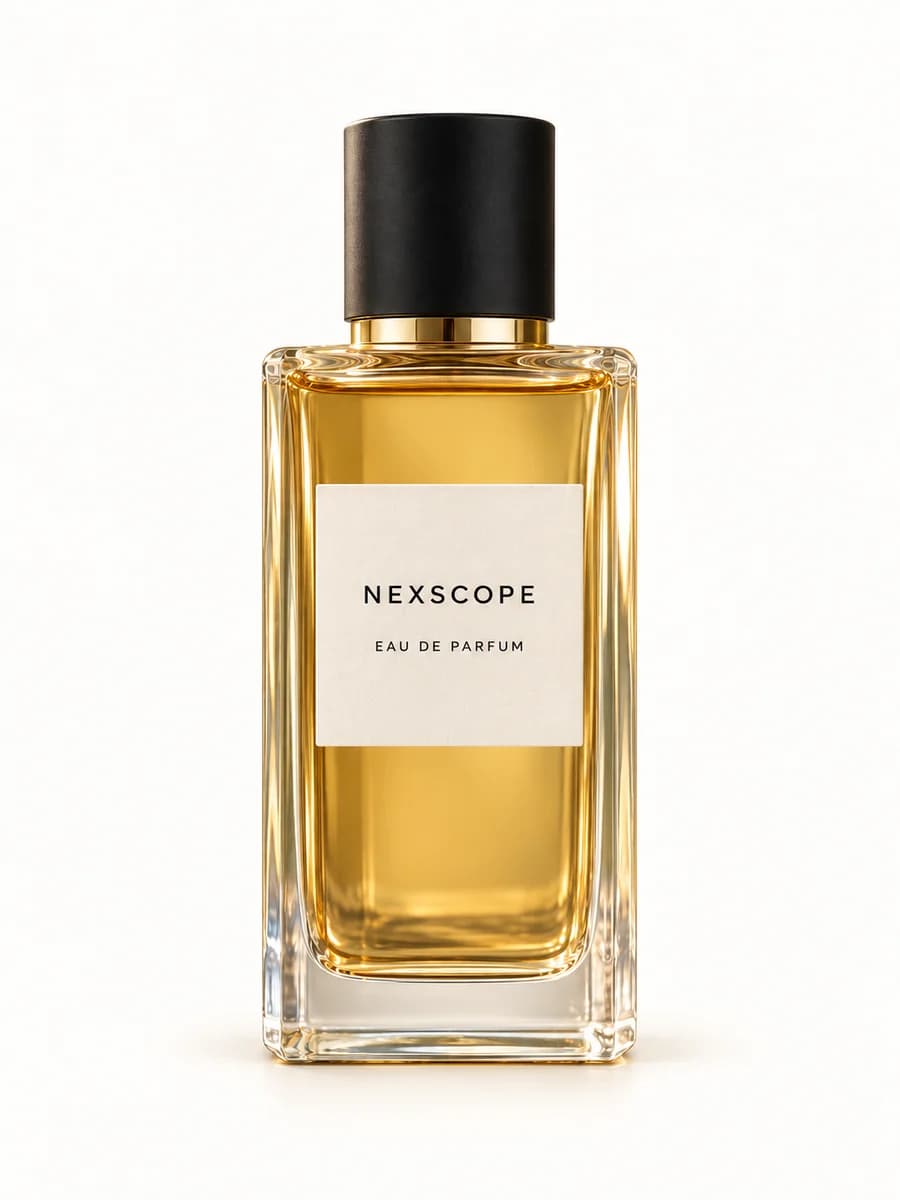
"Place this perfume bottle on dark stone, with orange peel and white flowers. Use warm golden light and a softly blurred olive-green background. Keep the bottle shape, amber liquid, black cap, and Nexscope label unchanged."
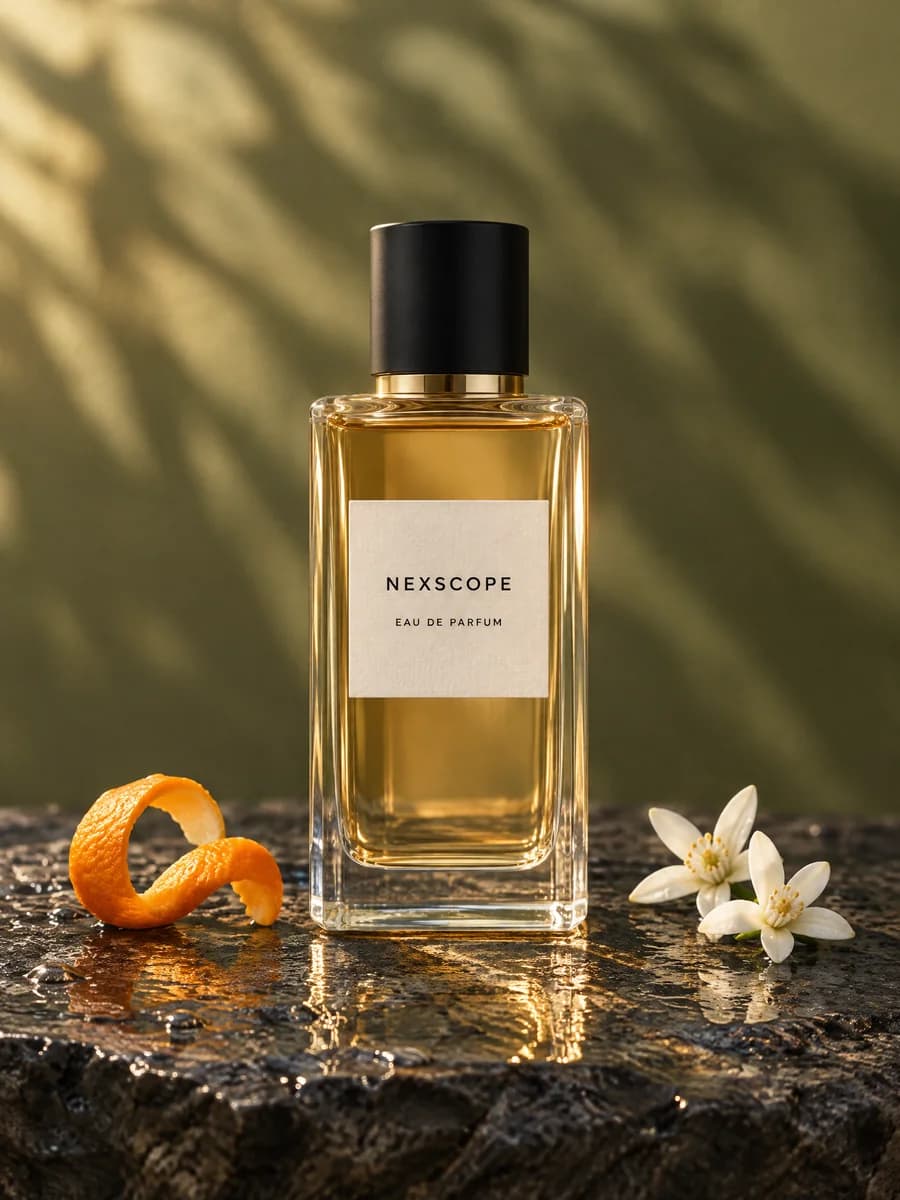
Evidence note: This is an existing Nexscope reference-to-result workflow example. It documents the input, prompt, and output, but it is not a model benchmark or a promise that another request will reproduce the same result.
The table below is generated from the same Nexscope API catalog used by the live tool. It records supported resolutions, aspect ratios, and whether reference images are required. It is a capability record, not a quality or performance ranking.
| Model | Resolution | Aspect ratio | Reference images |
|---|---|---|---|
| Nano Banana | 1K | 1:1, 16:9, 9:16, 3:4, 4:3, 3:2, 2:3, 4:5, 5:4, 21:9 | Optional |
| Nano Banana Pro | 1K, 2K, 4K | 1:1, 16:9, 9:16, 3:4, 4:3, 3:2, 2:3, 4:5, 5:4, 21:9 | Optional |
| Nano Banana 2 | 1K, 2K, 4K | 1:1, 16:9, 9:16, 3:4, 4:3, 3:2, 2:3, 4:5, 5:4, 21:9 | Optional |
| Nano Banana 2.1 | 1K, 2K, 4K | 1:1, 16:9, 9:16, 3:4, 4:3, 3:2, 2:3, 4:5, 5:4, 21:9 | Optional |
| Nano Banana 2 Lite | 1K | 1:1, 16:9, 9:16, 3:4, 4:3, 3:2, 2:3, 4:5, 5:4, 21:9 | Optional |
| Wan 2.7 | 1K, 2K | 1:1, 1:4, 4:1, 3:2, 2:3, 3:4, 4:3, 4:5, 5:4, 16:9, 9:16, 21:9 | Optional |
| Seedream 5 Pro | 1K, 2K | 1:1, 3:4, 4:3, 9:16, 16:9, 3:2, 2:3, 21:9 | Optional |
| GPT Image 2 | 1K, 2K, 4K | 1:1, 16:9, 9:16, 3:4, 4:3, 3:2, 2:3, 4:5, 5:4, 21:9, 9:21 | Optional |
| GPT Image 2.5 Sunburst | 1K, 2K, 4K | 1:1, 3:4, 4:3, 2:3, 3:2, 9:16, 16:9, 4:5, 5:4, 21:9, 9:21 | Optional |
| GPT Image 2.5 Flare | 1K, 2K, 4K | 1:1, 3:4, 4:3, 2:3, 3:2, 9:16, 16:9, 4:5, 5:4, 21:9, 9:21 | Optional |
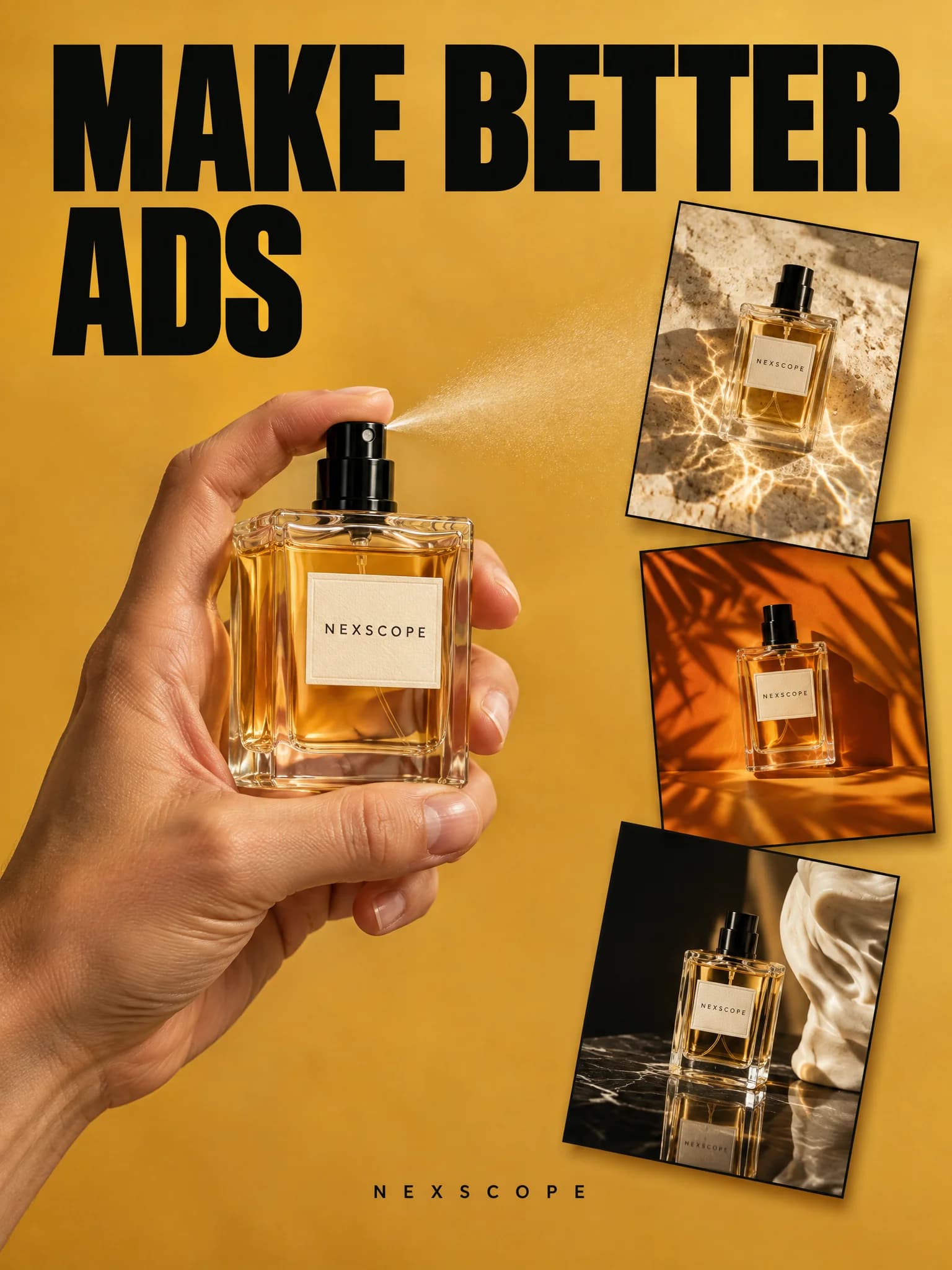
These are existing Nexscope showcase outputs presented as visual evidence of possible creative directions. They are not benchmarks and do not promise a particular model, prompt, fidelity level, generation time, or repeatable result.
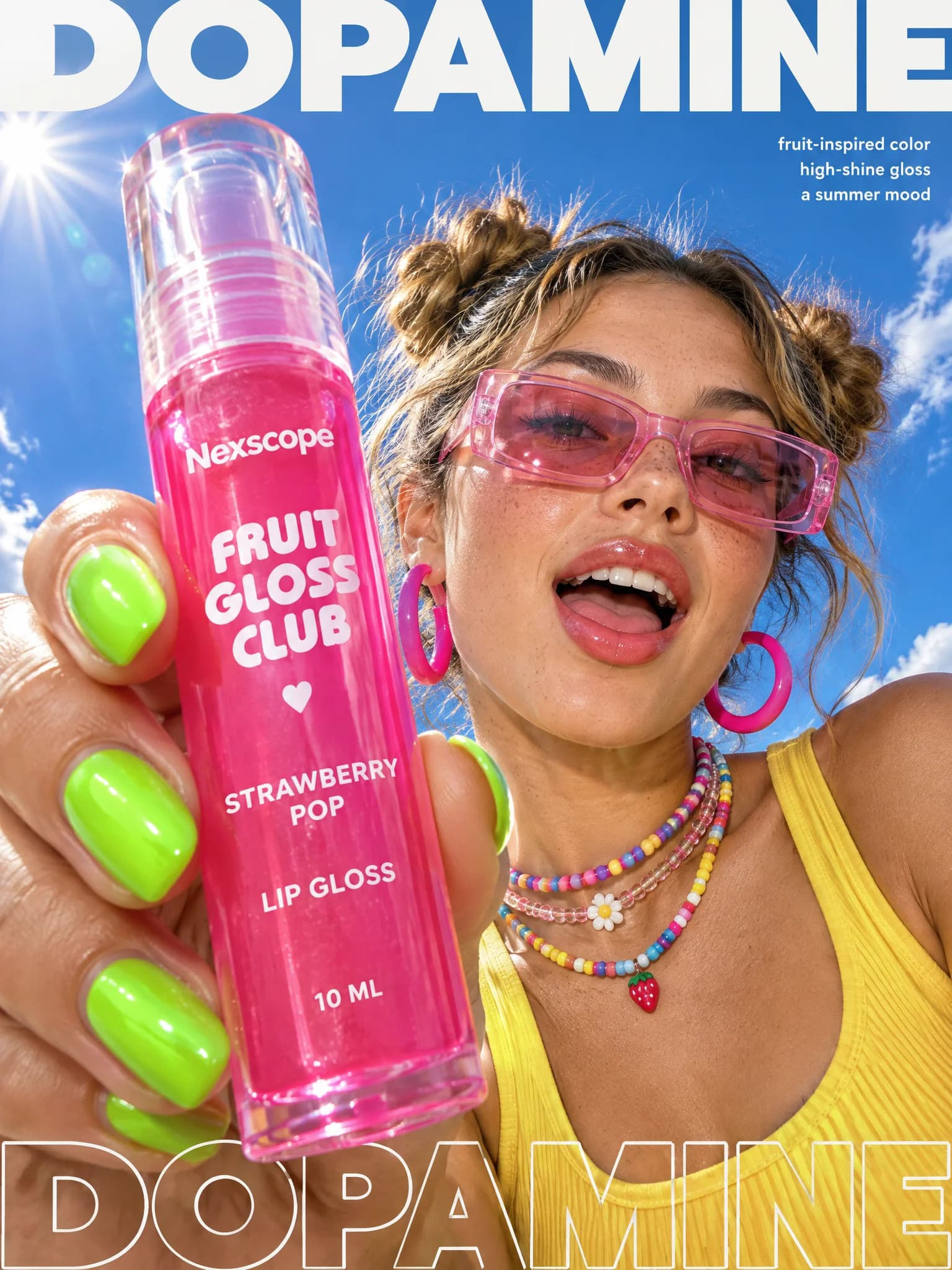
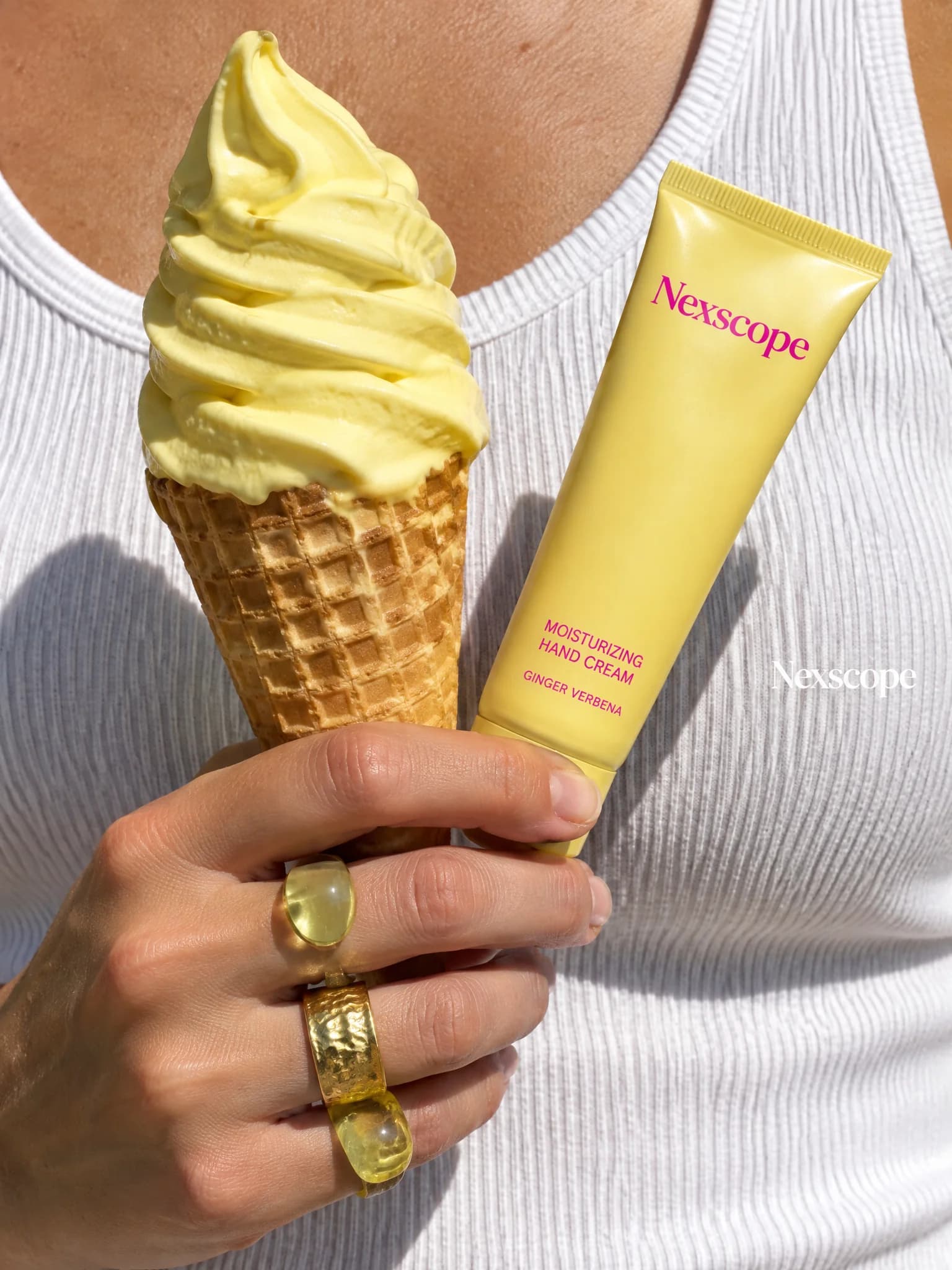
Verify model and field support in the linked API definitions, inspect the estimate shown for your request, and review the returned image against the source product. Nexscope documents what the workflow exposes without claiming guaranteed fidelity, channel approval, or repeatable creative performance.
| Claim | Evidence | Boundary |
|---|---|---|
| Available models and settings | Live catalog fields and model-specific API Docs | Availability and accepted parameters can change |
| Generation cost | Live request estimate and completed-task charge | There is no single fixed cost across all models |
| Creative examples | Existing Nexscope showcase images on this page | Examples are not model or performance benchmarks |
| Publish readiness | Human review of product details and output files | Fidelity, marketplace acceptance, and ad approval are not guaranteed |
Explore request parameters, reference uploads, task status, output handling, and model-specific controls in the image API documentation. API access has separate authentication and subscription requirements.
Research the customer need and listing opportunity before you turn the final image into a product video or campaign.
Models, references, credits, outputs, and what to review.
An AI image generator creates a new visual from a text prompt, reference images, or both. Nexscope lets ecommerce teams choose an available model, describe a product scene, review the credit estimate, and download the generated result.
Yes, when supported by the selected model. Leave the reference input empty for text-to-image generation, or upload one or more supported product references for image-to-image generation. The visible fields update from the selected API model contract.
The model selector is populated from the live Nexscope API catalog. It can include Nano Banana, GPT Image, Seedream, and Wan image-generation models when those APIs are available. Supported settings are shown for the selected model rather than assumed across every model.
The page uses the same Nexscope image-generation catalog and task workflow documented in API Docs. It uploads permitted reference assets, requests a live credit estimate, submits an asynchronous generation task, polls the task result, and returns available image outputs for preview and download.
New Nexscope users receive 1,000 free credits. Generation consumes credits based on the model and selected settings. Review the live estimate before generating; trial credits do not mean unlimited generation.
Current image-model APIs accept supported JPG, PNG, or WebP reference images. File count, size, and any dimension requirements are shown in the upload field for the selected model. Only upload assets you have permission to use.
Sign in to your Nexscope account to upload references and generate on this page. You do not need to enter an API key here. Developers building image generation into their own product should use the API documentation and its separate access requirements.
The tool requests a live credit estimate from the selected model API before generation. Cost can change with the model, resolution, quality, and output count. The completed task reports the confirmed charge when it is available.
Yes. Image generation runs as an asynchronous task, and the result panel updates automatically. When the task completes with image assets, you can preview and download the available outputs.
No. They are existing Nexscope creative examples that demonstrate possible visual directions. They do not promise a specific model, prompt, fidelity level, generation time, or repeatable result. Evaluate the output from your own request before publishing it.
A clear reference image and explicit preservation instructions can improve consistency, but exact preservation is not guaranteed. Compare every result with the source product for shape, color, proportions, logos, label text, and claims before publishing.
You can create catalog concepts, lifestyle scenes, and advertising visuals for ecommerce workflows. Before publishing, confirm that the final image accurately represents the product and follows the requirements of the intended marketplace or advertising channel.
New to Nexscope? Start with 1,000 free credits.
Create a product image