
10 Best HeyGen Alternatives in 2026
Table of Contents
HeyGen is an AI video creation platform that helps users turn scripts into avatar-led videos and translate existing videos into other languages. It is used for marketing, training, product explainers, and business communication.
The best HeyGen alternative depends on the video that needs to get made. A product ad needs convincing product visuals and a strong opening. An employee training video needs clear explanations, consistent presentation, and an easy update process. A localized campaign needs accurate speech, subtitles, and a review workflow for each language.
Those differences matter more than the size of an avatar library. A platform can produce a polished presenter clip and still leave a team doing most of its editing elsewhere. Another can simplify product ad variations while offering fewer of the course delivery features a training team needs.
This guide compares ten HeyGen alternatives by their published capabilities and practical workflow fit, starting with Nexscope for product videos and UGC-style ads. It also covers presenter platforms, training tools, and editors for teams whose needs extend beyond generating an avatar.
HeyGen Alternatives at a Glance
| Tool | Best For | Key Features | Pricing |
|---|---|---|---|
| 1. Nexscope | Product videos and UGC ads | Product images, AI presenters, editable scripts, multilingual speech | Starts from $9.50/month (current first-year annual discount). Free trial: 1,000 credits for 3 days, no card. |
| 2. Synthesia | Business presentations and training | AI avatars, document-to-video, translation, team review | $14 first month, then $29/month. Annual: $18/month equivalent. Free Basic plan. |
| 3. Creatify | Product-led advertising | URL to Video, AI actors, ad variations, Ad Clone | $15/month; $10/month billed annually. Free: 10 credits/month, watermarked. |
| 4. Arcads | Actor-led ad variations | AI actors, custom avatars, voices, captions, product showcases | Prices shown in-app. 3-day free trial, 1,000 credits; card required, auto-renews. |
| 5. Colossyan | Training courses | Document-to-video, avatars, branching, assessments, SCORM | Free Starter. Professional: $89/month, or $59/month billed annually. |
| 6. D-ID | Talking images and avatar presentations | Photo avatars, text/audio-to-video, translation, branding | Lite $5.90/month (personal use); Pro $29/month (commercial). 14-day free trial. |
| 7. AI Studios | Assisted video creation | Script and scene generation, avatars, voiceovers, dubbing | $29/month; $24/month billed annually. Free: 12 signup credits and 3 short exports/month. |
| 8. MakeUGC | Creator-style product ads | AI actors, product-in-hand videos, custom voices, batch variations | $59/month; $29/month billed annually. $1 paid trial. |
| 9. VEED | Editing and finishing videos | Captions, resizing, audio cleanup, AI avatars, lip-sync | $20/user/month; $10/user/month billed annually. Free editor with watermarked exports. |
| 10. Synthesys | Voice-led video and avatars | Voice generation, talking photos, avatars, dubbing | $29/month; $20/month billed annually. No free trial listed on the pricing page. |
USD pricing reviewed November 13, 2026. Annual rates are monthly equivalents billed yearly. Introductory offers and renewal prices are labeled separately.
1. Nexscope: For Product Videos and UGC-Style Ads
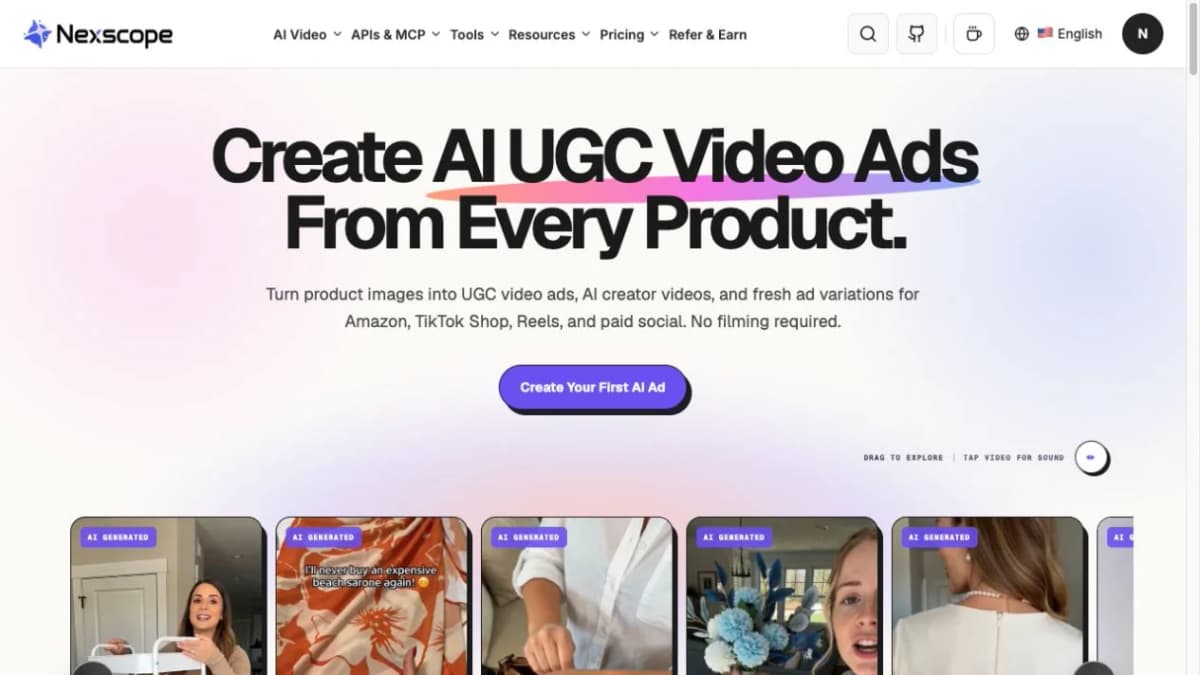
Nexscope helps ecommerce teams create AI avatar videos around their products. Sellers can combine product images with a presenter and a spoken script to introduce an item, explain its benefits, or create a short social ad. Multilingual spoken content also lets teams adapt the message for customers in different markets.
Key Features
- Product image input: Upload product photos as the visual reference for a presenter-led product video.
- AI presenters: Choose a model from the avatar library, browse women and men, save favorites, or upload a custom avatar.
- Editable scripts and creative direction: Write the spoken lines, product message, scene, and delivery style in the Prompt field.
- AI-assisted prompts: Generate three creative directions from the product and settings, preview a full prompt, and edit the selected version.
- Multilingual speech: Create spoken product content in different languages by specifying the target language and dialogue in the prompt.
- Video output controls: Choose the generation model, resolution, duration, and aspect ratio to suit the campaign placement.
Best For
- Ecommerce sellers creating product videos for listings and storefronts.
- Marketing teams producing UGC-style ads for social campaigns.
- Agencies creating video variations across products and SKUs.
Pricing
- Starter: Starts from $9.50/month (current first-year annual discount).
- Free trial: 1,000 credits for 3 days; no card required. Video trial in the Nexscope app.
Turn product assets into your next UGC video
Start with a product image and a clear message, then review the result against your campaign brief.
Create Your UGC Video →2. Synthesia: For Business Presentations and Training
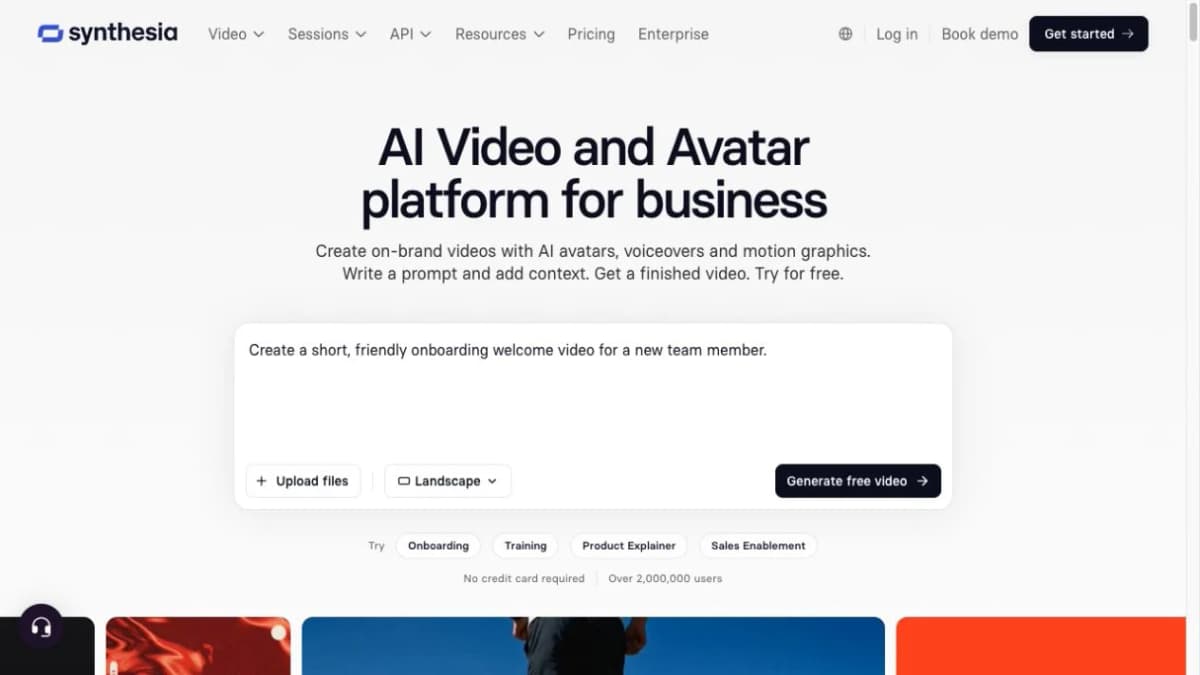
Synthesia turns scripts and documents into presenter-led videos for business communication. It brings avatars, translation, and team review into a workflow for training, sales enablement, and internal updates. Teams maintaining a video library can use it to revise explanations and create localized versions as their content changes.
Key Features
- AI avatars and document-to-video creation.
- Translation and dubbing.
- Brand controls and team review.
Best For
- Training, sales enablement, and internal communications teams.
Pricing
- Starter monthly: $14 for the first month, then $29/month.
- Annual: $216/year ($18/month equivalent).
- Free plan: Basic, with watermarked videos.
3. Creatify: For Product-Led Advertising
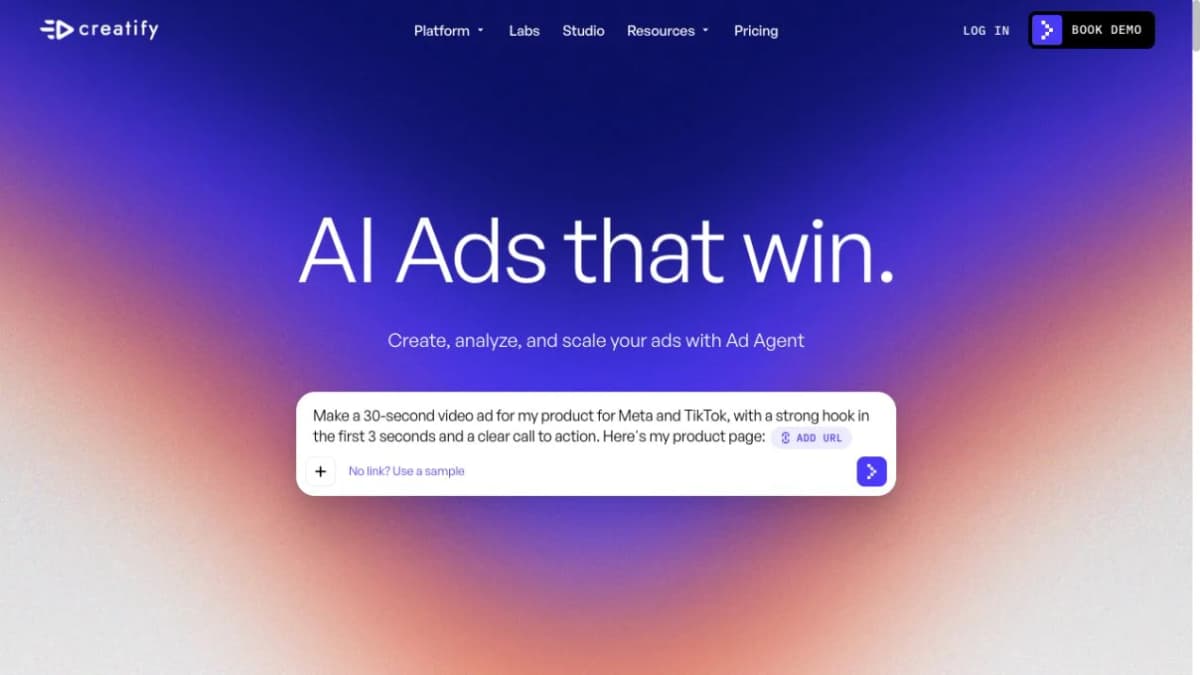
Creatify helps marketers turn product information into video ads and creative variations. Its URL-to-video workflow starts with an existing product page, while AI actors provide a presenter-led format for communicating the offer. This makes it relevant for campaigns that need several hooks, messages, or creative approaches around the same product.
Key Features
- Product URL to video ads.
- AI actors and avatar videos.
- Ad variations and reference-based creation.
Best For
- Performance marketers and agencies producing product ads.
Pricing
- Standard monthly: $15/month.
- Annual: $10/month equivalent, billed yearly.
- Free plan: 10 credits/month; watermarked exports.
4. Arcads: For Actor-Led Ad Variations
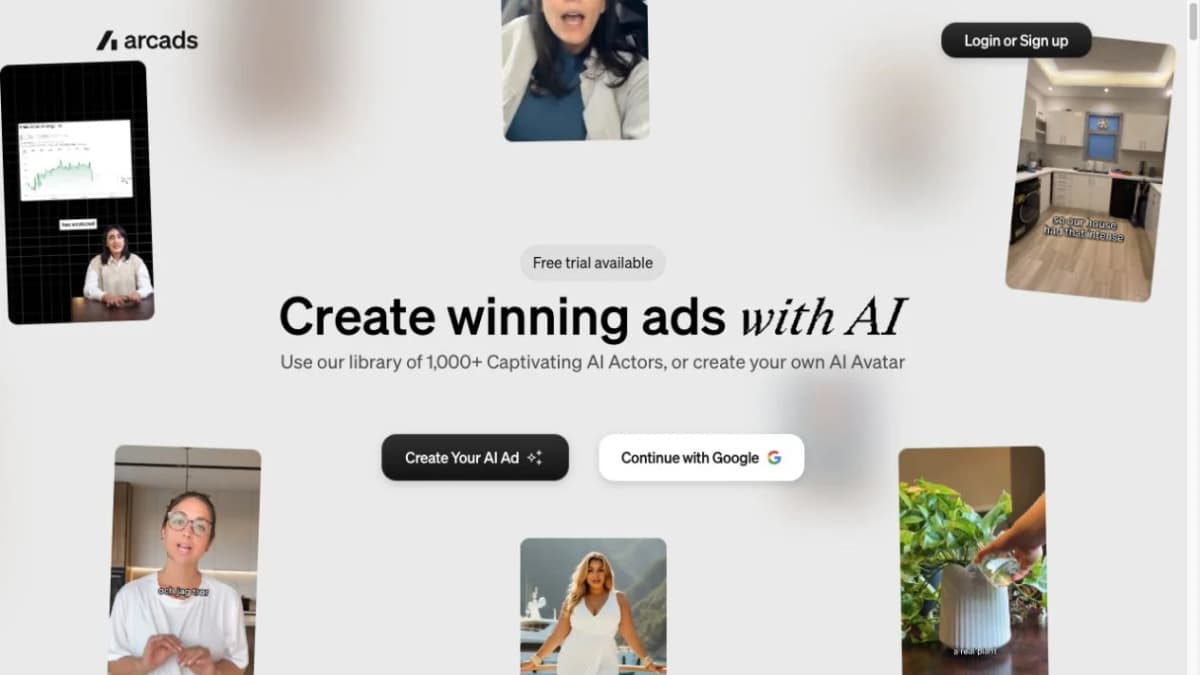
Arcads focuses on AI actors and spoken creative for short video ads. Its actor, voice, and custom avatar tools let advertisers explore different ways to deliver a script, supported by product showcase and editing features. It is particularly relevant when the presenter’s delivery is a central part of the creative concept.
Key Features
- AI actors, custom avatars, and voices.
- Captions and product showcases.
- Reference and motion tools.
Best For
- Advertisers testing presenter-led hooks and ad variations.
Pricing
- Paid plans: Current prices shown in-app; Starter includes 8,000 credits/month.
- Free trial: 1,000 credits for 72 hours; card required.
- After trial: Starter monthly begins automatically unless cancelled.
5. Colossyan: For Structured Learning Content
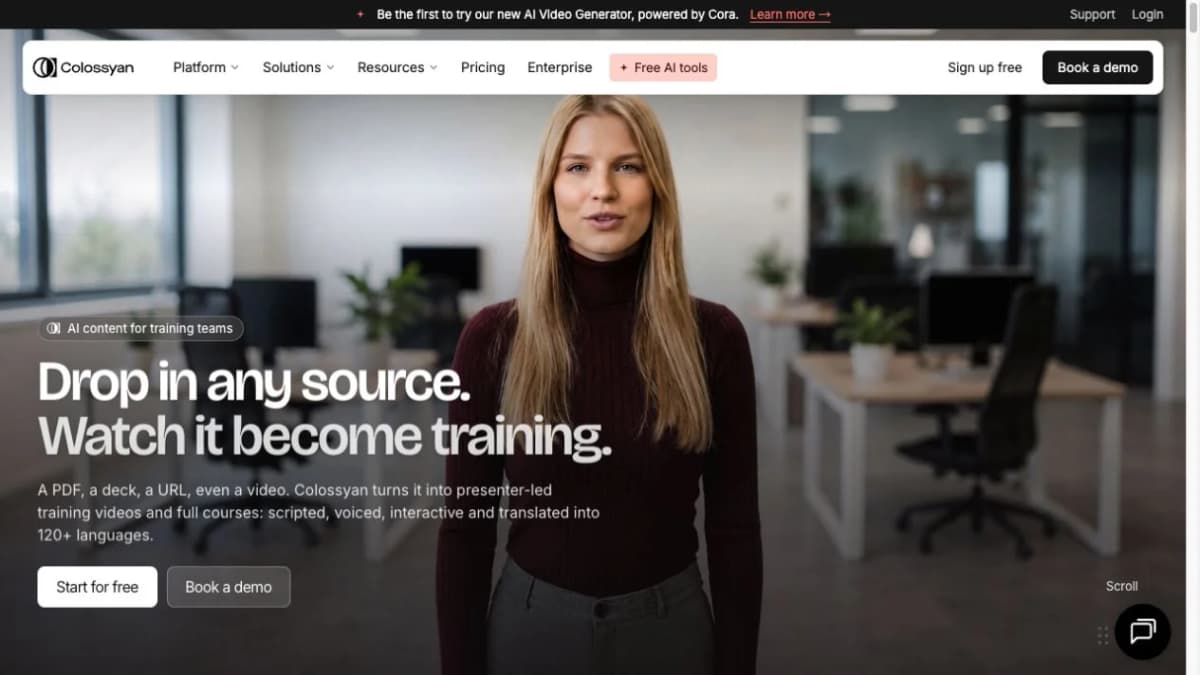
Colossyan turns documents and scripts into avatar-led training videos and courses. Beyond generating a presenter, it offers branching, assessments, and LMS delivery options for organizing content into a learning experience. Teams building onboarding or employee training can combine explanations with interactive elements and localized versions.
Key Features
- Documents and presentations to video.
- AI presenters and translation.
- Branching, assessments, and SCORM delivery.
Best For
- Learning and development teams and employee onboarding programs.
Pricing
- Starter: Free; no credit card required.
- Professional monthly: $89/month for one editor.
- Annual: $59/month equivalent for one editor, billed yearly.
6. D-ID: For Avatar Presentations and Talking Images
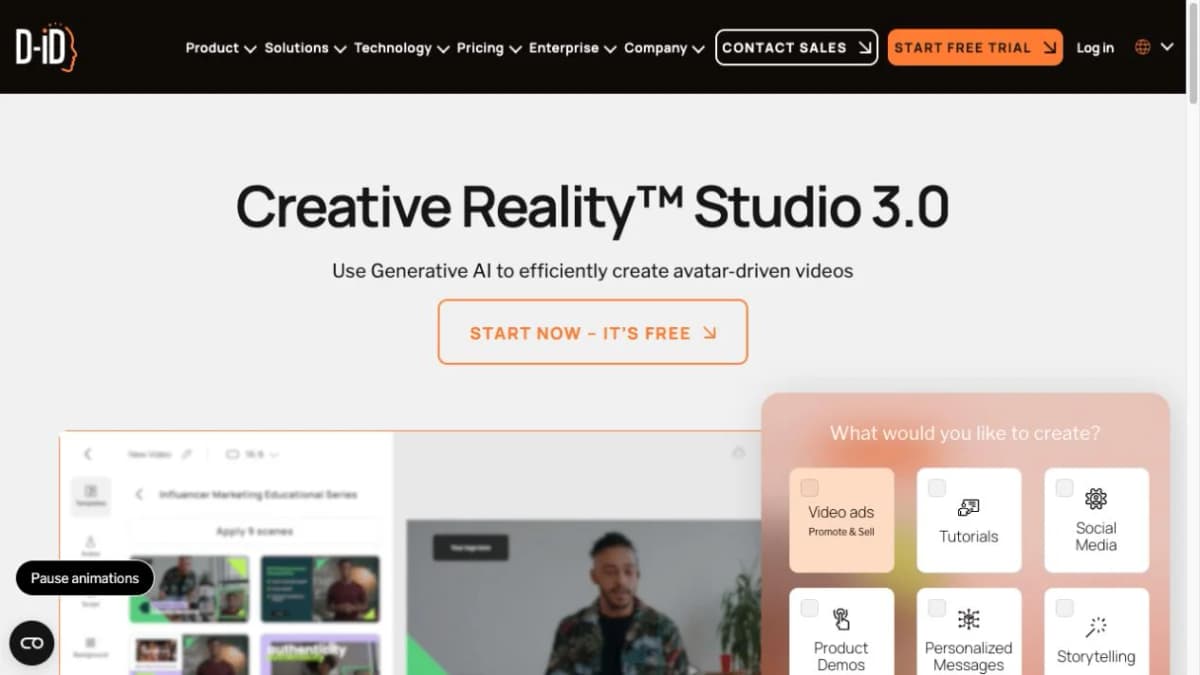
D-ID creates avatar presentations from text, audio, and still images. Its Creative Reality Studio supports talking images and digital presenters for explainers, personalized messages, and business communication. The range of inputs makes it useful when a project starts with an existing portrait, a written script, or a prepared voice recording.
Key Features
- Talking images and digital presenters.
- Text- and audio-driven video creation.
- Localization and branding options.
Best For
- Short explainers, personalized messages, and avatar presentations.
Pricing
- Lite: $5.90/month for personal use, with a D-ID watermark.
- Pro: $29/month with a commercial-use license.
- Free trial: 14 days with 3 video minutes; full-screen watermark and personal-use license.
7. AI Studios: For Assisted Video Assembly
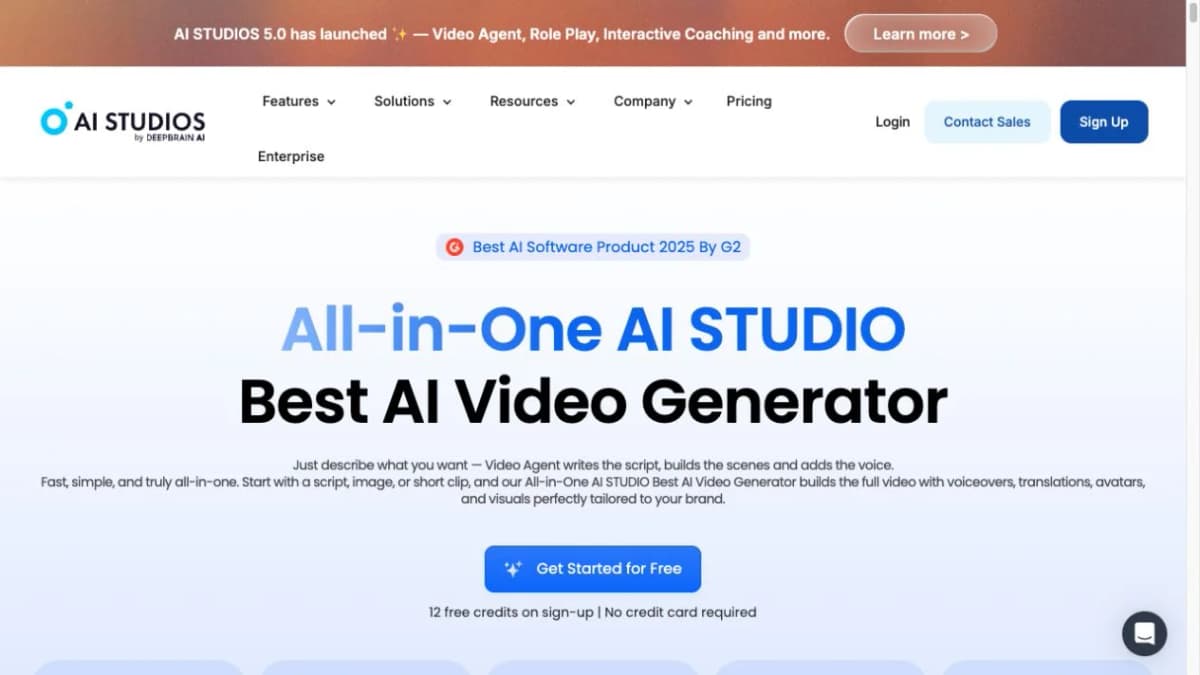
AI Studios combines script, scene, voice, and avatar tools to assemble video drafts. A team can start with a script, image, or short clip and develop a presentation with narration and supporting visuals. Translation and dubbing also make it relevant for informational content intended for multiple language audiences.
Key Features
- Assisted script and scene creation.
- AI avatars and voiceovers.
- Translation and lip-sync dubbing.
Best For
- Teams producing explainers and informational videos.
Pricing
- Personal monthly: $29/month with 700 credits/month.
- Annual: $288/year ($24/month equivalent).
- Free plan: 12 signup credits and up to 3 one-minute video exports/month, with a watermark.
8. MakeUGC: For Creator-Style Product Ads
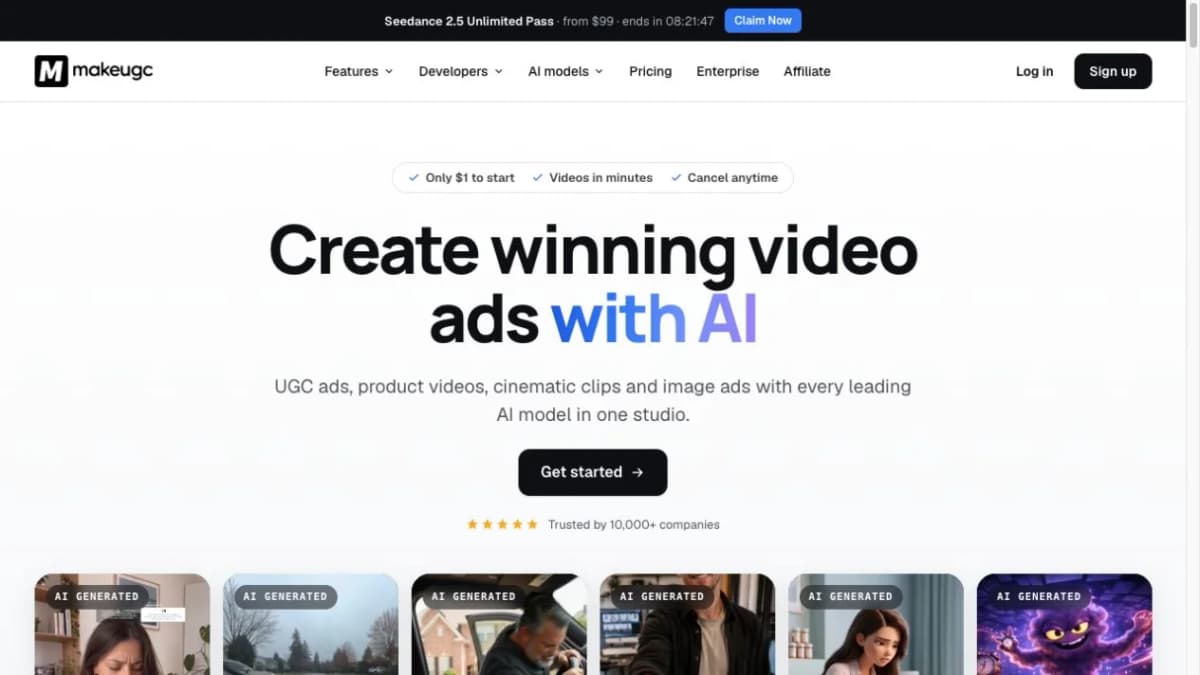
MakeUGC creates creator-style product ads with AI actors and product-in-hand visuals. Its tools bring together presenter selection, voice options, and editing for short social content. Brands and agencies can use these workflows to develop different presentations of a product and prepare creative variations for campaigns.
Key Features
- Talking actors and custom avatars.
- Product-in-hand videos and voice options.
- Captions, trimming, and batch variations.
Best For
- Consumer brands and agencies creating social product ads.
Pricing
- Starter monthly: $59/month with 500 credits/month.
- Annual: $29/month equivalent, billed yearly.
- Trial: $1 paid trial.
9. VEED: For Editing Generated and Recorded Footage
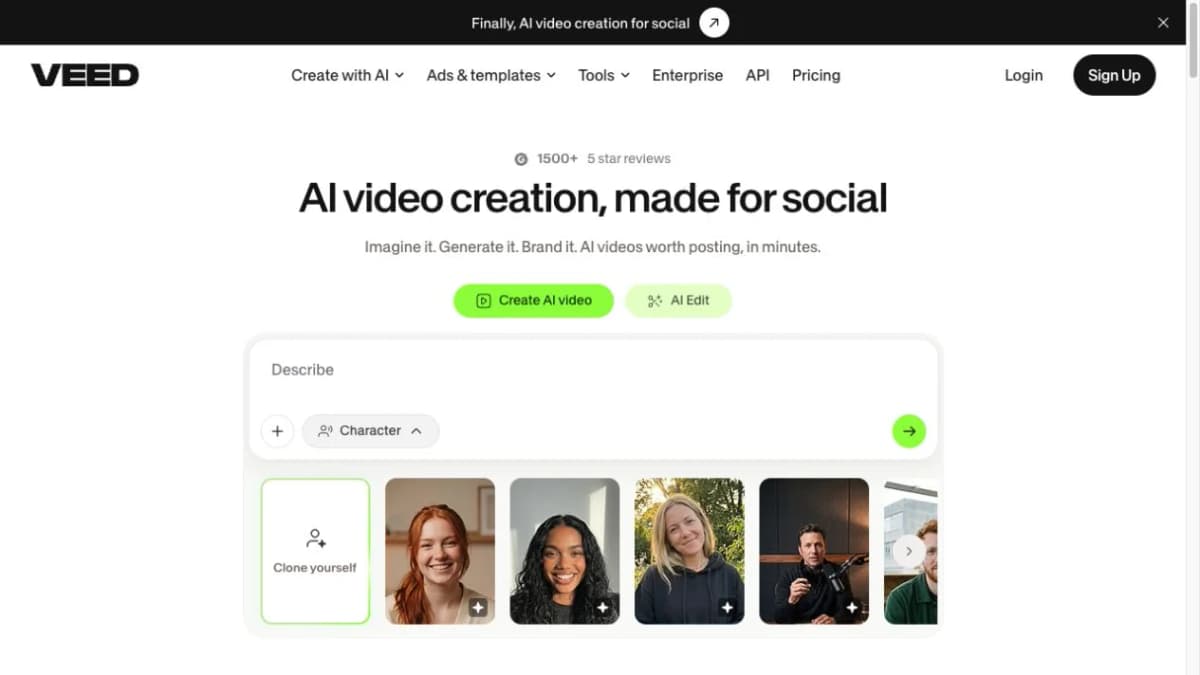
VEED combines video editing with AI tools for finishing generated and recorded footage. Alongside avatars and talking photos, it provides captions, audio cleanup, and resizing for different publishing formats. This makes it relevant for teams that need to combine AI clips with product footage, interviews, or other existing material.
Key Features
- Captions and social-format resizing.
- Audio cleanup and video editing.
- AI avatars, talking photos, and lip-sync.
Best For
- Creators and social teams combining AI clips with existing footage.
Pricing
- Creator monthly: $20 per user/month.
- Annual: $10 per user/month equivalent, billed yearly.
- Free plan: Editor access with watermarked exports.
10. Synthesys: For Voice-Led Video and Avatar Content
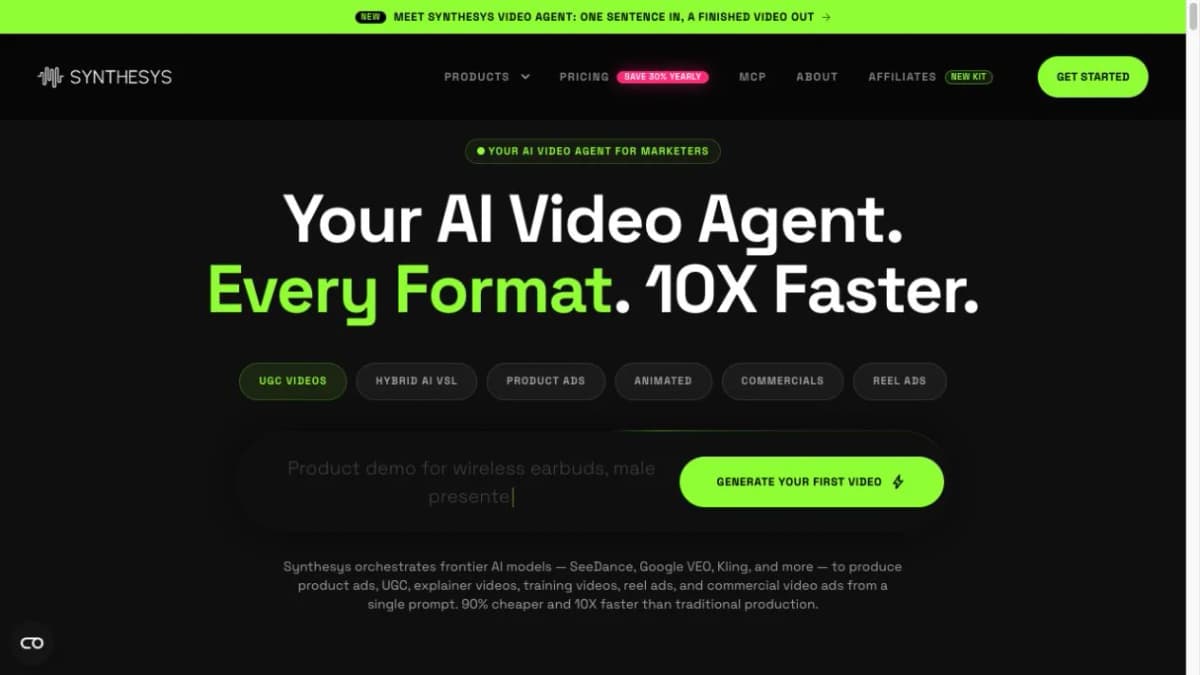
Synthesys brings voice generation, avatars, and dubbing into a video creation platform. Its tools support narrated explainers, talking photos, and several marketing video formats, giving teams options for both spoken content and presentation. It is a relevant choice when voice production is a recurring part of the video workflow.
Key Features
- AI voices and speech-to-speech tools.
- Avatars and talking photos.
- Dubbing and marketing video formats.
Best For
- Teams producing narrated videos and avatar content.
Pricing
- Starter monthly: $29/month with 3,500 credits/month.
- Annual: $240/year ($20/month equivalent).
- Free trial: Not listed on the current pricing page.
How to Choose a HeyGen Alternative
- Video purpose: Choose a tool built for the job, whether that is product ads, employee training, or editing existing footage.
- Product and presenter: Look for product image input, suitable AI avatars, and control over the spoken script.
- Languages: Check how easily the tool supports localized dialogue and review pronunciation in the target language.
- Editing and formats: Compare script updates, visual changes, video length, resolution, and aspect ratios.
- Pricing: Consider included credits, retries, watermarks, and export limits alongside the subscription price.
For ecommerce product ads, Nexscope AI Avatar is a practical starting point: it combines product photos, AI presenters, editable scripts, and multilingual speech. Here is how to create a product talking video with it.
How to Use Nexscope AI Avatar
Open Nexscope Avatar Video from E-commerce Videos → Avatar Video. The example below uses a lipstick product and a short Spanish script.
Step 1: Add Product Images
- In Upload images, click Add and upload clear product photos.
- Choose images that show the packaging, color, and details the presenter should feature.
Step 2: Choose an AI Presenter
- Click View all in the Avatar section to open the model library.
- Browse or search for a presenter, select the avatar, and click Done.
- Use Upload avatar to add a custom presenter image instead.
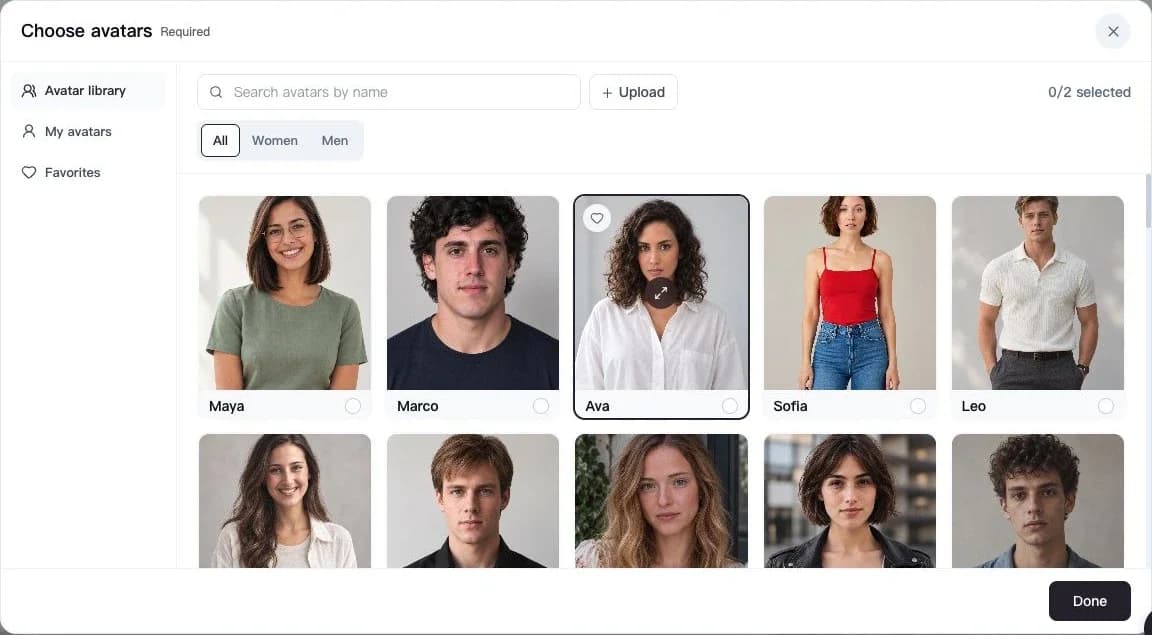
Step 2 — Select a presenter in the library, then confirm with Done.
Step 3: Write the Script and Specify the Language
- Enter the product message, setting, and delivery style in Prompt.
- For multilingual speech, name the spoken language and include the exact dialogue in that language.
- For help getting started, click AI video prompts, preview a creative direction, and choose Use this prompt. Edit it to match the product and message.
Example prompt:
Create a short product video with the selected avatar holding the mauve-rose lipstick. Warm studio lighting, close-up of the product, friendly delivery. Spoken language: Spanish. Say exactly: “Tu nuevo tono favorito, para todos los días.”
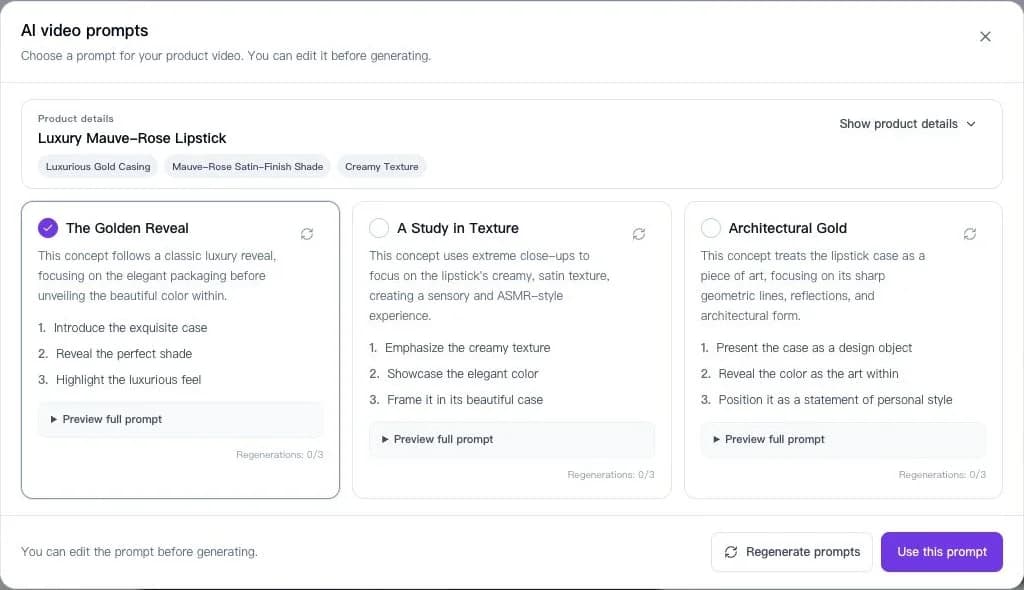
Step 3 — Preview a generated prompt or write your own, then specify the spoken language and dialogue.
Step 4: Set the Format and Generate
- Choose a video model, such as Seedance, MiniMax, or Wan, in Video Settings.
- Set the resolution, duration, and aspect ratio. The example uses 480P, 5 seconds, and 9:16.
- Check the estimated credits beneath Generate, then start generation.
- Review the result in My videos for product details and spoken delivery before downloading it for the campaign.
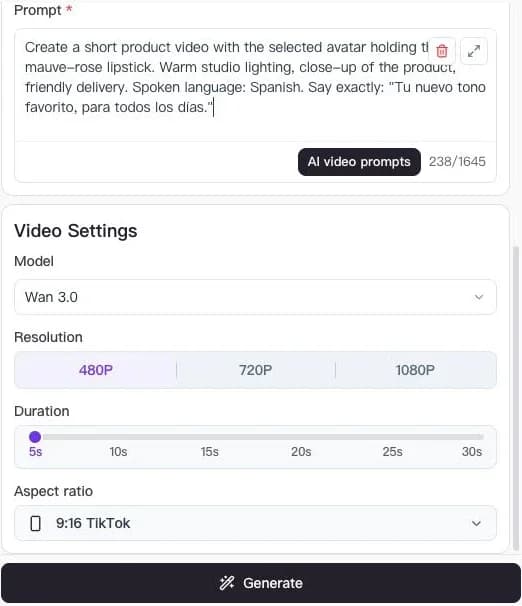
Step 4 — Set the output format below the script, then click Generate.
Conclusion
The best HeyGen alternatives serve different production needs. Synthesia and Colossyan merit attention for business learning workflows; Arcads and MakeUGC focus on creator-style advertising; VEED is relevant when editing and finishing are the main priorities.
For a product-led campaign, the Nexscope AI UGC video generator provides a focused starting point, supported by related video creation workflows.
Beyond AI avatars, Nexscope includes video tools for different parts of an ecommerce campaign:
- Image to Video: Turn product photos into motion for listings, storefronts, and social posts.
- URL to Video: Start an ad from a product page and its existing product information.
- Avatar Video / AI UGC: Pair a product with an AI presenter and multilingual spoken messaging.
- Video Clone: Use a reference video's creative direction with the brand's own product assets.
- Bulk Video Generator: Create product video batches for a larger catalog or multiple SKUs.
Together, these workflows help sellers reuse product assets across storefront content, social campaigns, and ad variations.
Start with one product and one message. Review the finished clip for product accuracy, clear delivery, and placement requirements before expanding to a larger batch.
Create your first product talking video
Bring a product image and a short script to Nexscope's video workspace.
Create Your UGC Video →Frequently Asked Questions
What is the best HeyGen alternative?
The best fit depends on the production task. Nexscope is relevant for product videos and UGC-style ads. Synthesia and Colossyan are candidates for training and business communication. VEED is useful when editing existing or generated footage is a priority. Evaluate finalists with the same real brief.
Which HeyGen alternatives are suitable for ecommerce videos?
Nexscope, Creatify, Arcads, and MakeUGC are relevant options because their published workflows include product content or advertising creative. Test them with actual product assets, then inspect packaging, labels, presenter delivery, and how much editing is needed before publication.
Are there free HeyGen alternatives?
Some platforms offer trial access or limited free usage. Compare the current allowance, export watermark, resolution, and commercial-use conditions before relying on a free plan. A trial is useful for evaluating a workflow, but it may not cover the volume or output settings required for ongoing production.
Which alternative is suitable for training videos?
Synthesia and Colossyan are relevant starting points for presenter-led training. Compare review workflows, localization, interactivity, and LMS delivery against the course requirements. Features such as SCORM export and assessments may depend on the selected plan.
Can AI avatar videos be used in paid ads?
Commercial use depends on the platform's current terms and the rights attached to the selected avatar, voice, music, and uploaded assets. Check these conditions alongside the advertising platform's disclosure requirements. Keep scripts accurate and avoid fabricated customer experiences or unsupported product claims.
How should teams compare the real cost of AI video tools?
Run the same small project in each shortlisted tool. Record generation usage, retries, editing time, and the number of approved exports. Compare cost per usable video alongside output quality and workflow requirements, since headline subscription prices alone do not describe production cost.
Sources
Official product pages and the Nexscope Avatar Video workspace reviewed November 13, 2026.
- Nexscope: AI UGC Video Generator and video creation navigation (nexscope.ai).
- Synthesia: AI video platform, business video and training workflows (synthesia.io).
- Creatify: advertising platform, URL to Video and avatar tools (creatify.ai).
- Arcads: AI actors and video advertising tools (arcads.ai).
- Colossyan: AI training video, interactive learning and localization (colossyan.com).
- D-ID: Creative Reality Studio 3.0 (d-id.com).
- AI Studios by DeepBrain AI: video creation, avatars and localization (aistudios.com).
- MakeUGC: AI actors and product advertising workflows (makeugc.ai).
- VEED: video editing, captions and AI video tools (veed.io).
- Synthesys: voice generation, avatars, dubbing and video tools (synthesys.io).