
15 Best Shopify SEO Tools for Online Stores

Table of Contents
The best Shopify SEO tools help store owners make specific improvements: find relevant searches, strengthen product pages, investigate technical problems, and measure what happens afterward. The challenge is choosing tools that fit the work. A store with weak collection-page content needs a different starting point from one with broken links or oversized product images.
A useful setup connects research, implementation, and measurement. Search data helps decide which pages deserve attention. Optimization tools support changes to those pages. Performance reports show whether visibility and clicks improve. For the tasks behind those decisions, a Shopify SEO checklist provides a practical foundation. The comparisons below focus on selecting the tools: what each contributes, who it suits, and which costs or conditions matter before adding it to a store's workflow.
Shopify SEO Tools at a Glance
Start with the task a tool would own. Several options below overlap, so a store can choose a small combination rather than subscribe to the entire list.
| Tool | Best fit | Main contribution | Pricing approach |
|---|---|---|---|
| Nexscope | Custom SEO research and reporting workflows | SEO and marketing data through REST API or MCP | Pay-as-you-go Data Credits |
| Google Search Console | Monitoring a verified store | Search performance and indexing reports | Free |
| Ahrefs | Keyword and competitor research | Search demand, competing pages, and backlinks | Paid subscriptions; limited free tools |
| Semrush | Ongoing SEO planning and monitoring | Keyword research, rank tracking, and site audits | Paid plans with different allowances |
| Screaming Frog SEO Spider | Technical site investigations | Crawl-based issue discovery and exports | Free crawl limit; paid annual license |
| Google PageSpeed Insights | Investigating slow pages | Performance diagnostics and available field data | Free |
| Tiny SEO Speed Image Optimizer | Image-heavy catalogs | Image optimization and page-speed features | Free and paid plans |
| Smart SEO | Repeated on-page optimization | Metadata, structured data, and related maintenance | Free and paid plans |
| Plug in SEO | Audits followed by store fixes | Issue checks, metadata tools, and redirects | Paid plans with a trial |
| Yoast SEO for Shopify | Content-focused teams | SEO analysis, readability, and structured data | Paid subscription with a trial |
| Avada AI SEO Image Optimizer | Broad store maintenance | SEO checks, images, and performance features | Free and paid plans |
| Booster SEO | Recurring optimization tasks | Monitoring, templates, and paid automation | Free and paid plans |
| SearchPie | Guided SEO maintenance | SEO checks, schema, and speed-related tools | Free and paid plans |
| StoreSEO | Product-page and image workflows | Metadata, images, and schema | Free and paid plans |
| SEO Manager | Changing catalogs and broken links | Metadata, monitoring, and redirect management | Paid plans with a trial |
How to Choose Shopify SEO Tools
Start With the SEO Task
Choose a problem that can be described at the page or workflow level. “Improve SEO” is too broad to guide a purchase. “Find searches for a new collection,” “identify duplicate product titles,” and “investigate slow mobile product pages” lead to clearer choices.
Consider a store selling travel accessories. If its collection pages receive few relevant impressions, keyword and search-result research can help assess topic selection. If impressions are healthy but clicks are weak, the team should examine the queries, page titles, and competing results. If pages are difficult to crawl or access, content changes alone may leave the underlying issue unresolved.
Check How the Tool Fits Your Workflow
Look at what happens after a tool produces its output. Does it generate a report for an SEO specialist, offer edits inside Shopify, or supply structured data to an assistant or script?
Assign an owner to both the recommendation and the resulting change. A crawl report needs someone to investigate its findings. A proposed title needs a product-aware editor. An API workflow needs a connected client and a process for reviewing its results.
Check Costs and Overlap
Compare plans against the store's workload. Relevant limits include crawled pages, optimized images, tracked keywords, AI credits, reporting frequency, and team access. A low entry price can cover a small sample while leaving the full catalog on a higher tier.
Also check which tool controls metadata, structured data, redirects, and image processing. Give each task a clear owner before enabling overlapping automation. This makes changes easier to trace and reduces the chance of two systems applying conflicting settings.
15 Best Shopify SEO Tools
1. Nexscope
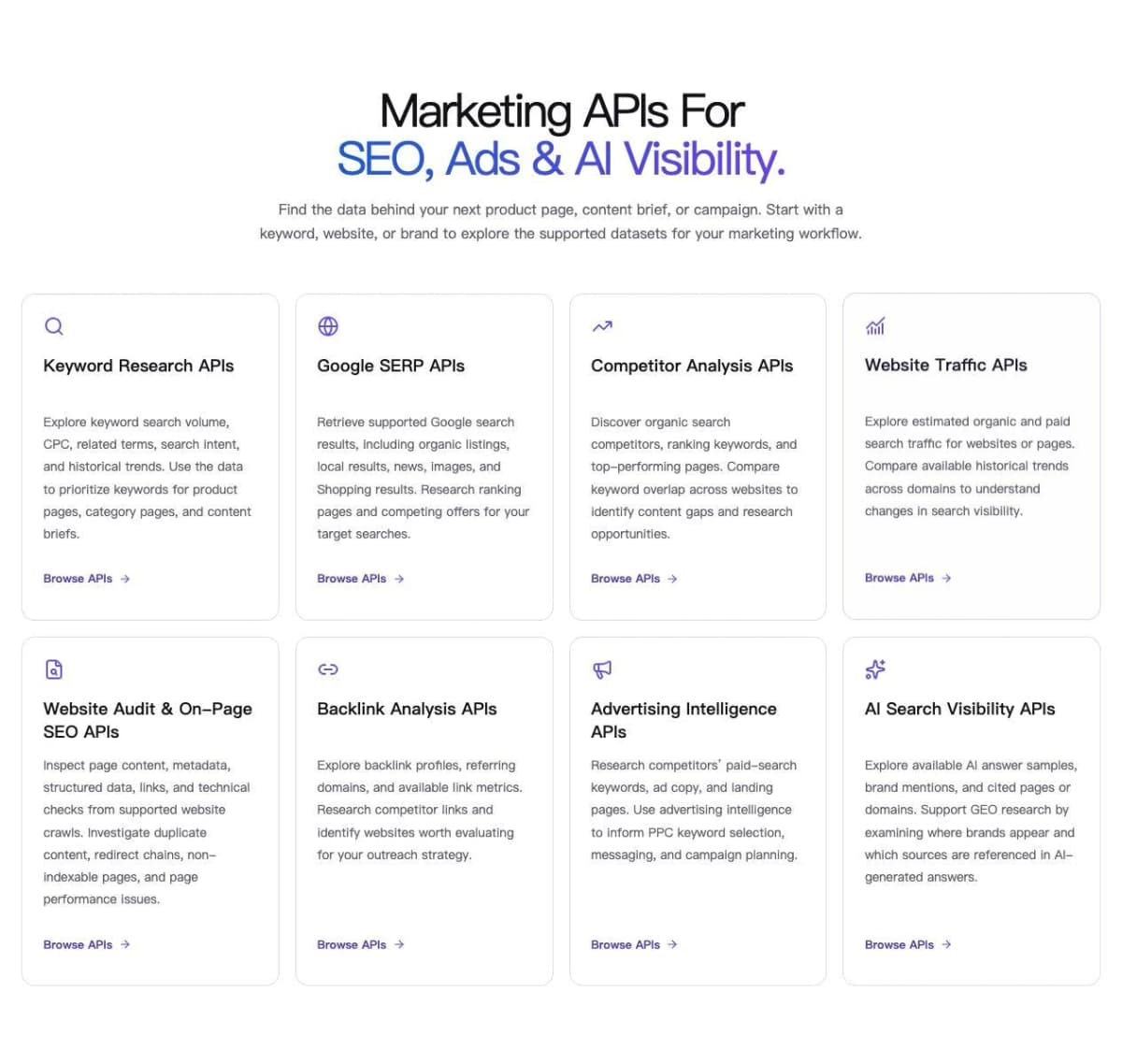
Nexscope Marketing Data APIs provide structured SEO and marketing data for teams building their own research, analysis, and reporting workflows. Users connect the data through REST API or MCP to an AI assistant, application, or script.
Key features:
- Keyword research: Explore search volume, CPC, related terms, search intent, and available historical trends.
- SERP and competitor research: Review supported search results, competing websites, ranking keywords, and content gaps.
- Website checks: Investigate page evidence and issues found in supported crawls, including duplicate content and redirect chains.
- Backlink research: Examine discovered links, referring domains, and available link metrics.
- AI visibility: Explore answer samples, observed mentions, and citations for brand research.
For example, a team planning a travel-accessories collection can compare keyword demand and competition before deciding which searches to target. That tool currently supports US English queries with up to 20 keywords per request. The team can then use relevant search and page evidence to prepare a content brief for review.
- Best fit: Ecommerce teams, agencies, and SEO specialists who need reusable data in their own workflows.
- Key limitation: These APIs supply research and analysis inputs. Publishing changes to Shopify requires a separate editing or authorized integration workflow.
- Pricing: Data APIs use pay-as-you-go Data Credits without a required Data API subscription. New users receive 1,000 trial credits valid for three days, with no credit card required. Creative subscriptions are separate.
Build Your Shopify SEO Research Workflow
Bring keyword, competitor, website, and backlink data into the tools your team already uses.
Explore SEO & Marketing Tools →2. Google Search Console
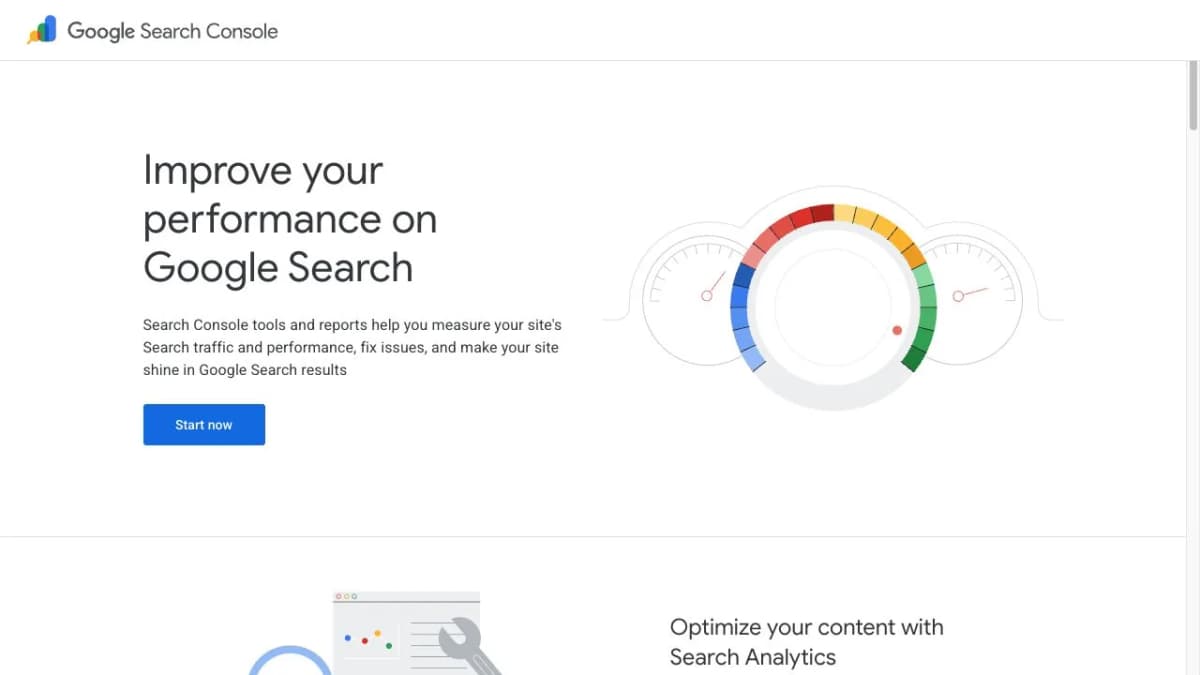
Google Search Console is the starting point for understanding how a verified Shopify store appears in Google Search. It connects SEO decisions to the store's own search performance.
Key features:
- Performance reports: Review clicks, impressions, click-through rate, and average position by query or page.
- Indexing reports: Investigate which pages Google has indexed and reported reasons for exclusions.
- URL inspection: Examine information about a specific URL when diagnosing an important page.
- Sitemap reporting: Monitor submitted sitemaps and associated discovery information.
A useful weekly routine is to review important collection pages, identify queries gaining impressions, and investigate pages whose clicks have declined. Those findings can guide work in the other tools on this list.
- Best fit: Every Shopify store that needs first-party Google Search feedback.
- Key limitation: Access requires verification or permission. Competitors' private Search Console data is outside its scope.
- Pricing: Free.
3. Ahrefs
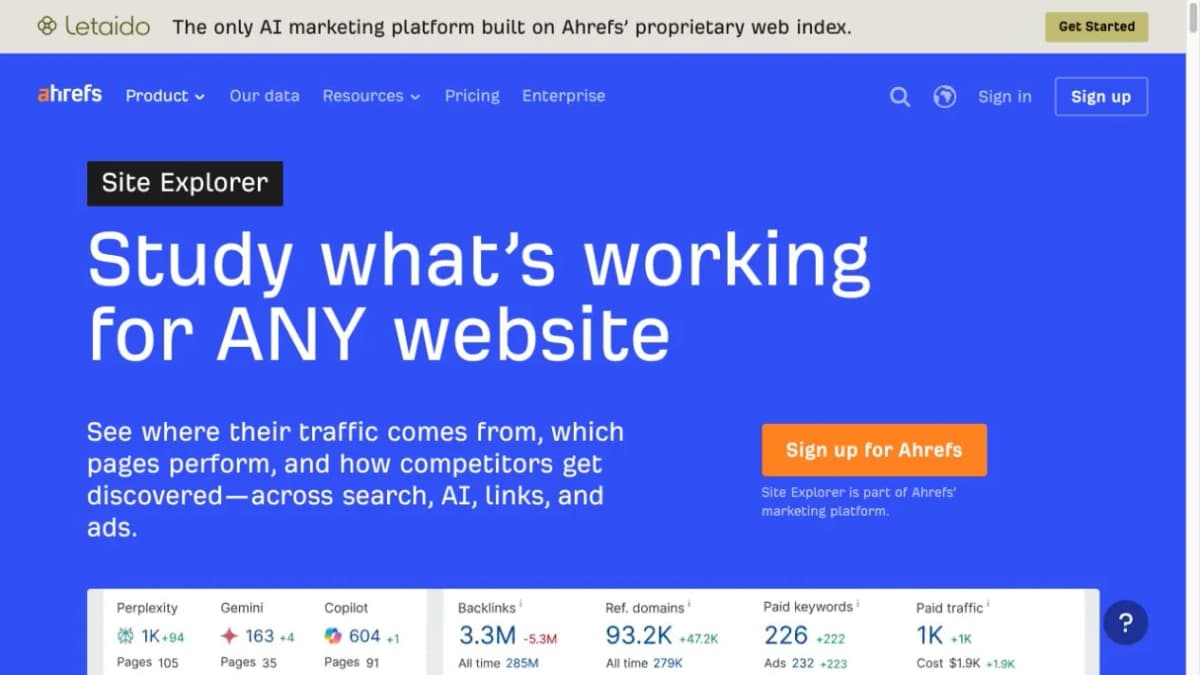
Ahrefs helps teams research searches, competing websites, and backlinks before committing resources to content. It is useful when a store needs to decide which collection pages or buying guides to develop next.
Key features:
- Keywords Explorer: Evaluate search demand and competition for specific terms.
- Site Explorer: Research competitors' ranking pages, organic keywords, and backlink profiles.
- Site Audit: Investigate technical and on-page issues on a website.
- Rank Tracker: Follow a selected keyword set over time within plan limits.
For a store adding a new category, the practical question is whether the relevant search results favor collections, individual products, or informational guides. Looking at competing pages helps turn a keyword list into a page plan.
- Best fit: Teams that regularly research content opportunities and competing domains.
- Key limitation: Third-party traffic estimates describe modeled search visibility; use store analytics for actual visits and sales.
- Pricing: Paid subscriptions with plan-specific limits; limited free tools are also available. Compare research, crawl, history, and user allowances when choosing a plan.
4. Semrush
Semrush combines keyword planning, competitor research, site health, and ranking reports. It suits teams that want to organize recurring SEO work around a shared set of projects and target searches.
Key features:
- Keyword research: Explore terms and search-result opportunities for product, collection, and editorial content.
- Position tracking: Monitor selected searches and changes in visibility.
- Site audits: Identify issues for technical investigation and follow-up.
- Reporting: Bring research and monitoring into ongoing marketing reviews.
A store expanding into a new category could use research to establish its target terms, assign them to pages, and then track those pages after publication. The useful output is a prioritized work plan with measurable follow-up.
- Best fit: Marketing teams and agencies managing continuing SEO programs.
- Key limitation: Available projects, tracked terms, reporting, and additional features depend on the selected package.
- Pricing: Paid subscriptions with different feature bundles and usage allowances. Compare the specific SEO package needed for the workflow rather than assuming every feature is included.
5. Screaming Frog SEO Spider
Screaming Frog SEO Spider is a desktop crawler for investigating website structure and technical issues. It is particularly useful when an SEO team needs a detailed export that can be assigned to developers or catalog managers.
Key features:
- Response codes: Find broken links and server errors encountered during a crawl.
- Metadata checks: Review page titles and descriptions across crawled URLs.
- Canonical analysis: Examine canonical signals while investigating duplicate or competing URLs.
- Link discovery: Inspect internal linking and the pages connected to an issue.
On Shopify, a focused crawl can help investigate links to retired products or check whether key collections are reachable through the site's navigation. Start with a defined question so the export becomes actionable.
- Best fit: SEO specialists and teams responsible for larger or changing catalogs.
- Key limitation: The crawler identifies evidence; fixes require work in Shopify, the theme, or another relevant system.
- Pricing: The free version crawls up to 500 URLs. A paid annual license expands crawling and available features.
6. Google PageSpeed Insights
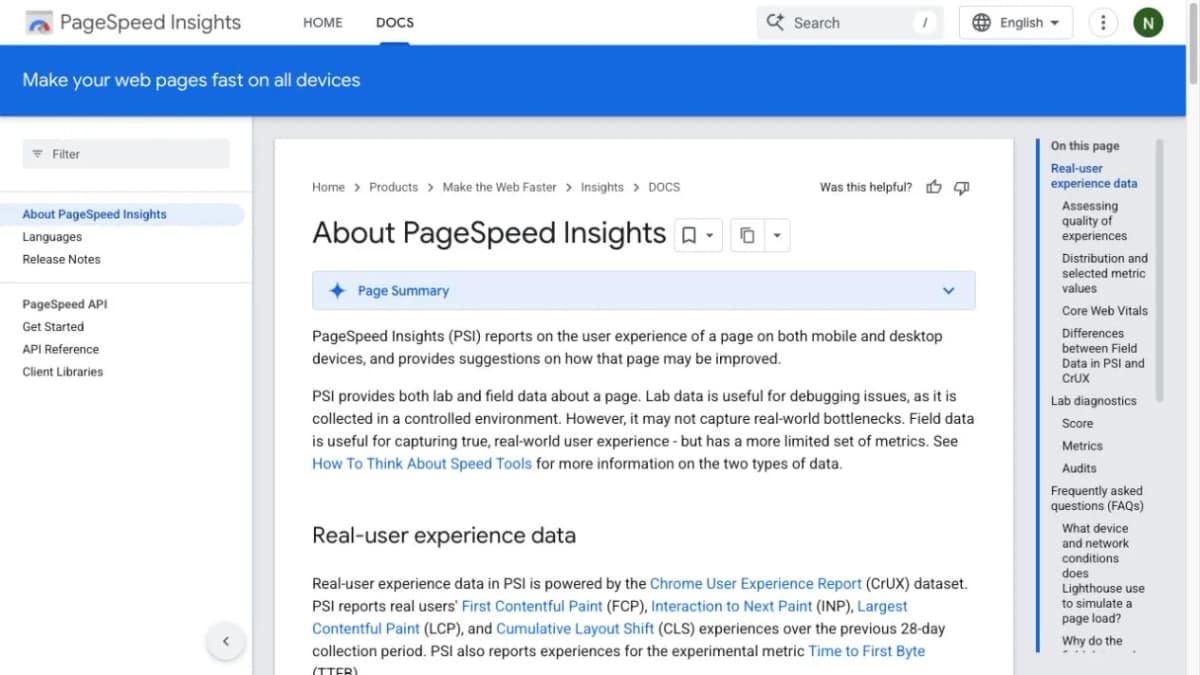
Google PageSpeed Insights helps diagnose page performance on mobile and desktop. It is a useful companion to a speed-focused app because it helps the team understand which resources or page behaviors need attention.
Key features:
- Lab diagnostics: Use Lighthouse results to investigate loading and page-experience issues.
- Field data: Review real-user experience data where sufficient data is available.
- Mobile and desktop views: Compare performance under the respective test conditions.
- Improvement opportunities: Identify areas worth investigating with a developer or performance tool.
Test representative pages: a product page with many images, a collection with filtering, and the homepage. A change that helps one template may behave differently on another.
- Best fit: Teams investigating slow pages or evaluating performance-related changes.
- Key limitation: Lab scores depend on test conditions, while field data summarizes observed user experiences. Keep those two forms of evidence distinct.
- Pricing: Free.
7. Tiny SEO Speed Image Optimizer
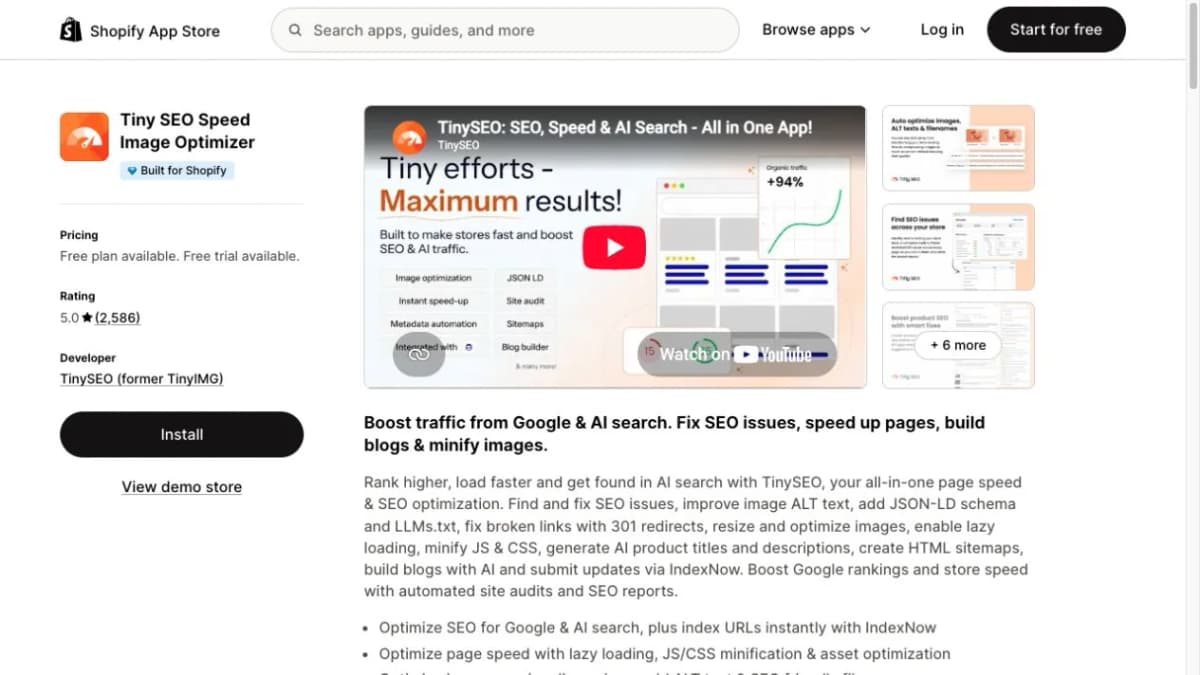
Tiny SEO Speed Image Optimizer, formerly associated with the TinyIMG name, combines image processing with broader SEO and performance features. It is a practical candidate for stores whose catalog creates a steady stream of image-maintenance work.
Key features:
- Image optimization: Compress and resize product imagery within the selected plan's allowances.
- Image metadata: Manage alt text and image filenames.
- Performance features: Access options such as lazy loading and supported code optimization.
- SEO maintenance: Use available metadata, structured-data, and link-checking functions.
For an image-heavy collection, begin with a small set of representative products. Check image quality and page behavior after optimization before applying the same settings more broadly.
- Best fit: Stores with substantial image-processing needs and recurring product uploads.
- Key limitation: Image allowances and advanced features differ by plan; theme and app behavior also affect page performance.
- Pricing: Free and paid plans. Compare the number of images to be processed and the required features before choosing a tier.
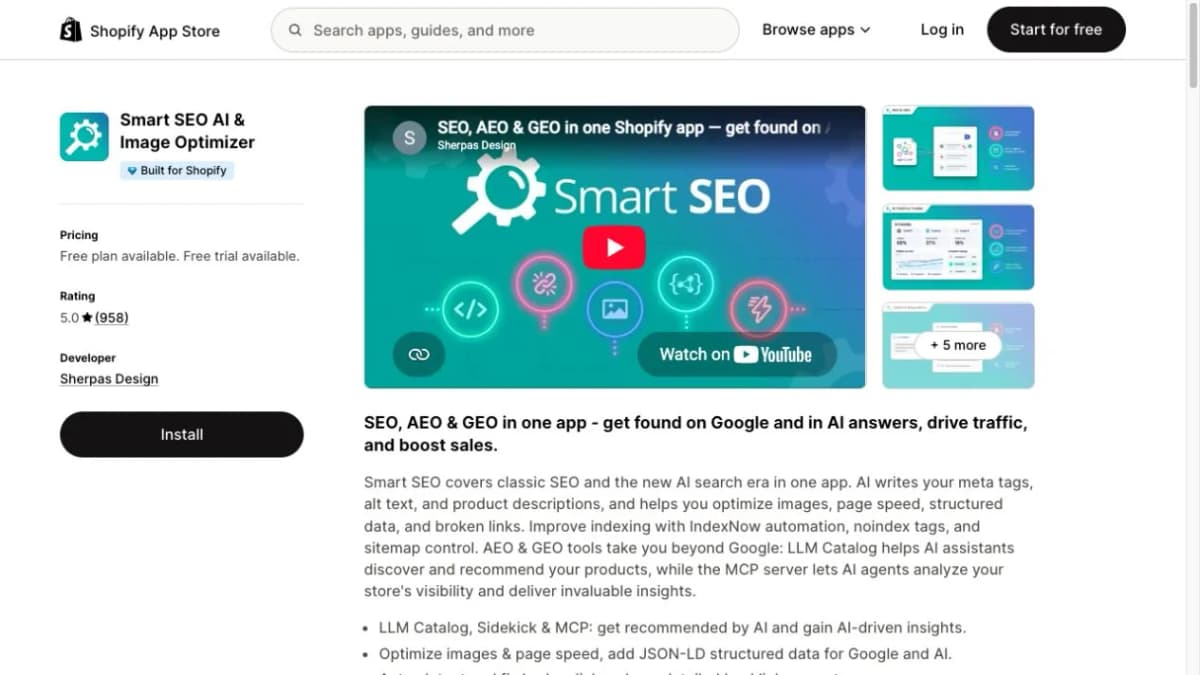
8. Smart SEO
Smart SEO brings several repeated optimization tasks into a Shopify app. Its feature set includes metadata, structured data, images, and related site-maintenance functions.
Key features:
- Metadata generation: Create or manage meta tags and related page text.
- Structured data: Add supported JSON-LD information.
- Image optimization: Handle supported image and alt-text tasks.
- Link maintenance: Detect and address broken-link issues within its available features.
This makes it a candidate for a merchant who wants one place to manage several routine tasks. The useful comparison is how its workflow and limits fit the existing store setup.
- Best fit: Stores seeking centralized on-page SEO maintenance.
- Key limitation: Review what the theme and existing apps already output before enabling additional schema or metadata automation.
- Pricing: Free and paid plans, with feature and usage differences between tiers.
9. Plug in SEO
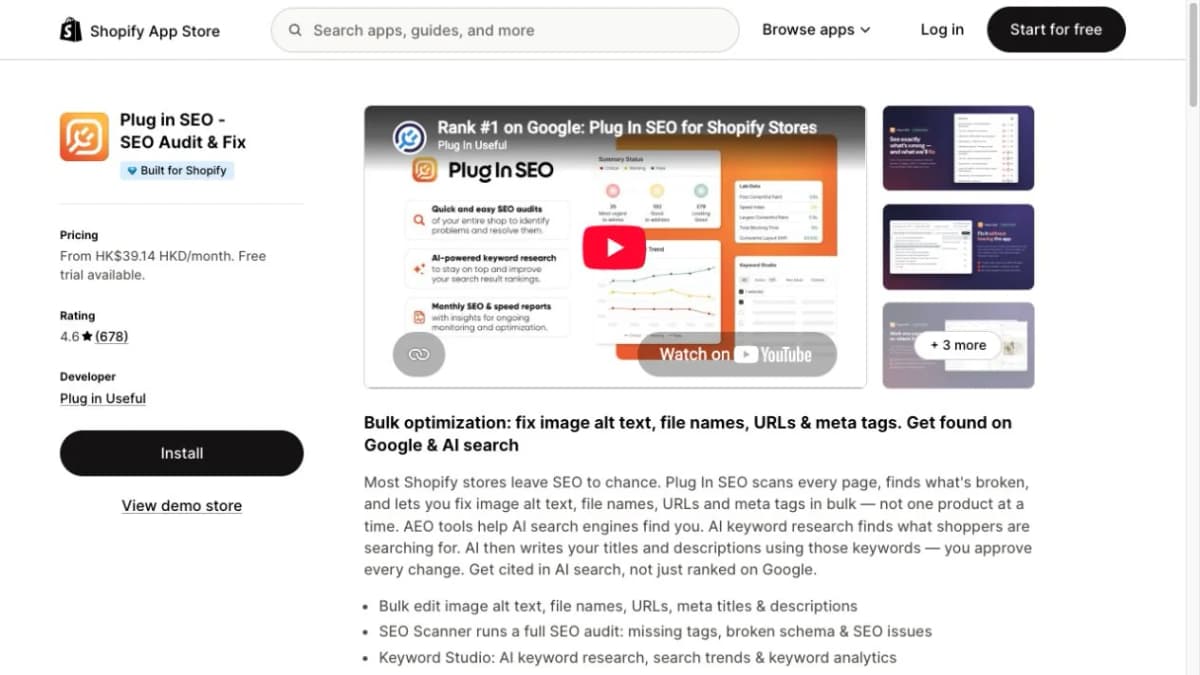
Plug in SEO combines store checks with tools for acting on identified problems. It can help a merchant move from a list of SEO issues to a more organized editing process.
Key features:
- Store scans: Identify SEO issues across the pages covered by the plan.
- Metadata tools: Manage titles and descriptions, including supported bulk-editing features.
- Image text and URLs: Access relevant bulk optimization functions in eligible plans.
- Broken-link handling: Review link issues and supported redirect actions.
For a growing store, the scan allowance deserves attention. Product pages, collections, articles, and other indexable URLs can make the site's page count larger than its product count.
- Best fit: Merchants who want an audit-and-fix workflow inside their store operations.
- Key limitation: Scanned pages, audit frequency, research allowances, and bulk-editing functions vary by subscription.
- Pricing: Paid plans with a free trial. Select a plan based on the pages and features needed for the full workflow, beyond the initial sample audit.
10. Yoast SEO for Shopify
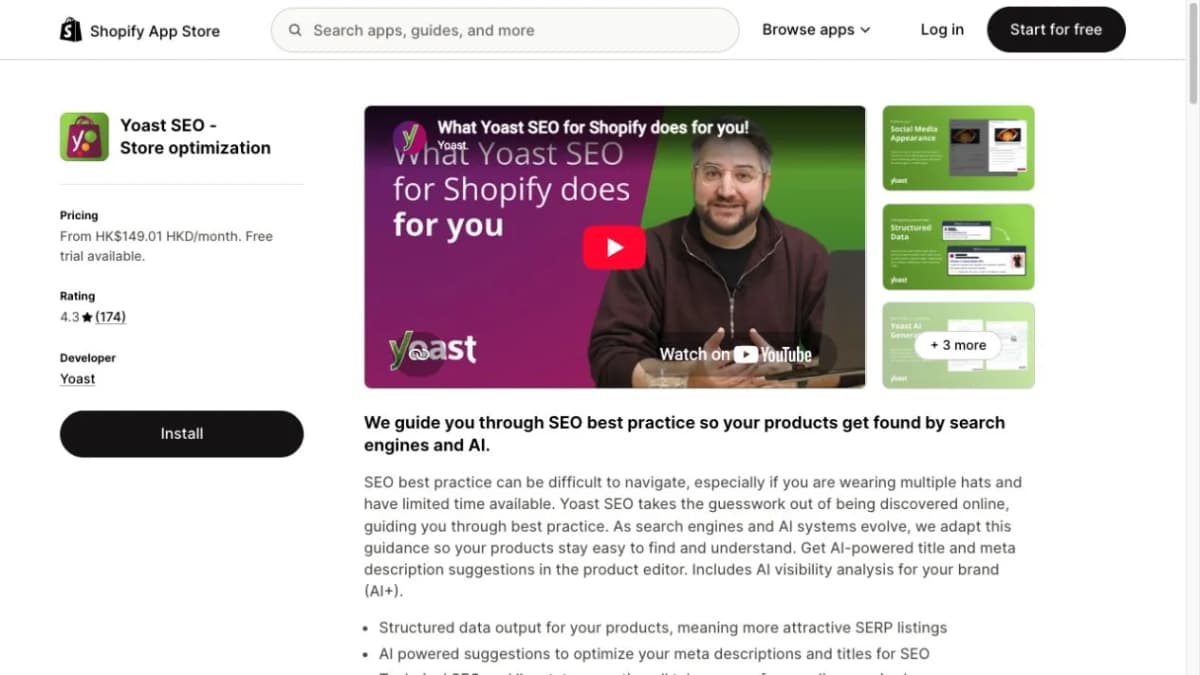
Yoast SEO for Shopify focuses on content guidance and supporting technical SEO features. It is a useful candidate when several people contribute product descriptions, collection copy, and blog articles.
Key features:
- SEO analysis: Review content against the tool's optimization checks.
- Readability guidance: Identify writing that may benefit from clearer wording or structure.
- Structured data: Add supported schema information.
- Bulk editing: Use available import and export functions for supported fields.
For example, an editor can use the analysis while reviewing keywords on Shopify pages, then check that the resulting text still describes the product accurately.
- Best fit: Content-led stores and teams that want a repeatable editorial review process.
- Key limitation: A favorable content score is a writing aid. Search performance still needs to be measured separately.
- Pricing: Paid subscription with a free trial. Additional AI-focused packages have different features and pricing.
11. Avada AI SEO Image Optimizer
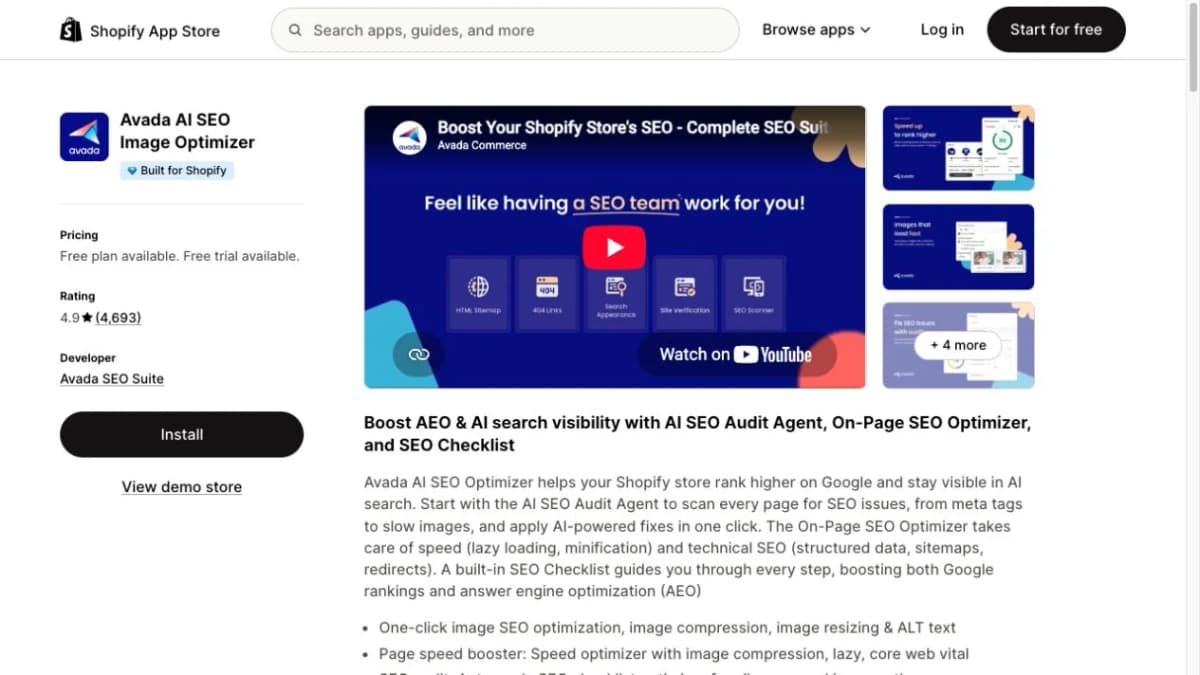
Avada AI SEO Image Optimizer combines a broad set of store-maintenance functions. It is worth comparing when a merchant wants SEO checks, image work, and performance-related features in one application.
Key features:
- SEO checks: Review store issues and optimization tasks through a checklist-based workflow.
- Image handling: Optimize product imagery and relevant alt text.
- On-page support: Work on supported content and SEO elements.
- Performance features: Investigate and address supported speed-related tasks.
Its breadth makes feature ownership important. Compare what Avada would take over from the current setup, then remove unnecessary duplication from the implementation plan.
- Best fit: Merchants seeking a broad maintenance application rather than separate tools for every small task.
- Key limitation: The value depends on which features the store actually uses and which are included in its chosen plan.
- Pricing: Free and paid plans. Evaluate processing limits, audit access, and required optimization features together.
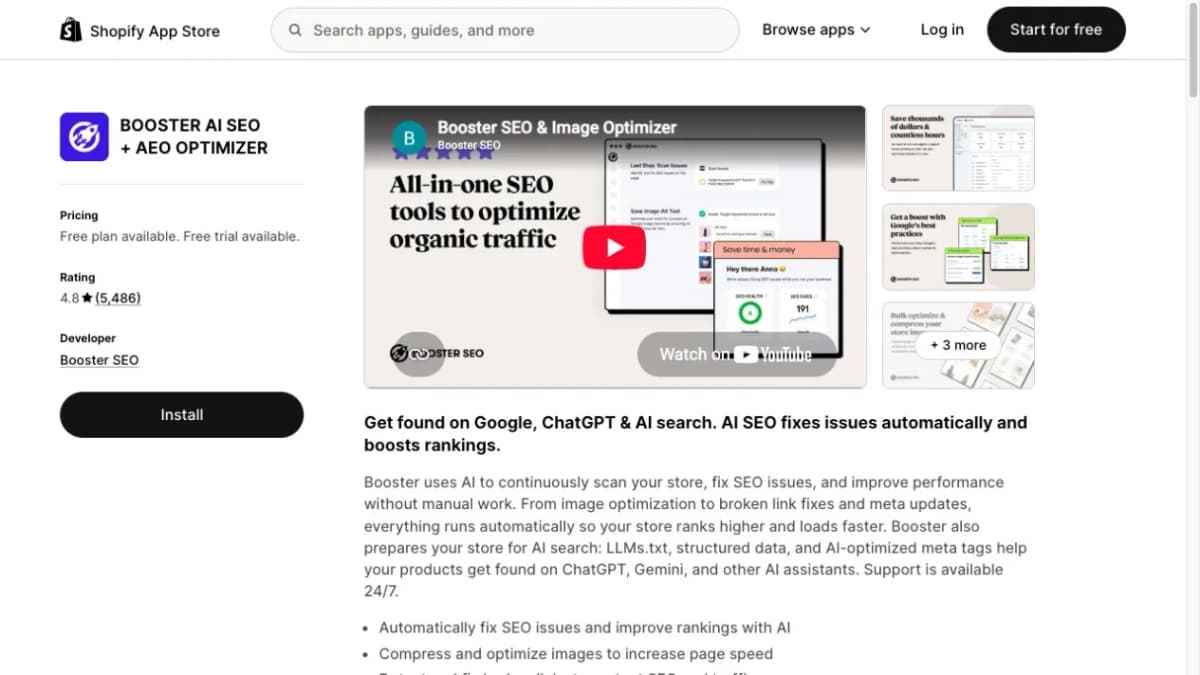
12. Booster SEO
Booster SEO focuses on reducing recurring maintenance through checks, templates, and automation. The distinction between its free monitoring features and paid automation matters when evaluating its fit.
Key features:
- SEO monitoring: Review store health information and issue reports.
- Alt-text templates: Standardize repeated image-text work.
- Metadata automation: Use eligible paid features for titles and descriptions.
- Link handling: Access supported broken-link detection and fixing features.
The strongest use case is a repeated, clearly defined task. For example, a merchant can establish a metadata template and inspect a sample of products before applying it more widely.
- Best fit: Stores where regular catalog additions create repetitive SEO upkeep.
- Key limitation: Automation follows the available rules and settings. Merchants still need to review whether the resulting copy fits each product.
- Pricing: Free and paid plans. Advanced automation and image-compression features sit in different paid tiers, so match the purchase to the intended workload.
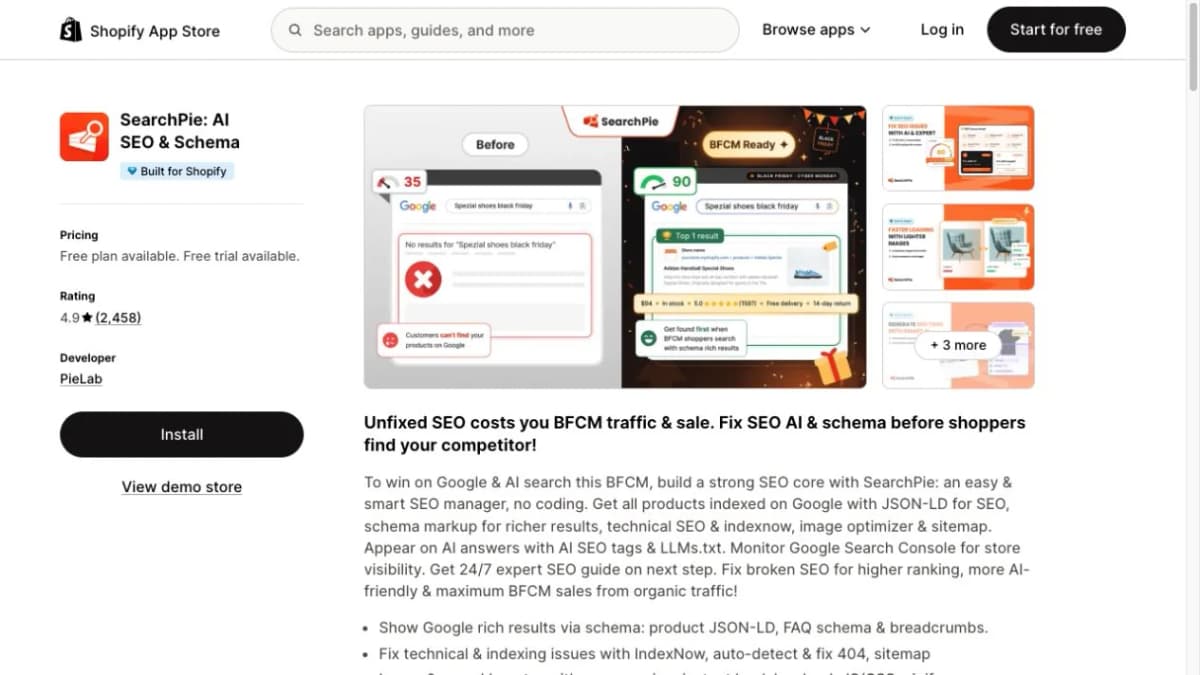
13. SearchPie
SearchPie brings SEO checks, schema, and performance-related functions into a guided store-maintenance workflow. It is a candidate for merchants who want several optimization tasks organized in one place.
Key features:
- On-page checks: Identify issues and review suggested improvements.
- Schema support: Manage supported structured-data features.
- Image and speed tools: Access functions such as image compression and eligible loading optimizations.
- Search Console-related features: Work with supported visibility information and checks.
Compare its interface and workflow against the tasks the merchant performs each week. A broad feature list is useful when the team can consistently act on the findings.
- Best fit: Merchants who prefer guided maintenance with multiple SEO functions available together.
- Key limitation: Different tiers provide different automation and optimization capabilities; indexing decisions remain with the search engine.
- Pricing: Free and paid plans. When a promotional price is offered, compare the regular renewal charge as well as the introductory period.
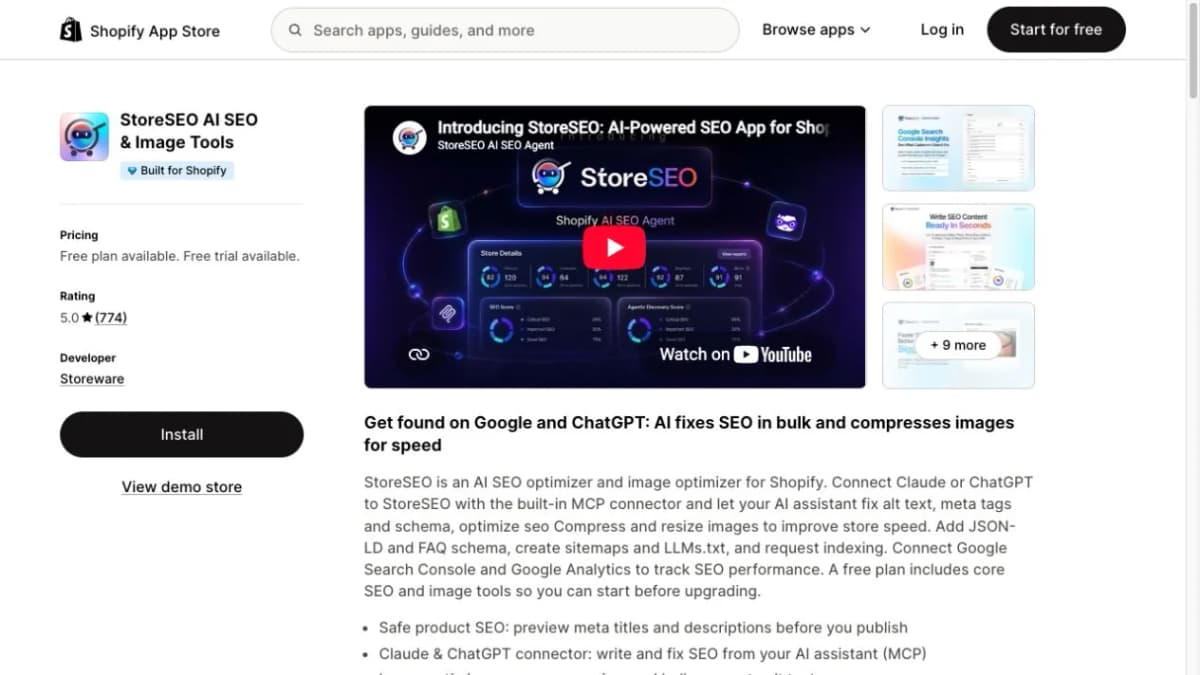
14. StoreSEO
StoreSEO combines product-page SEO work with image and structured-data features. It suits teams whose day-to-day optimization happens around individual products and catalog updates.
Key features:
- Product metadata: Manage page titles, descriptions, and related SEO fields.
- Image optimization: Handle supported compression and image-text tasks.
- Schema features: Add supported structured data to store pages.
- Reporting connections: Use available Google reporting integrations for the relevant workflow.
A practical evaluation is to choose several products with different information needs, such as size variants or technical specifications. Check how comfortably the app supports those pages without flattening their differences into generic copy.
- Best fit: Merchants looking for a product-focused optimization workflow with image support.
- Key limitation: Product coverage, optimization allowances, and additional functions depend on the plan.
- Pricing: Free and paid plans with different limits. Count the products and images that need ongoing work before choosing a package.
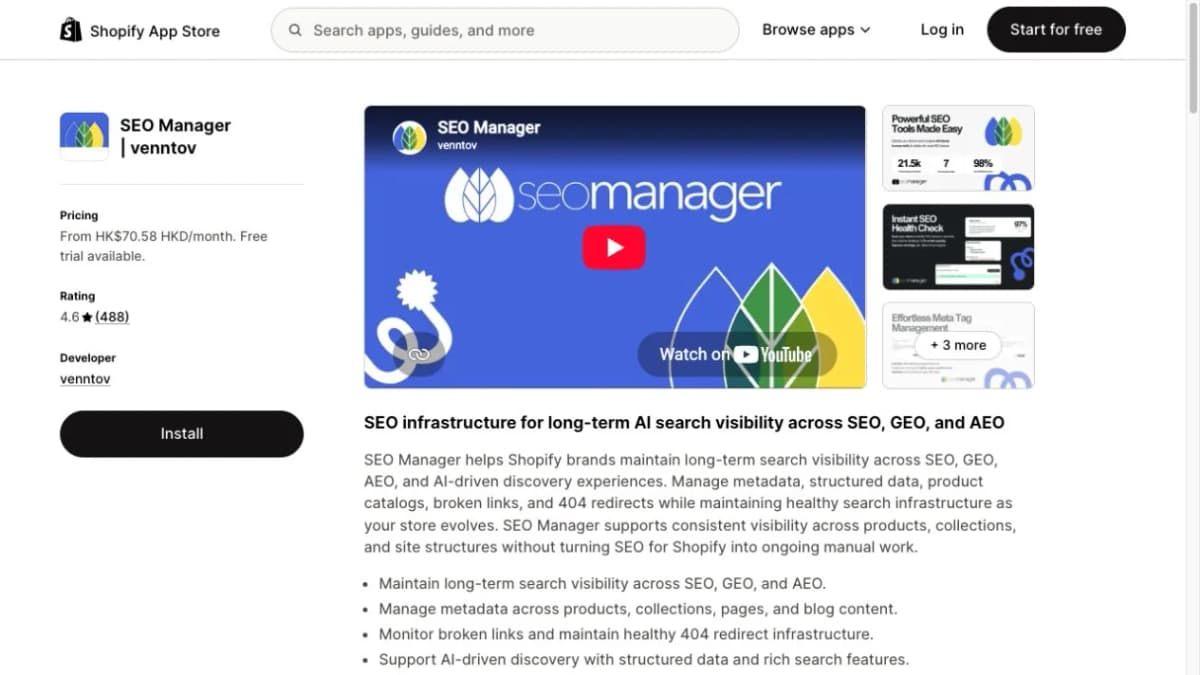
15. SEO Manager
SEO Manager by venntov supports ongoing metadata and link maintenance. Its fit is strongest when catalog changes create repeated work around missing pages, redirects, and search information.
Key features:
- SEO monitoring: Review store checks and scoring information.
- Metadata controls: Manage supported page-title and description settings.
- Broken-link tracking: Identify missing pages and link issues.
- Redirect management: Use the redirect capabilities available in the selected plan.
For a store retiring seasonal products, the team should decide which pages remain useful and where replacement pages are genuinely relevant. A redirect feature helps implement that decision; the merchandising context still needs a human owner.
- Best fit: Stores with frequently changing catalogs and recurring metadata or link-management needs.
- Key limitation: Monitoring and advanced editing or automation are distributed across different subscription tiers.
- Pricing: Paid plans with a free trial. Compare the tier that includes the required redirect and metadata functions.
Build a Shopify SEO Stack for Your Store
A New Store With a Small Budget
Start with Google Search Console and PageSpeed Insights, then use Shopify's available editing controls to address the findings. Add an application when a repeated task becomes difficult to manage manually.
For example, a store with a few dozen products may be able to write distinctive titles and descriptions directly. If image processing consumes hours each week, a focused image workflow could offer more immediate operational value than another research subscription.
Record a baseline before changing important pages. Keep a short list of the URLs, what changed, and when the work went live. That record makes later performance reviews more useful.
A Store Growing Organic Content
Combine one research platform, a consistent editing workflow, and Search Console. Ahrefs and Semrush are candidates for research and monitoring; Nexscope suits teams that want the data inside their own applications or assistants.
A simple division of work is:
- Research a relevant group of searches.
- Inspect the pages that satisfy those searches.
- Decide whether the store needs a collection, product page, or guide.
- Create or improve the page using verified product information.
- Review the page's search performance over a meaningful comparison period.
Choose additional writing or maintenance tools around the step that slows the team down. The goal is a dependable publishing process rather than a larger software inventory.
A Large Product Catalog
Larger catalogs benefit from separating issue discovery, bulk editing, and validation. A crawler can identify patterns. A suitable editing tool can apply approved changes. Search Console and analytics can support follow-up measurement.
Teams using an AI assistant can follow a Shopify product SEO workflow with Codex to prepare catalog data, review sample edits, and validate a larger batch. Nexscope's SEO data can support keyword research and page investigations within that process.
Review a representative sample before scaling a change across the catalog. Include products with variants, unusual specifications, missing fields, and different page templates. These cases often reveal problems that a uniform sample misses.
Conclusion
The best Shopify SEO setup gives each tool a defined role. Google Search Console helps measure the store's search presence. Research platforms inform page priorities. Crawlers and performance tools investigate problems. Store applications support the recurring work of maintaining content, images, and site settings.
Choose the combination that addresses the current workload, then expand when a clear gap appears.
Connect Your SEO Research With Nexscope
Nexscope Marketing Data APIs let teams bring SEO research into their own assistants, applications, and reports through REST API or MCP.
Key features:
- Keyword research: Compare supported search-demand and competition metrics before assigning page topics.
- Website audit summaries: Review observed crawl issues and prioritize further investigation.
- SERP, competitor, backlink, and AI visibility data: Add the relevant research inputs to an ongoing SEO workflow.
Give Your SEO Workflow Better Research Inputs
Choose the keyword, website, and competitor data needed for your next Shopify content or optimization project.
Explore SEO & Marketing Tools →Frequently Asked Questions
What are the best Shopify SEO tools for a small store?
Google Search Console and PageSpeed Insights provide a useful starting point for understanding search performance and page speed. A small store can then add a tool for its most repetitive task, such as image processing or metadata maintenance. Choose based on an observed need and the size of the catalog. A store with limited content may get more value from improving its product and collection pages than from subscribing to several overlapping applications.
How are Shopify SEO apps different from general SEO tools?
The practical difference is where the work happens and what the tool can change. Some apps operate inside the Shopify workflow and support edits to metadata, images, or structured data. Other tools provide research, crawl reports, or performance measurements that a team uses when making changes elsewhere. Check the actual capabilities of each product rather than assuming that its category determines everything it can do.
Do I need a Shopify SEO app if I use Ahrefs or Semrush?
It depends on how the store implements improvements. A research platform can help identify target searches and competing pages, while the team may handle changes directly in Shopify. An additional app becomes useful when it simplifies a recurring editing or maintenance task. Identify the implementation gap first, then select an app that closes it without duplicating functions already handled by the theme or another tool.
Which Shopify SEO tools are free?
Google Search Console and PageSpeed Insights are free. Screaming Frog provides a free version with a 500-URL crawl limit. Several apps in this list offer free plans with restricted features or allowances. Nexscope offers eligible new users 1,000 trial credits valid for three days, followed by pay-as-you-go Data Credits. Compare ongoing free access separately from a temporary trial and check whether the included workload covers the store's needs.
Can Shopify SEO apps change product titles and meta descriptions?
Some apps provide metadata editing, templates, or bulk-generation features, but the exact fields and automation depend on the product and plan. A product's visible title and its search listing title may serve different purposes. Review the fields being changed and inspect a sample on the live storefront. Product details, materials, compatibility, and other factual claims should remain consistent with the actual item.
Should I install more than one Shopify SEO app?
Multiple tools can make sense when they perform distinct jobs. For example, a reporting tool and an image optimizer can complement each other. Problems become harder to diagnose when several apps control the same metadata, schema, or redirect behavior. Assign each function to one owner where practical, document the configuration, and verify the resulting page output after installing or replacing an app.
When should a Shopify team use SEO APIs?
SEO APIs are useful when research needs to be repeated, combined with other data, or delivered inside an existing application or AI workflow. Examples include checking keyword batches, comparing competing pages, and preparing recurring audit reports. The team needs a suitable client and a review process for the output. Nexscope supports REST API and MCP access, allowing its SEO and marketing data to be used in the team's own environment.
How can I measure whether an SEO tool is helping?
Connect the tool to a specific task and record a baseline. For content work, review relevant queries and page performance in Search Console. For technical work, verify the issue was fixed and inspect the affected pages. For performance work, compare suitable lab tests and available field data. Use analytics to evaluate resulting visits and conversions, while accounting for seasonality, promotions, and other changes occurring at the same time.
Sources
- Google Search Central. (2026). How To Use Search Console. Retrieved from developers.google.com
- Google for Developers. (2026). About PageSpeed Insights. Retrieved from developers.google.com
- Shopify Help Center. (2026). SEO Overview. Retrieved from help.shopify.com
- Ahrefs. (2026). Site Explorer; Plans and Pricing. Retrieved from ahrefs.com
- Semrush. (2026). SEO and AI Search Plans and Pricing; Researching SERP Features. Retrieved from semrush.com
- Screaming Frog. (2026). SEO Spider Overview and Features. Retrieved from screamingfrog.co.uk
- Shopify App Store. (2026). Tiny SEO, Smart SEO, Plug in SEO, Yoast SEO, Avada, Booster SEO, SearchPie, StoreSEO, and SEO Manager Product Listings. Retrieved from apps.shopify.com