

How to Create an Amazon Seller Account: Step-by-Step Guide (2026)

Ready to start selling on Amazon? Creating a seller account is your first step—and it's simpler than you might think.
This guide walks you through the entire Amazon seller account setup process: what you need before you start, the difference between Individl and Professional accounts, step-by-step registration instructions, and tips to avoid common mistakes that delay approval.
What You Need Before You Start
Before creating your Amazon seller account, gather these documents and information:
Required Information
- Government-issued ID — Passport or driver's license
- Bank account — For receiving payments (must be in a country Amazon supports)
- Credit card — International charge card for account fees
- Phone number — For verification
- Tax information — SSN (US) or tax ID for your country
- Business address — Can be home address for individual sellers
For Business Accounts
If registering as a business, you'll also need:
- Business license or registration documents
- EIN (Employer Identification Number) for US businesses
- Proof of business address — Utility bill or bank statement
Tip: Have all documents ready before starting. Amazon's registration process times out if you take too long, and you may need to restart.
Individual vs Professional Seller Account
Amazon offers two seller account types. Choose based on your selling volume and needs.
Individual Seller Account
Cost: $0 monthly fee + $0.99 per item sold
Best for: - New sellers testing the waters - Selling fewer than 40 items per month - Casual or part-time sellers
Limitations: - No access to advertising (Sponsored Products) - Cannot use bulk listing tools - Limited to existing product listings (can't create new product pages easily) - No access to advanced selling reports
Professional Seller Account
Cost: $39.99 per month (no per-item fee)
Best for: - Sellin than 40 items per month - Serious sellers building a business - Anyone wanting advertising access
Benefits: - Access to Amazon Advertising - Bulk listing and inventory tools - Create new product detail pages - Eligible for Buy Box - Advanced business reports - API access for third-party tools
Which Should You Choose?
Do the math: If you sell more than 40 items per month, Professional saves money ($39.99 vs $39.60 in per-item fees). But the real value is access to advertising and tools that help you scale.
Recommendation: Start with Professional if you're serious about building an Amazon business. The advertising access alone is worth it.
How to Create an Amazon Seller Account: Step-by-Step
Step 1: Go to Amazon Seller Central
Visit sellercentral.amazon.com and click "Sign up" or "Start selling".
You can also go directly to: sell.amazon.com
Step 2: Choose Your Marketplace
Select the Amazon marketplace where you want to sell: - Amazon.com — United States - Amazon.co.uk — United Kingdom - Amazon.de — Germany - Amazon.ca — Canada - Other marketplaces available
Note: You can add more marketplaces later through Amazon Global Selling.
Step 3: Create Your Amazon Account
If you already have an Amazon customer account, you can use those credentials. Otherwise, create a new account:
- Enter your email address
- Create a password
- Verify your email with the OTP (one-time password) sent to you
Step 4: Select Your Account Type
Choose between: - Individual — $0.99 per sale, no monthly fee - Professional — $39.99 per month
You can upgrade or downgrade later.
Step 5: Enter Business Infotion
Provide your business details:
- Business location — Country where your business is registered
- Business type — Individual/sole proprietor, LLC, corporation, etc.
- Business name — Legal name (or your name if individual)
Step 6: Provide Personal Information
Enter the primary contact's information:
- Full legal name (as it appears on your ID)
- Date of birth
- Country of citizenship
- Residential address
- Phone number
Step 7: Verify Your Identity
Amazon will verify your identity through:
- Phone verification — Receive a PIN via call or SMS
- Document upload — Upload your government ID
- Video call (sometimes) — Live verification with Amazon representative
Tip: Make sure your ID is clear, not expired, and matches the information you entered exactly.
Step 8: Add Payment Information
Enter your credit card details for: - Monthly subscription fee (Professional accounts) - Any charges if your balance doesn't cover fees
Step 9: Set Up Your Bank Account
Add your bank account for receiving payments:
- Bank account holder name
- Bank account number
- Routing number (US) or SWIFT/IBAN (international)
Amazon deposits your earnings every 14 days (minus fees).
Step 10: Complete Tax Information
Fill out the tax interview:
- US sellers: Provide SSN or EIN, complete W-9
- Non-US sellers: Complete W-8BEN form
Step 11: Enter Store Information
Set up your seller profile:
- Store name — Your public-facing business name on Amazon
- Product categories — What you plan to sell
Some categories require approval (see "Gated Categories" below).
Step 12: Wait for Verification
Amazon reviews your application. This typically takes:
- 24-48 hours for straightforward applications
- Up to 2 weeks if additional verification is needed
You'll receive an email when your account is approved.
Amazon Seller Account Fees Explained
Understanding fees helps you price products correctly.
Account Fees
| Fee Type | Individual | Professional |
|---|---|---|
| Monthly subscription | $0 | $39.99 |
| Per-item fee | $0.99 | $0 |
Selling Fees (Both Account Types)
| Fee Type | Amount |
|---|---|
| Referral fee | 8-15% of sale price (varies by category) |
| FBA fulfillment fee | $3.22+ per unit (varies by size/weight) |
| FBA storage fee | $0.87-$2.40 per cubic foot per month |
| Closing fee (media items) | $1.80 per item |
Example Fee Calculation
Product: $25 item in Home & Kitchen category (15% referral fee), FBA small standard size
| Fee | Amount |
|---|---|
| Referral fee (15%) | $3.75 |
| FBA fulfillment | $3.22 |
| Monthly storage | ~$0.10 |
| Total fees | ~$7.07 |
| Your profit | $17.93 (before product cost) |
Gated Categories: What Requires Approval
Some Amazon categories require additional approval before you can sell:
Categories Requiring Approval
- Jewelry
- Watches
- Grocery & Gourmet Food
- Music & DVD
- Beauty (some subcategories)
- Clothing & Accessories (some brands)
- Toys & Games (seasonal restrictions)
- Automotive
- Sports Collectibles
How to Get Ungated
- Apply through Seller Central → Add a Product
- Provide invoices from authorized distributors/manufacturers
- Submit product photos meeting Amazon's requirements
- Wait for approval (can take days to weeks)
Tip: Start with ungated categories to build your seller history before applying for restricted categories.
Common Mistakes That Delay Approval
Avoid these errors to get approved faster:
Document Issues
- Blurry ID photos — Use good lighting, ensure all text is readable
- Mismatched names — Name on ID must exactly match what you entered
- Expired documents — Check expiration dates before uploading
- Wrong document type — Follow Amazon's specific requirements
Information Errors
- Inconsistent addresses — Use the same address format everywhere
- Invalid phone numbers — Ensure your number can receive calls/SMS
- Typos in bank details — Double-check account and routing numbers
Account Issues
- Multiple accounts — Amazon allows only one seller account per person/business
- Previously banned — If you had an account suspended, creating a new one is against TOS
- Using VPN — Register from your actual location
Amazon Global Selling: Registration by Country
The basic registration process is similar across Amazon marketplaces, but each country has specific requirements.
United States (Amazon.com)
- Tax ID: SSN (individuals) or EIN (businesses)
- Tax forms: W-9 (US persons) or W-8BEN (non-US)
- Bank account: US bank or Payoneer/Hyperwallet
- Currency: USD
Europe (UK, Germany, France, Italy, Spain)
- VAT required: Must register for VAT in at least one EU country
- KYC verification: More stringent identity checks
- Bank account: European bank or international payment service
- Unified account: One account can sell across all EU marketplaces
- EPR compliance: Extended Producer Responsibility registration required for packaging
United Kingdom (Post-Brexit)
- Separate from EU: Requires separate VAT registration
- UK bank account: Recommended but not required
- Import duties: Additional considerations for non-UK sellers
Japan (Amazon.co.jp)
- Bank account: Japanese bank or Payoneer
- Language: Japanese customer service capability recommended
- JCT (Consumption Tax): Registration required above threshold
- Product compliance: JIS standards for many categories
Canada (Amazon.ca)
- GST/HST: Tax registration required
- Bank account: Canadian bank or international payment service
- Similar to US: Process closely mirrors Amazon.com
Australia (Amazon.com.au)
- ABN required: Australian Business Number
- GST registration: Required if sales exceed AUD 75,000
- Bank account: Australian bank recommended
India (Amazon.in)
- Indian entity required: Must have Indian business registration
- GST registration: Mandatory for all sellers
- Bank account: Indian bank account required
- Complex compliance: Multiple state-level requirements
Middle East (UAE, Saudi Arabia)
- Trade license: Required for UAE
- Commercial registration: Required for Saudi
- Bank account: Regional bank or international payment service
Which Marketplace Should You Start With?
| Your Location | Recommended Start | Why |
|---|---|---|
| United States | Amazon.com | Largest market, simplest setup |
| Europe | Amazon.de or Amazon.co.uk | Highest volume EU markets |
| Asia | Amazon.co.jp or Amazon.com | Japan for proximity, US for volume |
| Australia | Amazon.com.au | Local market first |
| Anywhere | Amazon.com | Largest customer base globally |
Tip: Start with one marketplace, learn the system, then expand through Amazon Global Selling once you are profitable.
Tips for New Amazon Sellers
Start Small, Learn Fast
- Begin with a few products to understand the process
- Use FBA (Fulfillment by Amazon) to simplify logistics
- Focus on product research before scaling
Optimize Your Listings
- Use all available image slots (7+ images)
- Write keyword-rich titles and bullet points
- Price competitively while maintaining margins
Monitor Your Metrics
- Order Defect Rate: Keep below 1%
- Late Shipment Rate: Keep below 4%
- Pre-fulfillment Cancel Rate: Keep below 2.5%
Poor metrics can lead to account suspension.
Scale Your Research with Nexscope
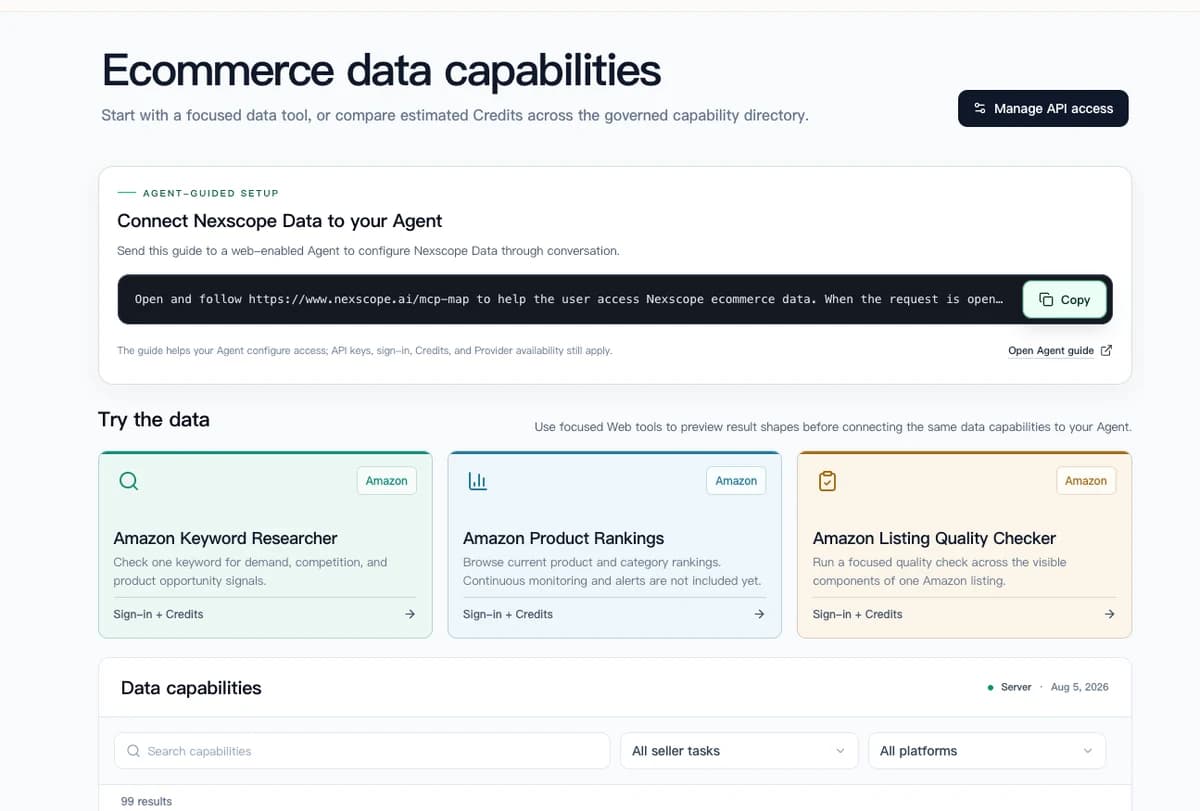
Ready to find profitable products for your new Amazon seller account? Nexscope is an AI-powered research platform built for e-commerce sellers.
Core Tools:
- Review Analysis — Extract customer pain points and product improvement insights from competitor reviews
- Product Research — Find profitable product opportunities with demand validation and competition analysis
- Keyword Research — Discover high-volume, low-competition keywords for your listings
- Market Research — Analyze market size, trends, and growth potential for any niche
- Competitor Research — Decode competitor strategies, pricing, and positioning
- Pricing Analysis — Optimize your pricing strategy based on market data
Creative Tools:
- AI Image Generation — Create product photos and marketing visuals
- AI Video Generation — Generate product videos and promotional content
Data Sources: Real-time data from Amazon, TikTok Shop, eBay, Walmart, Google Trends, Jungle Scout, and more.
Need Hands-On Help?
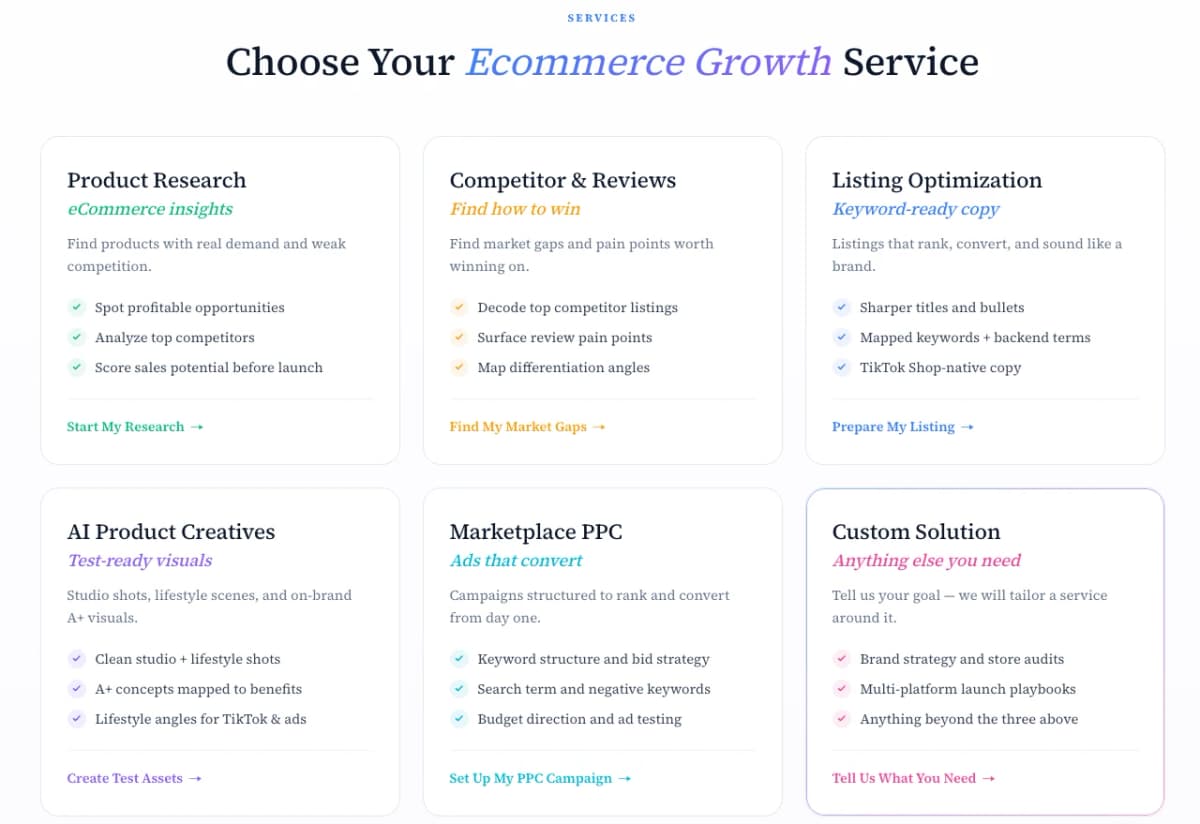
- E-commerce Growth Services — Product research, listing optimization, and launch strategy handled by experienced specialists.
Connect Ecommerce Data to Your Agent
Use Nexscope through API, MCP, or Skills, or open a ready seller workflow.
Explore Ecommerce Data →1,000 free credits • API, MCP & Skills
FAQ
Is it free to create an Amazon seller account?
You can create an Individual seller account with no monthly fee—you only pay $0.99 per item sold. Professional accounts cost $39.99 per month but have no per-item fee. Both account types pay referral fees (8-15%) on each sale.
How long does it take to get approved for Amazon seller account?
Most applications are approved within 24-48 hours. However, if Amazon needs additional verification (document review, video call), it can take up to 2 weeks. Having all documents ready and accurate speeds up the process.
Can I sell on Amazon without a business license?
Yes. You can register as an individual/sole proprietor using your personal information and SSN (in the US). A business license is only required if you're registering as an LLC, corporation, or other business entity.
What's the difference between Amazon Seller Central and Vendor Central?
Seller Central is for third-party sellers who sell directly to customers. Vendor Central is invite-only for manufacturers/distributors who sell wholesale to Amazon. Most new sellers use Seller Central.
Can I have multiple Amazon seller accounts?
No. Amazon's Terms of Service allow only one seller account per person or business unless you have legitimate business reasons and Amazon's approval. Creating multiple accounts without permission can result in all accounts being suspended.
Which Amazon marketplace should I start with?
Start with the marketplace closest to your inventory location to minimize shipping costs and delivery times. US sellers typically start with Amazon.com. You can expand to other marketplaces later through Amazon Global Selling.
Sources
- Amazon. (2026). Seller Central Help - Register as a Seller. Retrieved from sellercentral.amazon.com
- Amazon. (2026). Selling on Amazon Fee Schedule. Retrieved from sellercentral.amazon.com
- Amazon. (2026). Categories Requiring Approval. Retrieved from sellercentral.amazon.com