

Shopify Fall ’26 Edition Brings AI Shopping Closer to Everyday Commerce

Table of Contents
Shopify Fall ’26 Edition brings AI closer to both sides of a transaction. Merchants can work on their stores through more AI assistants, while shoppers gain more ways to discover products and pay through personal agents. A knowledge base in Shopify admin gives sellers control over the store information those shopping agents can retrieve.
Together, these changes make agentic commerce a more practical consideration for independent brands. A merchant might review inventory through a connected assistant while a customer asks another agent whether a product can arrive before a trip. The seller needs accurate information available in both situations. The opportunity extends beyond adding another AI tool: it involves preparing the business for conversations that can influence, and increasingly complete, a purchase.
What Changed in Shopify’s Fall ’26 Edition
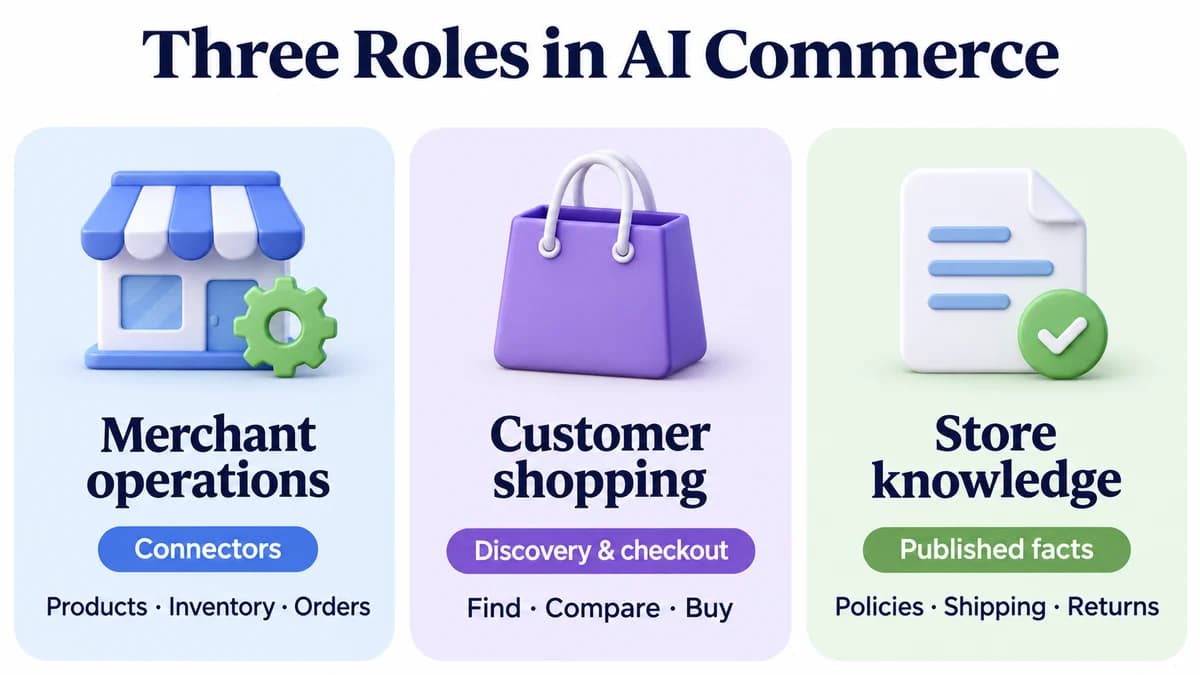
The AI updates address three different jobs:
| Area | Who uses it | What it helps them do |
|---|---|---|
| Shopify connectors | Merchants and authorized staff | Work with store information and supported operations from AI tools |
| Shopping integrations and Shop Pay | Consumers | Discover products and complete supported purchases through agents |
| Knowledge base | Merchants publishing store facts | Provide information agents can retrieve when answering customer questions |
Shopify’s Fall ’26 release also expands Sidekick’s technical capabilities, including calculations, coding, and web research. For sellers assessing AI shopping, however, the more useful question is how store operations, customer answers, and checkout now connect.
These capabilities have different access rules and purposes. Connecting an assistant to a merchant account does not automatically create a new consumer sales channel. Likewise, making a product discoverable does not mean every assistant offers the same checkout experience.
Managing Your Shopify Store Through AI Connectors
The release’s reported lineup spans nine assistants and agent experiences:
- OpenAI: ChatGPT
- Anthropic: Claude and Claude Duet
- Microsoft: Copilot
- Google: Gemini
- xAI: Grok and Grok Bot
- Meta: Muse
- Perplexity
The lineup is grouped by provider above. Capabilities vary by integration, so merchants should check which tasks their chosen assistant supports.
Shopify’s merchant integrations let sellers connect an existing store and handle supported tasks from an AI conversation. Shopify’s Grok integration, for example, belongs to this operational side of the update.
The Claude connector offers a concrete example of what an authorized assistant can do:
- Products and collections: Work with catalog information and organize products.
- Inventory: Check a product’s available stock.
- Store analytics: Summarize sales by product.
- Orders: Look up order information; handle refunds and cancellations in Shopify admin.
What the connector can change depends on approved access and the staff account’s permissions.
For a small team, the practical benefit is keeping a question and the relevant store data in the same workspace. Instead of copying inventory figures into a chat, a seller can ask a connected assistant to retrieve the information needed for a decision.
Start with a narrow task whose answer is easy to check. Reviewing one product’s stock across locations is a better first exercise than asking an assistant to reorganize an entire catalog. Before expanding the workflow, confirm which store it accessed, what it read, and whether it changed anything.
How AI Shopping Moves From Discovery to Checkout
On the consumer side, Shopify is extending the path from asking for a recommendation to completing a purchase.
The Shop skill at shop.md lets compatible agents help with shopping. The Shop MCP connection provides relevant background for understanding how these shopping interactions work. Separately, Shop Pay supports purchases through Muse, Claude Duet, Grok Bot, and Instinct.
Shop Pay coverage differs by agent:
- Muse: Supports purchases from Shopify stores.
- Claude Duet, Grok Bot, and Instinct: Also support purchases from stores outside Shopify.
For a store that does not offer Shop Pay, the buyer approves the purchase details and spending limit through Shop. The agent receives a one-time payment credential rather than the underlying saved payment details.
The checkout path also differs across sales channels:
- ChatGPT: Acts as a discovery channel that sends shoppers to the merchant’s checkout.
- Supported Google, Copilot, and Meta experiences: Can use Shopify-powered direct checkout when enabled.
Product discovery, purchase approval, and payment are separate parts of the experience. Sellers should evaluate the actual journey available to their customers instead of assuming that every AI recommendation ends in an in-chat sale.
What this means for the storefront
A customer using AI shopping in Muse may begin with a need rather than a brand name. Consider a hypothetical request for a compact travel bag that fits a particular laptop, stays within a budget, and can arrive before departure.
A useful answer requires dimensions, price, availability, and delivery information. Attractive campaign copy alone cannot resolve those questions. This suggests a practical priority for merchants: describe products so that specific buying constraints can be evaluated.
The storefront remains essential for presenting the brand, explaining the offer, and supporting customers. Its information also needs to make sense when individual facts appear outside the original page layout. That is the broader strategic question behind developments such as Google Universal Cart: how well does a business serve a purchase journey that starts elsewhere?
What Shopify’s Knowledge Base Changes for Merchants
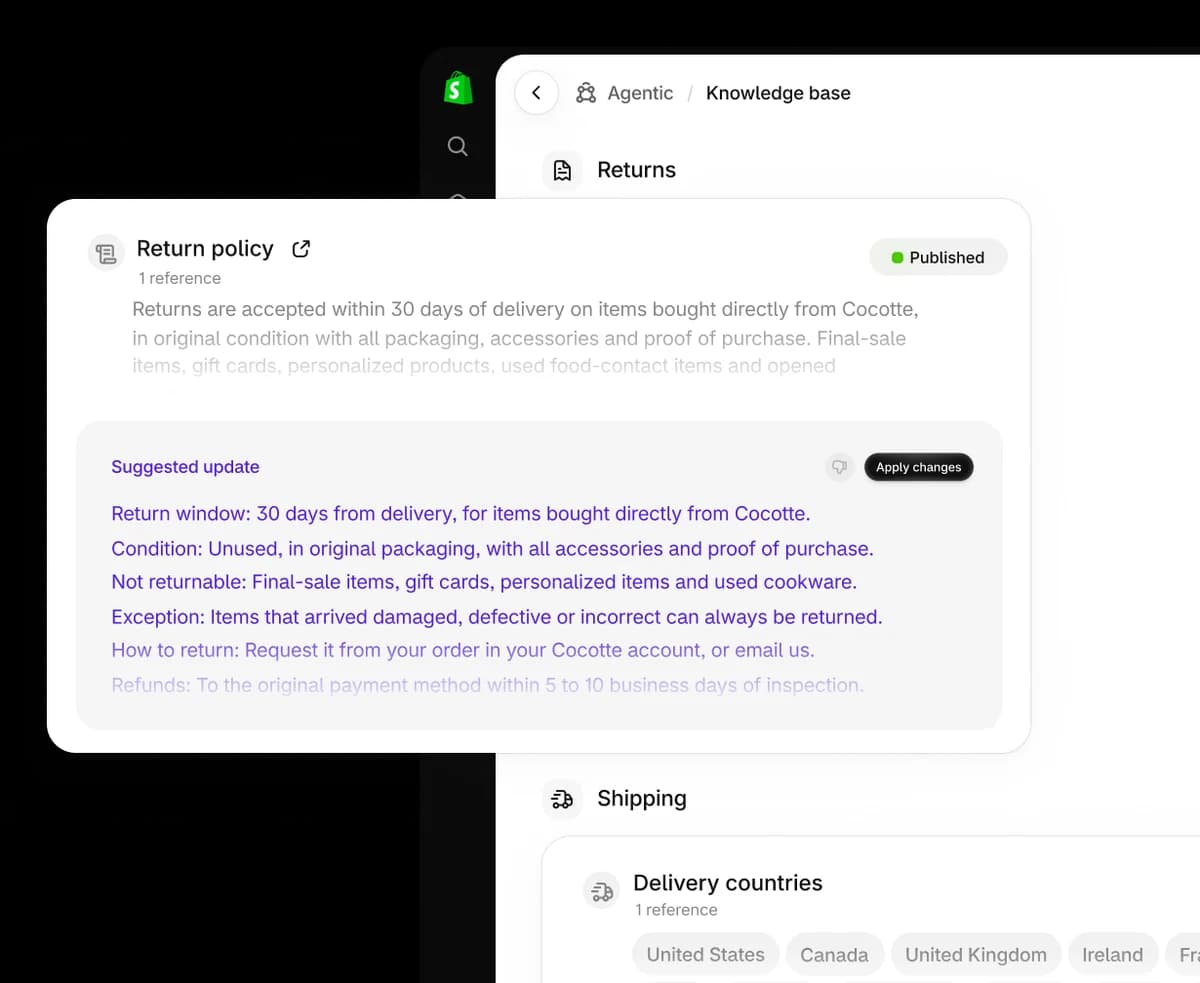
Source: Shopify Fall ’26 Edition. Official product illustration.
Knowledge base addresses the questions around a purchase. It holds non-product store information such as return processes, shipping timelines, and brand details. Agents can retrieve published information through Storefront MCP.
Merchants manage it in Shopify admin → Sales channels → Agentic → Knowledge Base. They can review sources, edit facts, and control which information is published.
Publication behavior depends on the source:
- Scanned storefront facts: Remain unpublished until published.
- Admin-linked information: Some facts, including policies and contact details, are published when created.
- Suggested changes: Merchants can approve or reject updates.
That makes the update useful for managing what a store tells shopping agents. It gives sellers a place to review an answer’s underlying information and keep it aligned with customer-facing policies.
Consider a hypothetical gift purchase. A shopper might ask whether an unwanted item can be returned after the holidays. The commercial issue is specific: the answer must reflect the applicable return window, exclusions, and process. A generic statement about easy returns may leave the buyer with the wrong expectation.
For sellers, AI shopping readiness includes maintaining precise business facts. Teams should assign responsibility for policy accuracy just as they assign responsibility for prices and inventory. A seasonal promotion can change several of these at once.
What Shopify Sellers Should Review Now
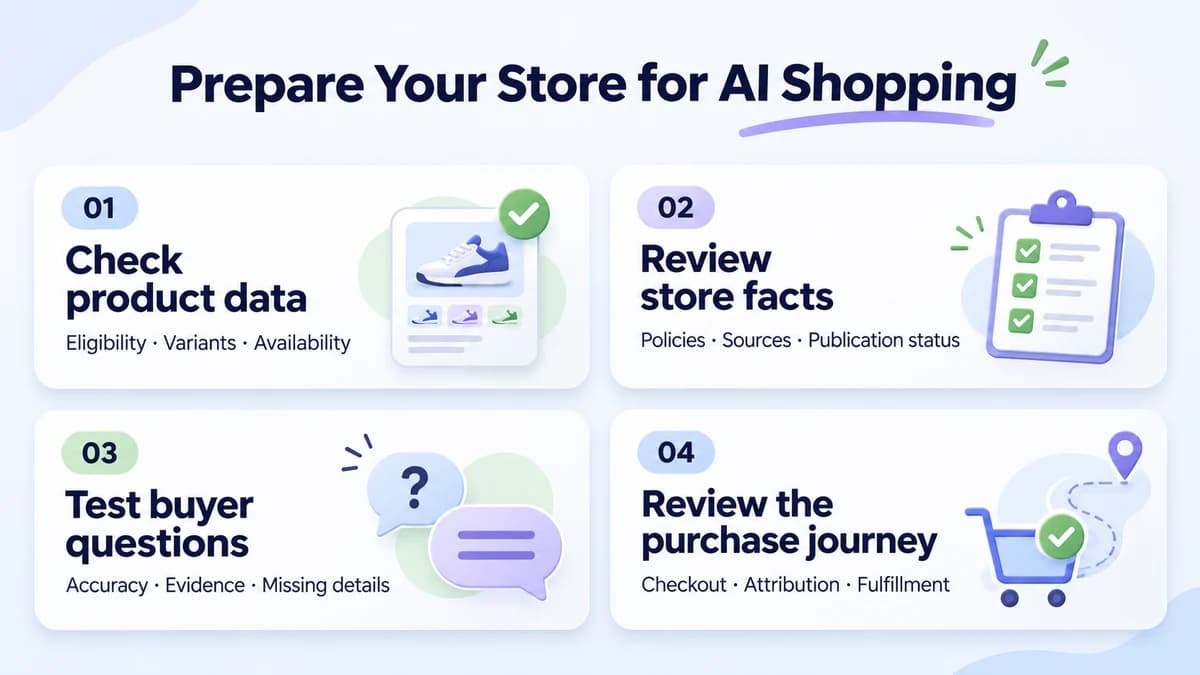
A focused review can begin with a small group of important products and the questions customers already ask about them.
Check catalog eligibility and product details
Open the Agentic section and review Shopify Catalog eligibility. Store and product requirements include publishable product URLs, required product information, and account standing. An ineligibility message may identify an issue that needs attention.
For a first review, choose a few bestsellers and check:
- Core listing details: Titles, images, and variants.
- Purchase details: Prices and availability.
- Category-specific questions: Dimensions for furniture, compatibility for accessories, or materials and care for apparel.
Descriptions should make these buying details easy to find.
Use precise, supported statements. If a bag fits a laptop up to a particular size, record the relevant measurements. Avoid making an assistant infer compatibility from a lifestyle image.
Review published policies and exceptions
Inspect Knowledge base publication status and sources. Prioritize information that could change a purchase decision, such as delivery options, returns, and warranties.
Place related promises side by side and look for two common mismatches:
- Promotional banners vs. shipping policies: Does the promotion promise a delivery option or timeline that the policy does not support?
- Product pages vs. general returns policies: Is a product-specific exception missing from the general policy?
Resolve contradictions in the underlying business content before testing how an agent summarizes it.
Test realistic purchase questions
Use questions based on support tickets and pre-purchase conversations. For example:
- Which version fits the customer’s stated dimensions or requirements?
- Is the selected variant available at the displayed price?
- What delivery information applies to the intended destination?
- What happens if the item needs to be returned?
Record the question, answer, source, and date. Categorize a failure before changing content: missing product detail, contradictory policy, outdated information, or an unsupported inference. This makes the next action clearer than simply labeling an answer inaccurate.
Follow the journey through checkout and fulfillment
Review how the channel sends a shopper to payment and how an order appears in Shopify admin. Agentic orders can include channel or referrer attribution, and merchants remain responsible for the customer relationship and post-purchase experience.
For an initial evaluation, track four separate observations:
- Discovery: Did the product appear in the recommendation?
- Checkout: Where did the customer complete payment?
- Orders: Which channel or referrer was attributed?
- Customer issues: What questions or problems followed the purchase?
A recommendation shows that a product appeared; an attributed order shows a purchase. Neither observation alone explains why a customer chose the product.
Conclusion
Shopify Fall ’26 Edition gives merchants more ways to operate through AI and gives shoppers more ways to buy through agents. The useful next step is to prepare a small, well-maintained set of products and policies, then examine how customers encounter them across the available shopping experiences.
Research and Create With Nexscope APIs
Preparing for AI shopping involves understanding competing offers, identifying customer questions, and creating content that presents products clearly.
Nexscope brings three types of APIs into the team’s own workflows:
- Shopify Data APIs: Research products and stores to compare competing offers and inform product positioning.
- Marketing APIs: Explore keywords, search results, competitors, and backlinks to prioritize content and marketing opportunities.
- AI Image & Video APIs: Create product visuals and marketing videos with AI models and creative workflows.
Teams can use REST APIs to integrate these capabilities, with MCP available for supported Data APIs. Check the selected endpoint’s coverage, fields, and freshness before building it into a workflow.
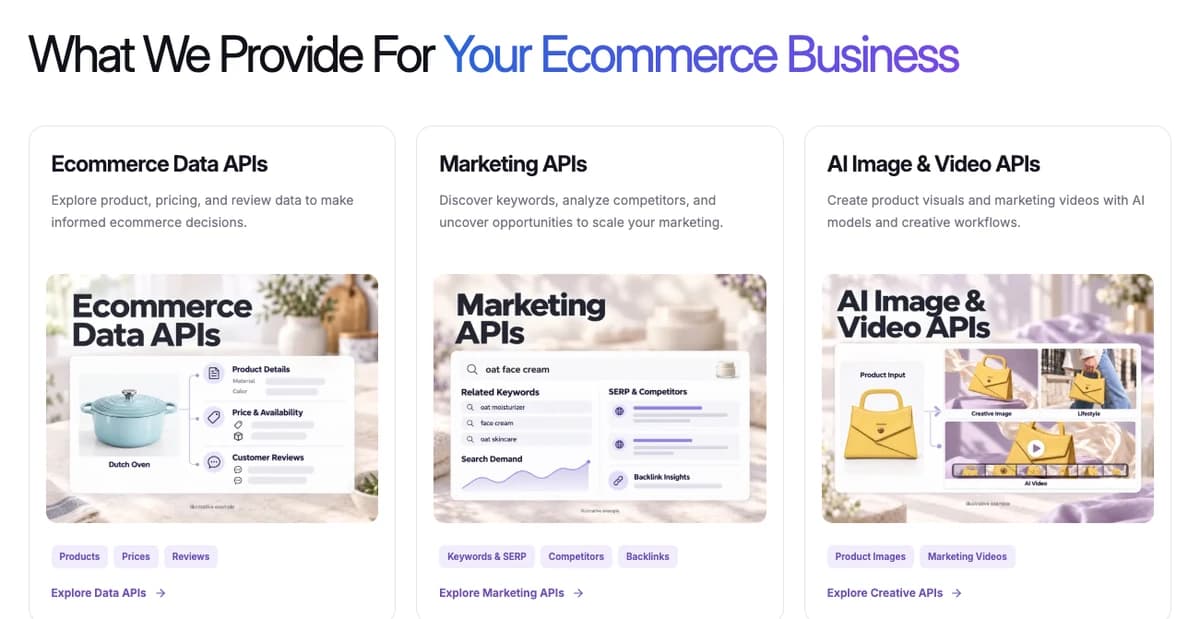
Use research findings to prioritize store improvements, then create content that reflects verified product details and policies.
New users receive 1,000 trial credits valid for three days, with no credit card required. Data APIs use pay-as-you-go credits; Creative APIs require a separate active subscription.
Bring ecommerce data into your workflow
Start with trial credits and connect supported data to your own agent.
Start Your Free Data Trial →Frequently Asked Questions
Does connecting Shopify to an AI assistant make products discoverable to shoppers?
Merchant connectors and consumer discovery serve different purposes. A connector gives an authorized tool access to supported store operations. Consumer discovery is handled through agentic storefronts and the relevant product distribution channels. Sellers should review both their operational integrations and their Agentic settings.
Can every AI assistant complete checkout inside the conversation?
Checkout depends on the integration. Some experiences refer the customer to a merchant checkout, while supported direct-checkout experiences let the purchase stay within the AI channel. Review the specific channel before designing a customer journey around it.
Does Shopify Knowledge base hold product prices and inventory?
Its primary purpose is non-product store information, including policies and business details. Product records and availability need their own maintenance. A complete buying answer may need information from both areas.
Can Shop Pay work with non-Shopify stores through an agent?
Claude Duet, Grok Bot, and Instinct support this use case. Muse’s Shop Pay integration is limited to Shopify stores. Purchase permissions and the supported transaction flow still apply.
What should a seller prioritize before connecting more AI tools?
Start with catalog eligibility, accurate product details, and consistent customer policies. Test a few meaningful buying questions and inspect the resulting purchase path. Add operational connectors where they solve a recurring task the team can verify.
Sources
- Shopify. (2026). Shopify Editions Fall ’26. Retrieved from shopify.com
- Shopify. (2026). Building and managing your store with third-party AI tools. Retrieved from help.shopify.com
- Shopify. (2026). Answering customer questions with your knowledge base. Retrieved from help.shopify.com
- Shopify. (2026). Shopify agentic storefronts. Retrieved from help.shopify.com
- Shop. (2026). Using Shop with AI agents and agentic platforms. Retrieved from help.shop.app