
AI Product Photography for Ecommerce
New users get 1,000 free Credits on sign-up.
Turn your product photos into lifestyle scenes, product infographics, and Amazon A+ images.
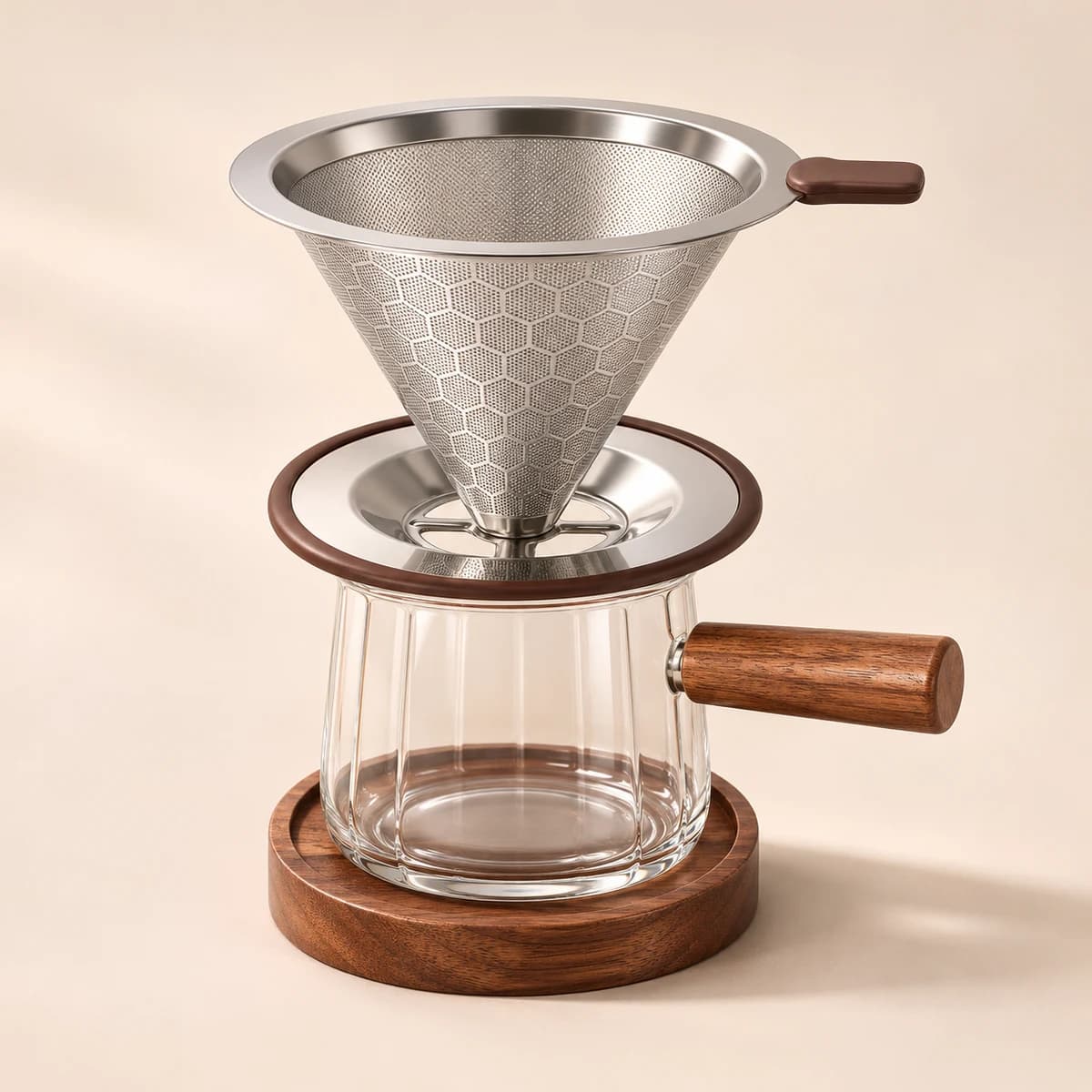
Pour-over coffee kit · Metal filter · Glass cup · Wood accents
Daily RitualPour-Over Coffee Kit
Create Your Product Image Set
Start with a product photo. Choose image types and settings next.
JPG, PNG or WebP · Up to 10 MB
Product Images for Ecommerce and Amazon Listings
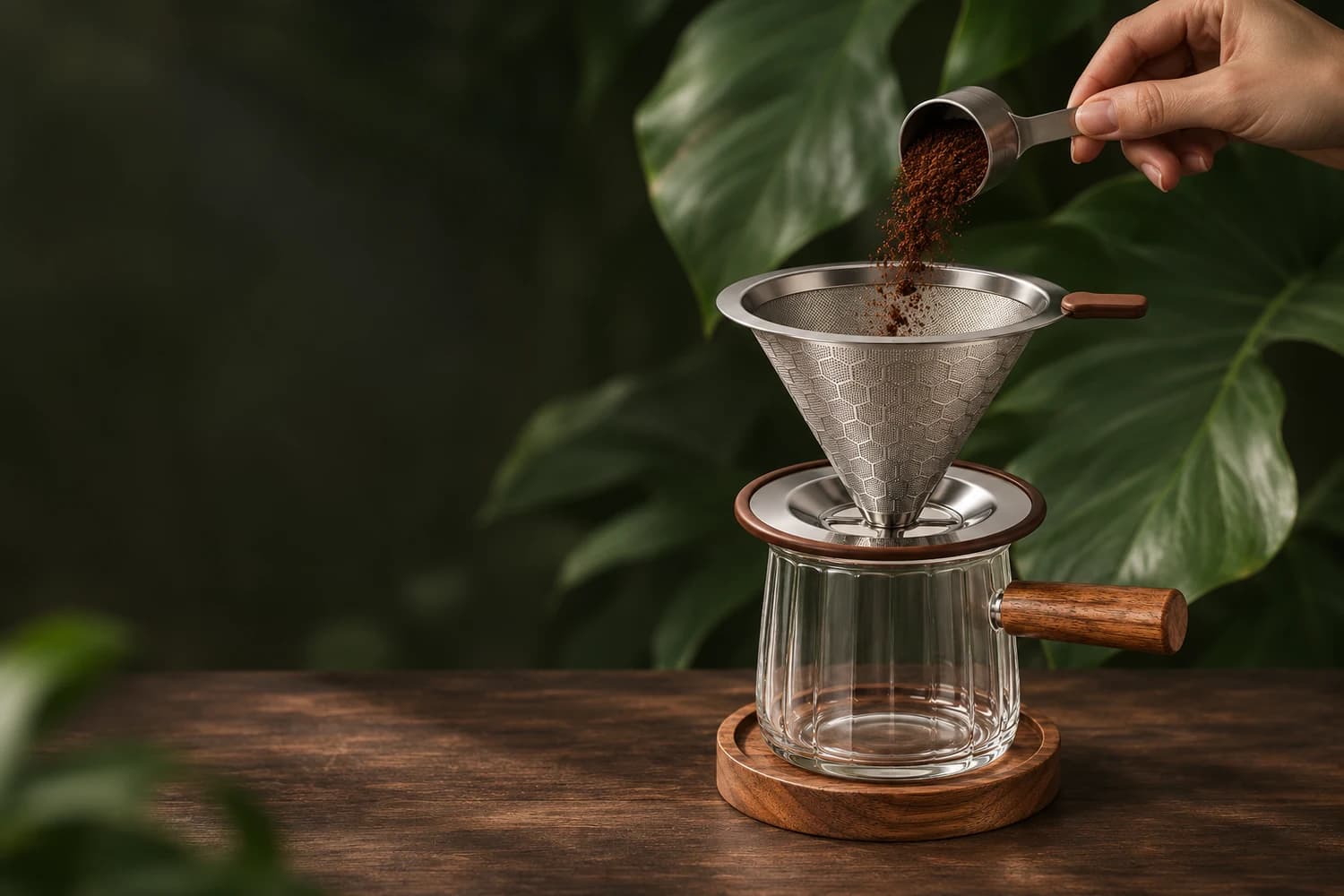
Create product images for ecommerce and Amazon listings, from lifestyle scenes to feature highlights
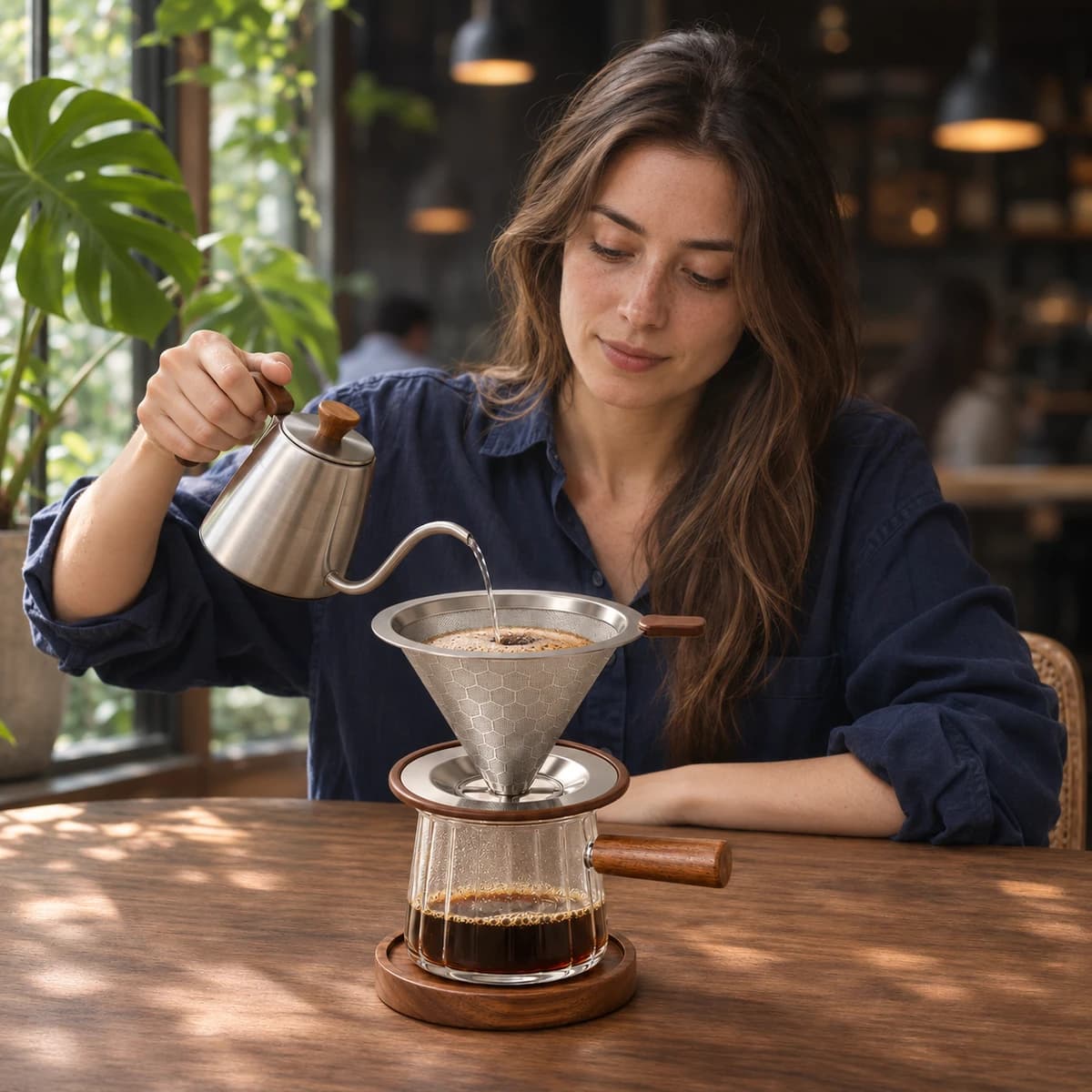
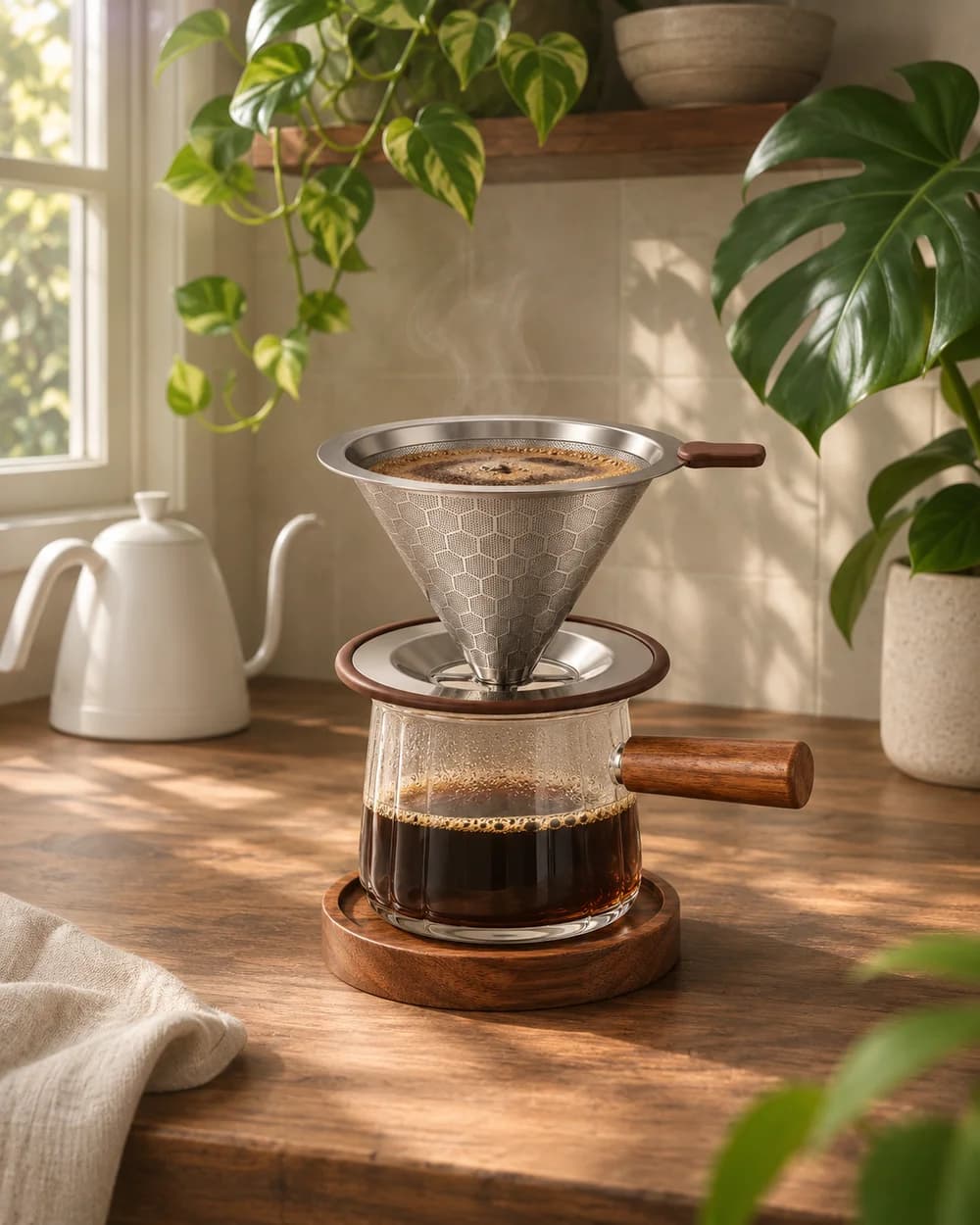
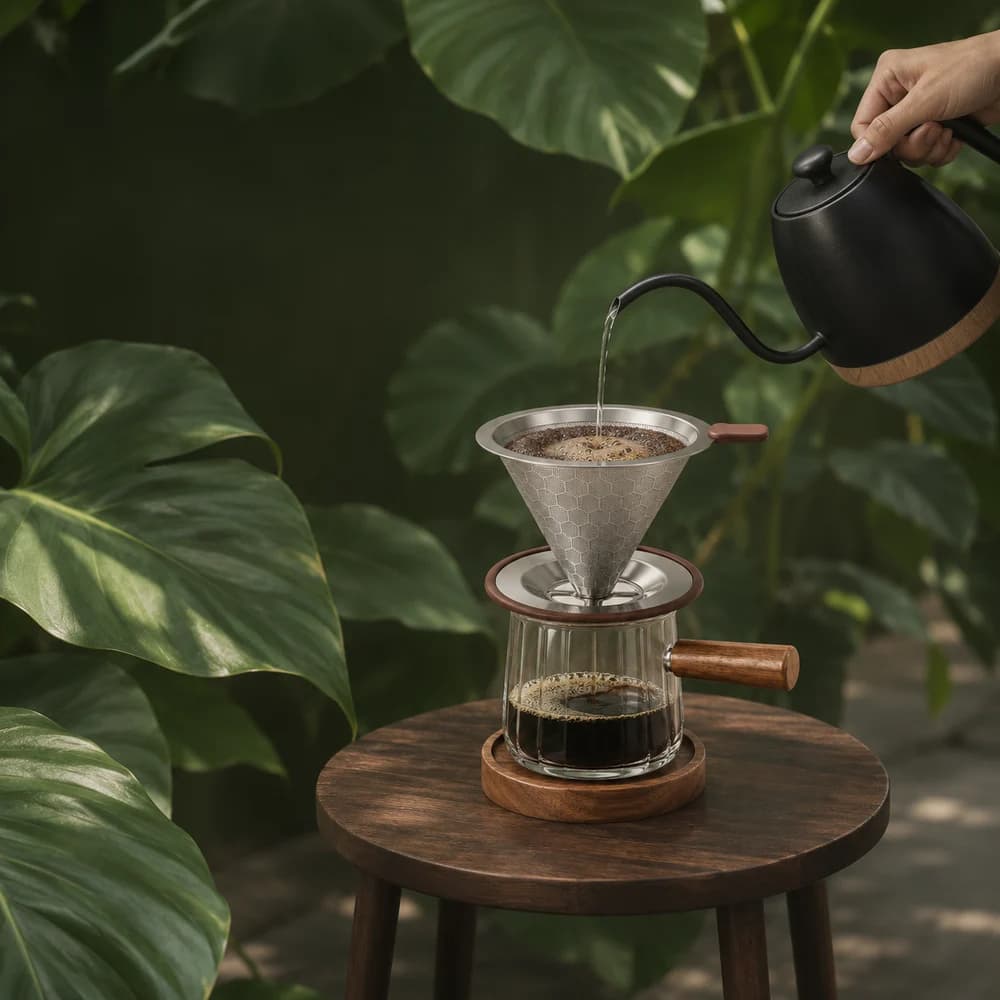
Coffee, sunlight and a little time.
Create lifestyle product photography that shows your product in everyday settings
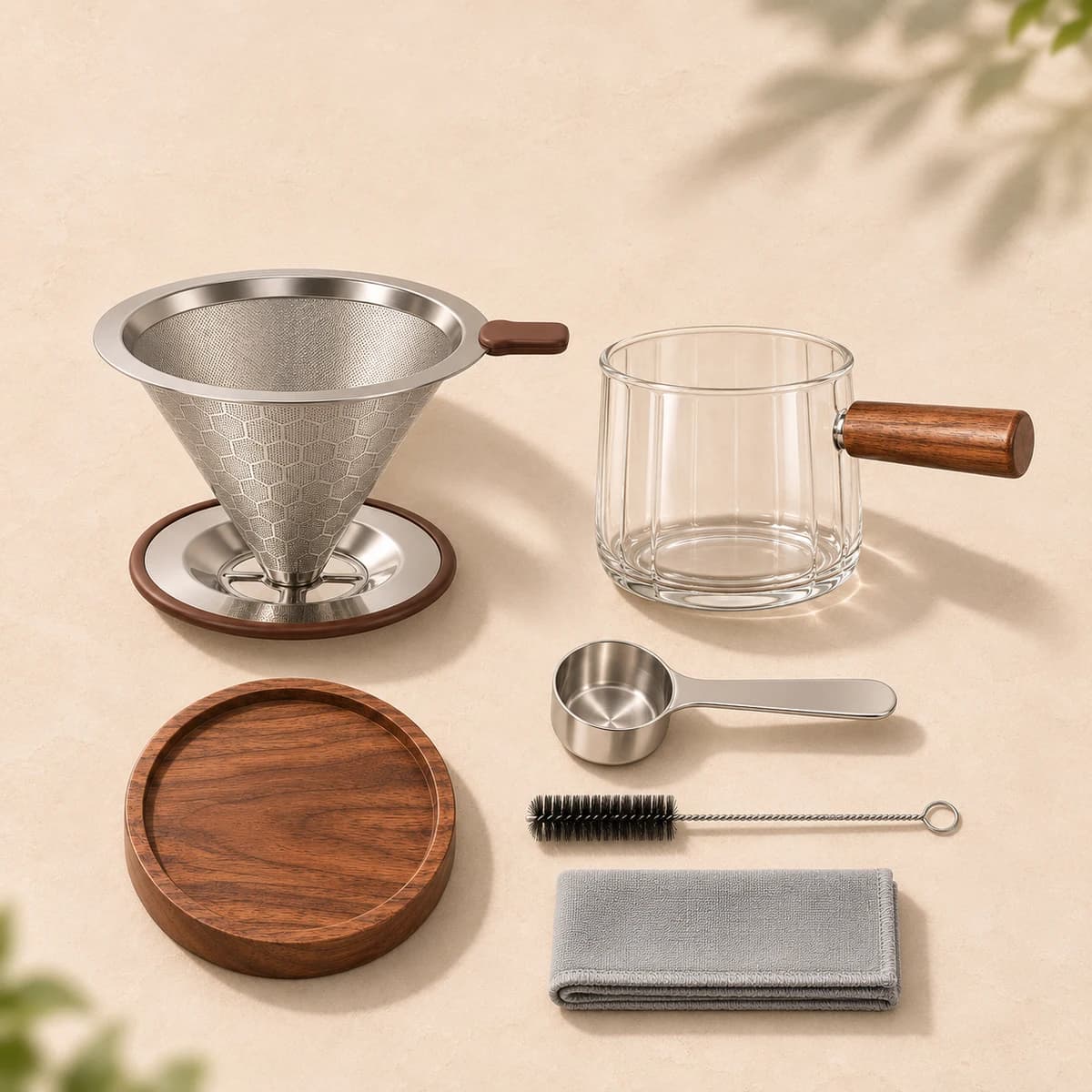
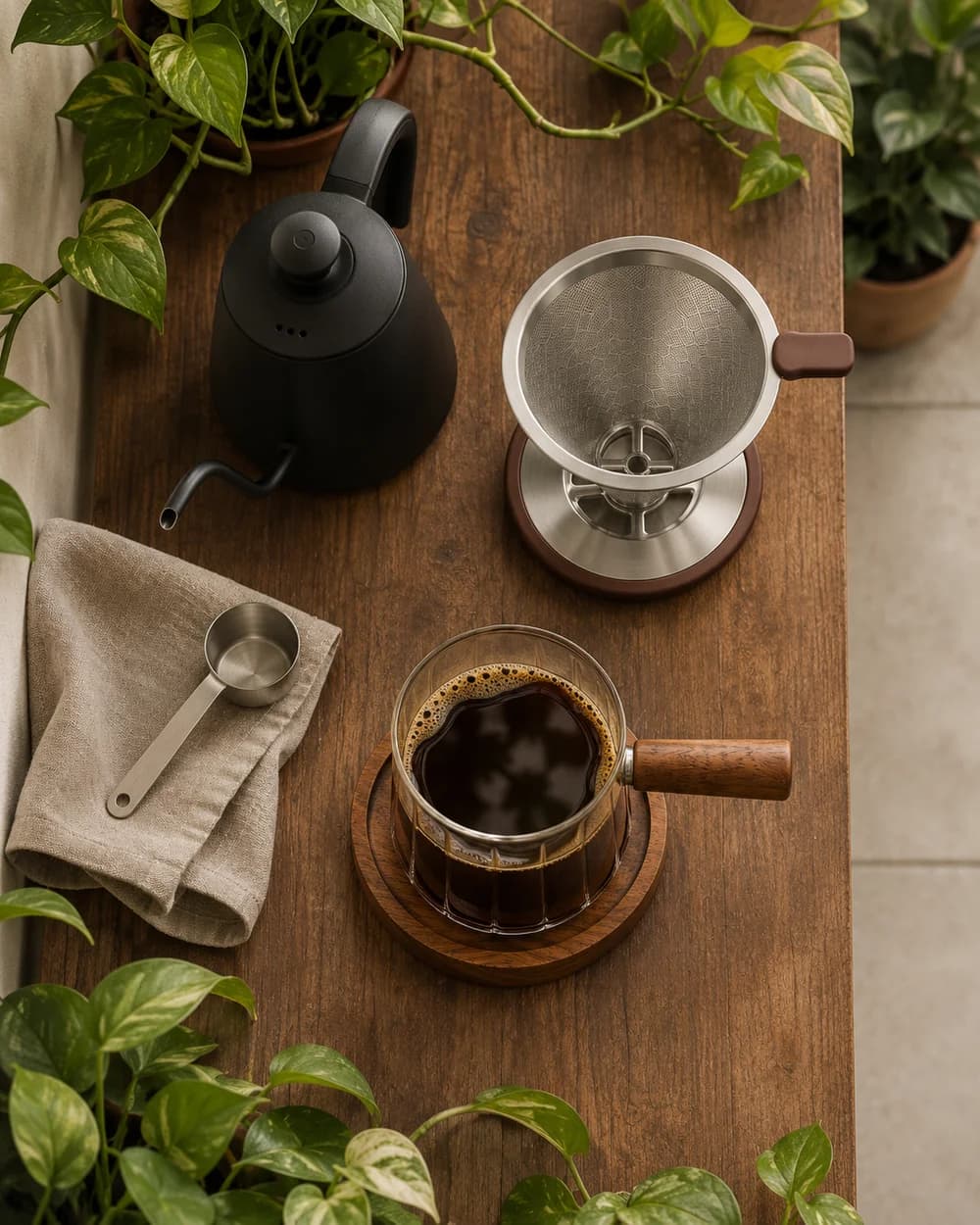
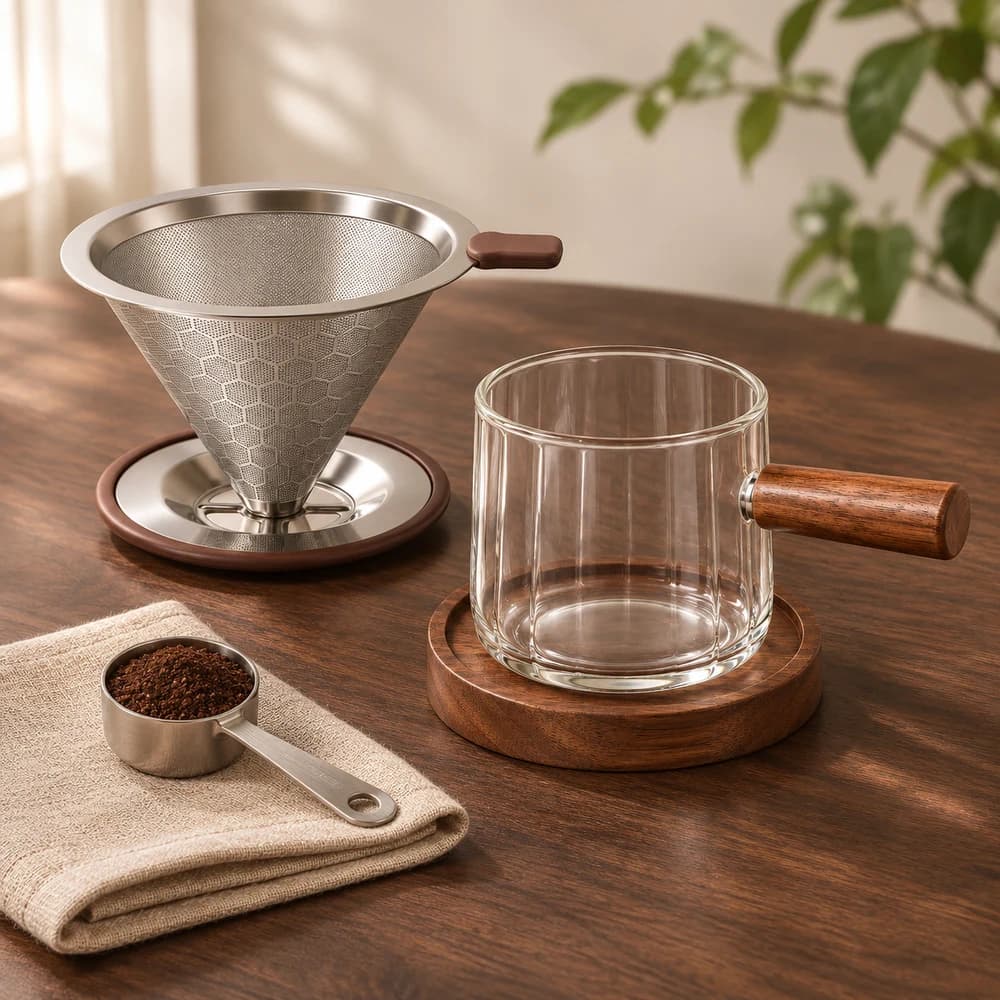
Filter, cup, coaster and accessories.
Show the items in your product set so shoppers know what’s included
Highlight key features and product details with clear visual callouts
Create Amazon A+ Content Images
Turn your product photos and key features into images for Amazon A+ Content. Choose an A+ format, select layouts, and generate with or without text.
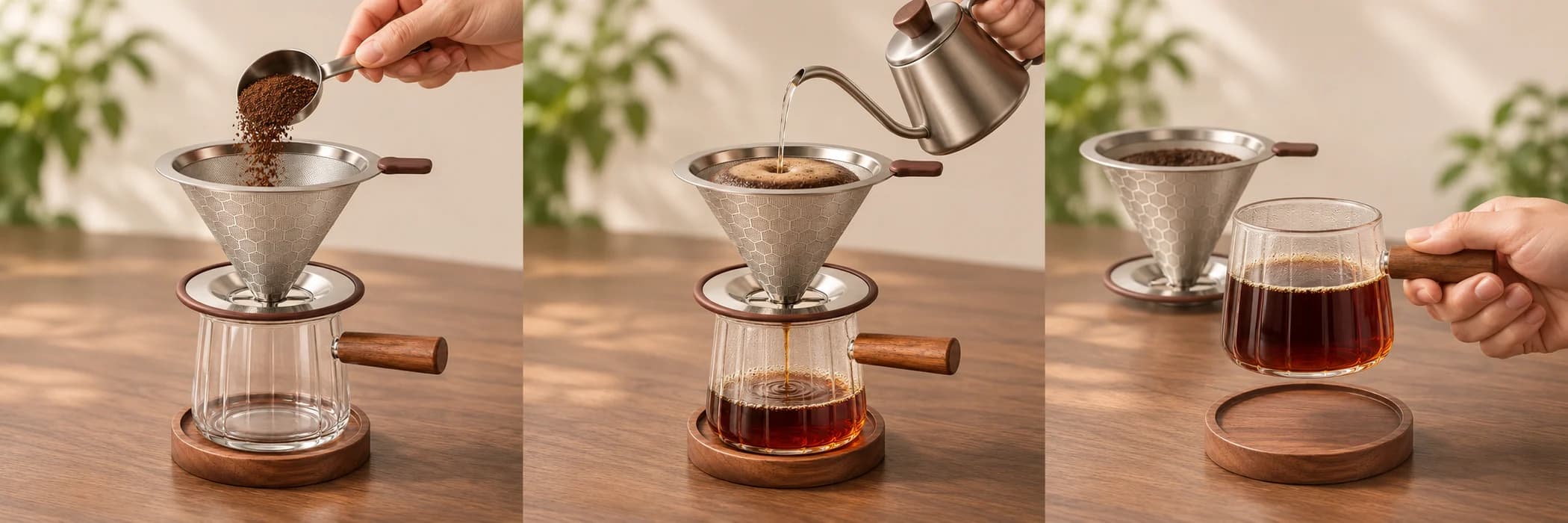
Create Your Image Set in 3 Steps
- 01
Add Photos and Product Details
Upload photos of your product and describe its key features.
- 02
Choose Image Types and Settings
Choose listing images, A+ images, or both, then adjust the available settings.
- 03
Generate and Download
Generate your images, review the details, and download your set.
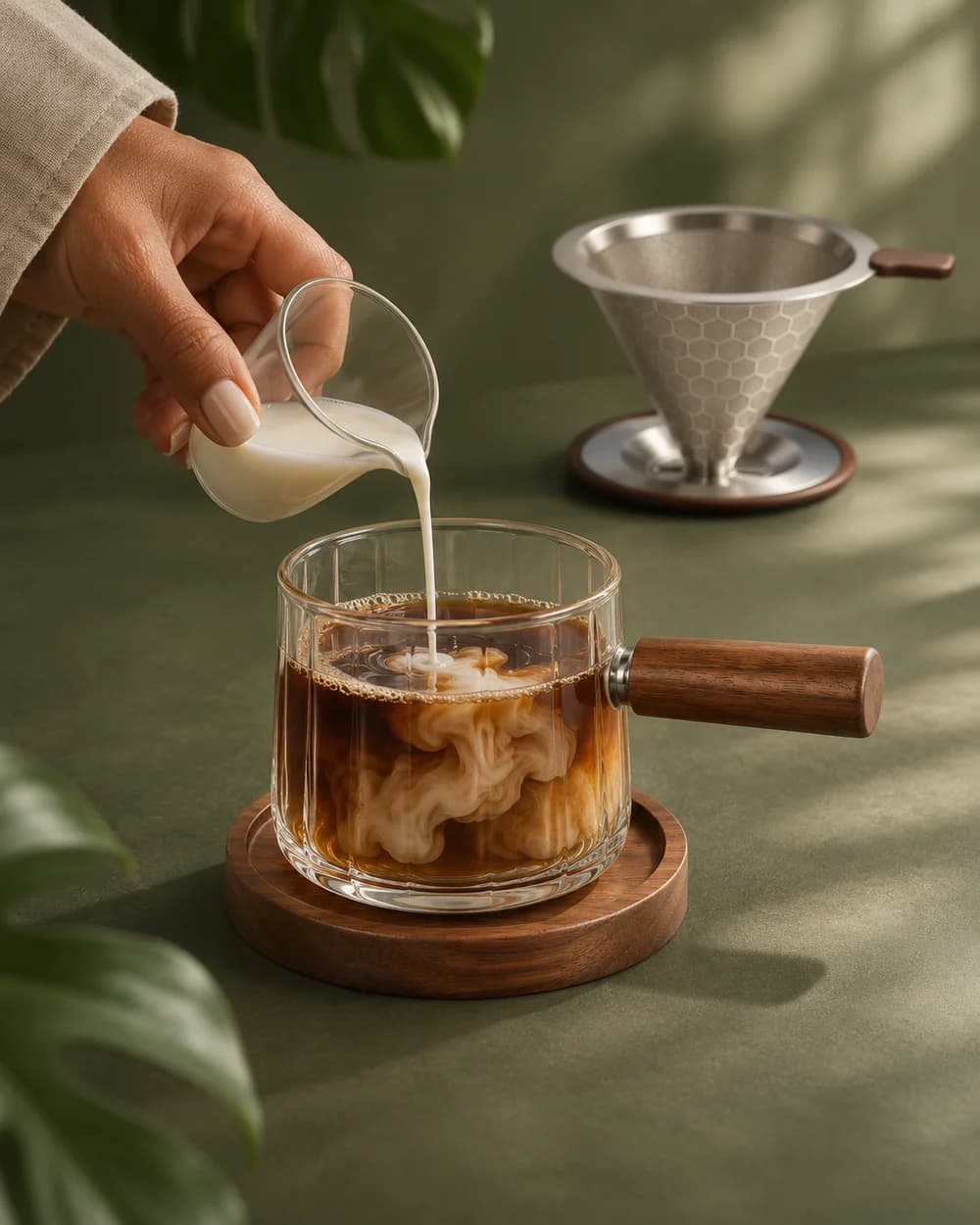
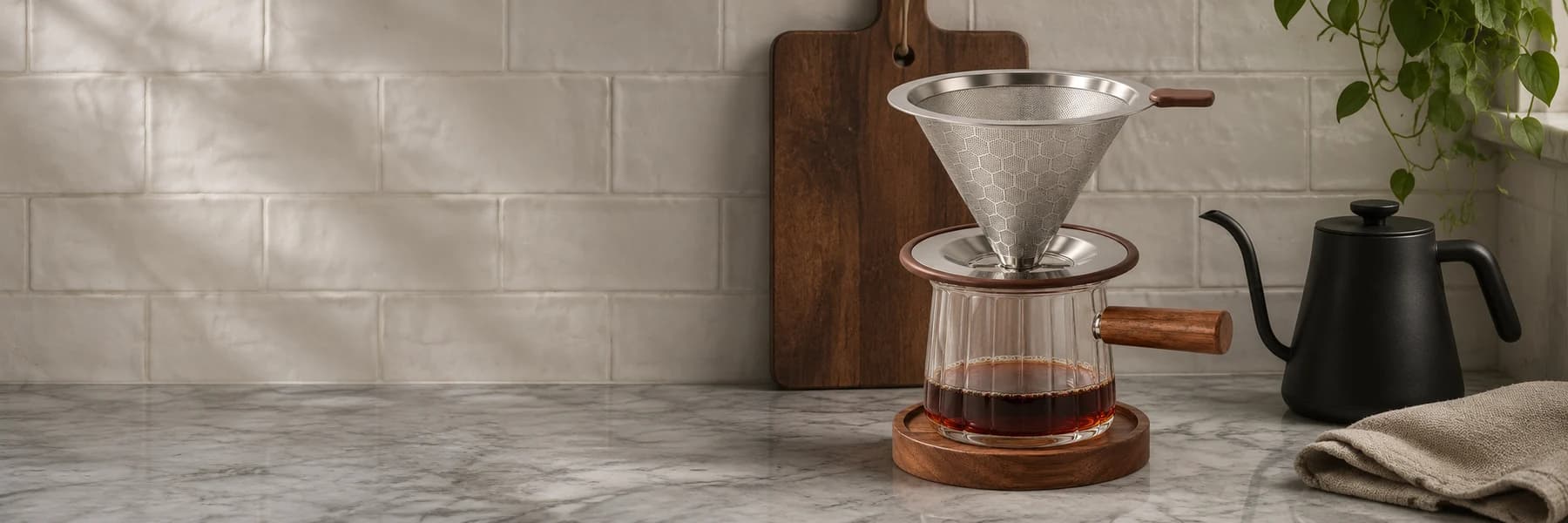 Your Everyday
Coffee Corner
Choose Your Product Image Layouts
For product infographics and A+ images, choose a layout or upload a reference and add a layout description. You can also generate without selecting layouts.
Choose Your LayoutsAI Product Photography FAQ
What can I create with the AI product image generator?
Create product infographics, white-background photos, lifestyle scenes, close-ups, and Amazon A+ images. Choose listing images, A+ images, or both.
Can I start with one product photo?
Yes. Upload one photo here, then add more angles in the workspace, up to five product photos in total. Add product details yourself or use AI analysis or the guided wizard to help.
Is the product listing image generator free to try?
New users receive 1,000 free Credits on sign-up. Generation uses Credits, and the workspace shows an estimate before you generate. The cost depends on your model and image settings.
Which photos can I upload?
Upload clear white-background or real product photos in JPG, PNG, or WebP format, up to 10 MB each. Each side must be 384–4096 pixels, and the longer side must be no more than five times the shorter side.
Can I use the images for Amazon or my online store?
You can create images for ecommerce listings, storefronts and product marketing. Review product details, text and any claims, then check the image requirements of your marketplace before publishing. AI results may need revisions.
How do image quantities and layouts work?
Choose quantities for each image type. If you select layouts for selling-point or A+ images, that type’s quantity follows the number of selected layouts. Layouts are optional; A+ uses random official layouts when none are selected. Available size options depend on the model and image type.
Is this the same as your product photography service?
This is a self-service AI tool for creating images from existing product photos. Nexscope also offers a separate product photography service for sellers who want help from a creative team.
Your Next Listing Starts Here
New users get 1,000 free Credits on sign-up.
Create Your Image SetPrefer to work with a creative team? Explore Our Product Photography Service