
White Backgrounds for Product Photos
Create white-background product photos online with AI for your store and marketplace listings.


Upload Your Product Photo
Start with one photo. Add more in the editor.
JPG, PNG or WEBP · Up to 10 MBImage requirements
One photo · 384 to 4096px per side · Maximum aspect ratio 5:1
How to Add a White Background to Product Photos
- 01
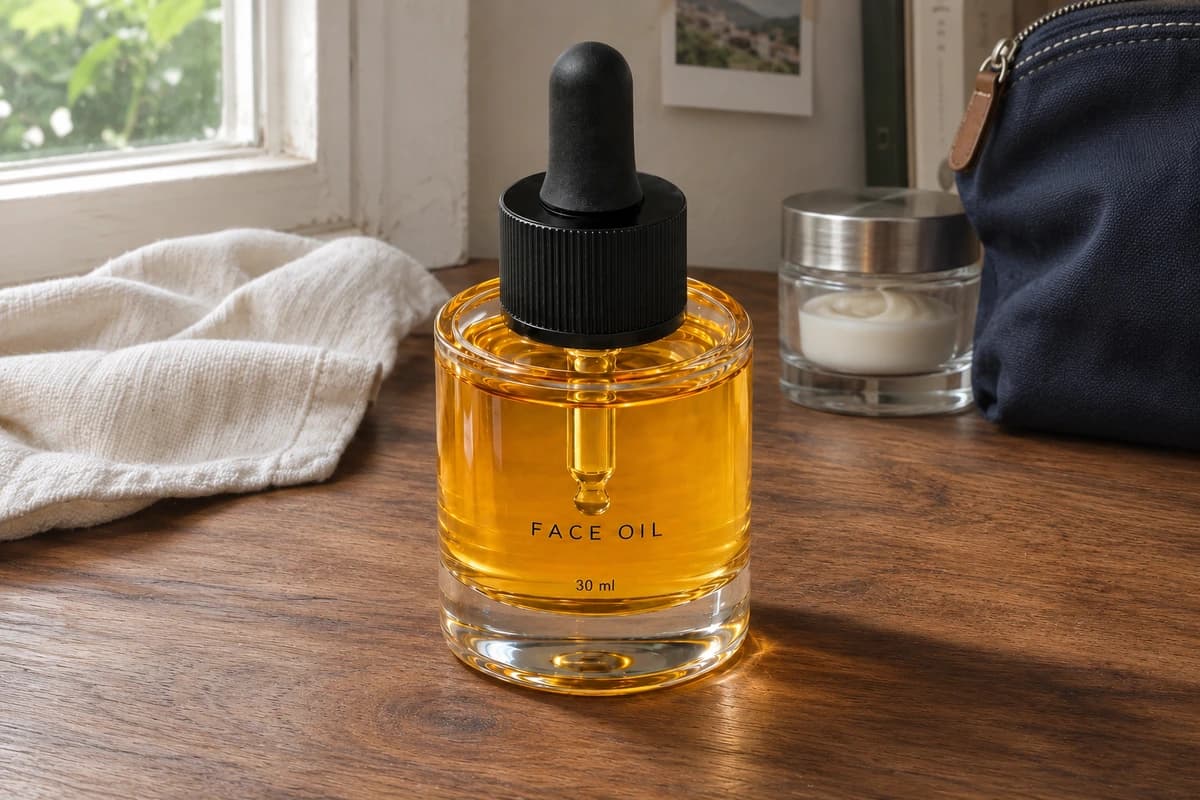
Upload Your Product Photo
Upload a product photo, then sign in to continue in the workspace.
- 02Image settingsResolution2KAspect ratio1:1Images per photo1
Choose Your Image Settings
Choose your resolution, aspect ratio, and images per photo.
- 03
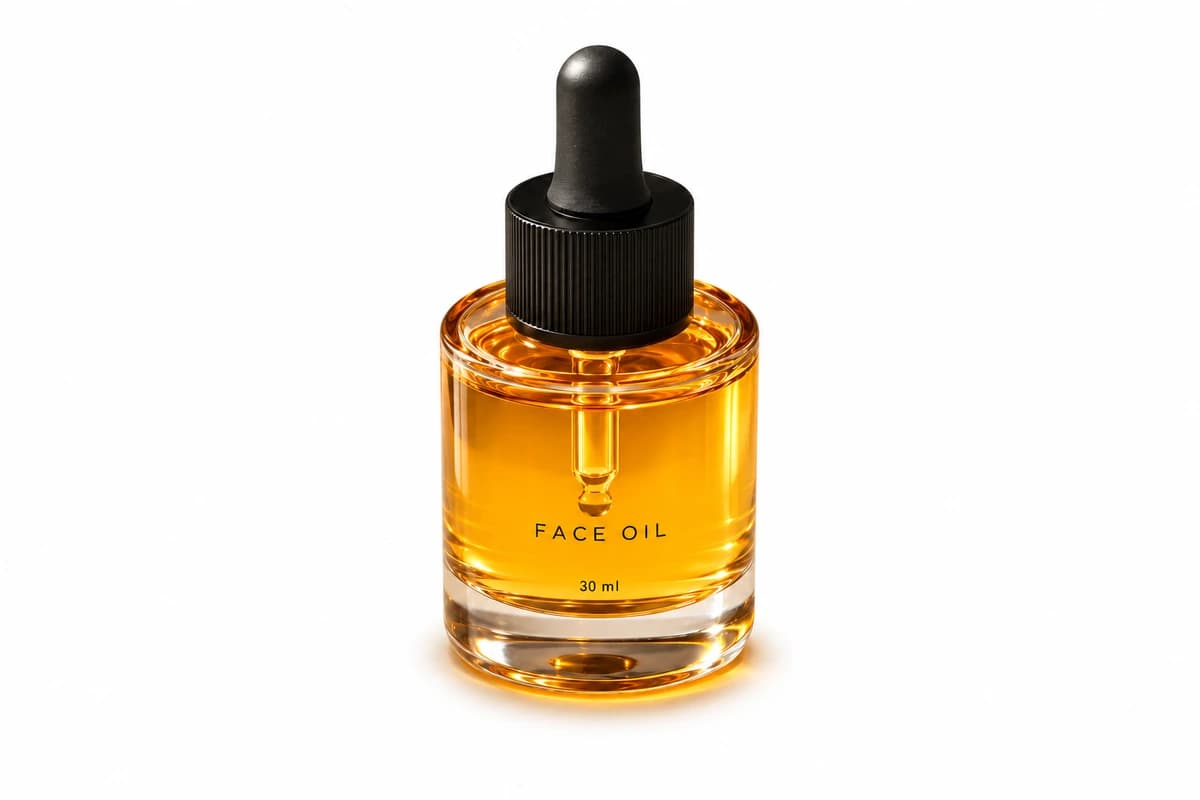
Generate and Download
Check the estimated credit cost, generate your images, then review and download your favorites.
Create White Backgrounds
for Product Photos in Bulk
Add a white background to up to 10 product photos at once.
Each photo is processed separately, with 1–4 images per photo.
Start a Batch
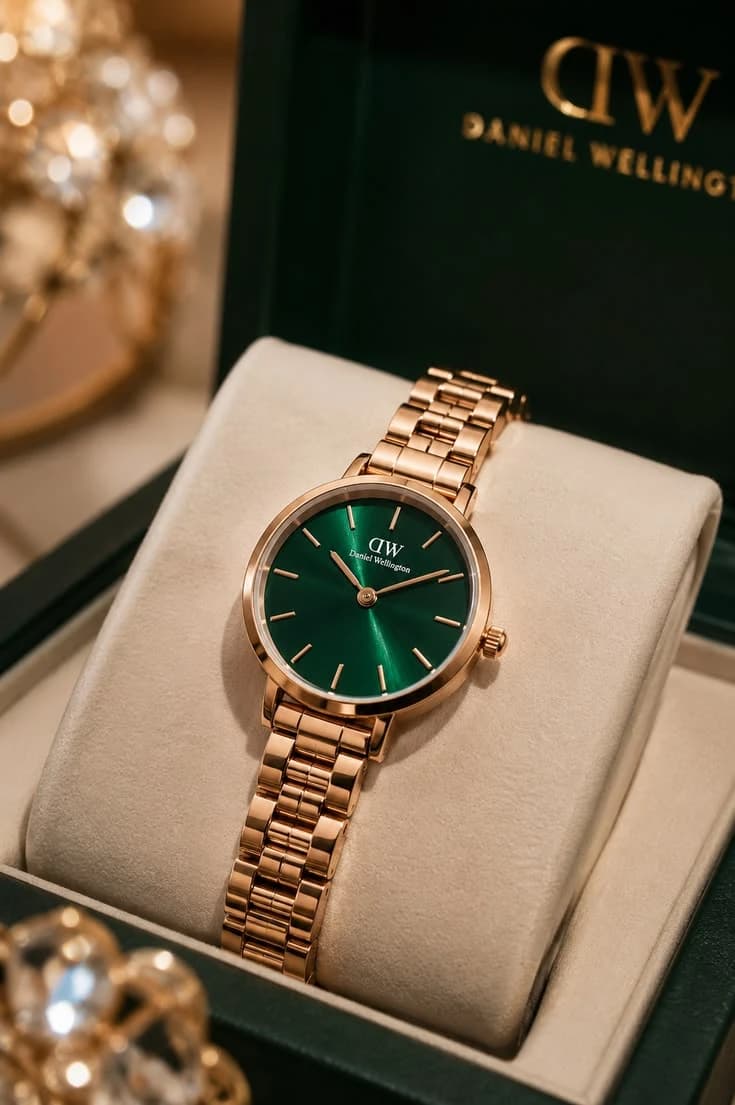

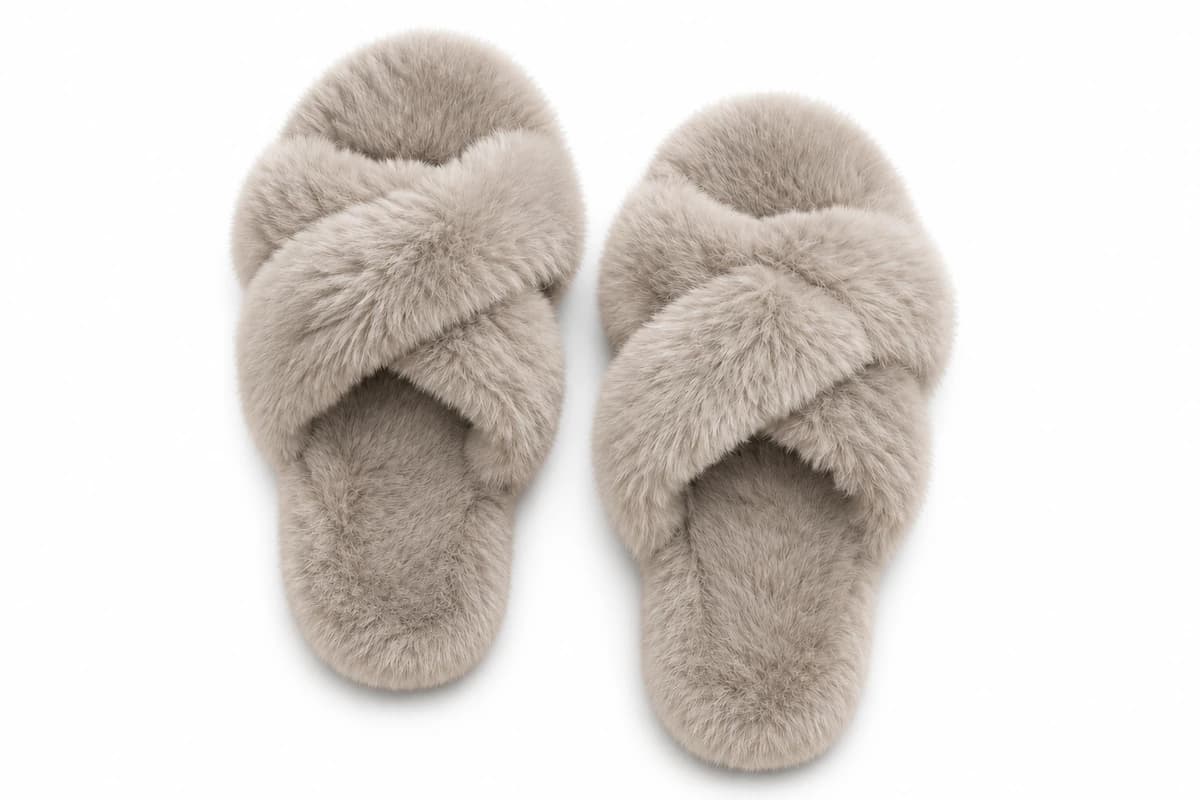
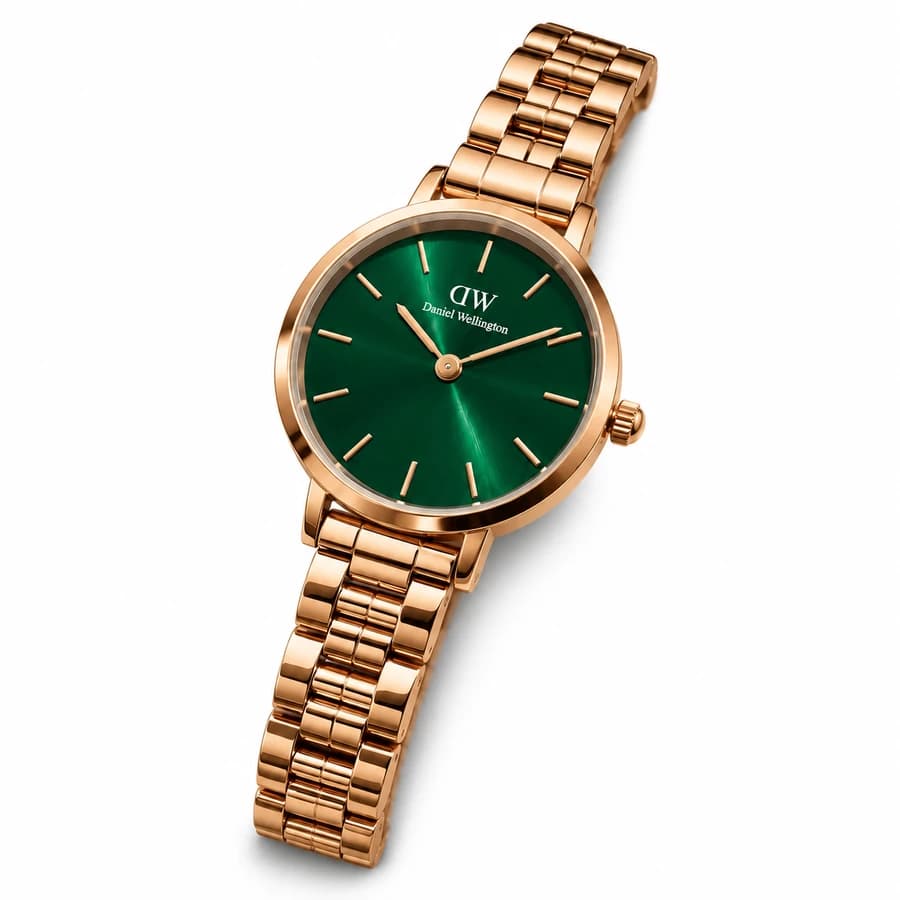
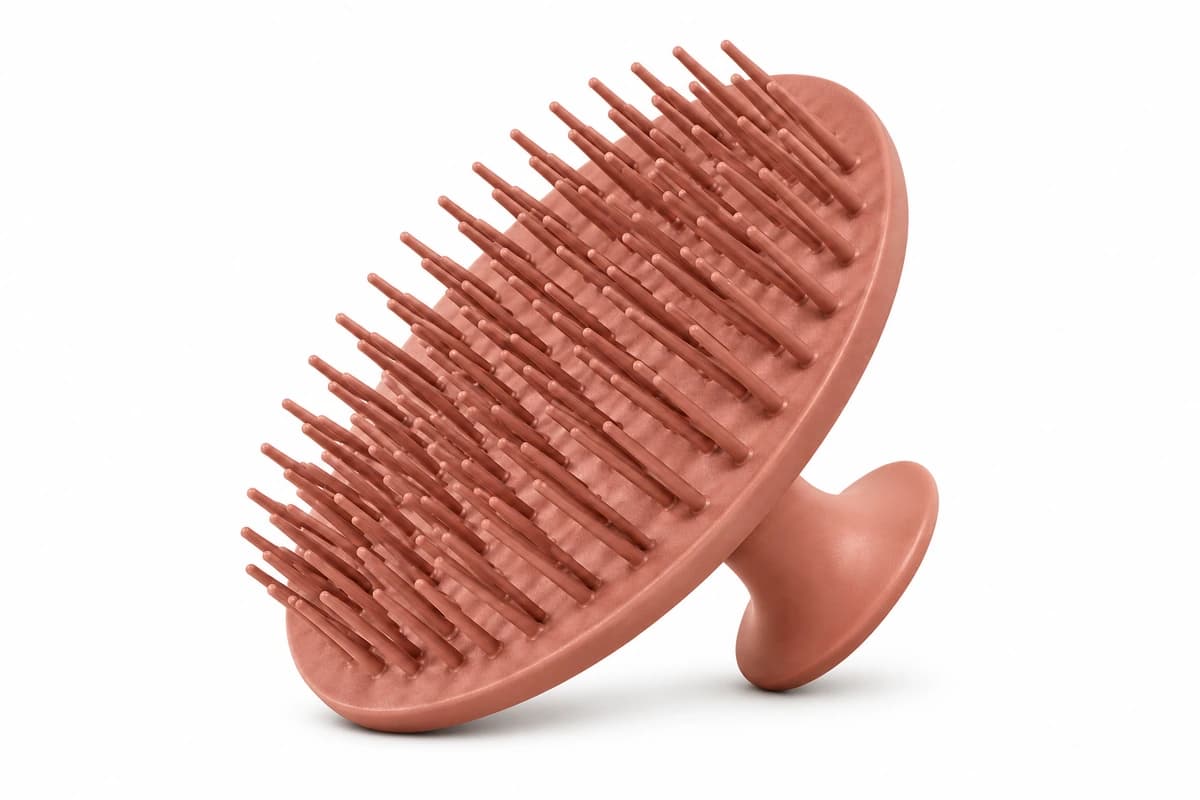
Product Images Sized
for Your Listings
Choose a square, portrait, or landscape aspect ratio for your white-background product images—or set custom dimensions.
1K / 2K / 4K resolution
Create White Background Images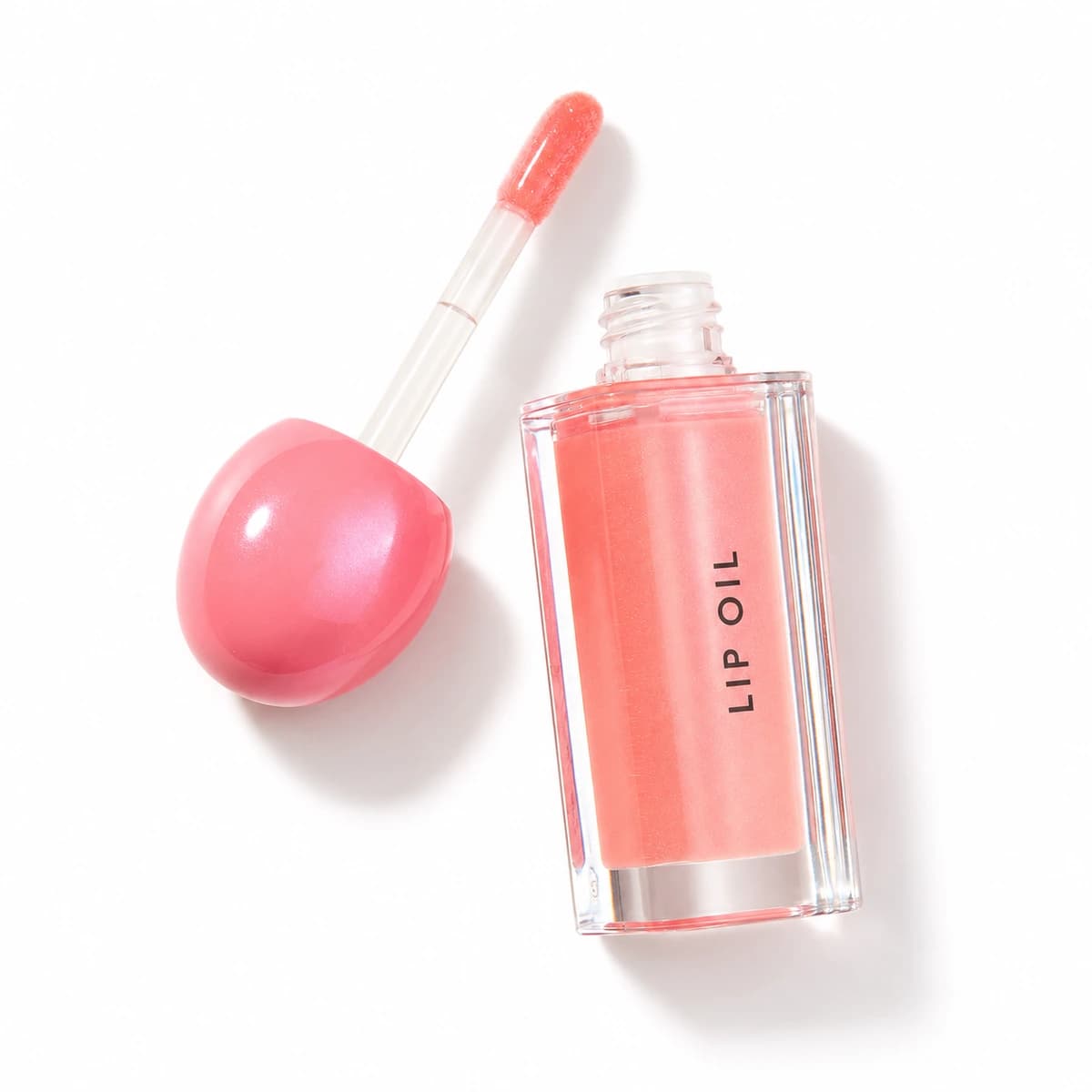
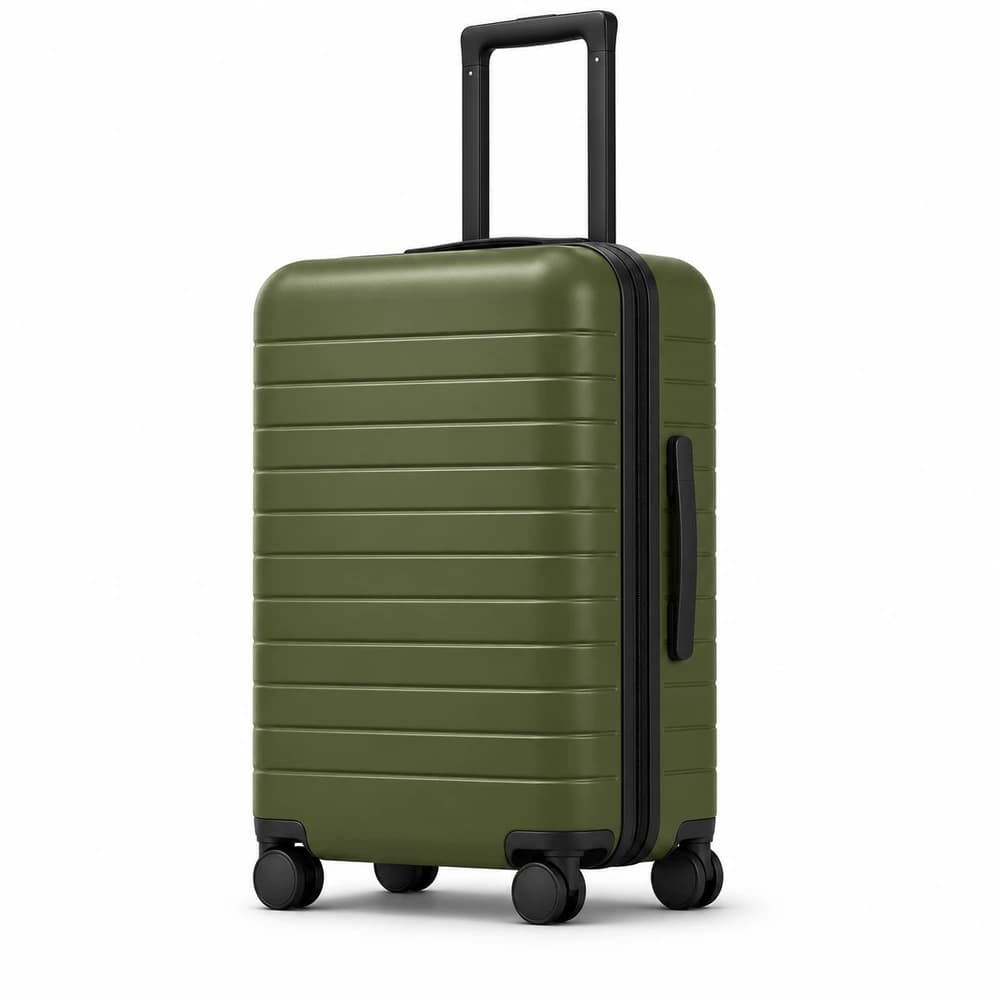
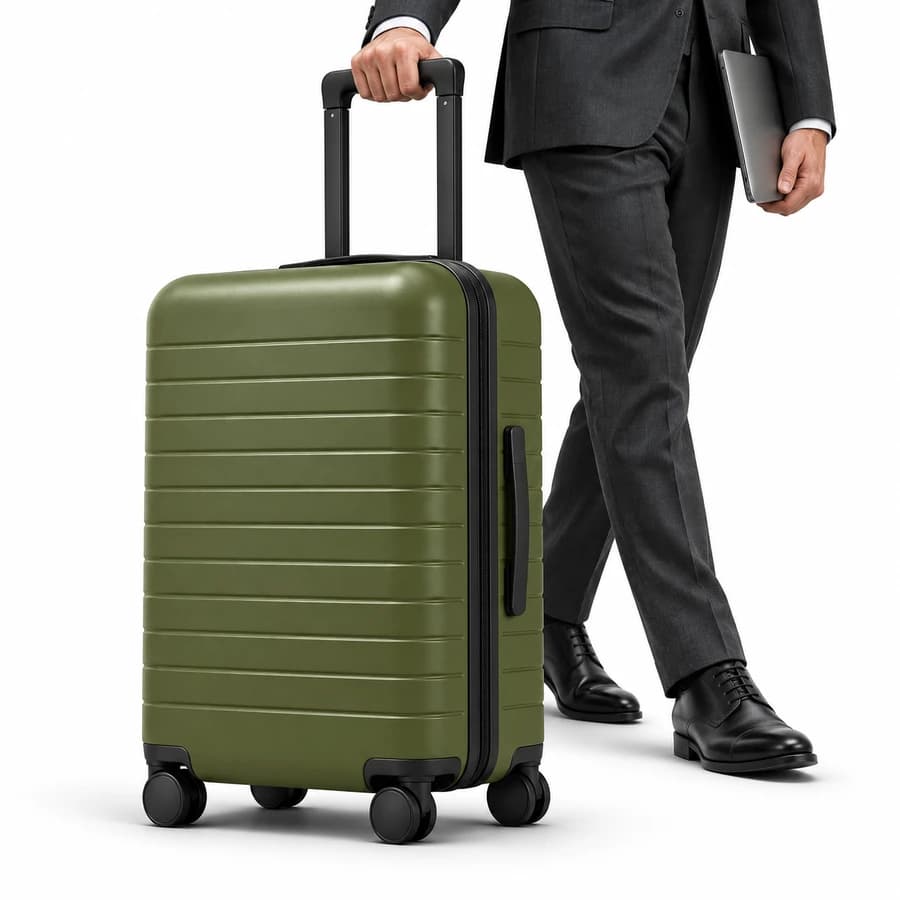
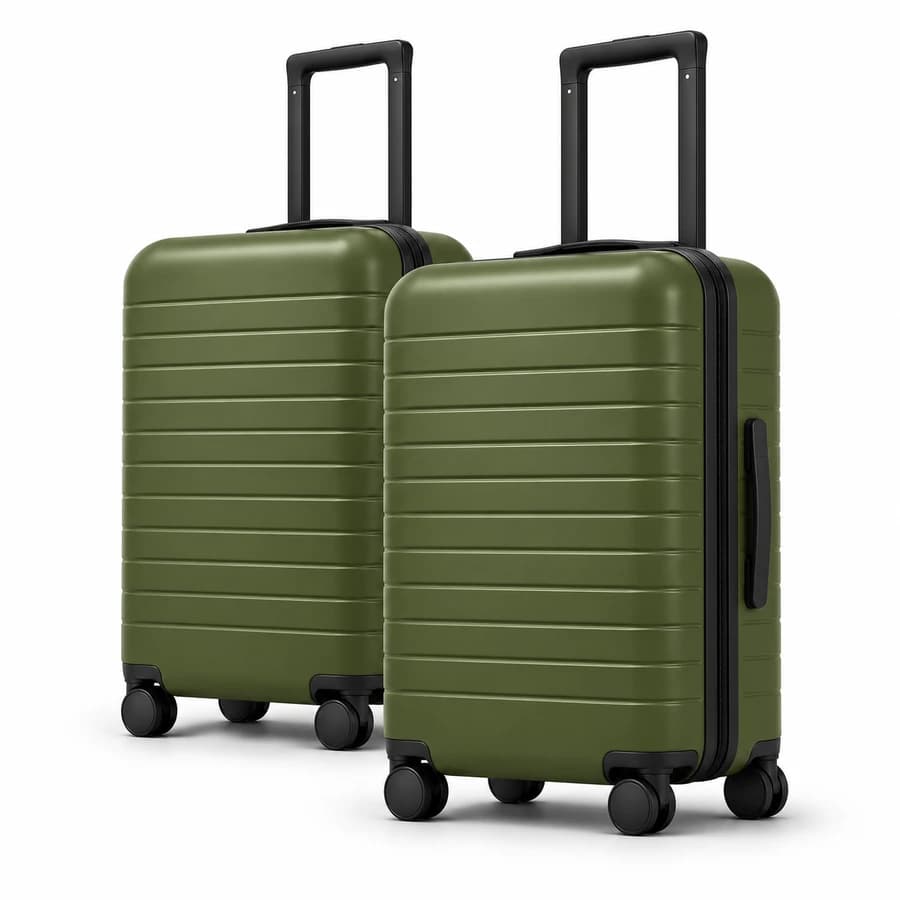
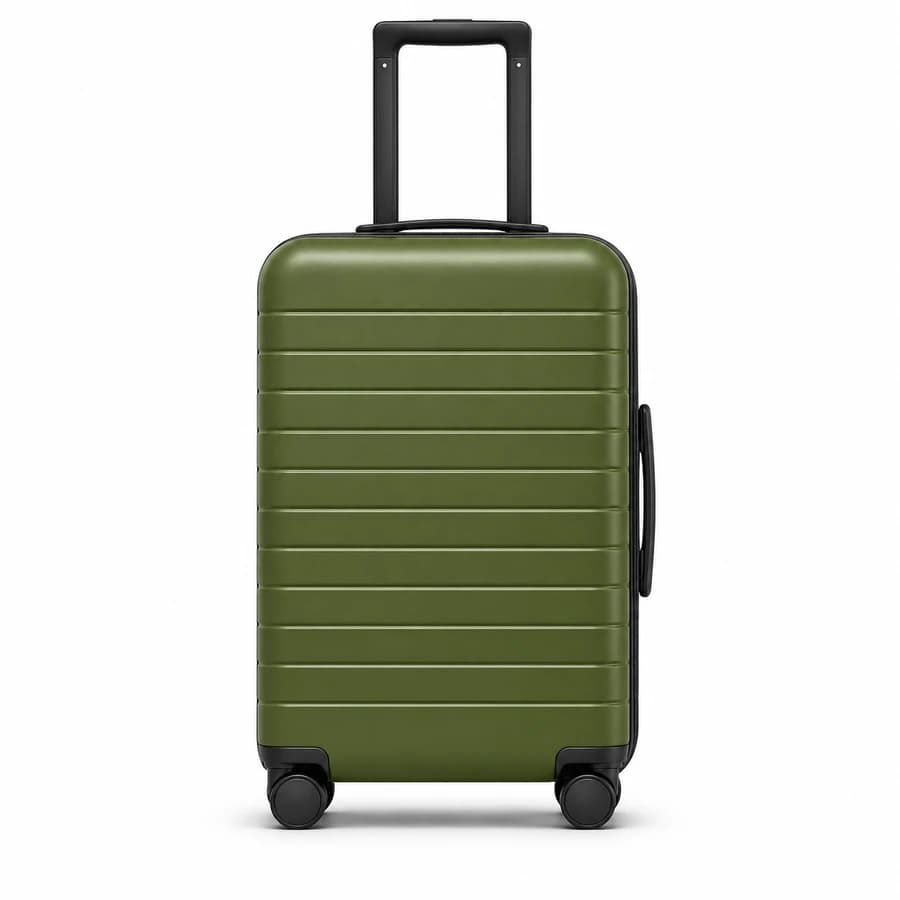
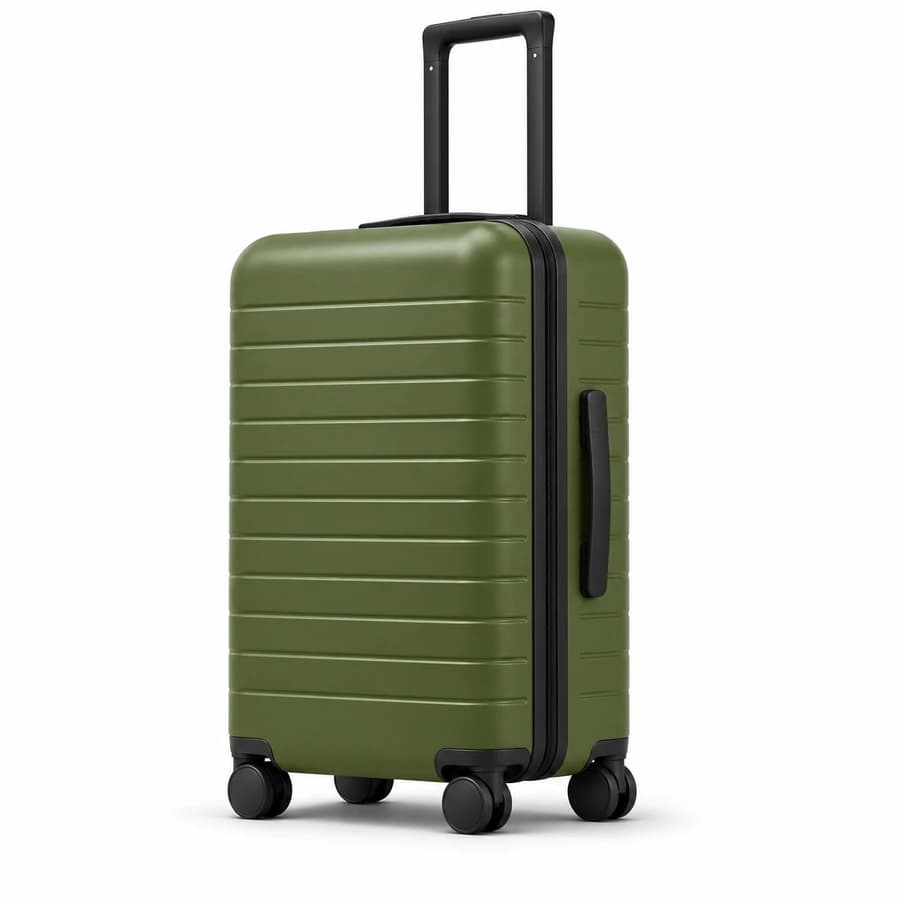
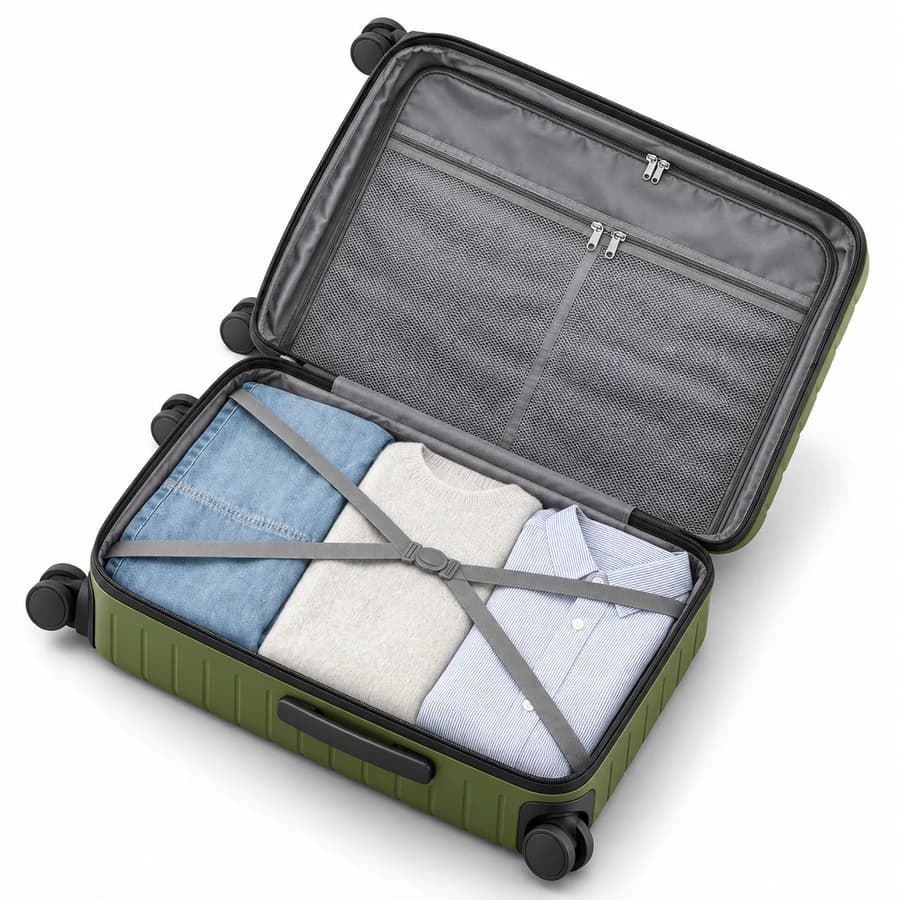
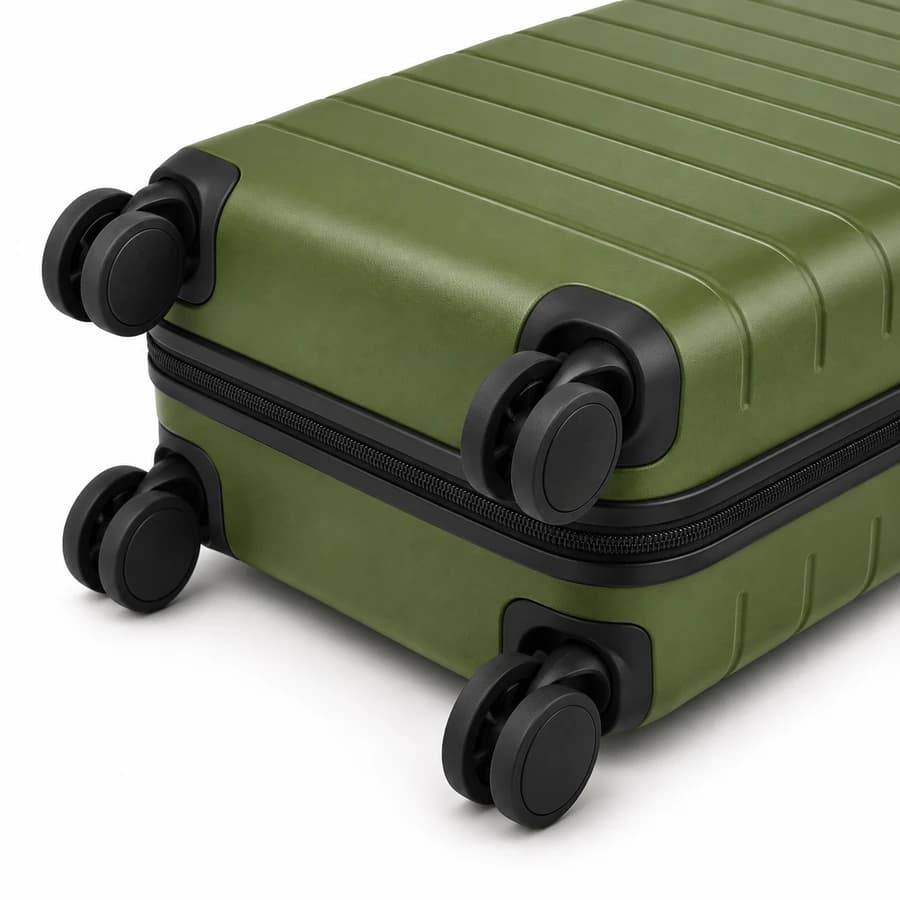
One Product
More Ways to Show It
Use your white-background photos to generate new product views, in-use shots, and multipack layouts.
Create More Product ImagesWhite Background Images FAQ
How do I add a white background to a product photo online?
Upload a photo and select Continue with This Photo. Sign in if prompted. In Product Retouching, choose your resolution, aspect ratio, and images per photo. Review the estimated credit cost, generate your images, and download the results you want to use.
How many credits does it cost?
The cost depends on your image settings and the number of images you generate. You can review the estimated credit cost before confirming generation.
Can I download images without a watermark?
Watermark-free downloads depend on your plan. Check the download options available for your account.
Can I create white backgrounds for multiple product photos at once?
Yes. Add up to 10 photos in Product Retouching. Each photo is processed separately and can produce up to four images. The workspace shows the current limits and total number of images before you generate.
How is this different from a background remover?
White Background Images uses AI to generate product images on white. Background Remover removes the existing background to create a transparent cutout. AI generation may change product details, so compare shapes, colors, textures, and lettering with your original before using a result.
What photos can I upload?
Upload JPG, PNG, or WEBP files up to 10 MB each. Each side must be 384–4096 pixels, with an aspect ratio no greater than 5:1. Start with one photo on this page, then add up to 10 in the editor.
Can I create white-background product images in custom sizes?
Choose 1K, 2K, or 4K resolution and a preset or custom aspect ratio. Output dimensions can be set from 600–4096 pixels per side, with a maximum aspect ratio of 2.5:1. Resolution and dimensions can be set independently. Download as JPG, PNG, or WEBP.
Can I create different layouts for single products and multipacks?
Yes. Select Product Variations and upload white-background photos to use together as references. Choose new product angles, handheld or in-use views, or multipack layouts such as aligned and staggered grids. Random lets you explore a mix of variations. Review product details and item counts before using the results.
Can I use white background product photos for Amazon listings?
You can create white background product photos for your Amazon listings. Before publishing, check the product details, background, crop and dimensions against the current requirements for your marketplace and category. Generated images do not guarantee listing approval.
Can I create white background product images for my Shopify store?
Yes. Create white background images for product pages and store catalogs, then choose output dimensions to suit your theme. Check product details and keep framing consistent across your collection before uploading the images to Shopify.
Were the examples on this page made with this tool?
No. This page uses reference photos and AI-generated illustrations to show possible presentations. They are not verified results from this tool. Results from your own photos may differ.
Let Your Product Take the Spotlight
Create white-background product photos, check the details, and download your favorites.
Create White Background Images