
AI Image Translator for Product Images
1,000 Free Credits on sign-up
Translate text in product images online for your listings and store. Choose one or more target languages.


Translate Your Image
Choose your languages after uploading.
JPG, PNG or WEBP · Up to 4 MBImage requirements
Width and height: 385–3000px each. The longer side must be no more than 5 times the shorter side. Fewer than 500 text characters per image.
- Multiple languages
- Up to 100 images per batch
- Download translated images
Speak Your Customers’ Language
Turn the product images you already have into images shoppers in new markets can understand.
Reach Shoppers in New Markets
Translate product photos for Amazon listings, Shopify stores, and shoppers in new markets.
Translate Your Images
Make Your Selling Points Clear
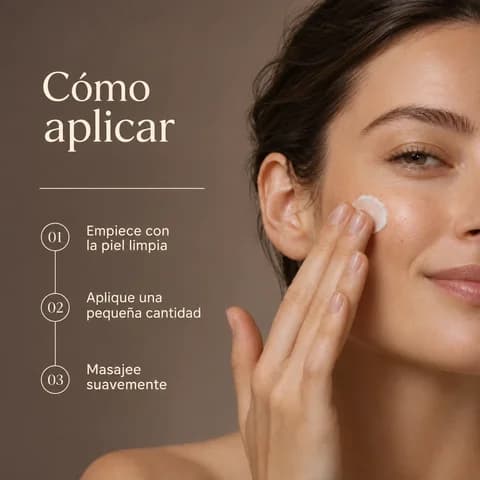
Help shoppers understand your product’s features and how to use it, in their own language.
Translate Your Images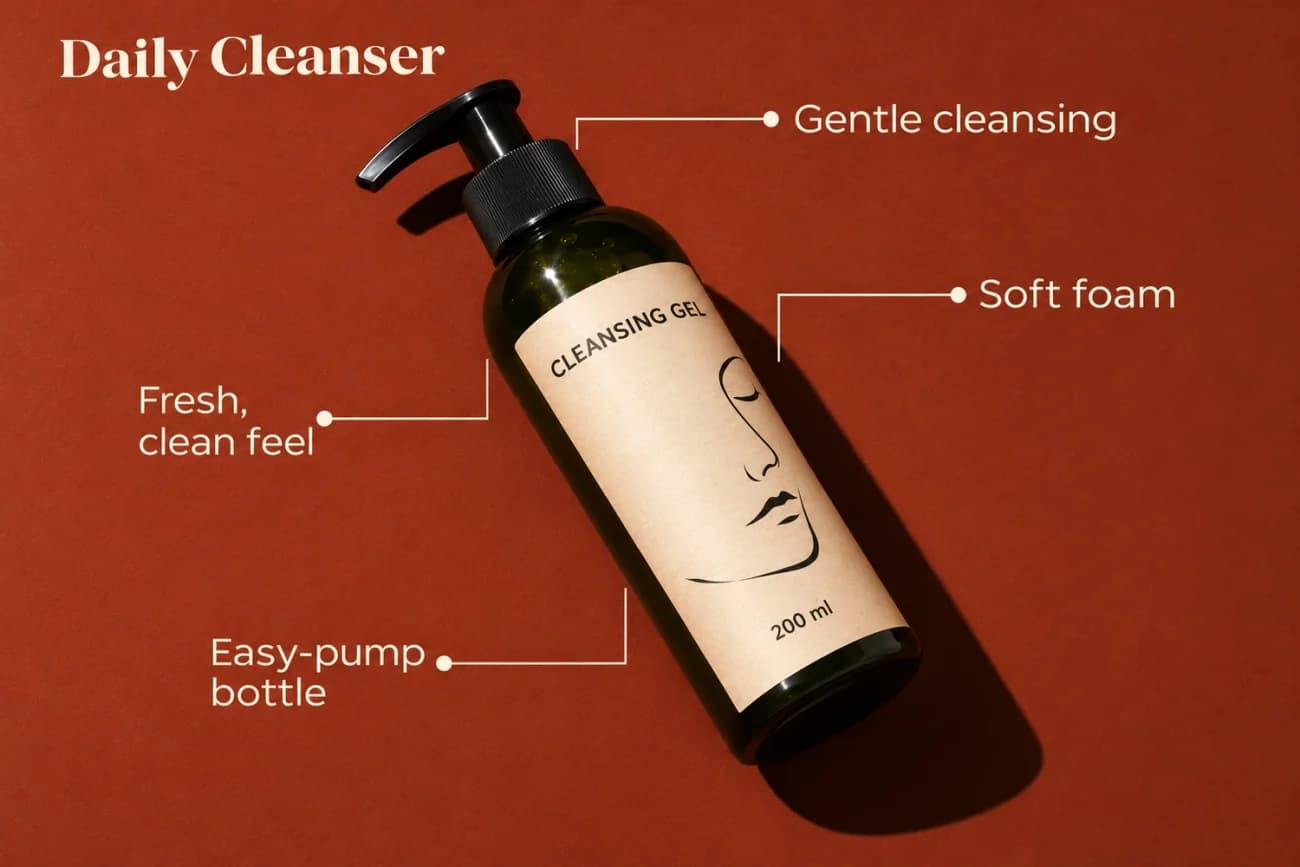
Give Existing Images a New Market
Translate your existing listing images and banners—no layered design files needed.
Translate Your Images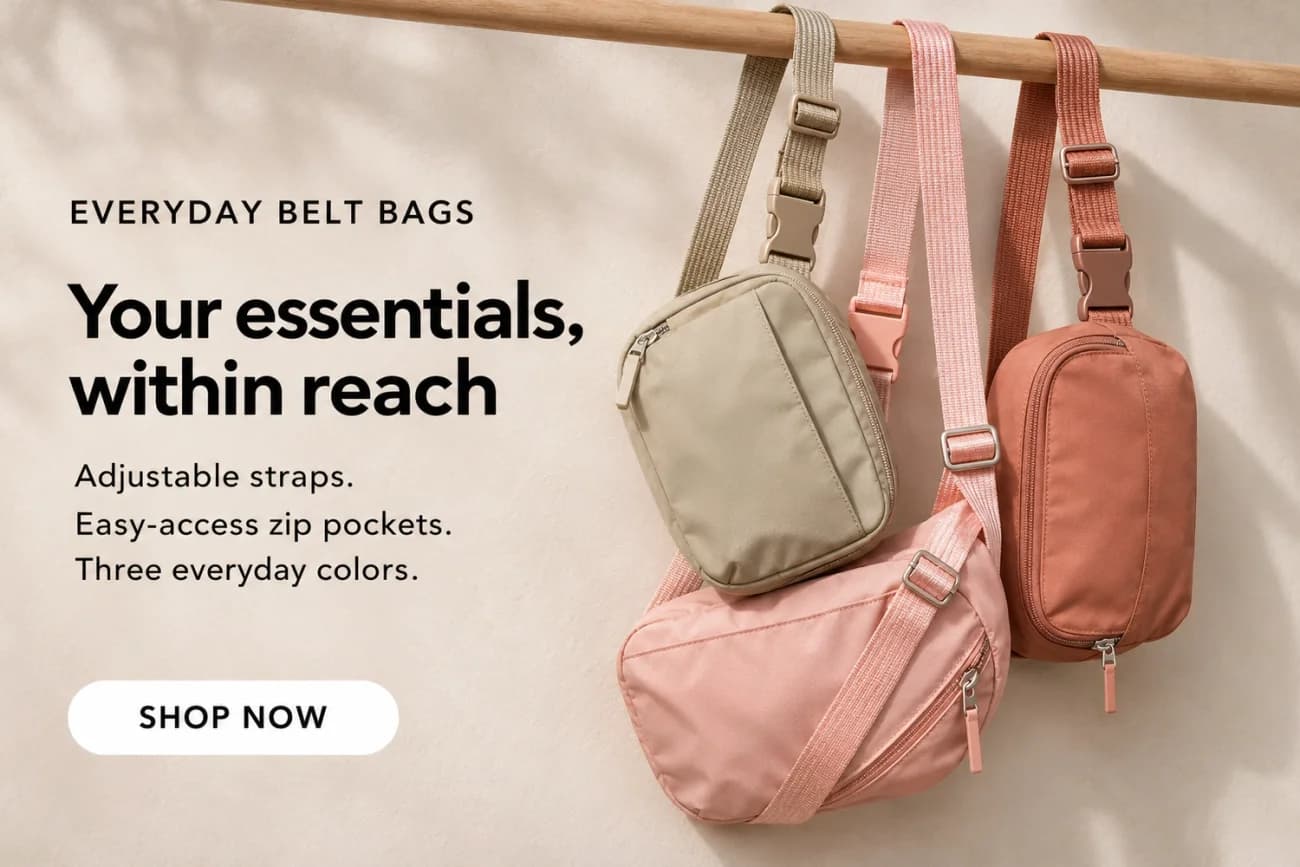


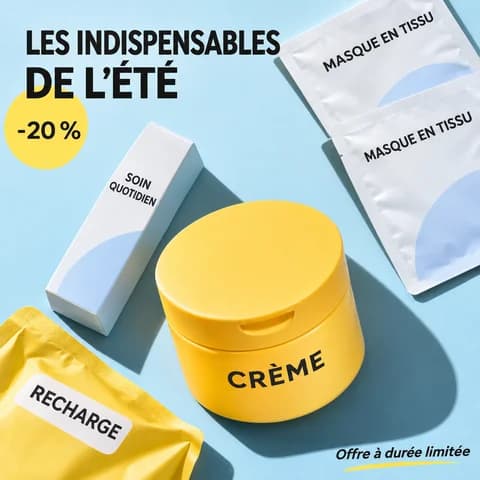

Translate Up to 100 Images at Once
Upload up to 100 images or a folder. Translate the whole batch into your chosen languages.
Start Batch TranslationHow to Translate Text in an Image
- 01

Upload Your Images
Start with a product image containing clear text. In batch mode, upload up to 100 images or a folder.
- 02English Español Français Deutsch
Choose Your Languages
Select the original language and one or more target languages. In batch mode, the same choices apply to all images.
- 03
 Deutsch
 Français
 Español
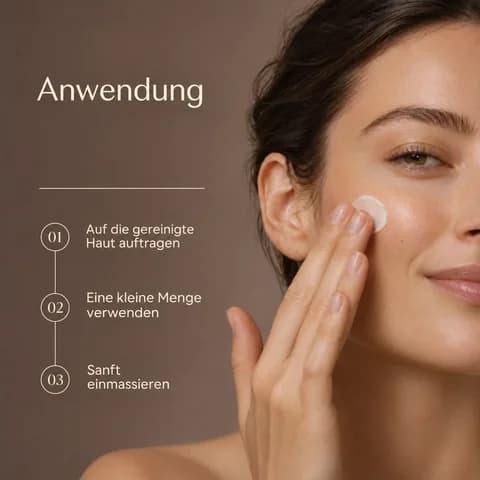
Translate and Download
Check the Credits estimate and translate. Review your results, then download an image for each target language.
Your Images, More Languages
Choose from 53 target languages for your product images.
Translate from
Select your image’s original language
- Simplified Chinese
- English
- Traditional Chinese
- Spanish
- Japanese
- Korean
- Portuguese
- German
- Romanian
- Russian
- Vietnamese
Translate into
Choose one or more target languages
- Arabic
- Bengali
- Bulgarian
- Burmese
- Central Kurdish
- Croatian
- Czech
- Danish
- Dutch
- English
- Estonian
- Filipino
- Finnish
- French
- German
- Greek
- Gujarati
- Hebrew
- Hindi
- Hungarian
- Indonesian
- Italian
- Japanese
- Javanese
- Korean
- Lao
- Latvian
- Lithuanian
- Malay
- Marathi
- Norwegian
- Persian
- Polish
- Portuguese
- Portuguese (Brazil)
- Romanian
- Russian
- Simplified Chinese
- Slovak
- Slovenian
- Spanish
- Swahili
- Swedish
- Tagalog
- Tajik
- Tamil
- Telugu
- Thai
- Traditional Chinese
- Turkish
- Ukrainian
- Urdu
- Vietnamese
Image Translation FAQ
How can I translate an image to English?
Upload your photo or product image, select its original language, and choose English as a target language. Check the Credits estimate, then translate and download the image with English text. You can also choose additional target languages in the same task.
Can I translate multiple images at once?
Yes. Choose Batch translation in the workspace to upload up to 100 images, by selecting files or uploading a folder. Choose target languages once for the whole batch. For example, 10 images translated successfully into 3 languages give you 30 translated images.
Can I translate Chinese or Japanese images to English?
Yes. Select Simplified Chinese, Traditional Chinese, or Japanese as the source language and English as the target language. This works for Chinese-to-English and Japanese-to-English product image translation. Review the translated wording and product details before publishing.
Can I translate JPG and PNG images?
Yes. JPG, PNG, and WEBP images are supported, up to 4 MB each and 385–3000 pixels per side. The maximum aspect ratio is 5:1 for a single image and 4:1 for batch translation. Each image should contain fewer than 500 characters of text.
Which languages can I translate from and into?
Choose from 11 source languages and 53 target language options. See the full list in the supported languages section above. Select the language in your original image, then choose one or more target languages. The source language cannot also be selected as a target language.
Can I translate product images for Amazon or Shopify?
Yes. Translate text in product photos, feature graphics, how-to images, and promotional banners for your Amazon listings or Shopify store. Download and review the translated images, then upload them yourself. Nexscope does not automatically publish images or translate your entire listing or store.
Can I keep some areas of an image untranslated?
Yes. In Single image mode, use “Mask areas to keep untranslated” to mark the areas whose text should not be translated. This option is available only when working with one image at a time.
Can I edit the translated text or change its font?
The Image Translator produces images, not editable text layers. It does not offer direct editing of translated wording, fonts, or text size. To correct specific wording, download the image and edit it in an image editor. Changing language settings and generating again uses Credits.
Will the layout and product details stay exactly the same?
Exact preservation is not guaranteed. Text length and placement can change between languages. Compare the translated image with the original, checking product details, numbers, and wording before using it in your listing.
Is the AI image translator free to try?
New users receive 1,000 free Credits, valid for 3 days. Check the Credits estimate before translating. To continue after your trial Credits expire or run out, choose a paid plan that supports image translation.
Your Product Images, Ready for More Markets
Translate the text in your product images into the languages your shoppers use.
Translate Your ImagesStart with 1,000 free Credits · Valid for 3 days