
10 Best Keyword Research MCP Servers in 2026

Table of Contents
An AI assistant can suggest hundreds of keywords. Deciding which ones deserve a page, a campaign, or a closer look takes data: search demand, competition, intent, and the context behind each query. A keyword research MCP server gives your assistant a way to retrieve that evidence while you work.
The options range from focused keyword connectors to broad SEO platforms. Nexscope's marketing data APIs, for example, include keyword research tools accessible through REST API and MCP. Other providers connect keyword discovery with competitive analysis or an existing rank-tracking campaign.
This guide compares ten options by the research they support, their access requirements, and the limits that matter when choosing. The scope is general SEO and marketing: SaaS, services, publishing, and ecommerce teams can all use these tools. Search-engine keyword data should not be confused with search demand inside a marketplace such as Amazon.
Keyword Research MCP Servers at a Glance
Start with the research you need and the accounts you already have. A service that fits an established SEO reporting setup may be unnecessary for a small batch of keyword lookups.
| Server | Main research capabilities | Best fit | Access and billing |
|---|---|---|---|
| Nexscope | Keyword discovery, metrics, intent, history, and interest analysis | Teams combining focused research tools in their own AI assistant | 1,000 free credits for 3 days for new accounts. Then pay as you go with Data Credits. No Data API subscription required. |
| Ahrefs | Keyword research, ranking pages, and competitive context | Teams already working with Ahrefs data | Lite from $129/month. MCP uses the plan’s included API units. |
| Semrush | Keyword metrics, intent, and competitive opportunities | Broader keyword and marketing research | SEO API bundle at $599/month, or $499.92/month equivalent billed annually. Includes MCP and 1 million API units per month. |
| DataForSEO | Keyword metrics, suggestions, intent, and SERP data | Developers and teams building custom research processes | $1 in free trial credit. Then pay per API request, with a $50 minimum top-up and no monthly subscription. |
| SE Ranking | Related, similar, long-tail, and question keywords | Topic expansion alongside SEO analysis | 14-day free trial with 100,000 API credits and MCP access. Paid access uses plan credits, a Data API wallet, or an API package. |
| Serpstat | Keyword discovery, intent filtering, and competitor gaps | Combined keyword and website research | 7-day Team trial. Team is $129/month at the standard monthly rate and includes MCP. Requests use API credits. |
| Keywords Everywhere | Keyword metrics, related terms, and domain/URL keywords | Focused keyword lookups | Bronze costs $84/year with 100,000 credits. MCP shares the API credit pool, and lookup costs vary by operation. |
| kwrds.ai | Keyword ideas, exact-term metrics, and semantic suggestions | A focused keyword research connection | The API offers one free call per endpoint. Starter API is $49/month for 600 calls, capped at 20 per day. Check your account’s MCP allowance. |
| SEOmonitor | Keyword opportunities in tracked campaign context | Teams connecting research to existing SEO campaigns | 14-day platform trial. The pricing page lists MCP on Starter from €79/month and Pro from €299/month. Confirm Starter access with SEOmonitor. |
| Search Atlas | Keyword opportunities and content-gap research | Teams researching sites within Search Atlas | 7-day platform trial. Starter is $99/month. MCP queries use shared account credits and feature quotas. |
The ordering reflects use cases, not a universal accuracy or speed ranking. Pricing and access were checked on November 26, 2026; confirm the allowance for your account before scaling a research job.
What Can a Keyword Research MCP Do?
MCP, or Model Context Protocol, lets an AI client discover and call external tools. In keyword research, those tools can supply suggested terms, search-volume estimates, CPC, organic difficulty, intent classifications, or ranking-page data. The assistant can then organize the returned evidence into a shortlist or content plan.
Three jobs are particularly useful:
- Discover candidates: start from a seed phrase, product or service category, or website and retrieve relevant terms.
- Evaluate opportunities: compare supported metrics in the same market, language, and observation period.
- Explain the shortlist: group terms by topic or intent and show why a keyword warrants further investigation.
Data retrieval and editorial judgment remain separate. A tool may return a commercial-intent label; the assistant's recommendation to create a comparison page is an interpretation. Likewise, search volume describes estimated demand, while a difficulty score describes a provider's assessment of organic competition. Neither guarantees traffic or conversions.
The 10 Best Keyword Research MCP Servers
1. Nexscope
Nexscope provides structured research data that teams can connect to their own AI assistants and applications. Its Keyword Research MCP directory currently contains 15 tools. These are complementary tools available through Nexscope, not fifteen separate MCP servers.
The collection covers both discovering terms and investigating them. A content team might expand a service-related phrase, compare available metrics, and review intent before assigning a brief. A retailer could apply the same process to product-category searches. The underlying tools belong to general SEO and marketing research rather than marketplace-specific keyword analytics.
Key features
- Keyword discovery: Keyword Expansion retrieves related terms and suggestions, while Google Search Autocomplete supplies search-completion ideas. Category Keywords, Category-based Keyword Ideas, High Search Volume Keywords, and Site Category Related Keywords provide additional starting points.
- Keyword metrics: Keyword Metrics returns available search volume, CPC, paid competition, and organic difficulty. Clickstream Search Volume provides a separate source of volume estimates.
- Intent and categorization: Keyword Intent identifies supported intent classifications, while Keyword Categories organizes terms into product and service categories.
- Historical demand: Keyword History supplies historical metric snapshots. Keyword Interest History tracks relative interest, a different measure from absolute search volume.
- Geographic and audience signals: Search Volume by Country provides clickstream-based country estimates. Keyword Interest by Region and Keyword Interest by Demographic add supported regional and audience-interest comparisons.
Best fit: marketers, SEO specialists, agencies, and developers who want to combine keyword discovery, metrics, intent, and trends within their own research environment.
Setup and access: Connect a compatible client to Nexscope MCP. You can also call the REST API directly from your application. See the Keyword Research API documentation for endpoints, request parameters, and response examples. Data APIs use pay-as-you-go Data Credits and do not require a Data API subscription. Check each tool's inputs and credit requirements before calling it.
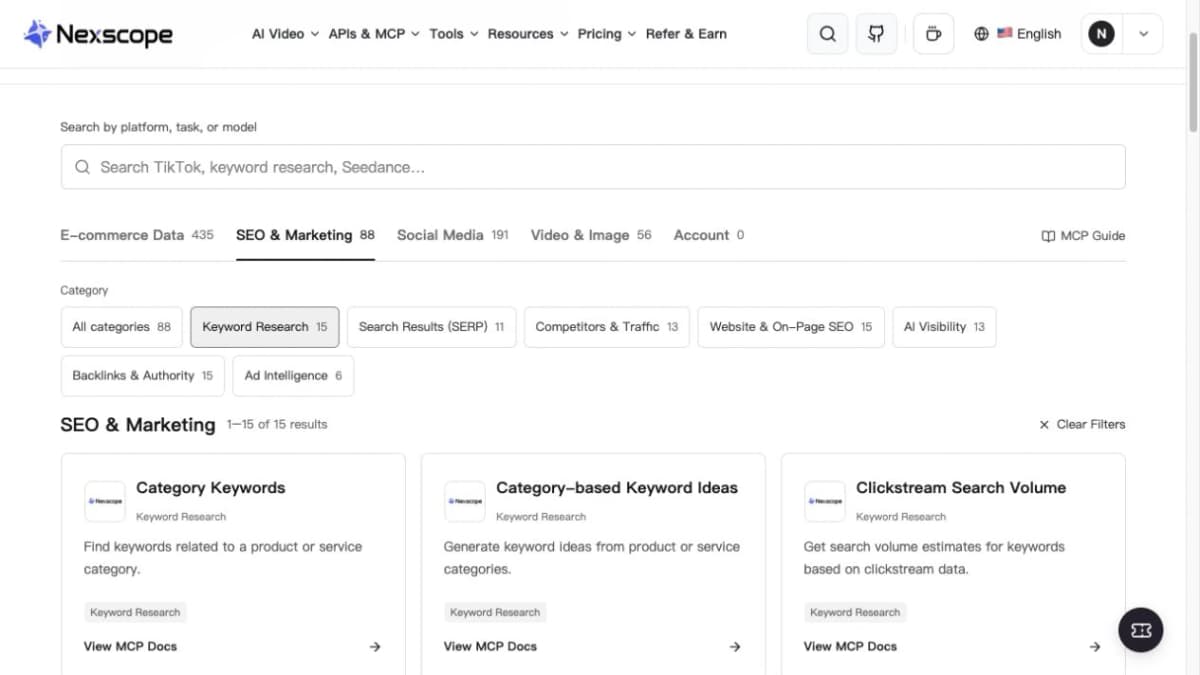
Nexscope's Keyword Research category groups the tools by research task.
Find the Data Behind Your Keyword Ideas
Explore Nexscope's 15 keyword research tools and choose the metrics, intent, and trend data your own AI assistant needs.
Explore Keyword Research Tools →2. Ahrefs
Ahrefs MCP is a natural option for teams that already use Ahrefs and want to bring its data into an AI conversation. Keyword research can sit alongside analysis of ranking pages and their backlink profiles, giving a shortlist more competitive context.
Key features
- Keyword research across reports: investigate search terms and potential content topics using Ahrefs data.
- Ranking-page context: identify leading pages for selected keywords and examine their backlink profiles.
- Connected analysis: combine available reports in the assistant instead of manually moving exports between steps.
Best fit: existing Ahrefs users who want to investigate keyword opportunities and the pages competing for them.
Setup and access: the current hosted MCP is available on Lite and higher plans. Calls consume API units, and row limits depend on the plan. Ahrefs' help center states that its previous local setup is no longer supported.
Limitations: an included connection does not mean unlimited data. Plan around both API-unit consumption and rows returned. For a large keyword set, an initial sample can help establish which reports actually inform your decision before you expand the request.
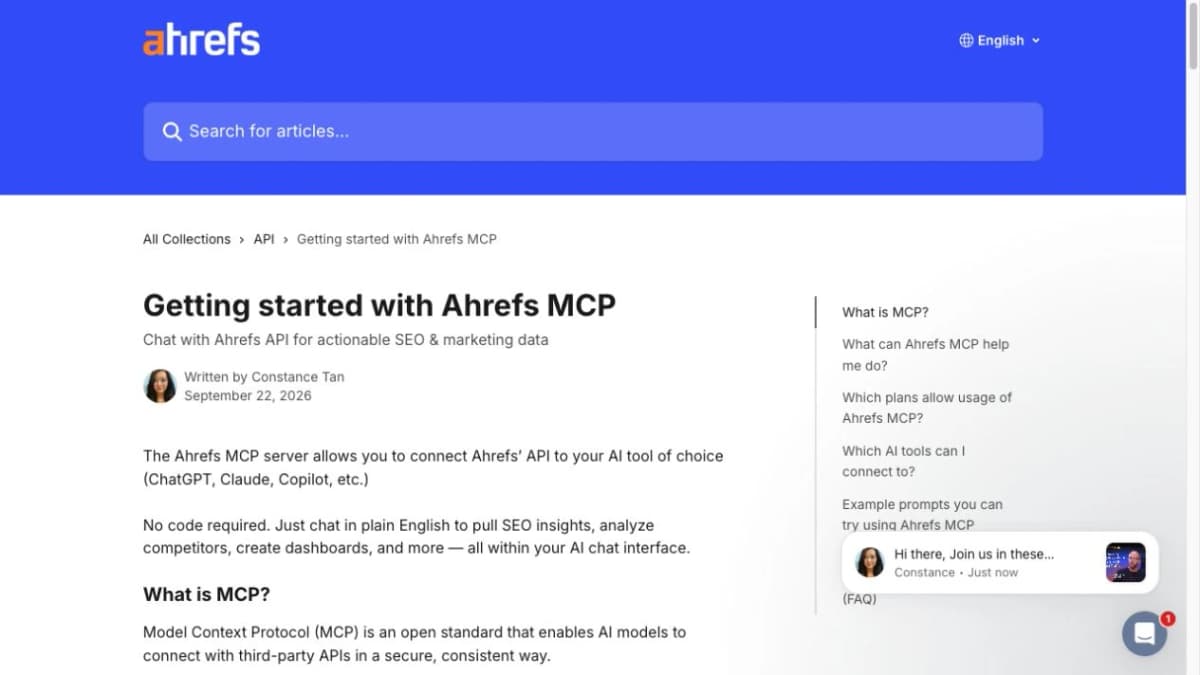
Ahrefs documents its hosted MCP, eligible plans, and API-unit limits.
3. Semrush
Semrush MCP suits research that starts with keywords and extends into competitors or broader marketing analysis. Its official keyword-research guidance covers ideas, volume, difficulty, intent, and CPC, with opportunities organized into topics.
Key features
- Keyword evaluation: retrieve supported metrics and intent information for target terms.
- Opportunity discovery: examine a niche and identify relevant competitors and keyword gaps.
- Research-to-planning support: use returned keyword evidence to inform content priorities in your assistant.
Best fit: teams that want keyword selection connected to wider Semrush research rather than an isolated volume lookup.
Setup and access: an active subscription with API access is required. Connect using the supported method for your client and account; report availability follows your permissions and allowances.
Limitations: platform UI features and MCP reports are not interchangeable names. Semrush's own guidance distinguishes generic keyword difficulty from personalized difficulty. Ask the assistant to identify which measure it retrieved before using it to compare opportunities.
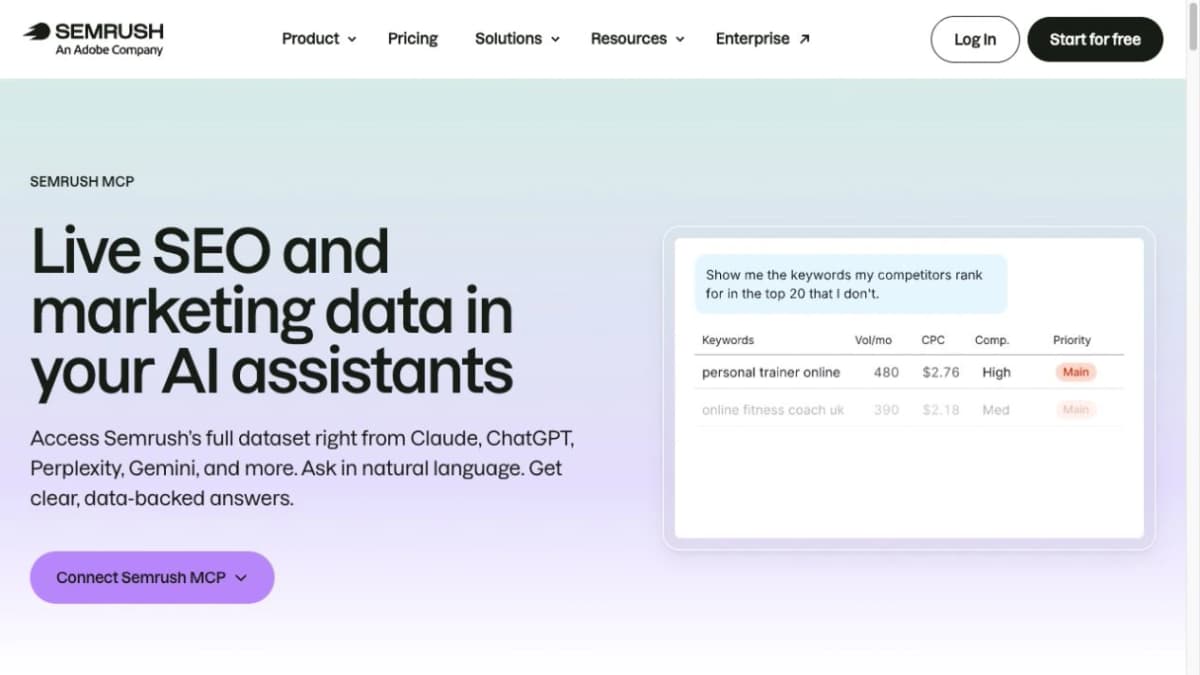
Semrush positions its MCP around access to SEO and marketing datasets.
4. DataForSEO
DataForSEO is a strong candidate when the goal is to build a repeatable research process around data calls. Its MCP connects an assistant to keyword and SERP capabilities alongside other SEO APIs, with usage-based pricing.
Key features
- Keyword data: obtain supported volume, CPC, difficulty, intent, and suggestions through its keyword-related APIs.
- SERP context: inspect search results for a query and location before deciding what kind of page to create.
- Flexible deployment: use the hosted connection or the official open-source server, depending on your environment.
Best fit: developers, automation teams, and researchers who want control over the data requests supporting their process.
Setup and access: MCP access has no separate connection fee; the underlying requests use standard pay-as-you-go API pricing. Its current page lists a minimum account top-up of $50.
Limitations: the cost depends on the endpoints and volume of work. “Research this niche” can involve many calls. Define the number of terms, result limits, and required datasets before letting an assistant expand the task.
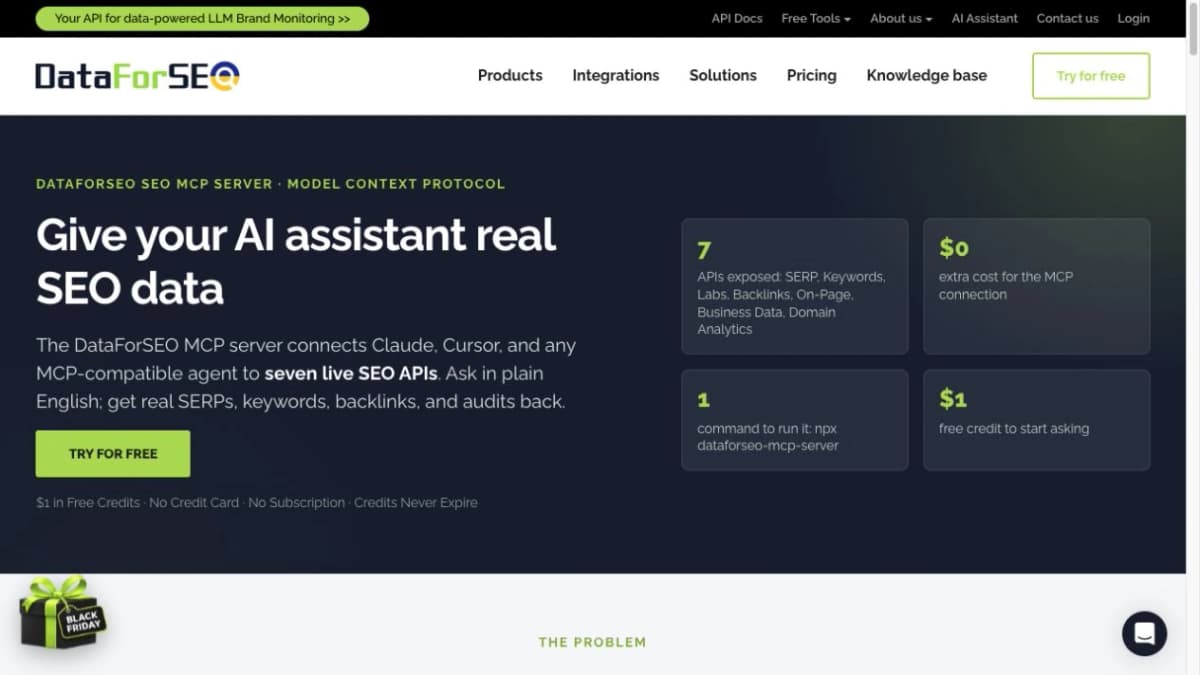
DataForSEO's MCP page explains the data APIs and usage-based access model.
5. SE Ranking
SE Ranking's official MCP prompt library offers a useful range of keyword-discovery tasks. It separates related terms, similar terms, long-tail variations, and questions, making it relevant when one broad seed needs to become a more structured topic list.
Key features
- Multiple discovery angles: retrieve related, similar, long-tail, and question-style keywords.
- Bulk evaluation: request supported search volume, CPC, competition, and difficulty for a list.
- Domain context: combine keyword discovery with available domain and competitor information.
Best fit: SEO specialists and content teams expanding topics while retaining access to broader site research.
Setup and access: SE Ranking documents a standalone Data API package that does not require an active platform subscription. Its paid platform plans also include specified Data API testing credits. Use the access option appropriate to your account and expected volume.
Limitations: testing credits and a dedicated API allowance serve different usage levels. Check the credit allocation before treating a research prompt as a recurring production job. Also confirm the target country rather than assuming every response uses your default market.
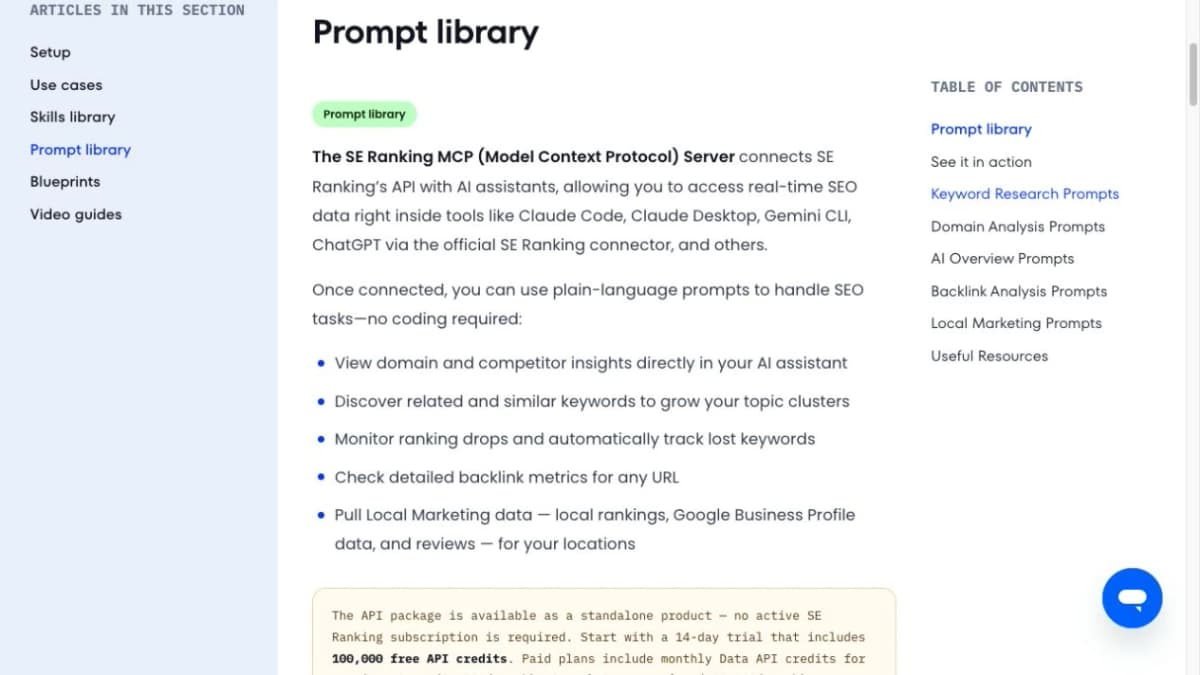
SE Ranking's MCP documentation includes keyword discovery and bulk-metrics prompts.
6. Serpstat
Serpstat MCP combines keyword discovery with domain and URL research. This makes it useful when the question is not just which terms exist, but which relevant terms a competitor covers and your site does not.
Key features
- Keyword discovery and filtering: related keywords, suggestions, overview metrics, and intent-based filtering.
- Competitive gaps: compare domain or URL keyword coverage to identify candidates for closer review.
- Research context: investigate SERPs and competing sites alongside the keyword shortlist.
Best fit: teams that regularly move between keyword ideas, website analysis, and competitor comparisons.
Setup and access: Serpstat offers hosted HTTP and local STDIO versions. Its current documentation requires the Team plan or higher, with API credits consumed according to the method called.
Limitations: availability follows API permissions, and requests are subject to usage limits. With the local version, tool groups can be selected for the job. A narrower keyword-and-domain configuration may be easier to manage than exposing every SEO function at once.
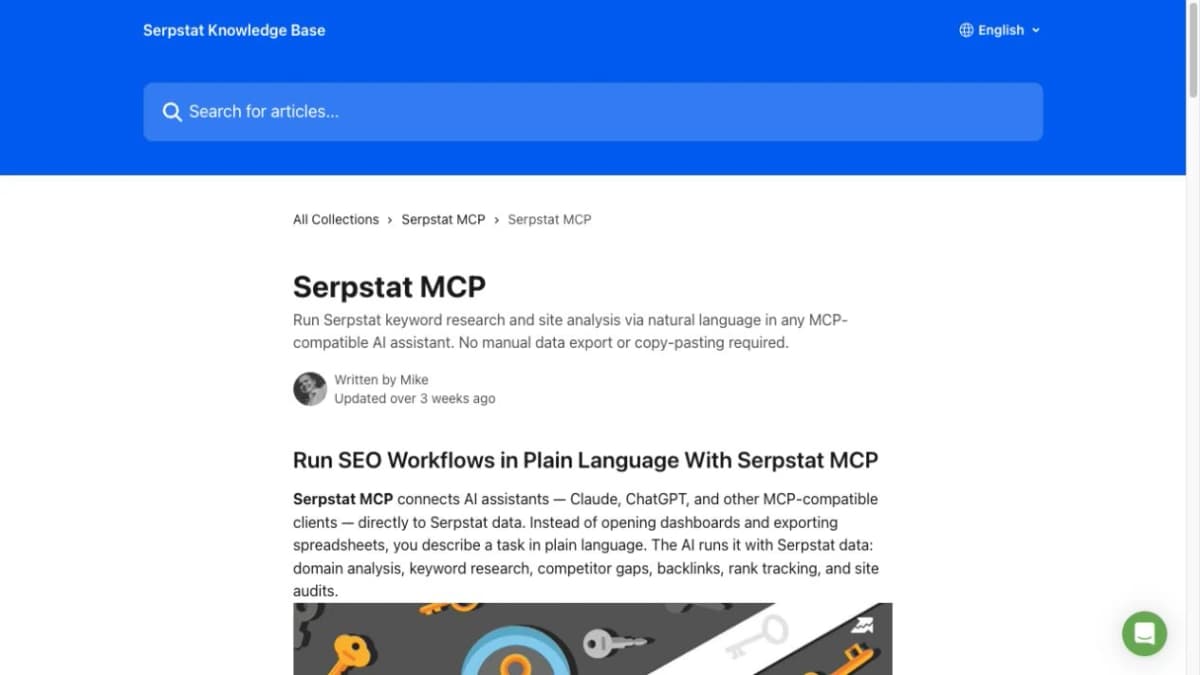
Serpstat documents both hosted and local MCP access for its SEO data.
7. Keywords Everywhere
Keywords Everywhere provides a focused way to bring keyword metrics and discovery into an assistant. Its official hosted MCP also supports domain and URL keyword research, so you can start with either a phrase or an existing page.
Key features
- Keyword metrics: retrieve Google search volume, CPC, and competition data.
- Related-query discovery: obtain related terms and People Also Search For keywords.
- Website keyword research: inspect terms associated with domains and URLs.
Best fit: marketers who need targeted keyword checks and related-term discovery without making every request a full SEO audit.
Setup and access: connect the remote server with a Keywords Everywhere API key and an account with credits. Its documentation lists 14 read-only tools, including account and metadata utilities.
Limitations: credit use varies by operation. A keyword-data lookup consumes one credit per keyword, while related-keyword results consume two credits per returned keyword. Paid competition is not a substitute for organic keyword difficulty. Decide whether that distinction affects the shortlist you are building.
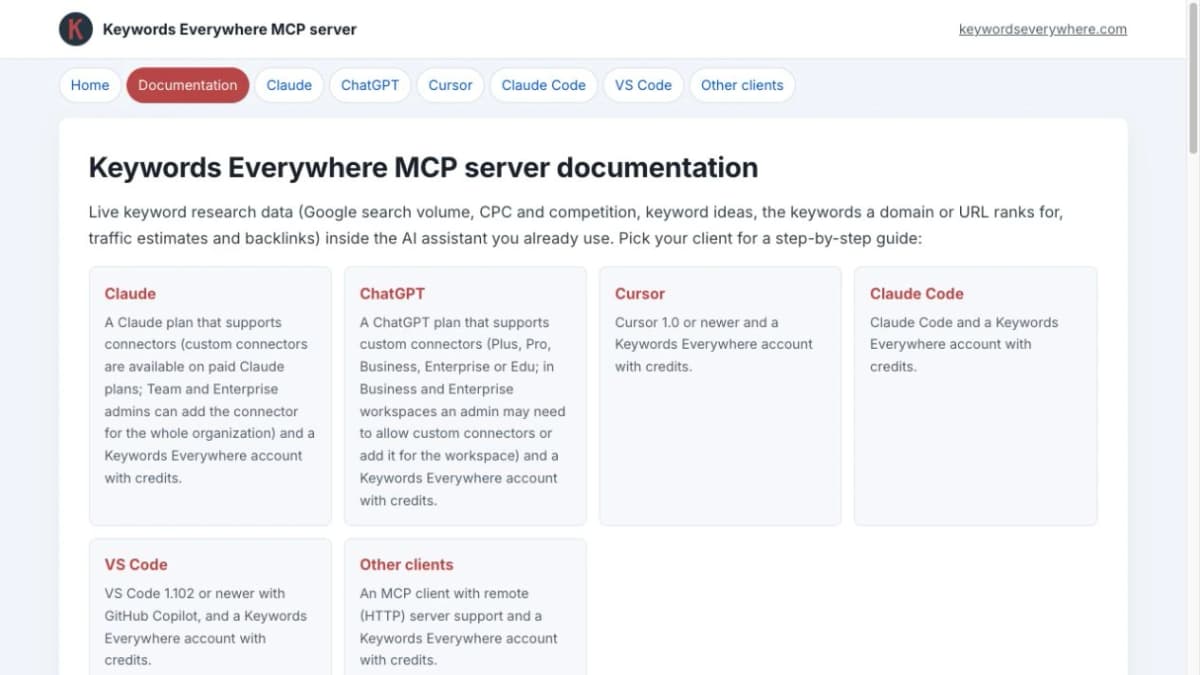
Keywords Everywhere publishes dedicated MCP setup instructions and tool costs.
8. kwrds.ai
kwrds.ai now presents focused MCP connectors for different research tasks. Its dedicated Keyword Research connector covers ideas, exact-term metrics, and related or semantic suggestions. Separate connectors handle People Also Ask and SERP research.
Key features
- Ideas with metrics: find keyword candidates with available volume, CPC, and competition.
- Exact-term lookups: investigate metrics for specific keywords you already have.
- Related and semantic terms: broaden the vocabulary around a topic before deciding which candidates need further evaluation.
Best fit: users who prefer a narrowly scoped keyword connector and want to add other research capabilities separately.
Setup and access: choose the dedicated Keyword Research MCP connection and authorize it with your kwrds.ai account. Confirm the applicable allowance in that account before running a larger task.
Limitations: do not assume its keyword connector also includes every tool from the wider product. People Also Ask and SERP analysis have their own connections. AI-generated ideas should also remain distinguishable from terms backed by returned search metrics.
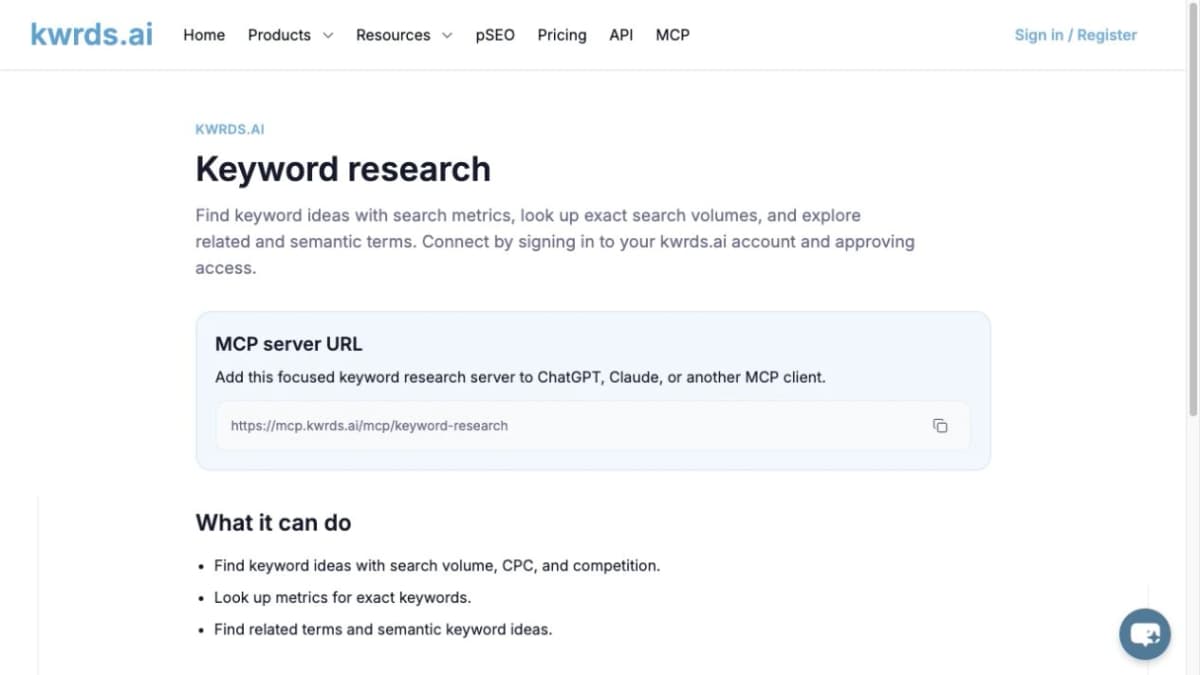
The dedicated kwrds.ai page identifies the Keyword Research connector and its scope.
9. SEOmonitor
SEOmonitor is most relevant when keyword research needs to connect with an existing SEO campaign. Its MCP lets an assistant investigate campaign data, while its research examples connect keyword opportunities with tracking status, competitors, and seasonal demand.
Key features
- Campaign-aware research: investigate terms in the context of the campaign and market you track.
- Opportunity review: examine competitor coverage and keywords that may warrant adding to your plan.
- Seasonal analysis: consider search demand and year-over-year changes alongside current performance.
Best fit: teams already using SEOmonitor that want research to inform ongoing campaign decisions and reporting.
Setup and access: SEOmonitor’s pricing page lists MCP on Starter and Pro, while its MCP guide specifies paid Pro. Confirm Starter availability before subscribing. The connector uses OAuth and requires access to a tracked campaign.
Limitations: its help center describes read access to tracked campaigns; draft campaigns and Content Audit are excluded. Some analysis also depends on connected integrations or tracked engines. This makes campaign availability an important selection criterion if you are starting from scratch.
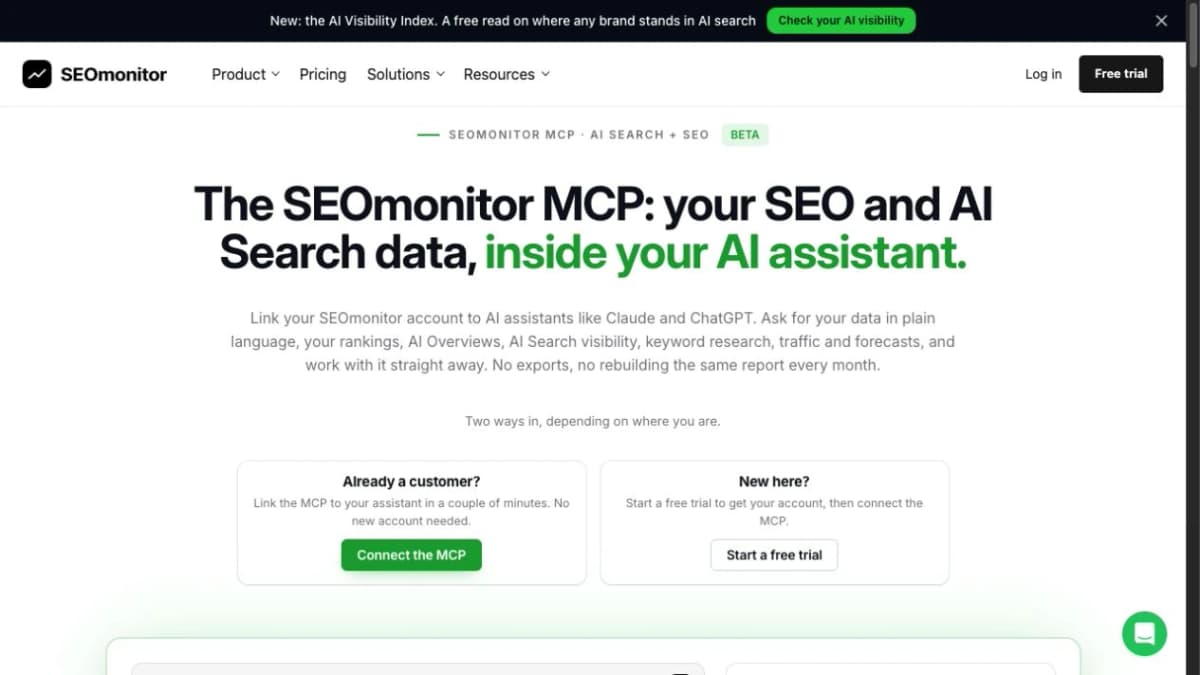
SEOmonitor connects research with existing SEO and AI-search campaign data.
10. Search Atlas
Search Atlas MCP supports keyword opportunity research within a broader website and competitor analysis environment. Its official guidance includes identifying keyword gaps and missing content topics, alongside backlink and domain research.
Key features
- Keyword opportunities: investigate terms relevant to a website and its competitors.
- Content gaps: use available comparative data to identify topics for further review.
- Site context: connect keyword decisions with broader domain and backlink information.
Best fit: Search Atlas users who want their assistant to help investigate site-level research questions using the platform's existing data.
Setup and access: use the official MCP connection with the permissions available to your account. Keyword and domain queries draw on shared account credits and quotas rather than a separate unlimited MCP allowance.
Limitations: research depth depends on the data and entitlements available in the account. Ask for the underlying keyword evidence when receiving a content-gap recommendation; a suggested topic still needs an editorial check for audience fit and overlap with existing pages.
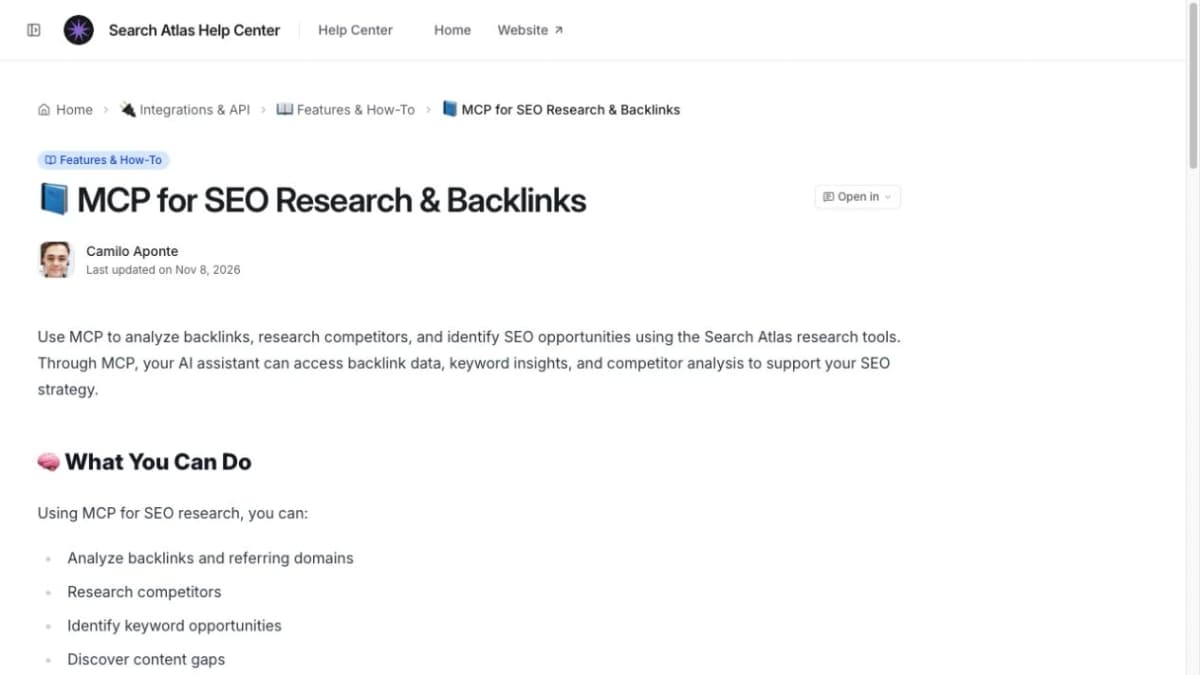
Search Atlas documents keyword opportunities and content-gap research through MCP.
How to Choose a Keyword Research MCP
Choose the smallest combination of data capabilities that answers your research question. A large tool catalog is useful only if it contains the right data for your market and decisions.
Start with the required evidence
For topic discovery, suggestions and related terms may be enough. Prioritizing a publishing queue usually calls for demand, intent, and competitive context. If organic difficulty is essential, verify that the tool returns that measure rather than only advertising competition.
Check market and language coverage
Write down the target country, language, and search engine before comparing providers. US English metrics are not interchangeable with UK or Spanish-language results. Country estimates and regional-interest indices also answer different questions.
Decide whether research needs a project
A keyword-list lookup and an investigation of a tracked campaign are different starting points. Campaign-based access can add useful performance context, but it may be an unnecessary dependency when you only want to research an unfamiliar niche.
Estimate a complete research job
Compare more than the price of connecting MCP. Include subscriptions, API access, returned rows, lookups, and any additional calls used to inspect competitors. A ten-keyword check and a recurring ten-thousand-keyword process need different cost controls.
Preserve the evidence in the output
Ask your assistant to retain the provider, country, language, observation date, and missing values wherever available. When two providers disagree, investigate those differences before averaging their numbers. You will get a more defensible shortlist than one built from unexplained scores.
Conclusion
The right keyword research MCP depends on how you work. An existing SEO subscription may be the easiest starting point. A usage-based data service can suit a custom research process, while a focused connector can cover a smaller job. Compare actual keyword coverage, account requirements, and the evidence returned—not just the number of tools advertised.
Research Keywords with Nexscope
Nexscope's marketing data platform provides structured SEO and marketing data for your own applications and AI assistants. Its 15 keyword research tools cover discovery, evaluation, intent, history, and interest signals, with REST API and MCP access.
Key Features
- Category-based keyword ideas: explore terms relevant to a product or service category.
- Keyword metrics: evaluate available demand, CPC, competition, and difficulty.
- Search intent: organize candidates around what searchers are trying to accomplish.
- Historical keyword data: review observed changes before prioritizing a topic.
- Country demand estimates: examine available geographic search-volume distribution.
Let’s Get Started
Paste this prompt into your AI assistant to set up Nexscope MCP.
Set up Nexscope for me — read and follow https://www.nexscope.ai/agents.md
Once Nexscope is connected, ask your keyword research question in plain language. For example, ask for related terms and monthly search volumes for “email marketing software” in US English.
Build a Better Keyword Shortlist
Browse Nexscope's keyword research tools to find the data your next SEO or marketing decision needs.
Explore Keyword Research Tools →FAQ
What is a keyword research MCP server?
It is a service that exposes keyword-related tools to an AI assistant through the Model Context Protocol. Depending on the provider, those tools may retrieve keyword ideas, search-volume estimates, intent, difficulty, trends, or ranking data. The assistant uses that evidence to help you analyze a topic.
Can I use keyword research MCP tools with my AI assistant?
Yes, if the assistant supports the provider's MCP connection and authentication method. Availability also depends on your client plan and workspace settings. Follow the provider's current connection instructions, then start with a small query to confirm that your account can access the data you need.
Are keyword research MCP servers free?
Some servers have no separate connection fee, but their underlying data calls can still consume paid credits or require a subscription. An open-source server does not make the data behind it free. Evaluate both connection access and the cost of the research requests themselves.
Do all keyword research MCP tools provide search volume and keyword difficulty?
No. Some focus on suggestions, autocomplete, questions, or relative interest. Others provide volume and advertising competition without organic difficulty. Check the returned fields and their definitions rather than assuming all keyword tools expose the same metrics.
How many keyword research MCP tools does Nexscope offer?
As of November 2026, Nexscope's Keyword Research category lists 15 tools. They cover keyword discovery, metrics, classification, history, and geographic or audience-interest analysis. These are general SEO and marketing capabilities; marketplace-specific research uses separate platform tools.
Sources
- Nexscope. 2026. Keyword Research MCP Directory and Individual Tool Documentation.
- Ahrefs. 2026. Getting Started with Ahrefs MCP.
- Semrush. 2026. Semrush MCP and Keyword Research Skill.
- DataForSEO. 2026. SEO MCP Server.
- SE Ranking. 2026. MCP Prompt Library.
- Serpstat. 2026. Serpstat MCP Knowledge Base.
- Keywords Everywhere. 2026. MCP Server Documentation.
- kwrds.ai. 2026. Keyword Research MCP and Focused Research Connectors.
- SEOmonitor. 2026. Connect SEOmonitor to Your AI Assistant with MCP; Seasonal SEO Campaign Guidance.
- Search Atlas. 2026. MCP for SEO Research and Backlinks; MCP Server Queries, Credits, Costs, and Quotas.