
33 Best TikTok Tools for Creators and Online Sellers in 2026

TikTok tools are most useful when each one supports a defined job such as editing, publishing, analytics, product research, live streaming, customer support, or link conversion. Collecting more software does not improve a channel if the operating workflow remains unclear.
Most creators and online sellers need a small working stack, not every tool in this list. Official TikTok products should come first, followed by one option for each bottleneck that appears in actual production or shop operations.
This guide compares 33 broad TikTok tools organized by use case. Sellers who specifically need product research, listing, support, video, and analytics automation can use the focused guide to AI tools for TikTok Shop.
Start with Official TikTok Tools
Before downloading anything else, master what TikTok provides for free. These official tools already cover many core publishing, analytics, advertising, and shop-management tasks.
1. TikTok App
Your main platform. Everything starts here:
- Post videos and go live
- Engage with comments and messages
- Access basic analytics
- Manage your profile and bio links
Use the app's native editing features when a video only needs simple cuts, text, filters, or platform-native elements.
2. TikTok Creator Center
The command center for serious creators:
- Analytics dashboard: Track views, engagement, and follower growth
- Trending content: Review what is performing in a niche
- Music library: Find sounds that fit the content and usage rights
- Creator Search Insights: Discover what audiences are searching for
Access it at tiktok.com/creator-center or through the app.
3. TikTok Ads Manager
When you're ready to scale with paid promotion:
- Create and manage ad campaigns
- Access audience targeting options
- Track ad performance and ROI
- Use the Keyword Planner for Search Ads
Paid promotion works best after organic content has produced a clear message and conversion signal. Advertising does not correct weak content or an unclear offer.
4. TikTok Shop Seller Center
Essential for anyone selling products:
- Manage your shop and product listings
- Process orders and handle fulfillment
- Access sales analytics
- Set up affiliate programs for creators
5. TikTok Seller App
The mobile companion to Seller Center:
- Monitor orders on the go
- Respond to customer messages
- Check sales performance
- Manage inventory alerts
Bottom line: If you don't understand these official tools, adding third-party tools won't help. Master the basics first.
Video Creation Tools
Creating TikTok content doesn't require expensive software. Here's what actually works:
Video Editing
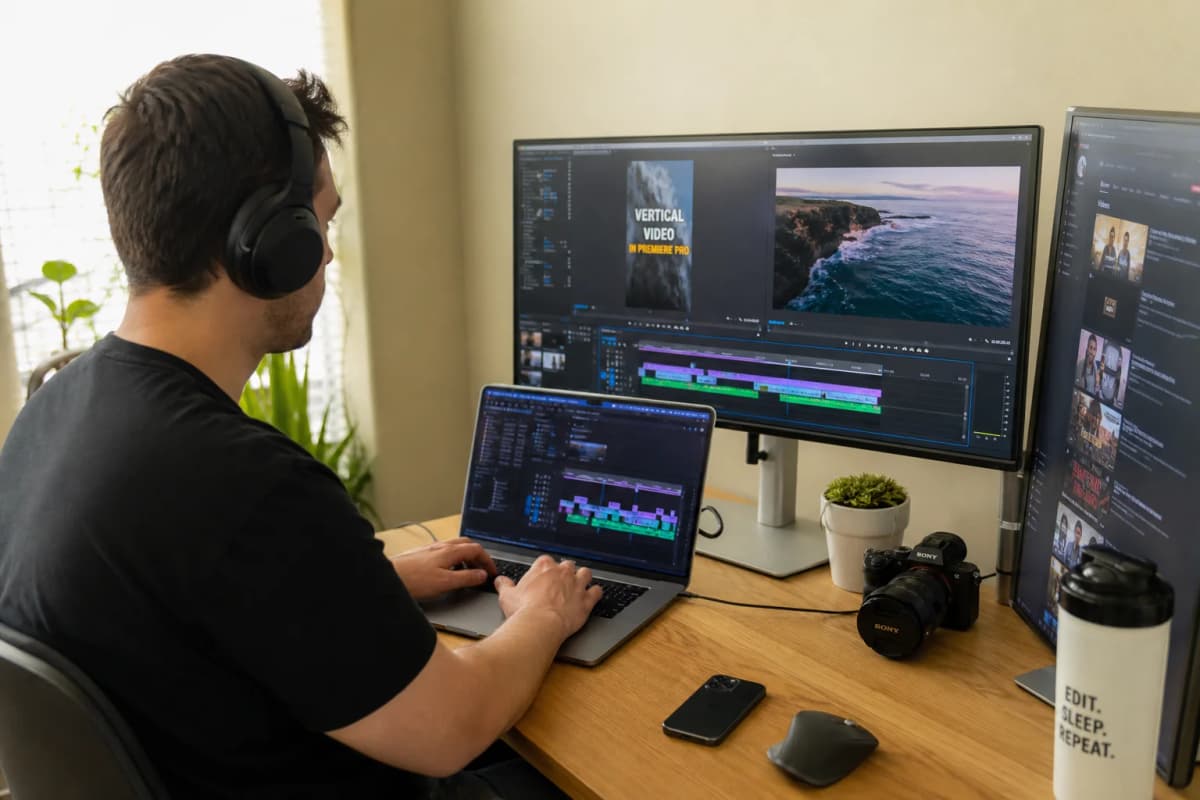
6. CapCut (Recommended for Most Creators)
CapCut is free, powerful, and made by ByteDance (TikTok's parent company):
- Professional editing features at no cost
- Trending effects and templates
- Auto-captions that actually work
- Direct export to TikTok
Why it fits: CapCut covers common short-form needs such as editing, captions, templates, effects, and vertical export. Advanced software becomes useful only when a creator has a specific production requirement.
7. Adobe Premiere Pro
For creators who need advanced features:
- Professional color grading
- Complex multi-track editing
- Industry-standard workflow
- Steeper learning curve
When to use it: Only after you've outgrown CapCut and have specific needs it can't meet.
8. DaVinci Resolve
Professional-grade editing with a free tier:
- Hollywood-level color correction
- Advanced audio editing
- Free version is genuinely powerful
- Best for cinematic content
9. Final Cut Pro (Mac Only)
Apple's professional editor:
- Optimized for Mac hardware
- One-time purchase (no subscription)
- Smooth workflow for Apple users
AI Voiceover Tools
For faceless accounts, commentary, and narration:
10. ElevenLabs
An AI voice generation platform:
- Natural-sounding voices
- Voice cloning capabilities
- Multiple languages and accents
- Great for commentary and explainer content
11. Murf AI
Strong alternative for multilingual content:
- Multiple voices and languages, with current availability depending on the selected plan
- Good for international audiences
- Simple interface
Script and Content Writing
12. ChatGPT / Claude
AI assistants for content creation:
- Generate video scripts and hooks
- Brainstorm content ideas
- Write captions and descriptions
- Research topics quickly
Best use: Treat an AI assistant as a drafting and ideation tool. Every script, factual claim, and product statement still needs human review before publication.
Product Research and Analytics Tools
For TikTok Shop sellers, finding winning products is everything. Here's where to look:
13. Nexscope
Traditional product research tools often focus on a single signal. Useful product decisions combine market, product, keyword, review, competitor, pricing, sales, and trend evidence while keeping estimates and missing values visible.
Nexscope is an ecommerce data source and data platform. Teams can use supported capabilities in Nexscope's web product or connect the same data to their own Agent through REST API or MCP.
This fits online sellers who want structured evidence for product and competitor research without treating an AI-generated conclusion as verified fact.
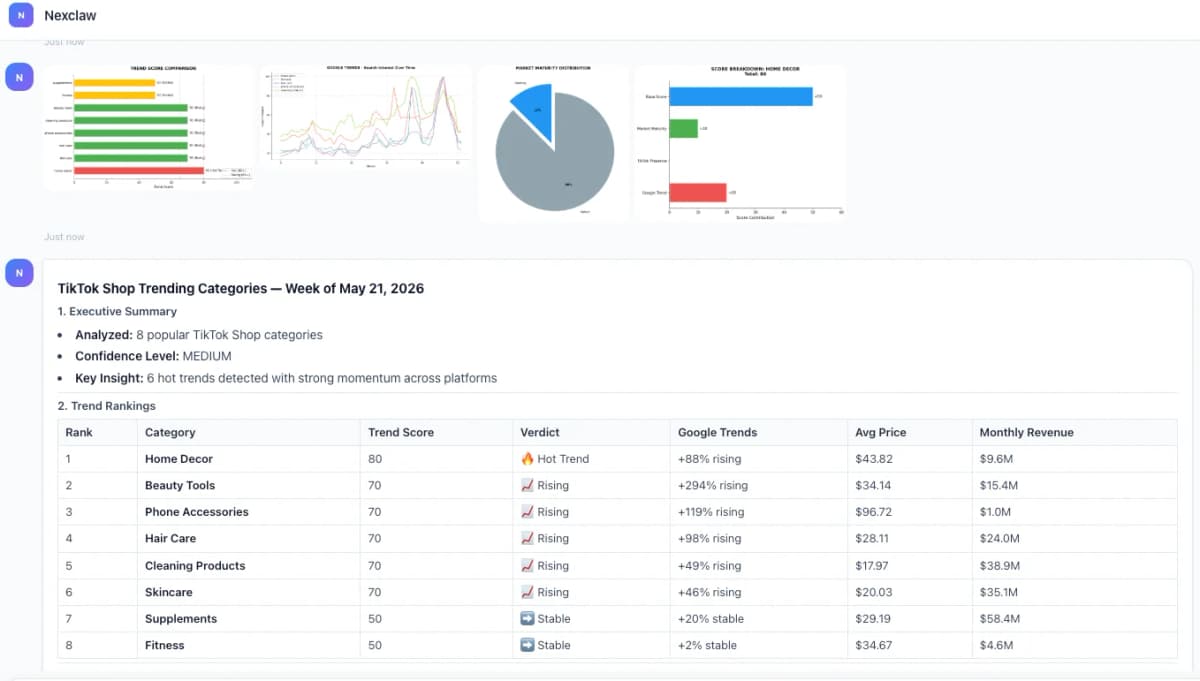
New users receive 1,000 free credits. The lowest paid plan is $9 per month with 3,000 monthly credits.
The focused TikTok Shop AI tools guide covers product research, listing, support, video, and analytics automation in more detail.
14. Kalodata
TikTok Shop analytics platform:
- Track trending products across TikTok Shop
- Monitor competitor sales estimates
- Identify rising products early
- Analyze creator performance
15. Shoplus
Shop and product analysis:
- Store-level analytics
- Product performance tracking
- Market trend identification
- Competitor monitoring
16. FastMoss
Another TikTok Shop analytics option:
- Product trend tracking
- Creator discovery
- Sales estimation
- Market research features
17. PipiAds
Spy on TikTok advertising:
- See what ads competitors are running
- Find winning ad creatives
- Track ad performance over time
- Discover product opportunities through ads
18. BigSpy
Cross-platform ad intelligence:
- Monitor ads across TikTok, Facebook, Instagram
- Large creative database
- Filter by industry and format
- Good for competitive research
E-commerce and Store Tools
If you're driving traffic to your own store (not just TikTok Shop), these tools help:
19. Shopify
A widely used e-commerce platform:
- Easy store setup
- TikTok integration available
- Extensive app ecosystem
- Handles payments and shipping
20. WooCommerce
WordPress-based alternative:
- Lower ongoing costs
- More customization options
- Requires more technical setup
- Good for existing WordPress users
Payment Processing
21. Payoneer
Popular for international sellers:
- Receive payments in multiple currencies
- Lower fees than traditional banks
- Integration with major marketplaces
22. Stripe
Standard payment processing:
- Easy integration
- Supports most countries
- Competitive rates
Customer Service
23. Zendesk
Professional customer support:
- Ticket management
- Multi-channel support
- Knowledge base features
24. Gorgias
Built for e-commerce:
- Shopify integration
- Order information in support tickets
- Automation features
Live Streaming Tools
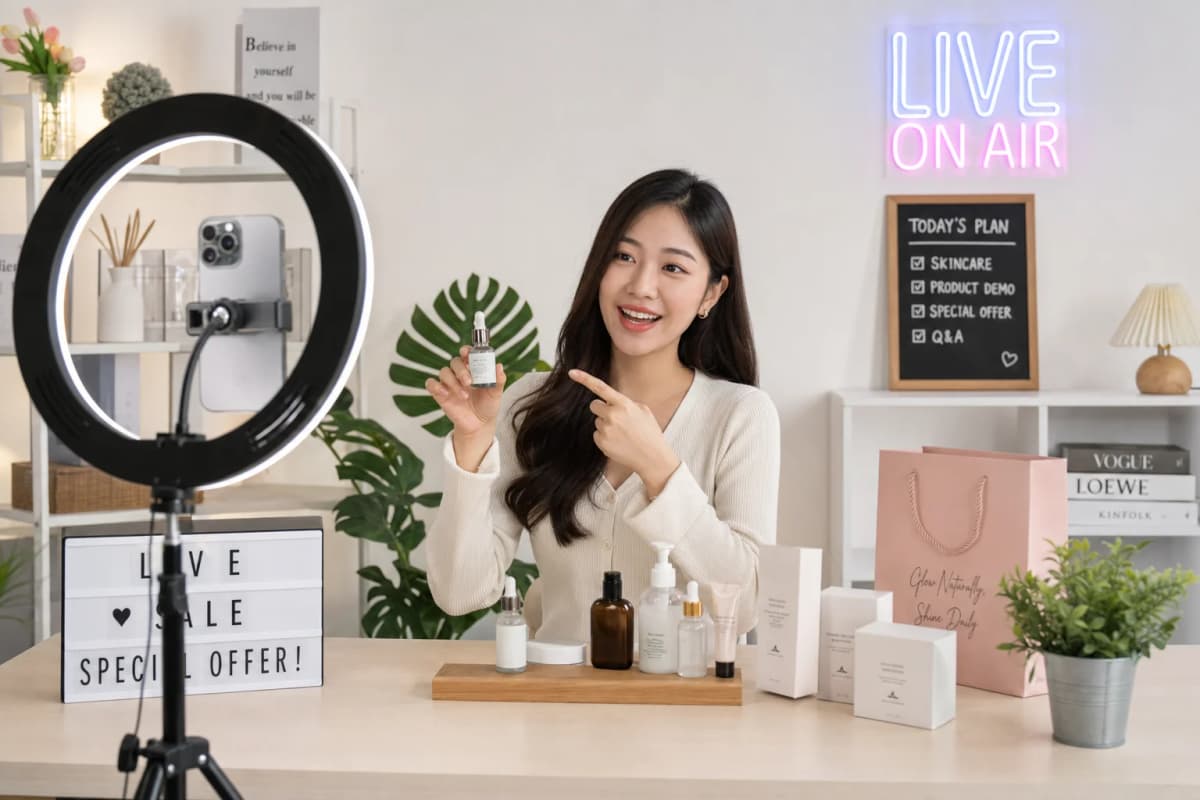
Live streaming adds production and moderation requirements beyond standard short-form posting. These tools support that workflow:
Streaming Software
25. OBS Studio (Free)
Open-source streaming software:
- Completely free and open source
- Scene switching and overlays
- Works with any streaming platform
- Requires some setup time
26. Streamlabs
More beginner-friendly:
- Built on OBS but easier interface
- Pre-made themes and overlays
- Integrated alerts and widgets
- Good for new streamers
27. TikTok LIVE Studio
TikTok's official streaming software:
- Direct integration with TikTok
- Optimized for the platform
- Game streaming features
- Desktop streaming capabilities
Virtual Streaming
28. VTube Studio
For virtual avatar streaming:
- Use animated avatars instead of your face
- Popular for certain niches
- Works with Live2D models
Engagement Tools
29. ManyChat
Automated messaging and engagement:
- Auto-reply to comments and DMs
- Lead capture flows
- Integration with TikTok
30. StreamElements
Stream management and engagement:
- Loyalty and points systems
- Overlays and alerts
- Chat moderation
Link and Bio Tools
Getting followers to take action outside TikTok:
31. Linktree
The original "link in bio" tool:
- Multiple links on one page
- Basic analytics
- Free tier available
32. Stan Store
Creator-focused link page with commerce:
- Sell digital products directly
- Book appointments
- Collect emails
- Better for monetization
33. Beacons
Feature-rich alternative:
- Email capture
- Media kit generation
- Tip jar and payments
- Creator-focused features
The Minimum Viable Toolkit
Here's the truth: you can build a successful TikTok presence with just a few tools.
For Creators (Content Focus)
Essential (free): - TikTok app - CapCut - ChatGPT (free tier)
That's it. Everything else is optional until you hit a specific limitation.
For Online Sellers
Essential: - TikTok Seller Center - CapCut - One analytics or research tool, selected for the target marketplace - Payment processor (Payoneer or Stripe)
Add as needed: - Shopify (if building your own store) - OBS Studio when live streaming requires external production controls
Common Mistakes to Avoid
Mistake 1: Tool Hoarding
Collecting tools feels productive but isn't. Every hour spent "researching tools" is an hour not spent creating content or analyzing what's working.
Fix: Pick one tool per category. Use it for 30 days before considering alternatives.
Mistake 2: Starting with Paid Tools
Most free tools are good enough to get started. You don't need premium subscriptions before you have an audience.
Fix: Start free. Upgrade only when you hit a clear limitation that's costing you money or time.
Mistake 3: Complexity Over Consistency
A complex setup with OBS, multiple cameras, and professional lighting means nothing if you post once a week. Simple setups that let you post daily beat complex setups that create friction.
Fix: Optimize for consistency first. Add complexity later.
Mistake 4: Ignoring Official Tools
TikTok's Creator Center includes analytics, trending-content insights, and search data that many teams overlook. These first-party signals are available without adding another subscription.
Fix: Spend an hour exploring every feature in Creator Center before downloading any third-party tool.
Conclusion
The best TikTok tools depend on the job. Official TikTok products cover publishing, shop operations, advertising, and first-party analytics. CapCut, Adobe Premiere Pro, DaVinci Resolve, and Final Cut Pro support video production. Kalodata, Shoplus, FastMoss, PipiAds, BigSpy, and Nexscope support different research and analytics needs. Streaming, customer service, and link tools should be added only when the workflow requires them.
A practical starting process is:
- Learn the official TikTok tools connected to the account.
- Choose one creation tool and one measurement workflow.
- Publish consistently enough to collect comparable data.
- Add one specialist tool only when a clear bottleneck appears.
- Review subscriptions every month and remove tools that do not change a decision or save meaningful time.
Teams that need structured ecommerce research data can use Nexscope Data inside Nexscope or connect supported data to their own Agent through REST API or MCP.
Scale your TikTok Shop
AI-powered product research and trend analysis for social commerce
Get Started Free →No coding required • Instant access
Frequently Asked Questions
What is the best free tool for TikTok creators?
CapCut is a practical free starting point for most TikTok creators because it covers vertical editing, captions, effects, templates, and export in one workflow. Pair it with TikTok Creator Center rather than buying an analytics subscription immediately. Creator Center provides first-party performance and search insights, while CapCut handles production. A paid tool becomes useful only after the team identifies a specific limitation, such as advanced collaboration, cross-channel scheduling, deeper competitive research, or a production feature that the free stack cannot support.
Do I need paid tools to succeed on TikTok?
No. TikTok's app, Creator Center, Seller Center, LIVE Studio, and CapCut can support a substantial part of a creator or seller workflow without a paid subscription. Paid products can still be valuable when they solve a measurable bottleneck, such as coordinating a content team, comparing competitors, monitoring multiple shops, or processing a larger support queue. Choose the limitation first, then evaluate one tool against a clear success measure. Paying for overlapping dashboards before the workflow is defined usually adds cost without improving decisions.
Which TikTok tool category should an online seller choose first?
The first category should match the seller's current bottleneck. A new TikTok Shop operator should begin with Seller Center for listings, orders, affiliate activity, and first-party shop analytics. If products are already listed but content production is slow, add a video editor such as CapCut. If the business cannot decide which products or competitors deserve attention, add one research platform. Sellers operating an external store may instead prioritize Shopify or WooCommerce and a payment provider. A live-streaming tool belongs later, when live production is already part of the sales plan.
Which TikTok analytics tool should a seller choose?
Start with TikTok Shop Analytics in Seller Center for first-party shop performance, then add a third-party tool only when the decision requires broader market or competitor coverage. Kalodata, Shoplus, and FastMoss focus on TikTok Shop products, shops, creators, videos, and live commerce from different angles. Nexscope fits teams that need structured ecommerce evidence across product, keyword, review, pricing, sales, competitor, and trend research. Compare coverage, market availability, update frequency, export options, and estimate disclosures before selecting a subscription.
Is TikTok's built-in editor good enough?
Yes, when the content only needs basic cuts, text, filters, sounds, and platform-native elements. Keeping the workflow inside TikTok can also reduce export steps for quick posts. CapCut is a better next step when a creator needs reusable templates, more detailed timeline control, automated captions, layered effects, or assets that will be adapted for other short-form platforms. Professional editors such as Premiere Pro, DaVinci Resolve, or Final Cut Pro are justified only when the production requirements exceed what the native editor and CapCut can deliver efficiently.
Sources
- TikTok. (2026). Creator Center Documentation. Retrieved from tiktok.com
- TikTok. (2026). TikTok Shop Seller Center Guide. Retrieved from seller.tiktok.com
- ByteDance. (2026). CapCut Features Overview. Retrieved from capcut.com