
AI Product Image Remix
Turn your product photos and a reference image into new listing images or Amazon A+ content. Choose what to follow and add your product details.
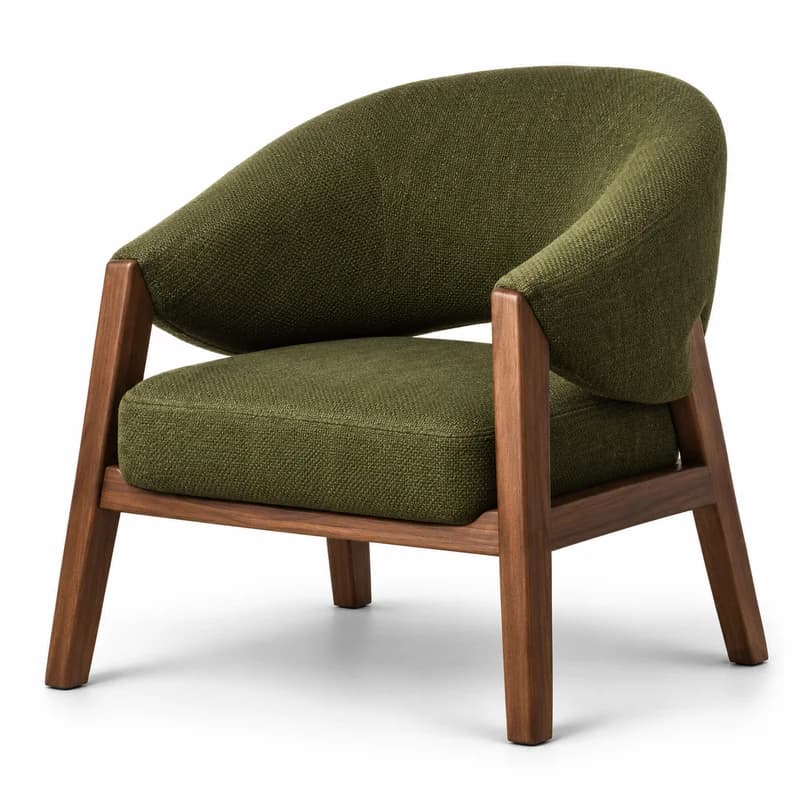
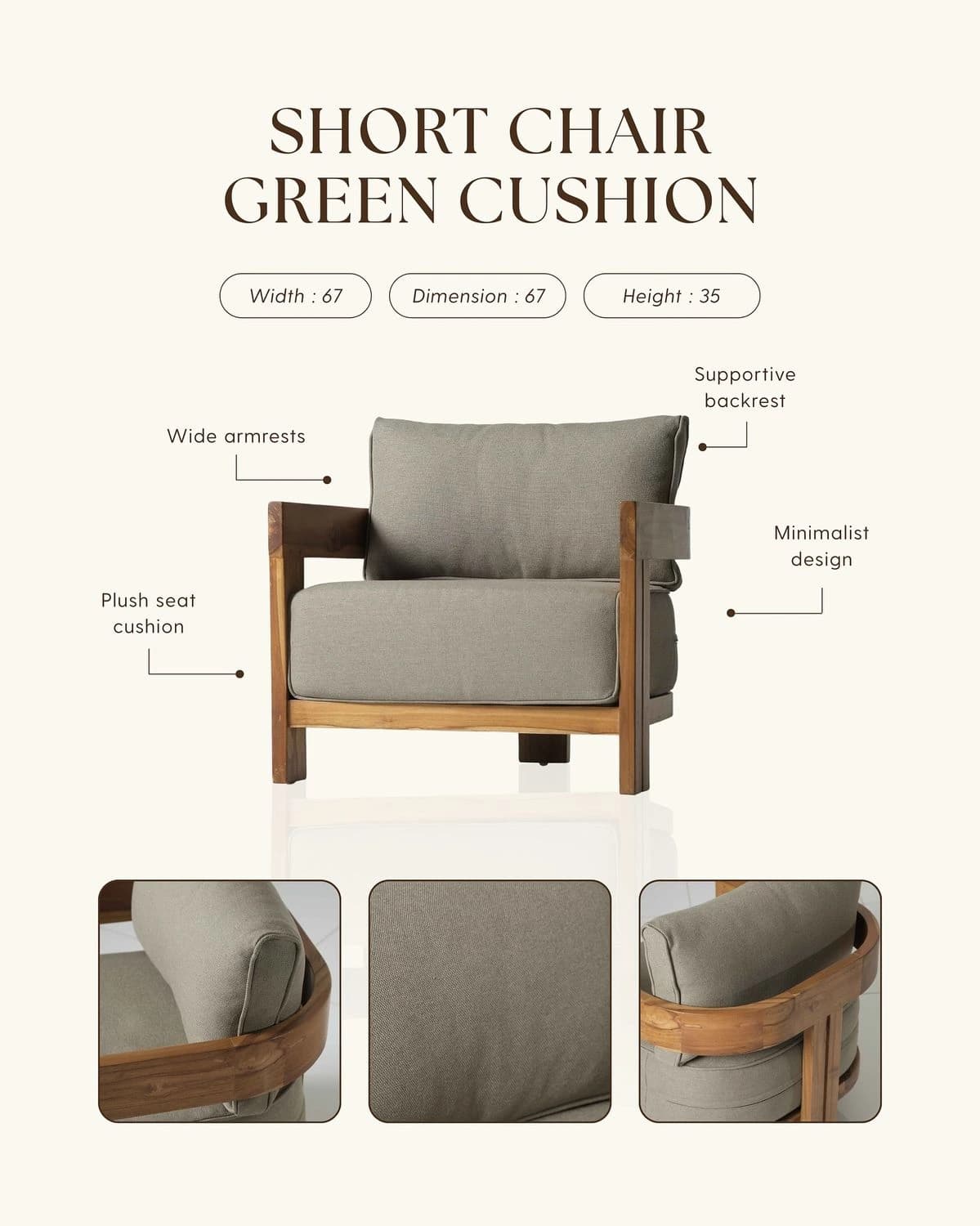
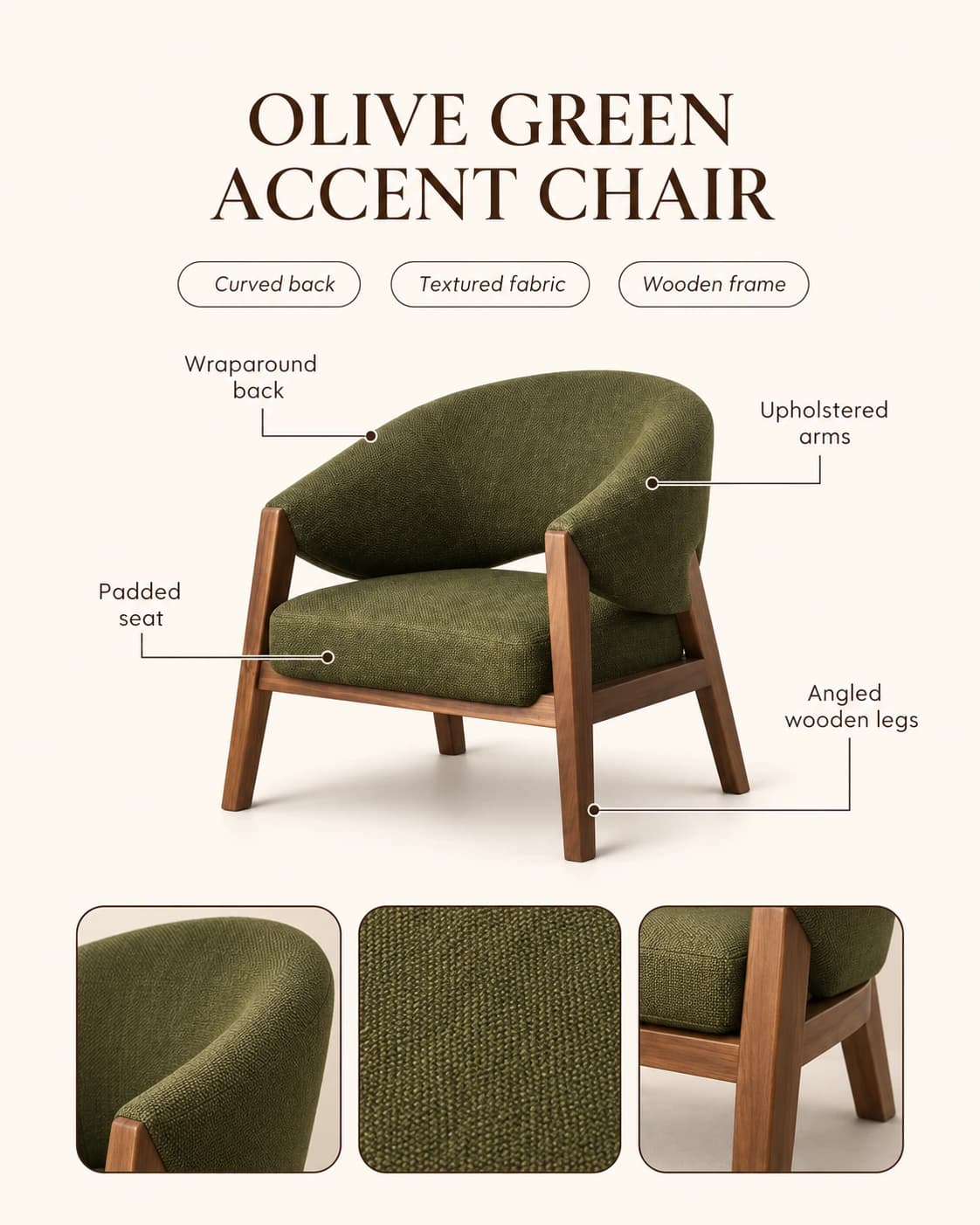
Upload Your Product Photo
Start with a white background photo.
Sign in to add your reference image.JPG, PNG or WEBP · Up to 10 MBImage Requirements
One photo · 800–4096px per side · Maximum aspect ratio 5:1
Your Product,
in a Scene You Like.
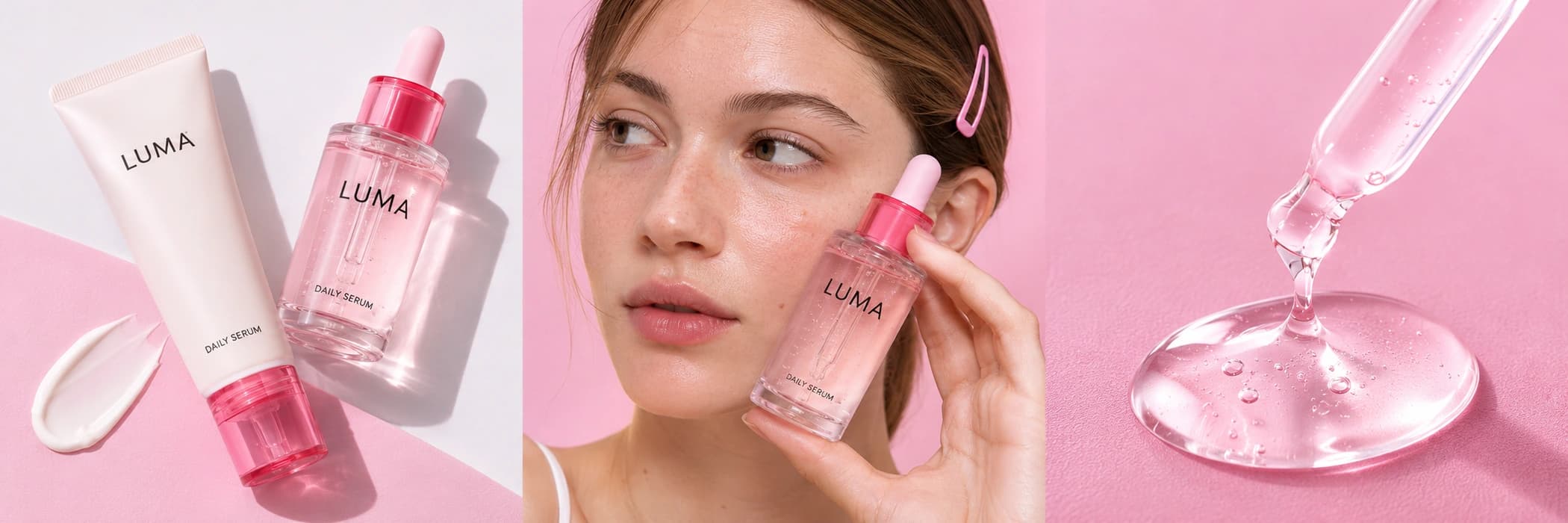
Create a new product photo inspired by the setting, lighting and composition of your reference.
Start Your Remix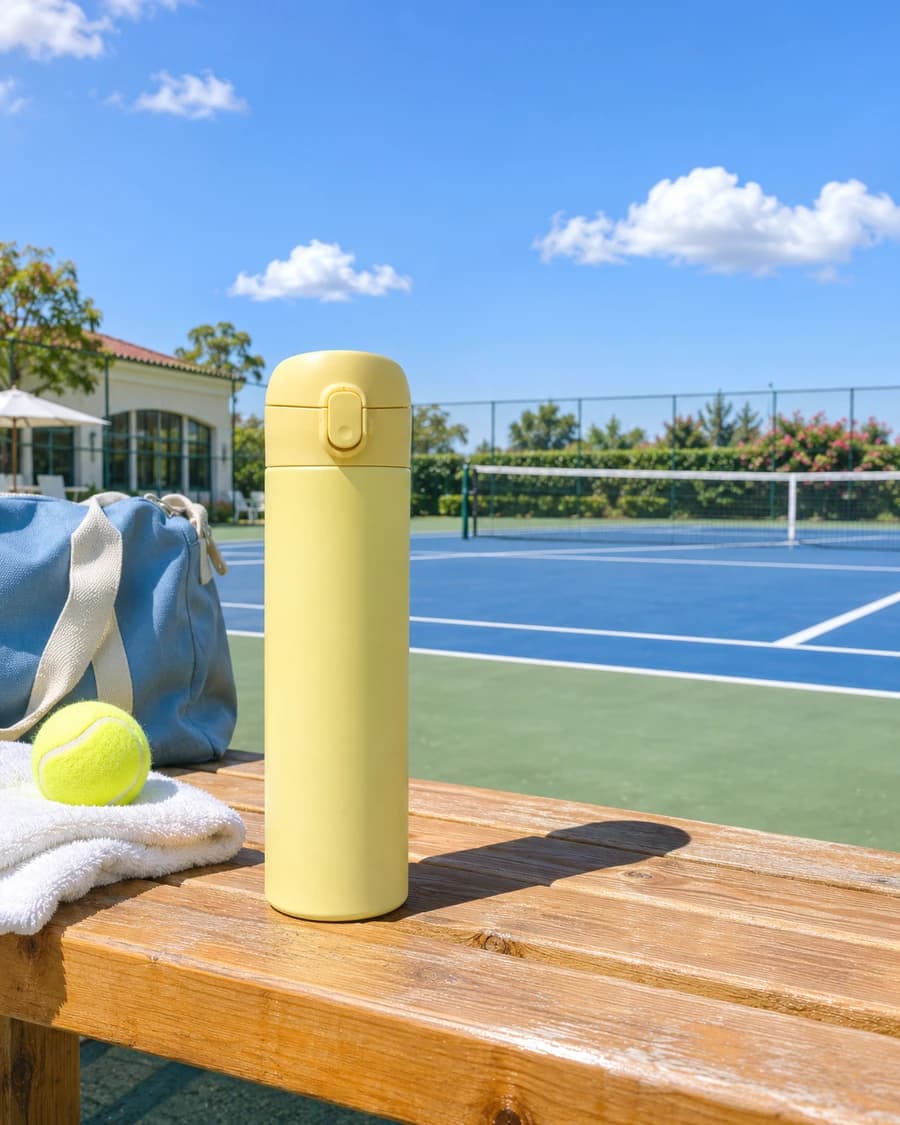
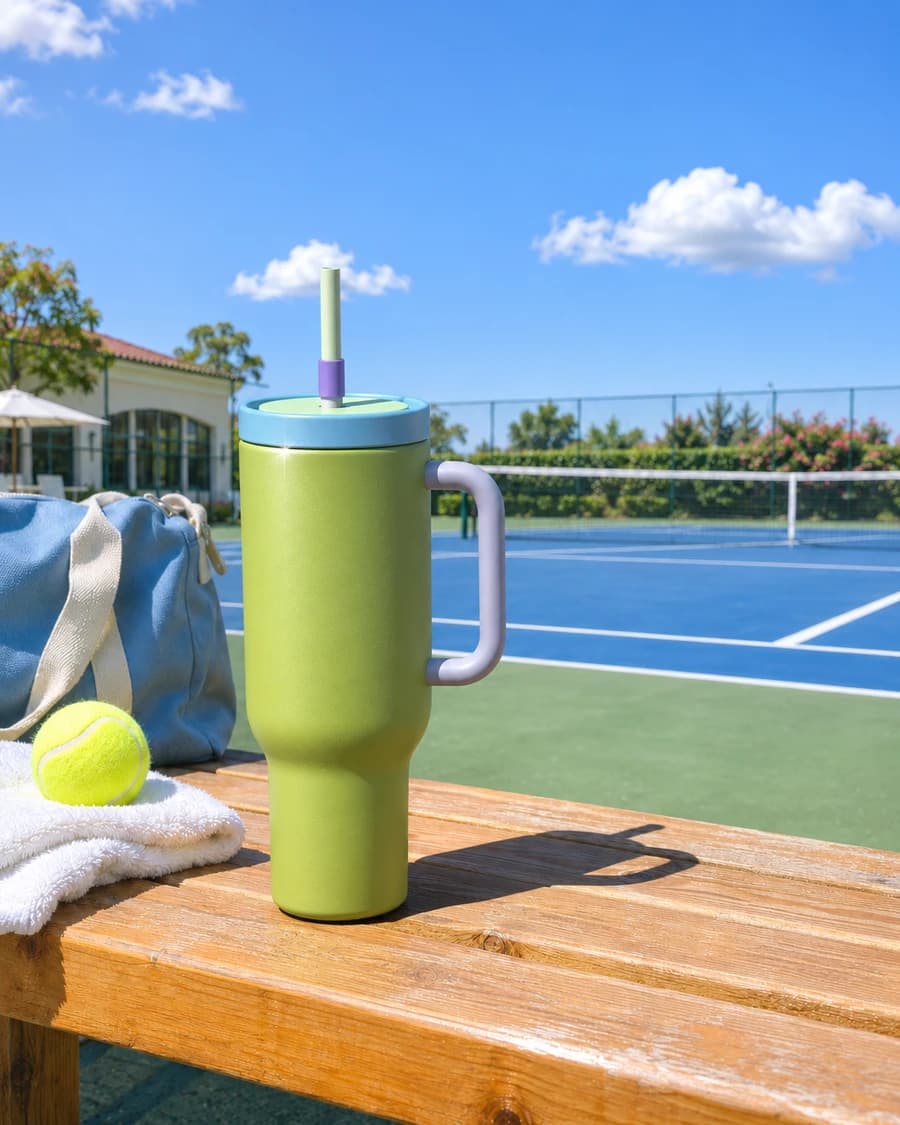
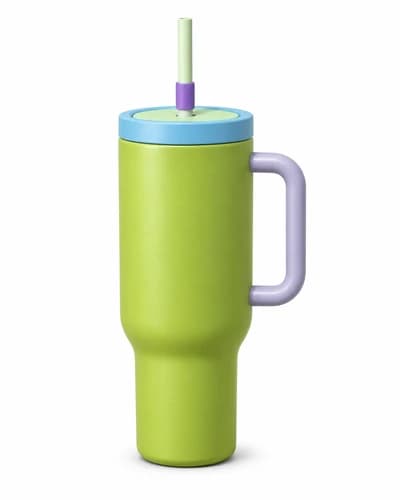
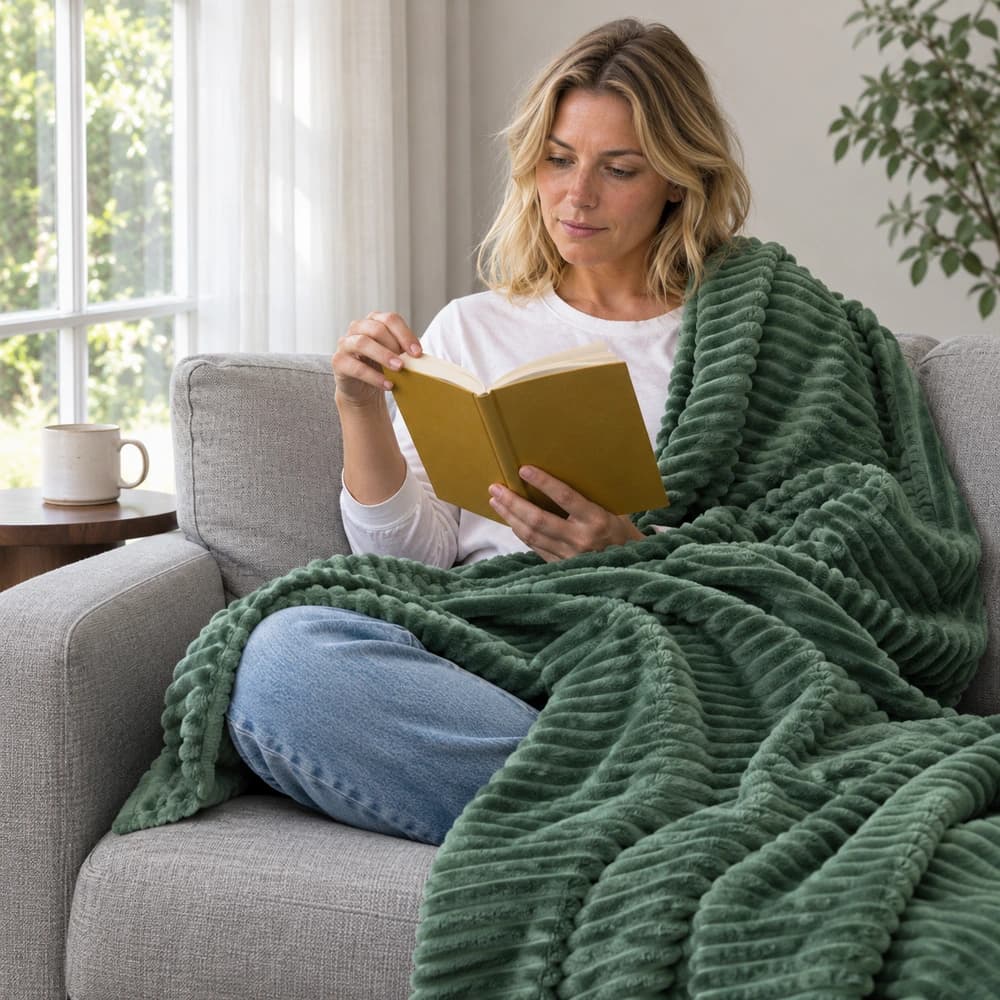
Choose What to Keep.
Make It Your Own.
Keep the layout, colors or setting you like. Add your product details and selling points to create a fresh image for your listing.
Start Your RemixTurn References into
Amazon A+ Images
Use reference layouts to introduce your product, highlight its benefits and show the details in one long A+ image.
Choose standard or advanced formats, with mobile versions available.
Create A+ Images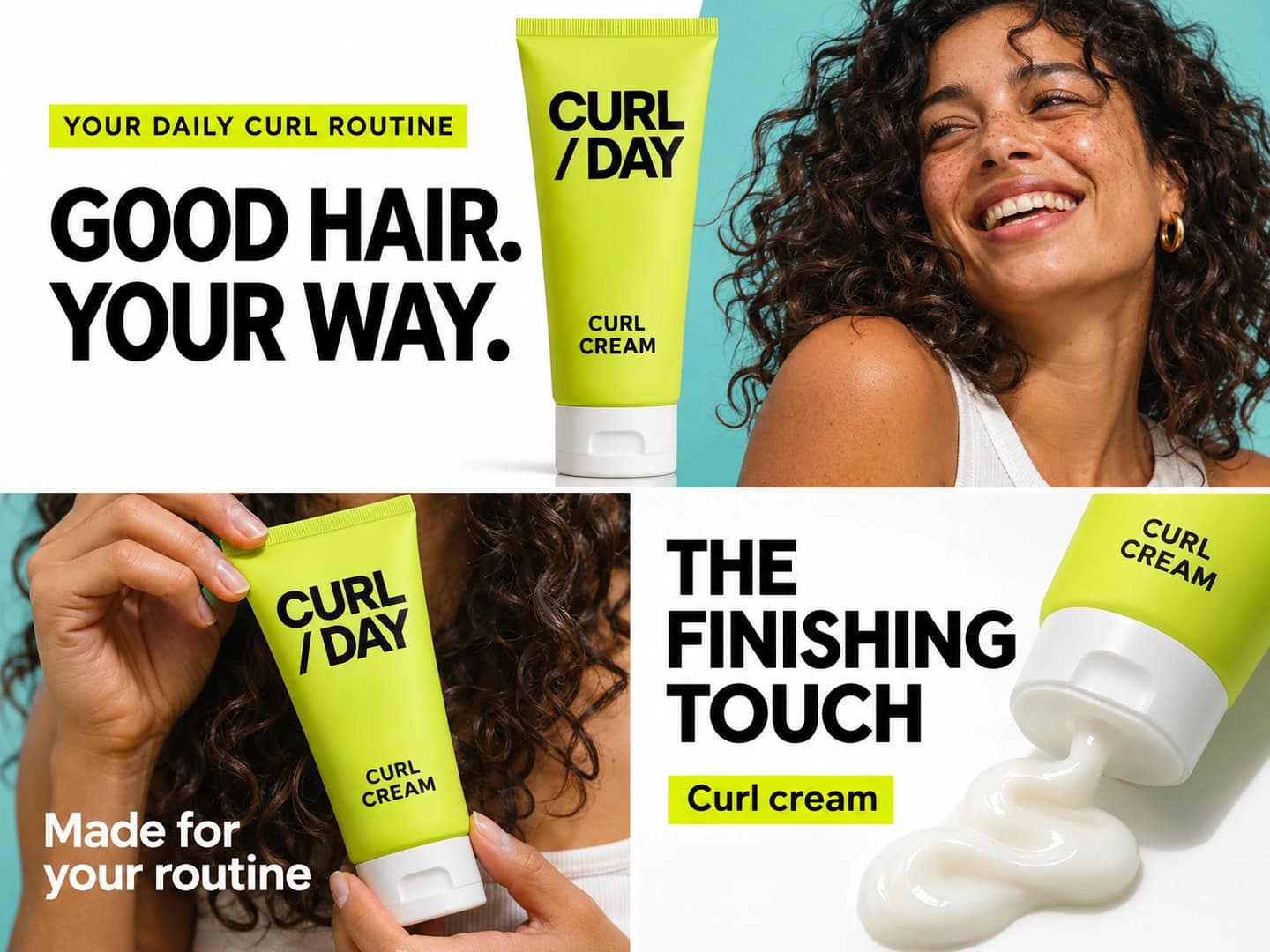
 Amazon
 TikTok Shop
 Shopee
 Etsy
Your Next Reference
Starts with a Link
Paste a product link to extract its images, then choose the references for your next product image. No need to save them one by one.
Listing images from all four supported platforms. A+ images from Amazon.
Get Reference ImagesHow to Remix Product Images
Your product. Your reference. A fresh image.
- 01
Upload Your Product Photo
Upload a clear photo of your product on a white background.
- 02
Add a Reference & Your Details
Follow the referenceSceneColorYour product detailsUpload reference images or get them from a product link. Choose what to follow and add your product details and selling points.
- 03
Generate, Review & Download
Generate your images, check the product details and text, then download the results you want to use.
Explore More Product Image Tools
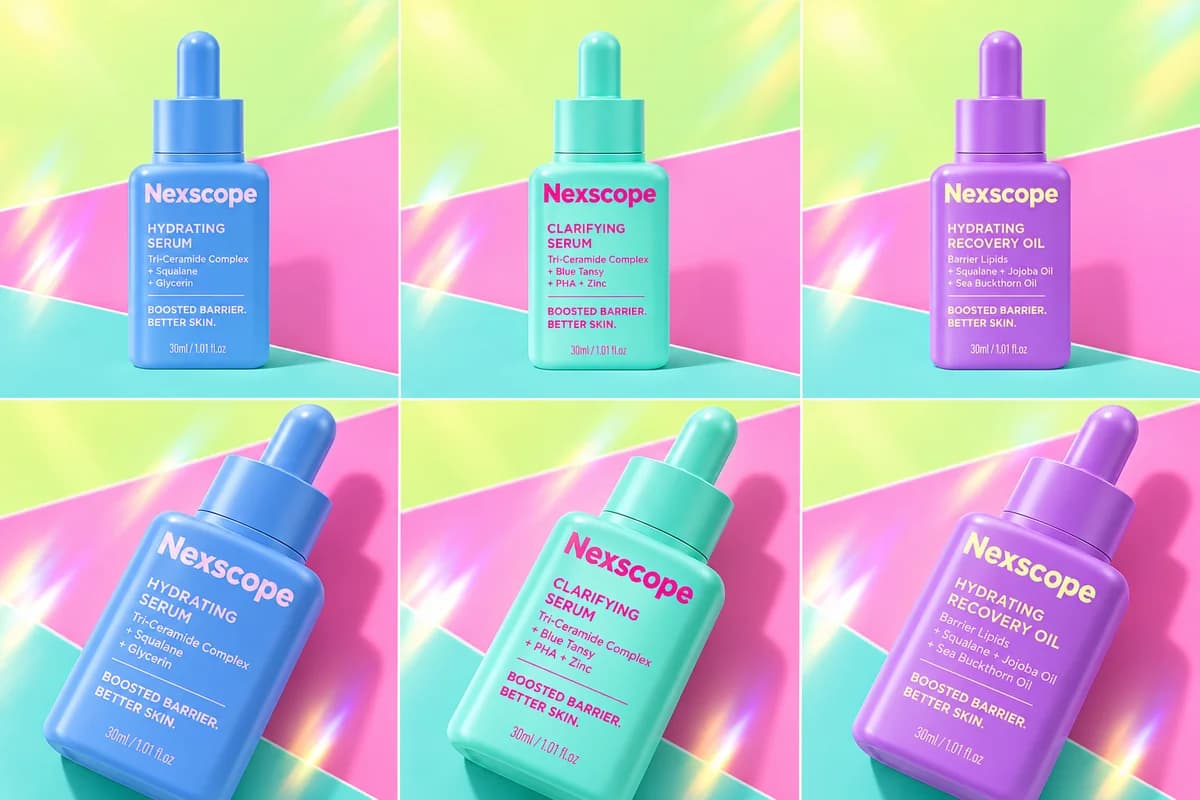
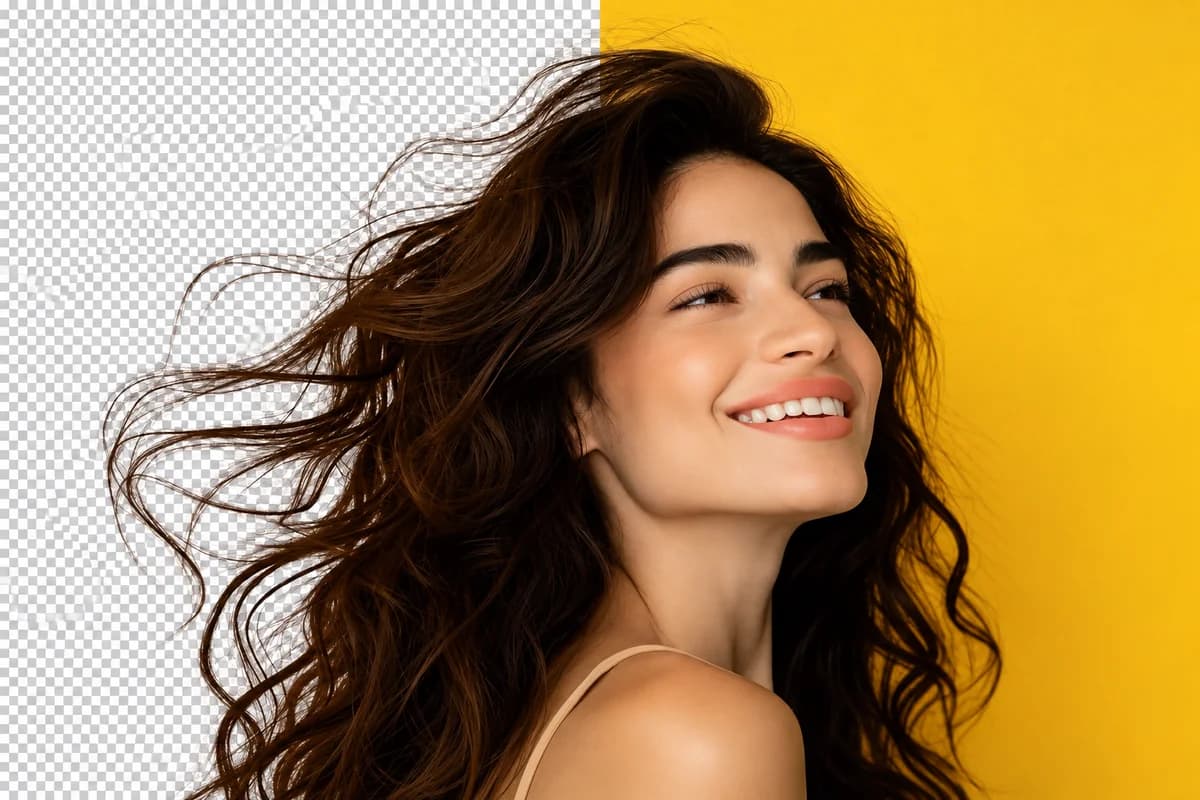
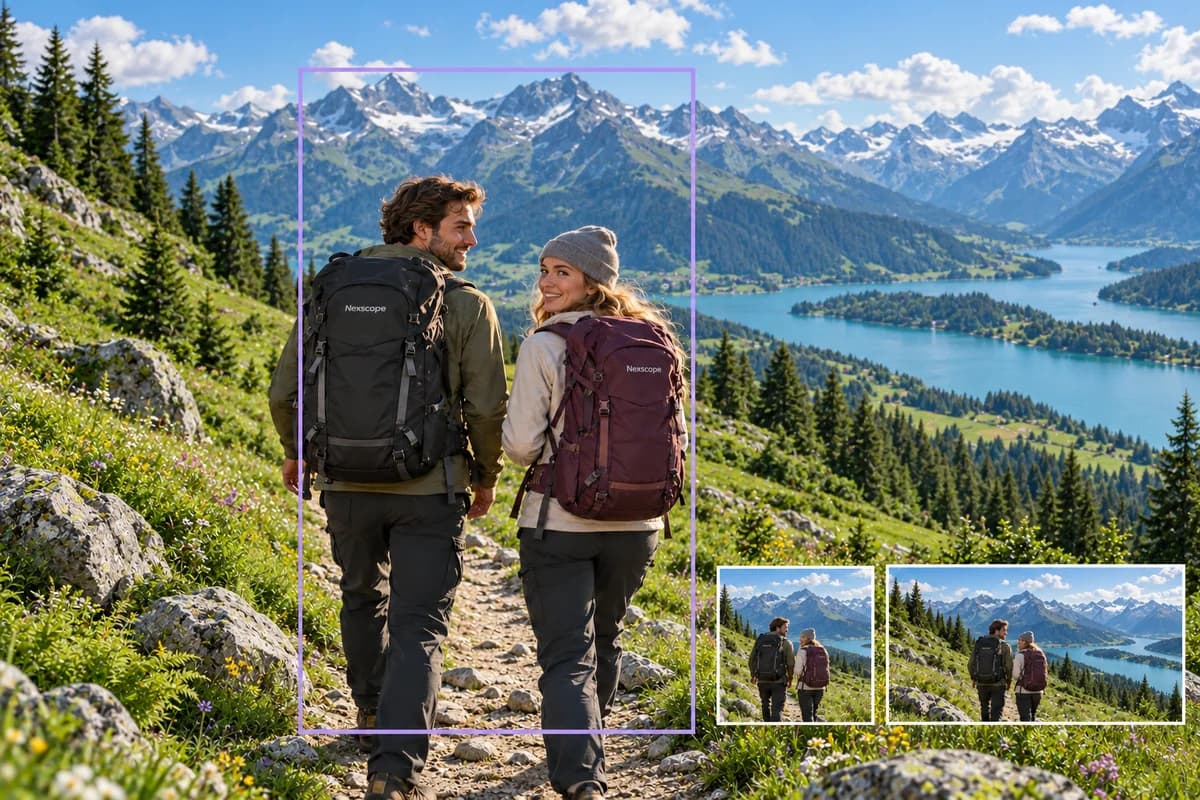
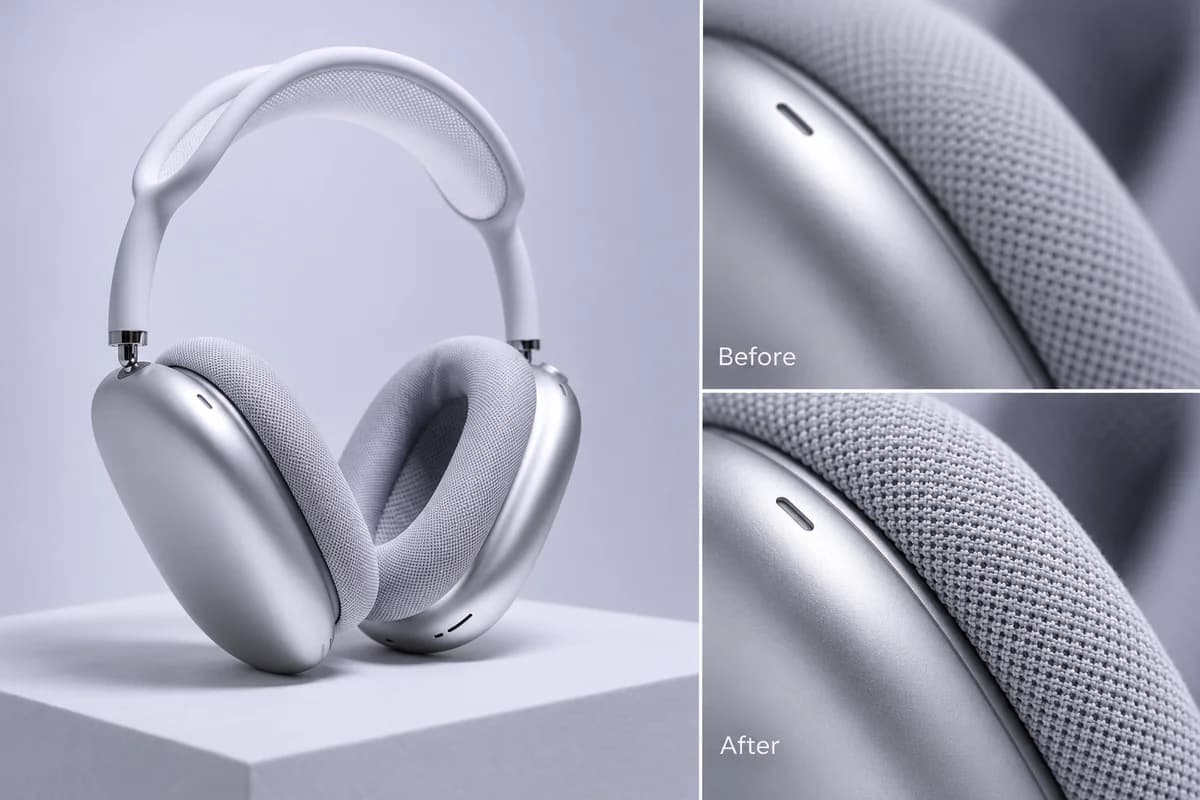
More ways to create, edit and refine your product images.
Product Image Remix FAQ
What is AI product image remix?
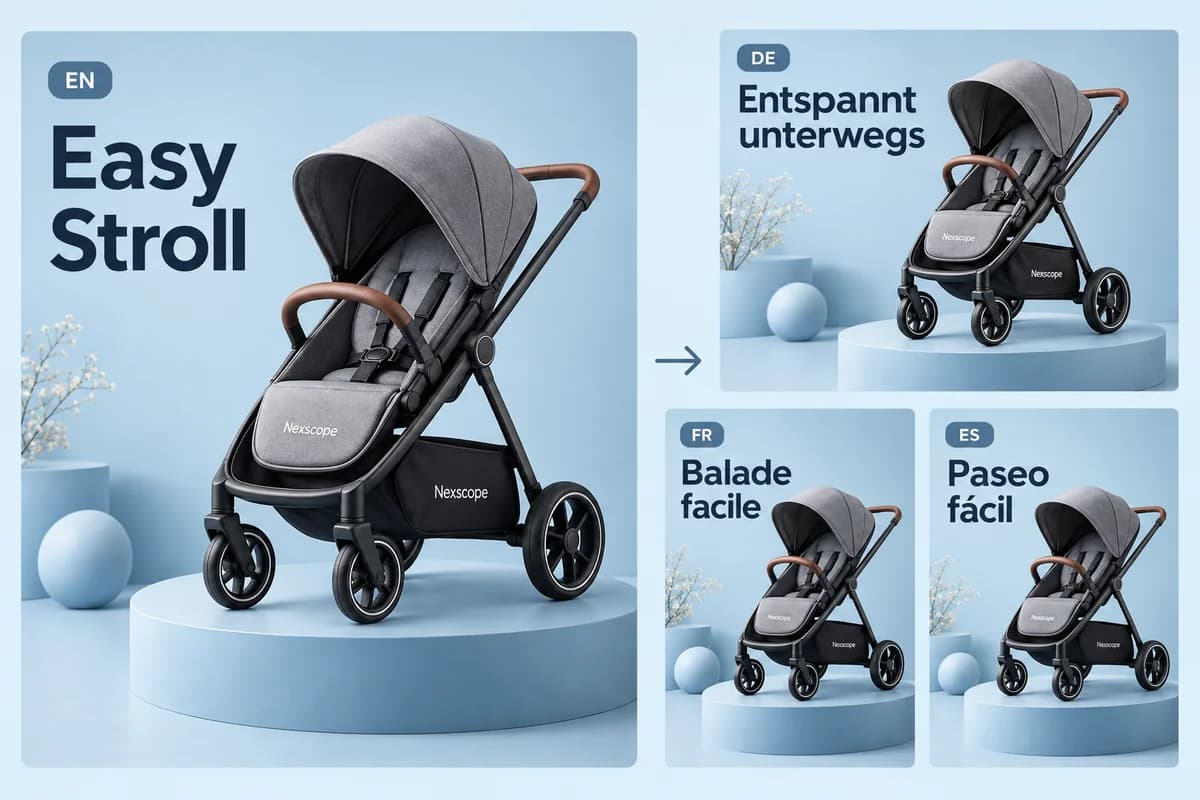
It creates new images of your product using another image as a style reference. Your product photos show what you sell. The reference guides the layout, colors, text placement, person or scene. Add your own product details so the new text describes your item.
What images do I need to upload?
Add at least one clear product photo on a white background and one reference image with a style you want to follow. You can select up to 8 product views and 8 reference layouts. Use photos that show your product clearly, and references you have permission to use.
Which parts of a reference image can I follow?
Choose the layout, colors, text, person or scene you want to follow. Add your product details and selling points to guide the new image and its wording.
Which product links can I use for references?
Paste an Amazon link to find listing or A+ images. TikTok Shop, Shopee and Etsy links support listing images. Select the images you want to use as references, or upload your own.
For non-Amazon links, review the Credits estimate before extracting images. A separate estimate is shown before generating new images.
Can I create Amazon listing images and A+ Content?
Yes. Choose Main & secondary images to create images from each reference. Choose A+ long image to combine references arranged in top-to-bottom order.
Standard, advanced, and advanced with mobile versions are available. The references’ combined height cannot exceed four times their width, even with fewer than 8 images.
Review and download your results, then upload them to Amazon. The tool does not publish to your listing.
How many images can I generate?
Choose 1 to 4 generations. In Main & secondary images mode, this is the number of results per reference: 3 references with 2 generations produce 6 images. In A+ mode, the selected references are used together to guide 1 to 4 long images, with mobile versions when you select that format.
Will it copy the reference image exactly?
No. Choose which parts to follow, and AI uses them as a guide for a new image of your product. Text is rewritten using your product details, in the language you choose. Check the wording, product shape, materials and other details before publishing.
How is product image remix different from AI product photography?
Use Product Image Remix when you have an image with a style or layout you want to follow. Upload that reference along with your own product photos. Use AI Product Photography when you want new listing images from product photos and key features without adding a reference image.
Create Your Next Product Image
Upload your product photo, add a reference, and create an image for your listing.
Start Your Remix