
AI Image Extender Online
Expand your product photo background with AI to fit store banners and social media ads without cropping your product.
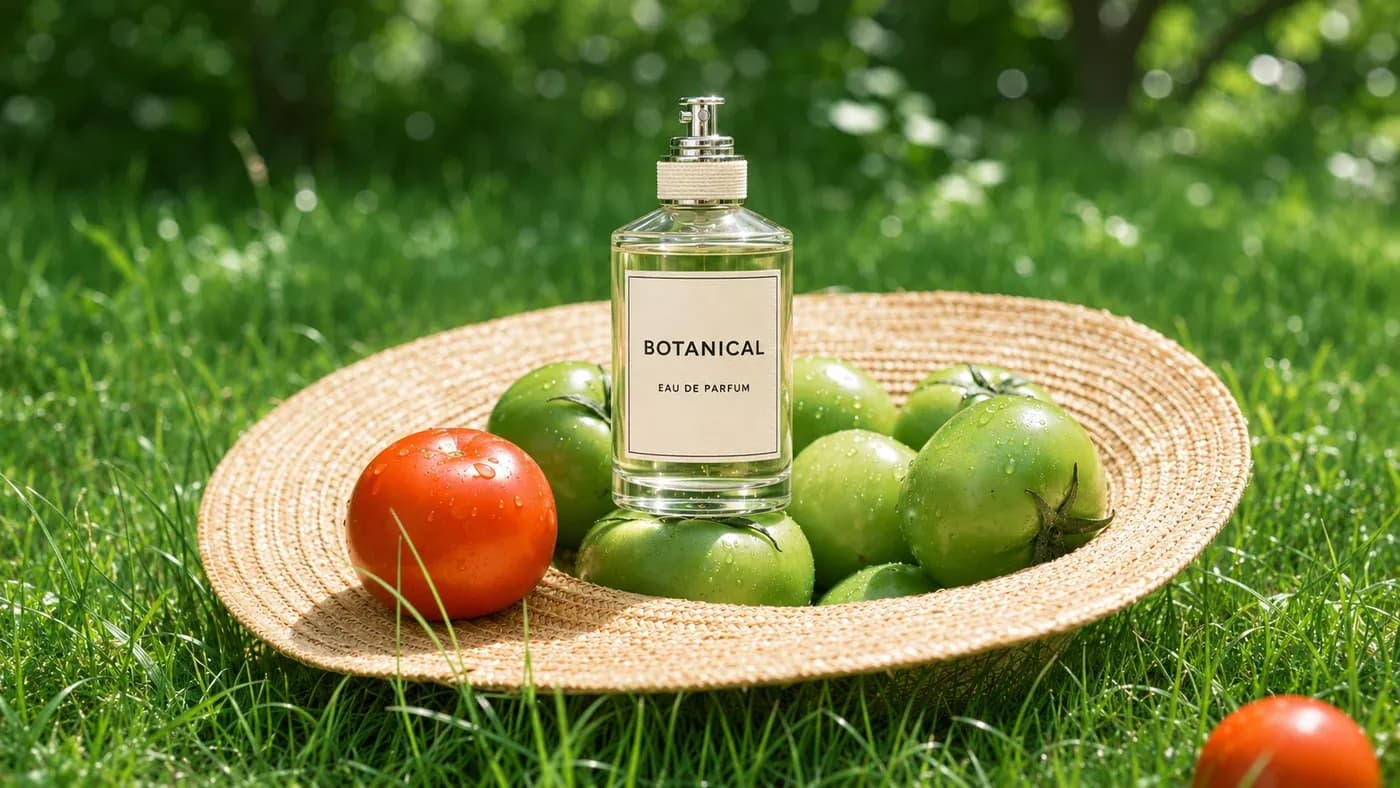 OriginalExpanded
Upload Your Product Photo
Drop a product photo, model shot or lifestyle product photo here
JPG, PNG or WEBP · Up to 10 MBImage Requirements
One photo · 384–4096px per side · Maximum aspect ratio 5:1
Turn One Product Photo
into a Store Banner
Give your best product photo a bigger canvas. Extend its background to create a wide banner for your Shopify store or collection page, using the photos you already have.
Expand a Product Photo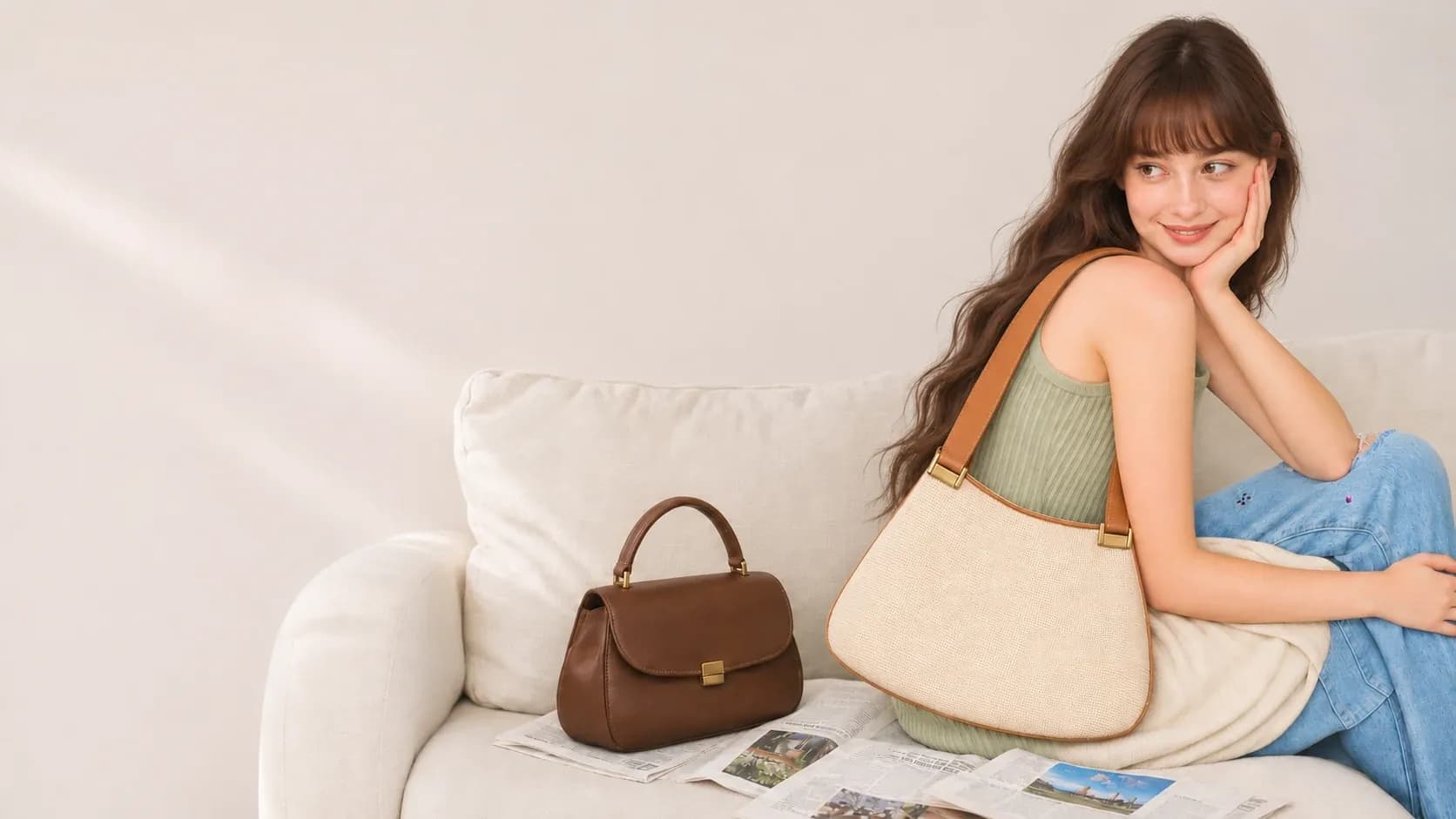 Space to expand
 Space to expand
Make Room for
Your Next Big Sale
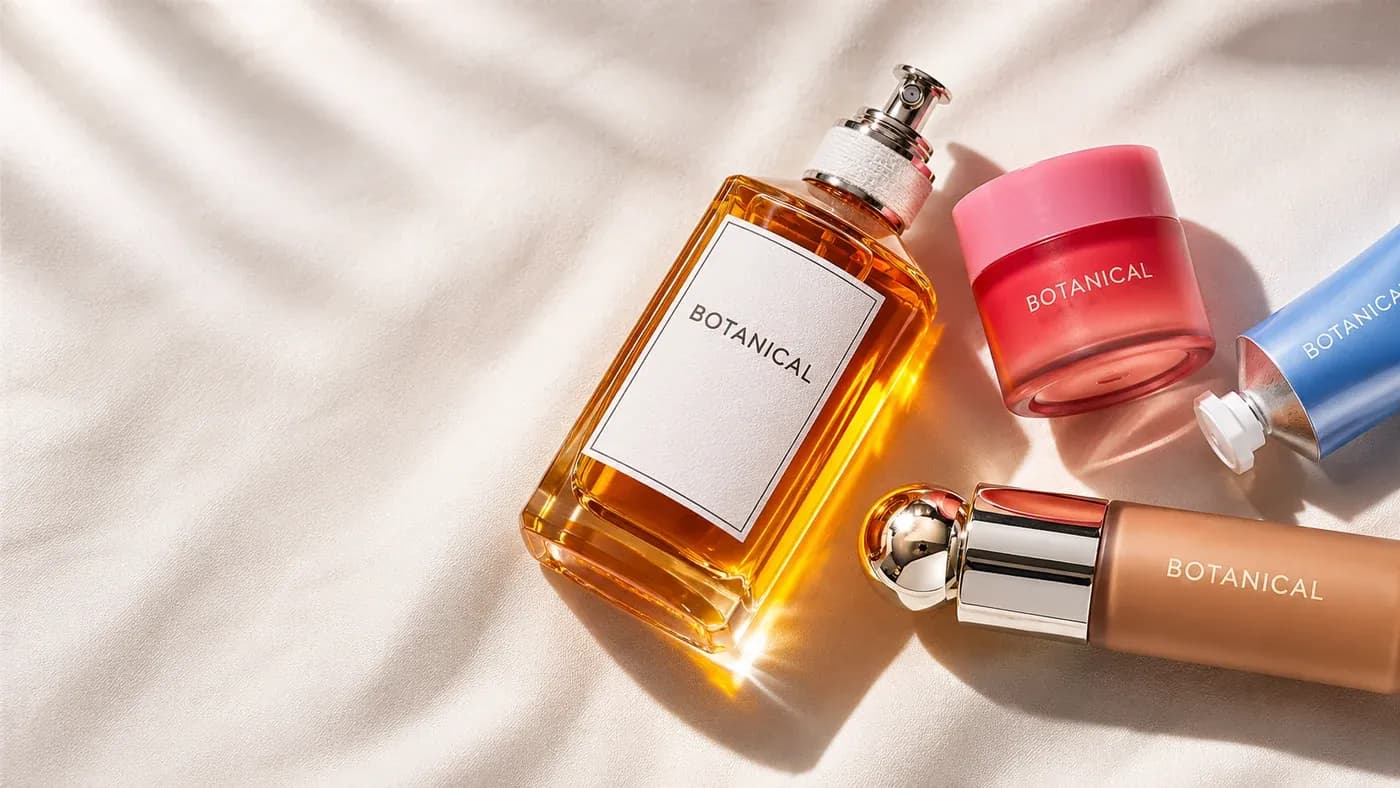
Have the perfect product photo, but no room for your offer? Extend the background for a sale headline, new-arrival message or logo. Download your image and add the finishing touches in your design editor.
Make Room for an OfferYour Product Photo
Sized to Fit
Need a square post or a vertical Story? Extend the background above and below your product photo to fit a new layout. Keep the product and the action in frame, then download the version you need.
Adapt Your Product Photo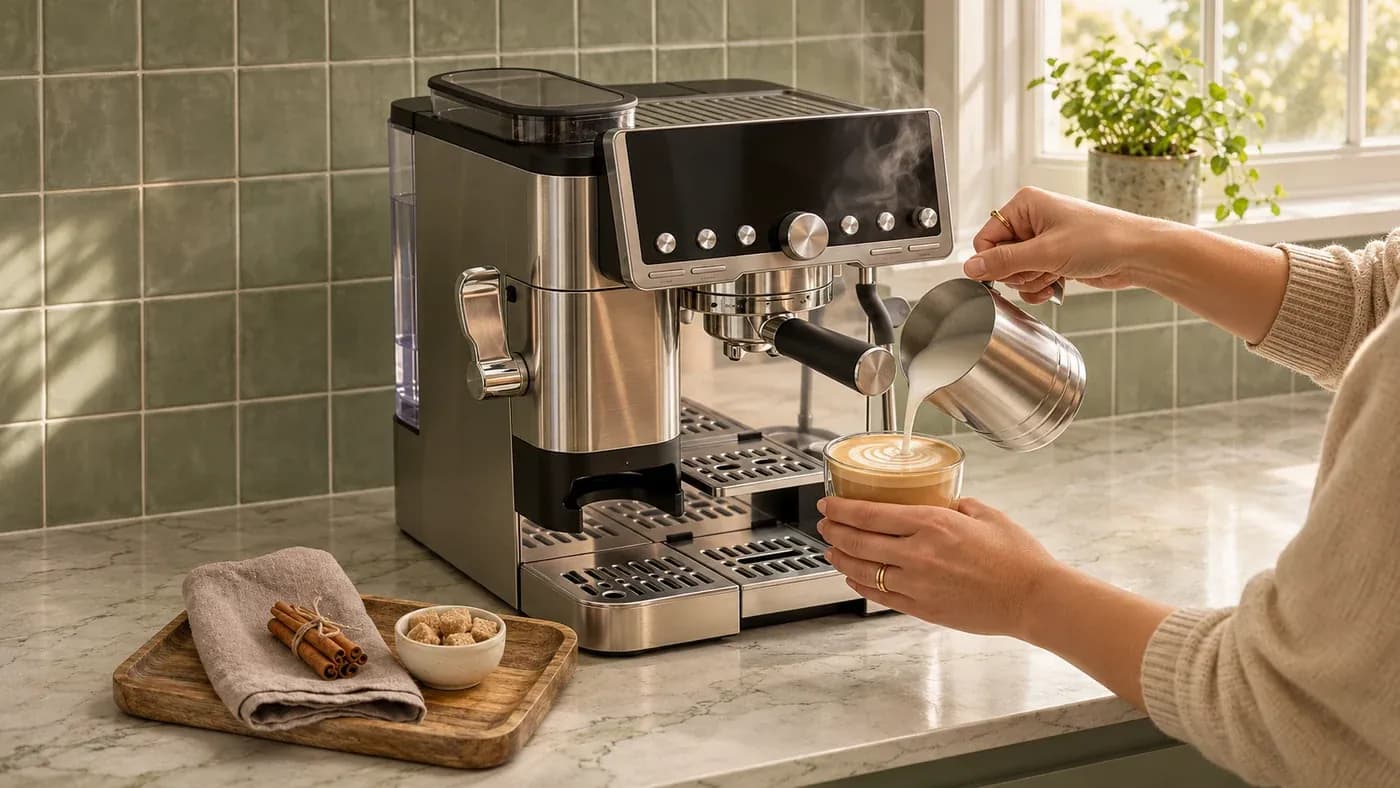
How to Expand an Image with AI
Upload a product photo, choose your layout and generate the extra background.
- Your product photo
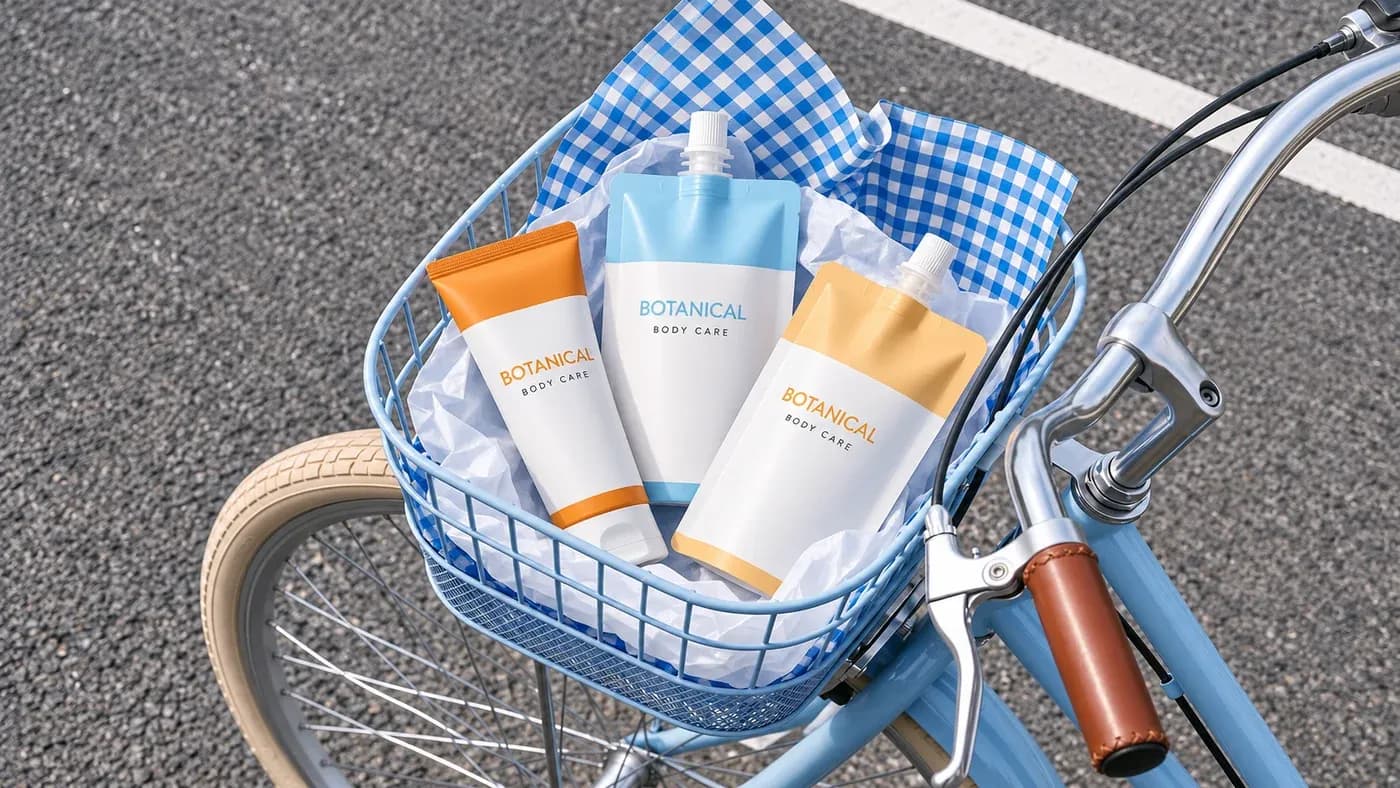
Upload a Product Photo
Choose a product or lifestyle photo in JPG, PNG or WEBP. Sign in to continue with your image.
- Square → 16:9 canvas
Choose Your Layout
Set your banner or ad dimensions. Position the photo and optionally describe the background to add.
- Expanded layout example
Generate and Download
Review how many Credits you need, then generate. Review the product and background, then download your result.
AI Image Extender FAQ
What is an AI image extender?
An AI image extender adds generated content beyond the edges of a photo. Also called an AI image expander or AI photo extender, it uses a process called AI outpainting to fill the extra space based on your photo and any instructions you provide.
How do I expand an image online?
Upload a JPG, PNG or WEBP photo, then continue to the workspace. Choose an image size, position your photo and optionally describe what to add. Review how many Credits you need, generate your results and download the version you prefer.
Can I turn a portrait product photo into a landscape image?
Yes. To convert portrait to landscape, choose a wider image size and place your full photo inside it. AI generates background on either side, giving you room for a store banner or horizontal ad without cutting off the product. Review the new background and product details before publishing.
Can I turn a landscape photo into a portrait image?
Yes. Choose a portrait canvas such as 9:16 or set custom dimensions, then fit your landscape photo inside it. The image extender can generate the space above and below your photo. Review the result before using it.
Can I expand an image without cropping the subject?
Yes. Make the canvas larger and position the original photo entirely inside it to retain the existing composition. This adds room around your subject instead of cropping it to fit a new frame.
Can AI uncrop a photo and recover the original scene?
AI can generate plausible surroundings beyond a cropped photo, but it cannot recover the actual content that was removed. Treat the new areas as generated content rather than a reconstruction of the original scene.
Can I extend product photo backgrounds for my online store?
Yes. Add room around a product for a wider store banner, a portrait promotion or a square listing layout. Check product details and the generated background, and confirm the image requirements of your destination before publishing.
How do I turn a square product photo into a store banner?
Choose a wide image size or enter the dimensions required by your Shopify theme or other storefront. Place the full product photo inside the canvas, then generate the background on either side. Download the result and add your collection title or offer in your design editor before uploading it to your store.
Can I adapt one product photo for different social ad sizes?
Yes. Choose a separate image size for each Instagram or Facebook ad, such as a square feed image or a vertical Story. Reposition the photo and generate the extra background for each layout. This lets you reuse the same source photo; it does not automatically create every format in one step.
Can I make space for promotional text in a product image?
Yes. Position your photo to leave new canvas space beside or above the product, then generate the surrounding background. Download the result and add your headline, offer or logo in your design editor. Image expansion does not add promotional text for you.
What images and sizes are supported?
Upload one JPG, PNG or WEBP image up to 10 MB, with each side between 384 and 4096 pixels and a maximum aspect ratio of 5:1. The workspace offers size presets, aspect ratios and custom output dimensions from 384 to 4096 pixels per side.
Do I need to write a prompt?
No. Leave the instructions blank to extend the existing scene, or add a short description to guide what appears in the new space. You can choose one to four results per generation in the workspace.
Is image extension the same as image upscaling?
No. Image extension adds new content around an existing photo. Image upscaling increases its resolution. Use image extension when you need more background or a different canvas shape.
Does expanding an image use Credits?
Generation uses Credits. Sign in and review the current Credits estimate in the workspace before generating. Selecting and previewing an image on this page does not start a generation.
Your Next Campaign Starts
with a Photo You Already Have
Expand a product photo for your next store banner, sale or social ad.
Upload a Product Photo