Before
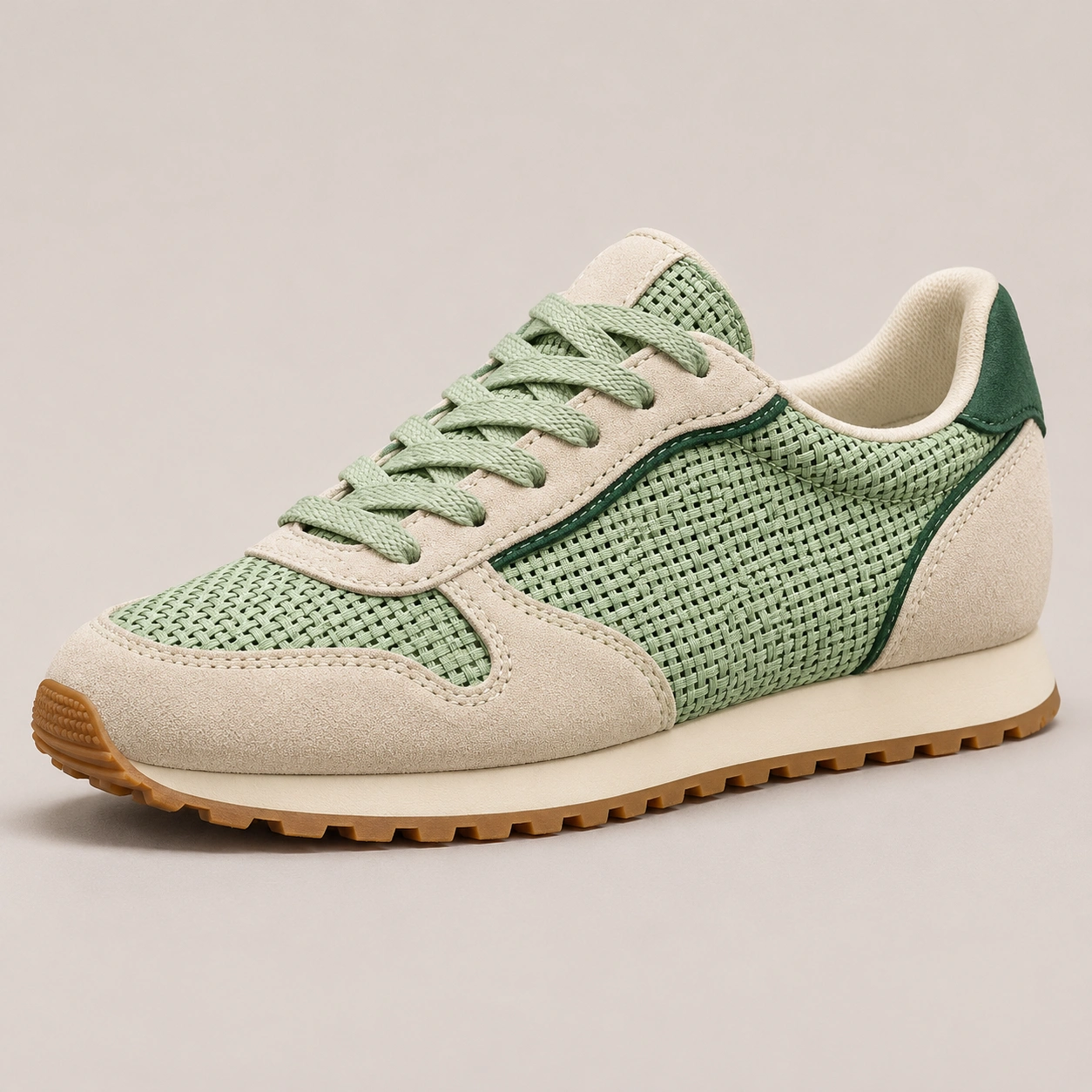
Keep original size
Enhance clarity
Photo already the right size for your listing? Improve the clarity of textures and edges while keeping the same image size.

Upscale product photos for ecommerce listings, your online store and ads. Make small or blurry images clearer. Increase image resolution up to 4× and upscale up to 100 photos in one batch.
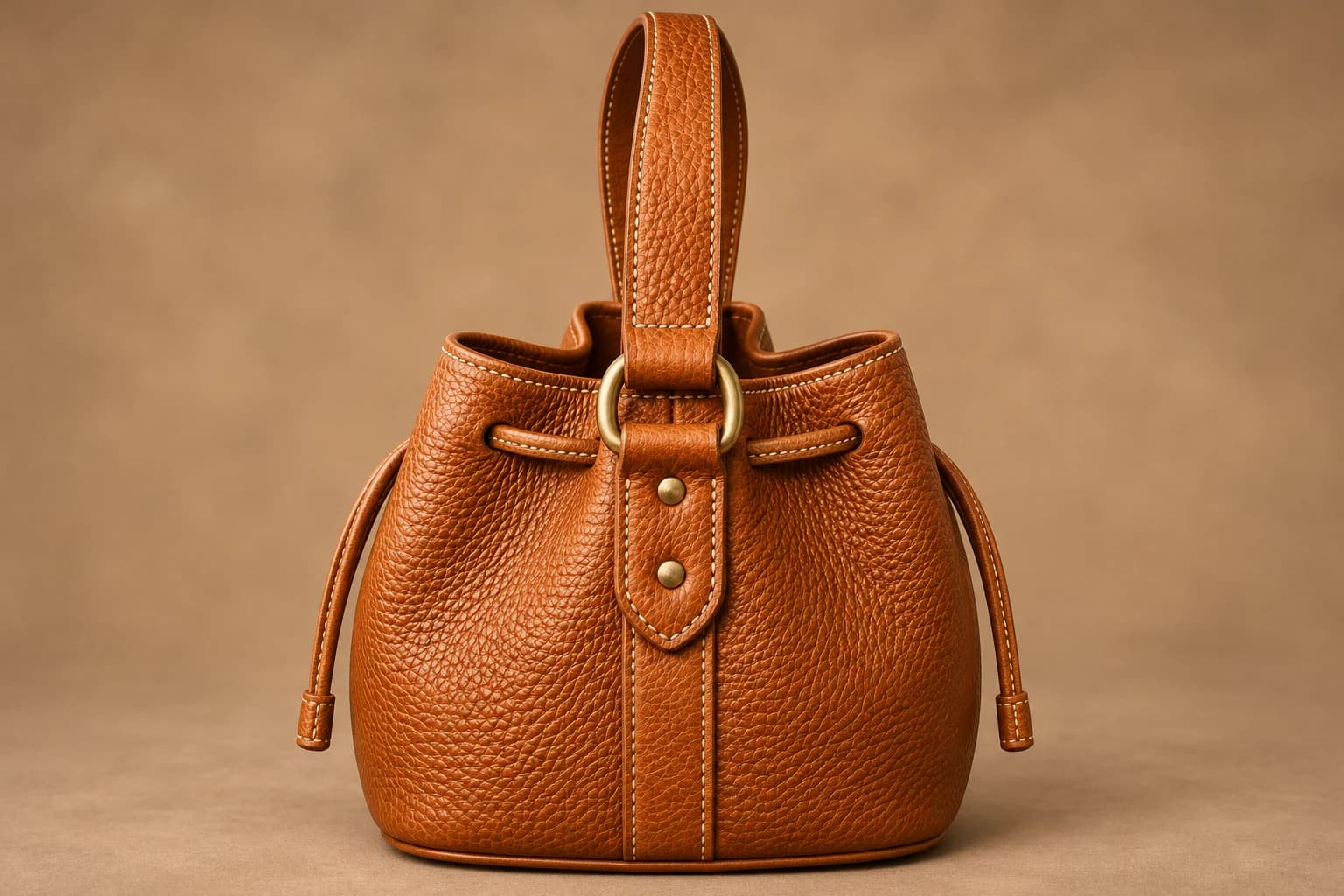
Drag and drop your photo, or choose a file
JPG, PNG or WEBP · Up to 10 MBHave more photos? Choose batch mode after signing inOne photo · 384 to 4096px per side · Maximum aspect ratio 5:1
Shoppers zoom in to check fabric, stitching and finishes. Improve product photo quality so those details are easier to see on your product pages.
Start with a supplier image or a photo you took yourself. Enhance the details or make the image larger before adding it to your listing.
Enhance a Product Photo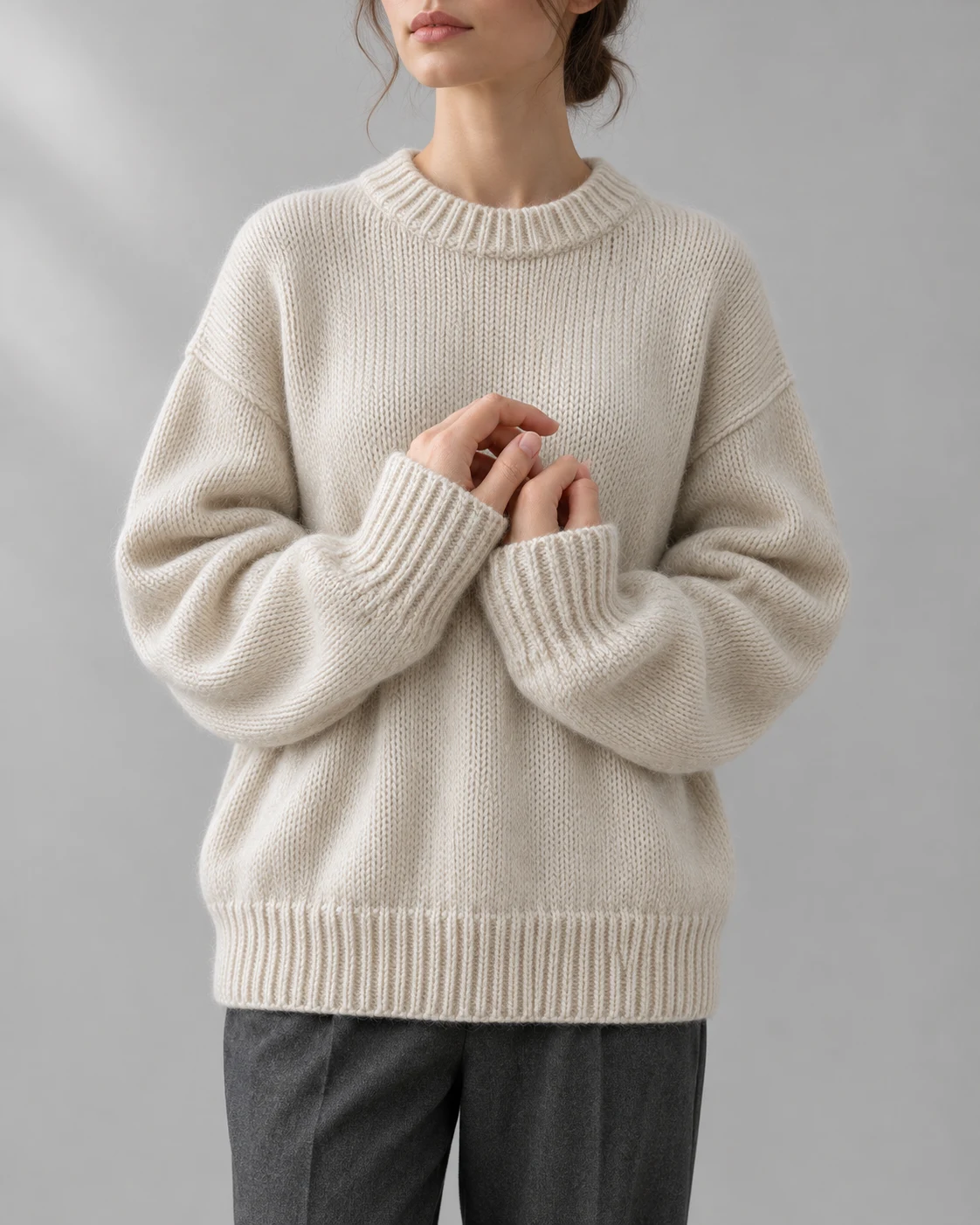
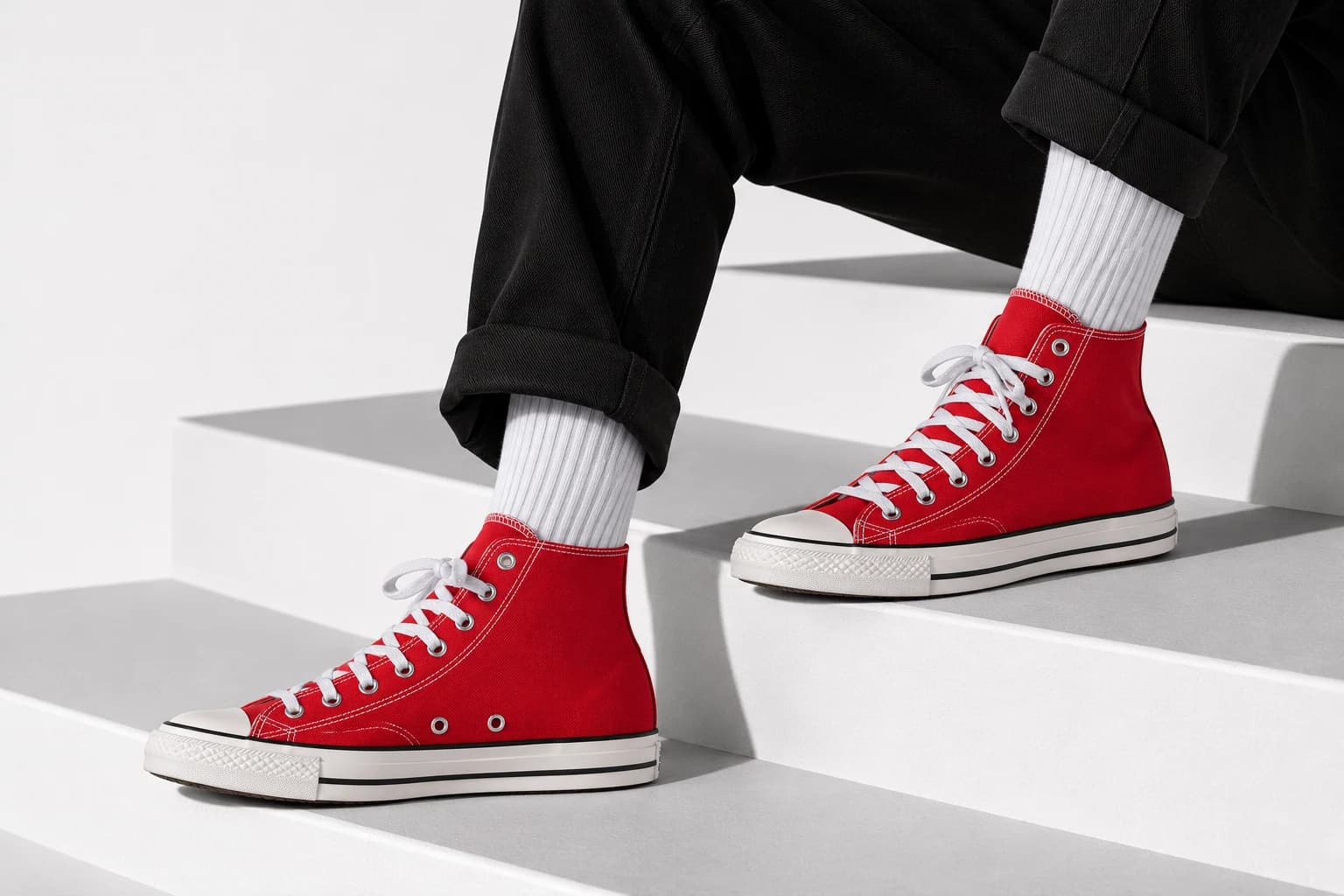 Full view
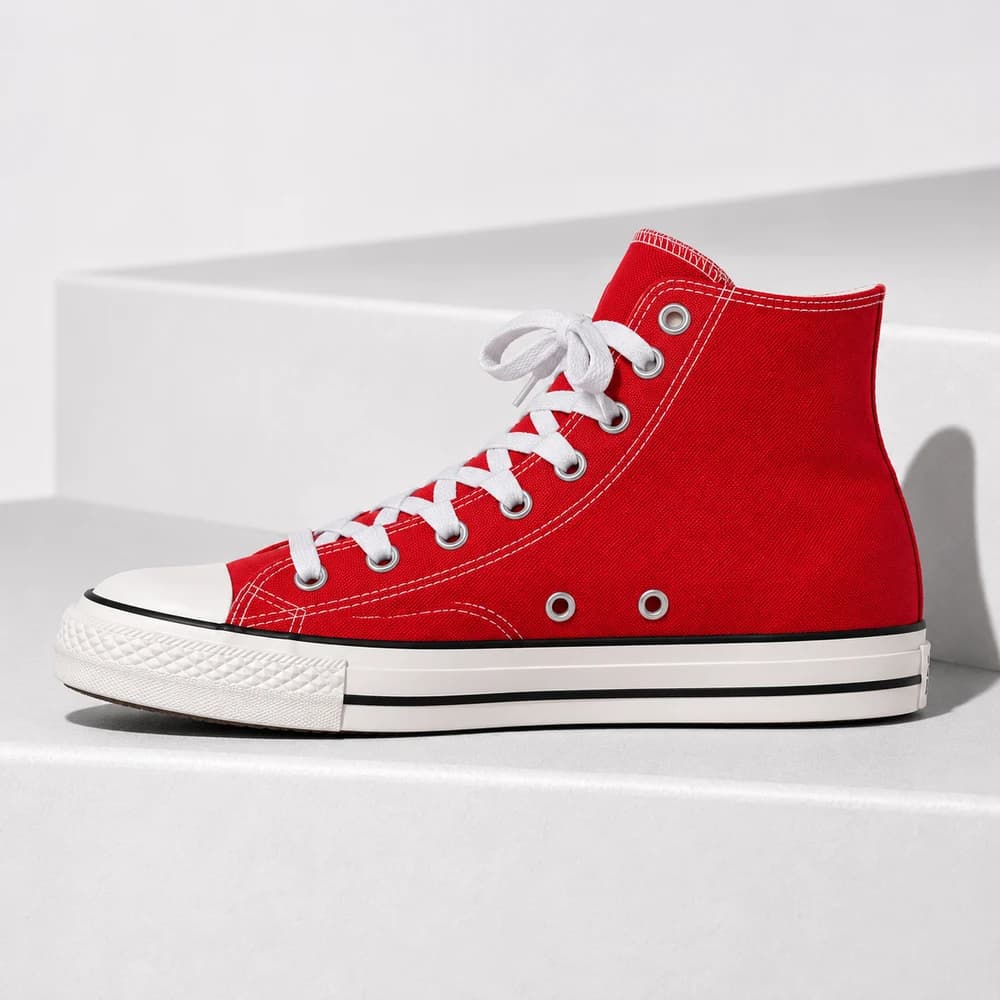 Side
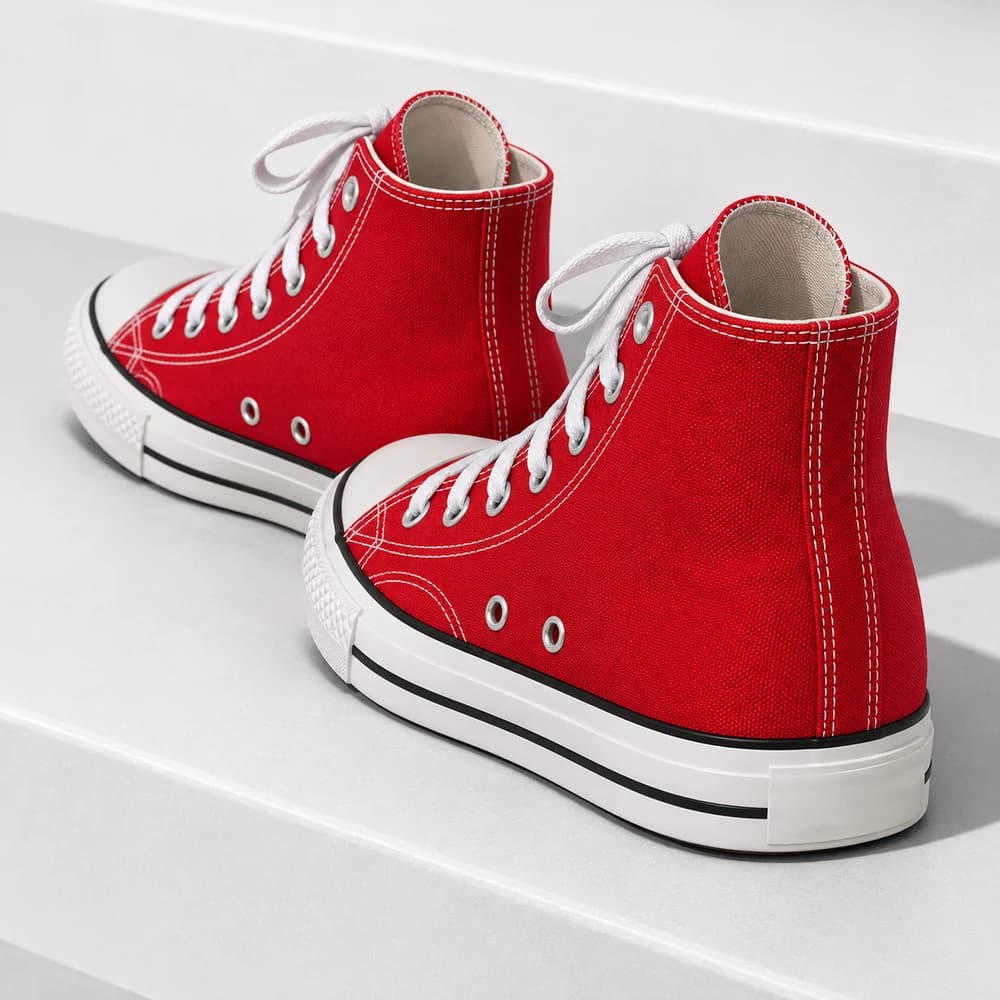 Rear
Upscale product images in bulk to get your catalog ready together. Add up to 100 photos or a folder to the batch image upscaler and apply the same settings across the set.
Process product angles and color variants in one batch. Adjust individual photos when you need a different size.
Upscale a BatchPhoto already the right size for your listing? Improve the clarity of textures and edges while keeping the same image size.
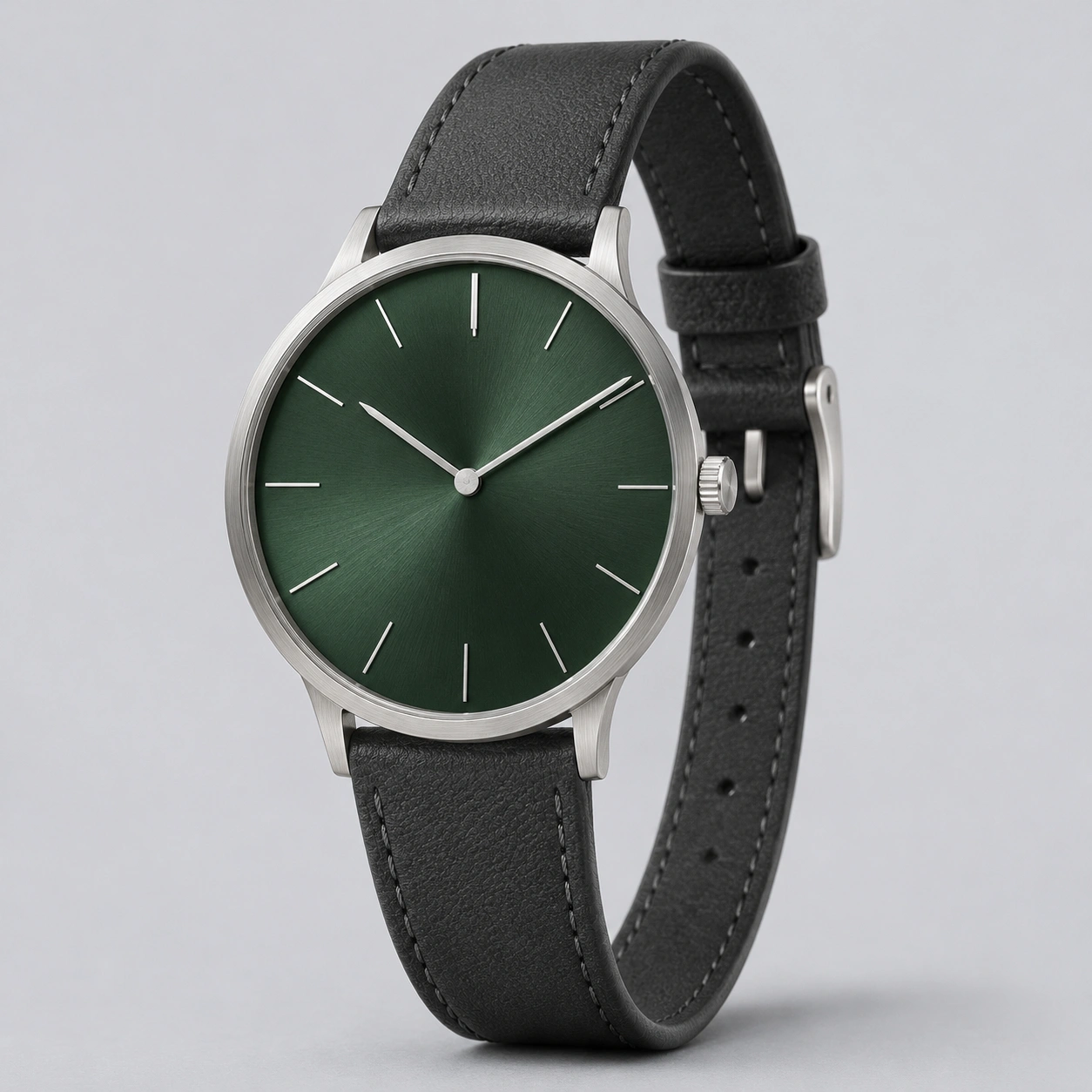
Enlarge small supplier photos for your product pages. Choose 2×, 4× or a custom size to give shoppers a closer view.
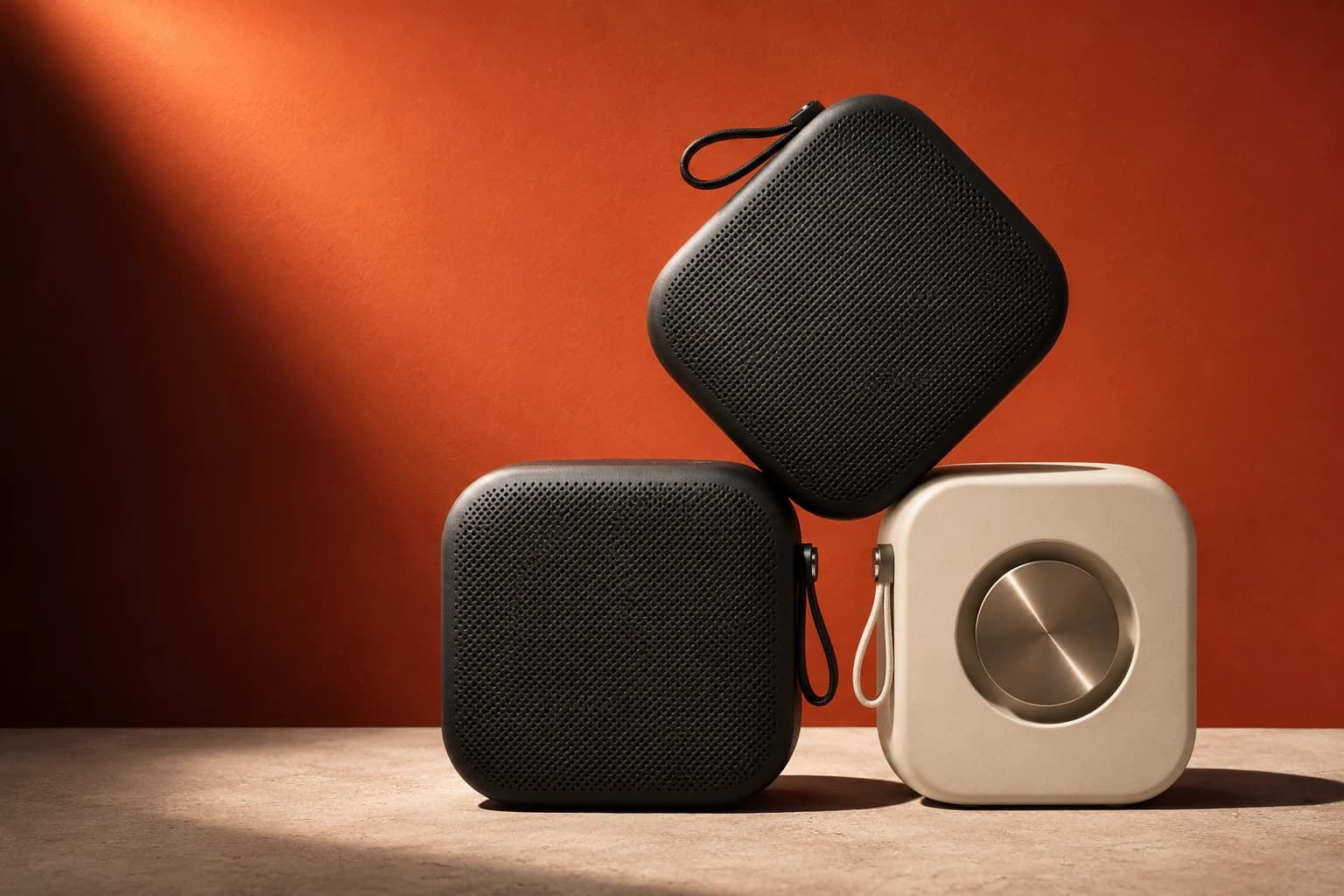
Choose a product photo from your device, then sign in to continue. For multiple images, switch to batch mode.
Output sizeKeep the current size to improve clarity, or choose 2×, 4× or a custom size. Review the credit cost, then start upscaling.
✓Compare the result with your original and check the product details. Download your image for your listing, online store or ad.
An AI image upscaler increases image resolution to make small product photos larger and clearer. Use it to prepare supplier images or your own photos for product listings, your online store and ads.
Yes. Choose 2×, 4× or a custom scale from 1× to 4×. Output is capped at 8192px on the longest side, so larger originals may reach this limit before a full 4× enlargement.
Yes. If your photo is already the right size for your listing, choose Enhance clarity. This AI photo enhancer option improves image quality while keeping the same width and height.
Upload up to 100 photos or a folder in batch mode. Use the same settings for product angles, color variants or multiple products, and adjust individual images as needed. Start with one photo here, or open batch mode after signing in.
Upload your supplier photo, then choose 2×, 4× or a custom size. Preview the larger image and check labels, textures and product edges before adding it to your store. Start with the largest original file your supplier can provide.
Use Enhance clarity to improve a blurry product photo at its current size, or upscale it if you also need a larger image. Results depend on the original photo. Heavy blur and missing detail may not be fully corrected, so compare the result with the product before publishing.
Upscaling preserves your image’s proportions. Custom dimensions let you increase width or height while keeping the aspect ratio locked. To add background space for a different layout, use an image extender instead.
Yes. The workspace includes an optional Face enhancement setting for photos featuring people. Review facial details in the result before using it.
AI estimates detail rather than recovering the original photograph. Check logos, small text, textures and product edges against the real item before publishing. Start with the best original image you have.
Upload a JPG, PNG or WEBP up to 10 MB. Each side must be 384 to 4096 pixels, with an aspect ratio no greater than 5:1.
You can select a photo on this page, then sign in to continue with it in the workspace. You can review the credit cost before you start.
Upload a photo and give shoppers a clearer view of your product.
Upscale Your Product Photo