AI Model Photos for Clothing
Create AI model photos from your clothing photos. Add model and scene references to show your apparel in a look that suits your store.

Create AI model photos, lifestyle scenes and images that highlight your clothing’s key features.
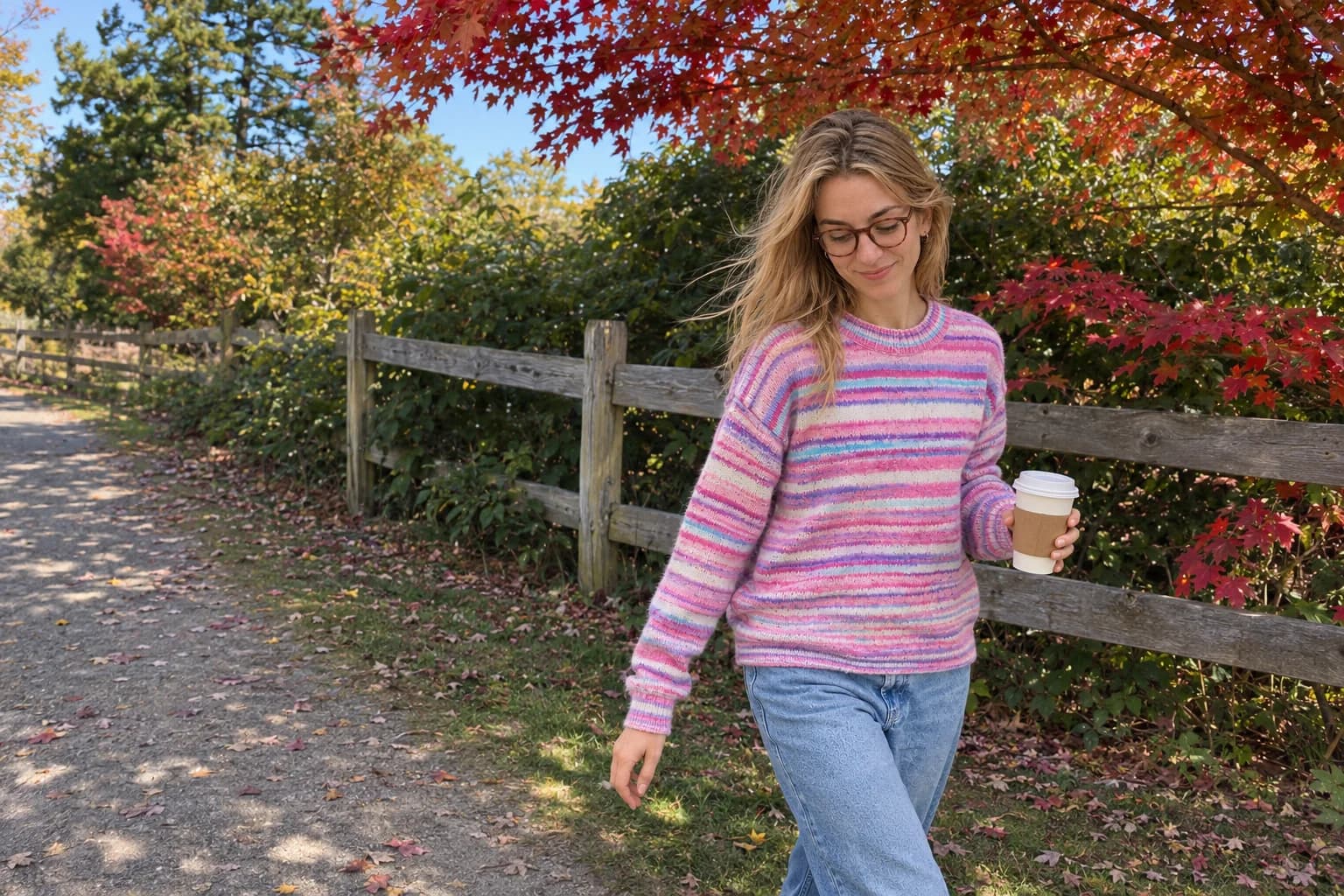 AI model photo
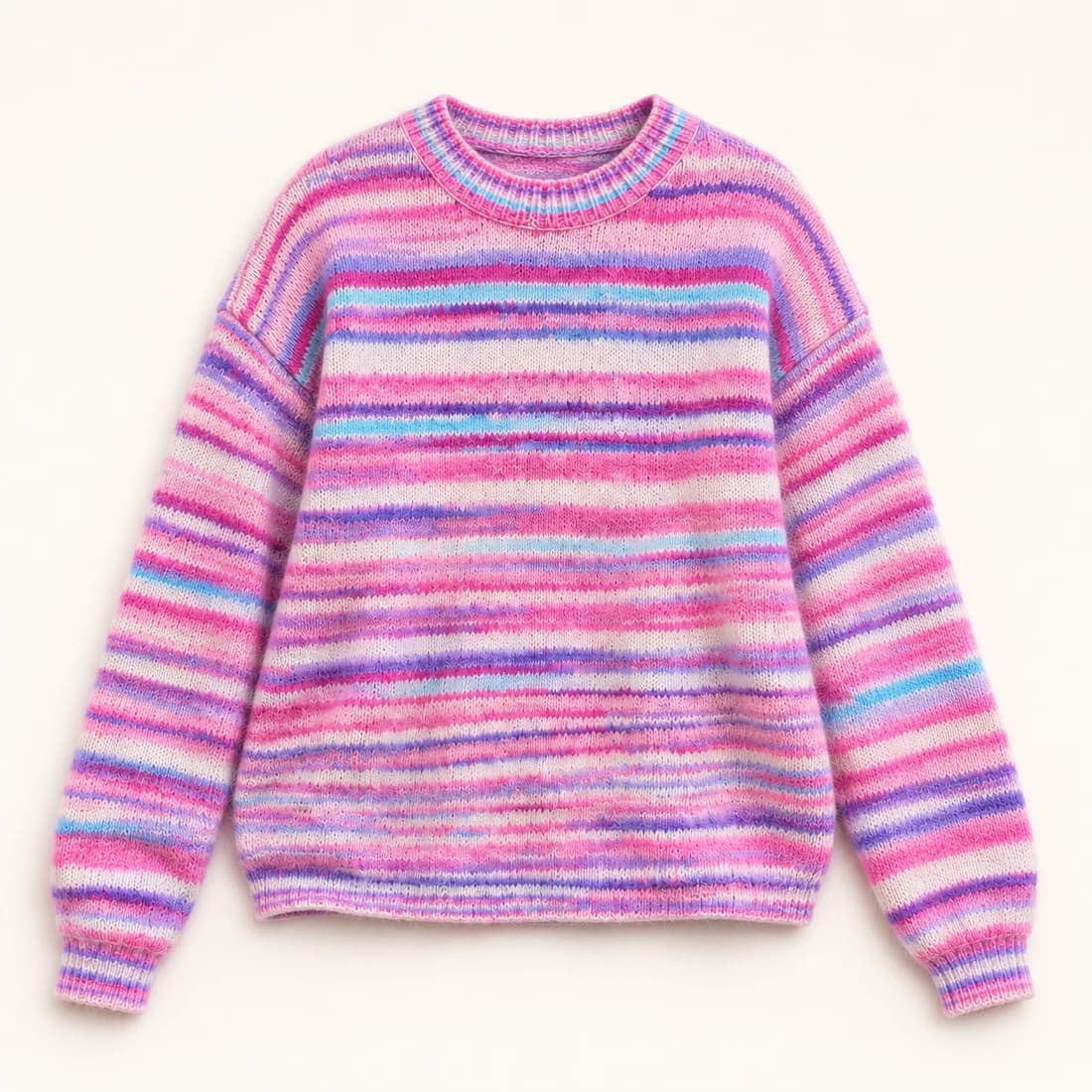
Upload a clothing photo, then choose the images your listing needs.
JPG, PNG or WebP · Up to 10 MB
Explore model photos and lifestyle scenes for your clothing product pages and campaigns.
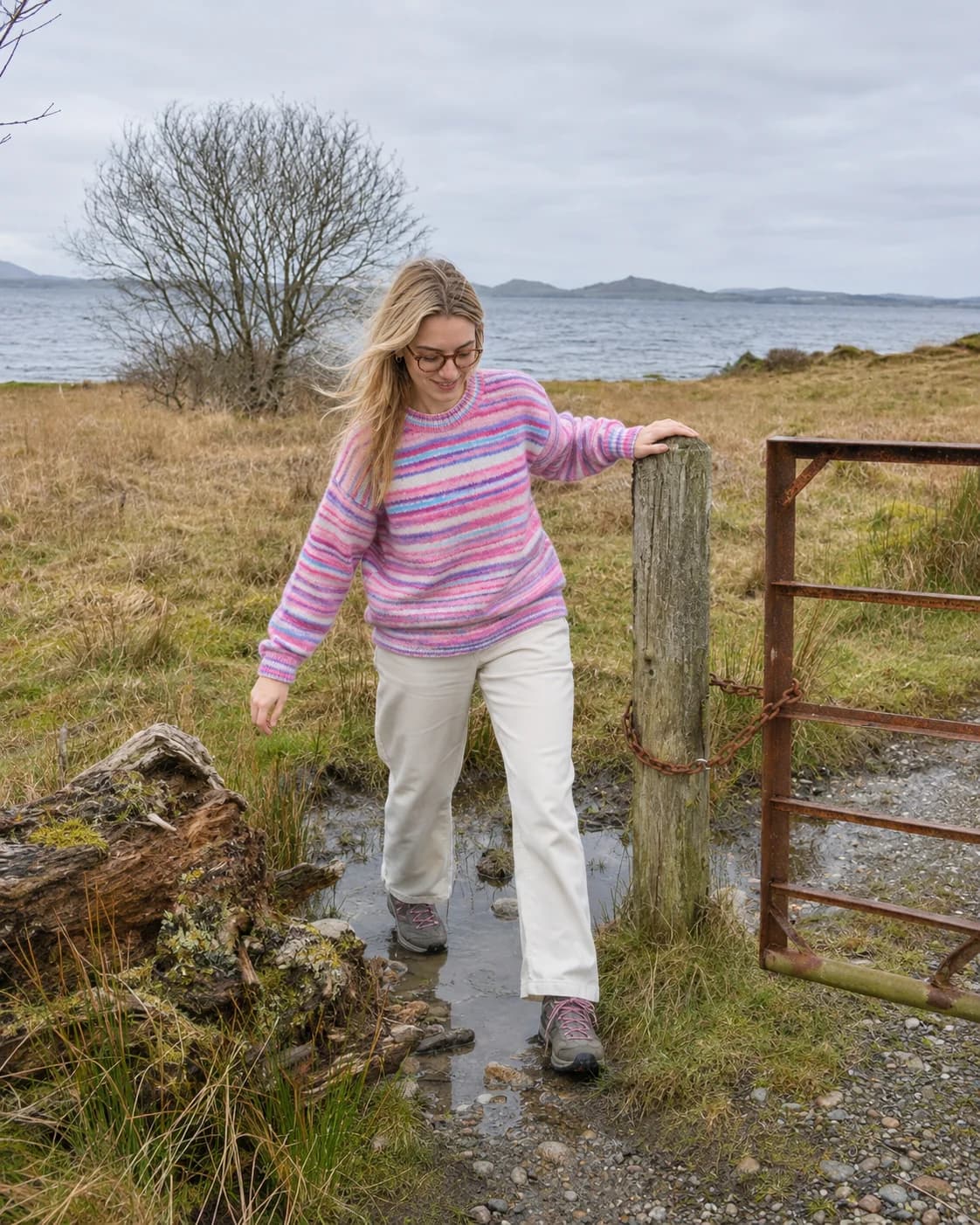
Styled outfits for your listings.
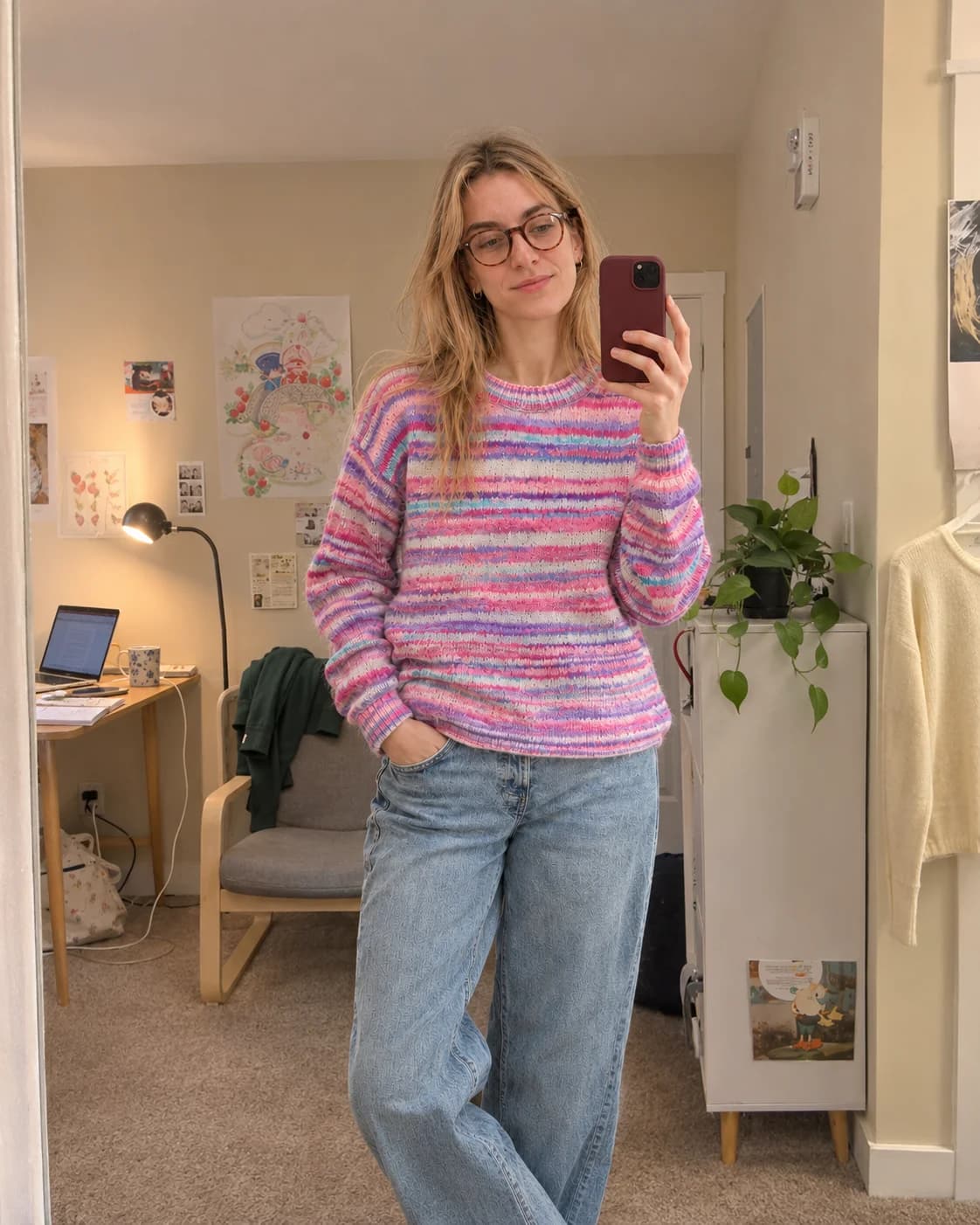
Everyday scenes for your clothing.
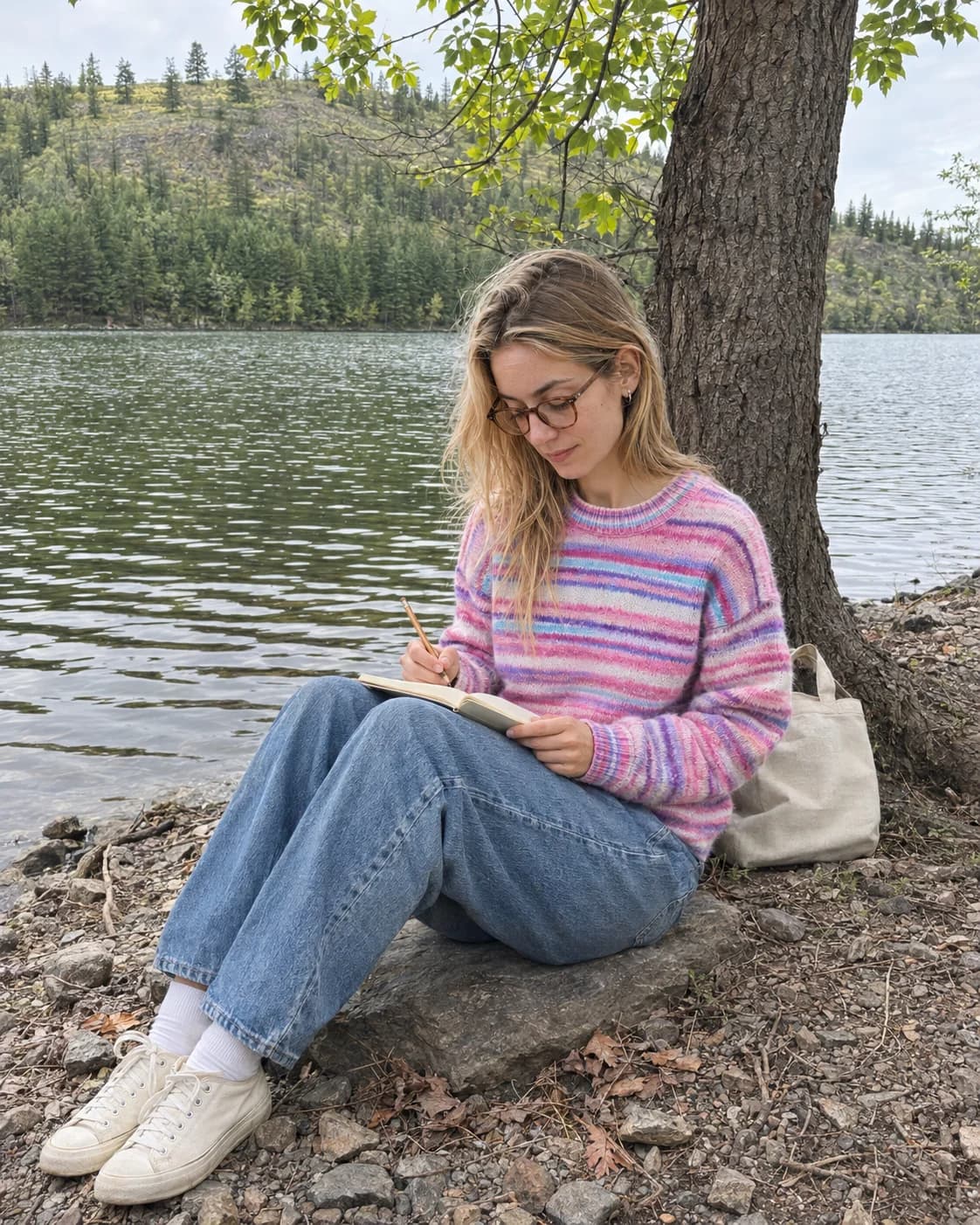
Relaxed styling by the lake.
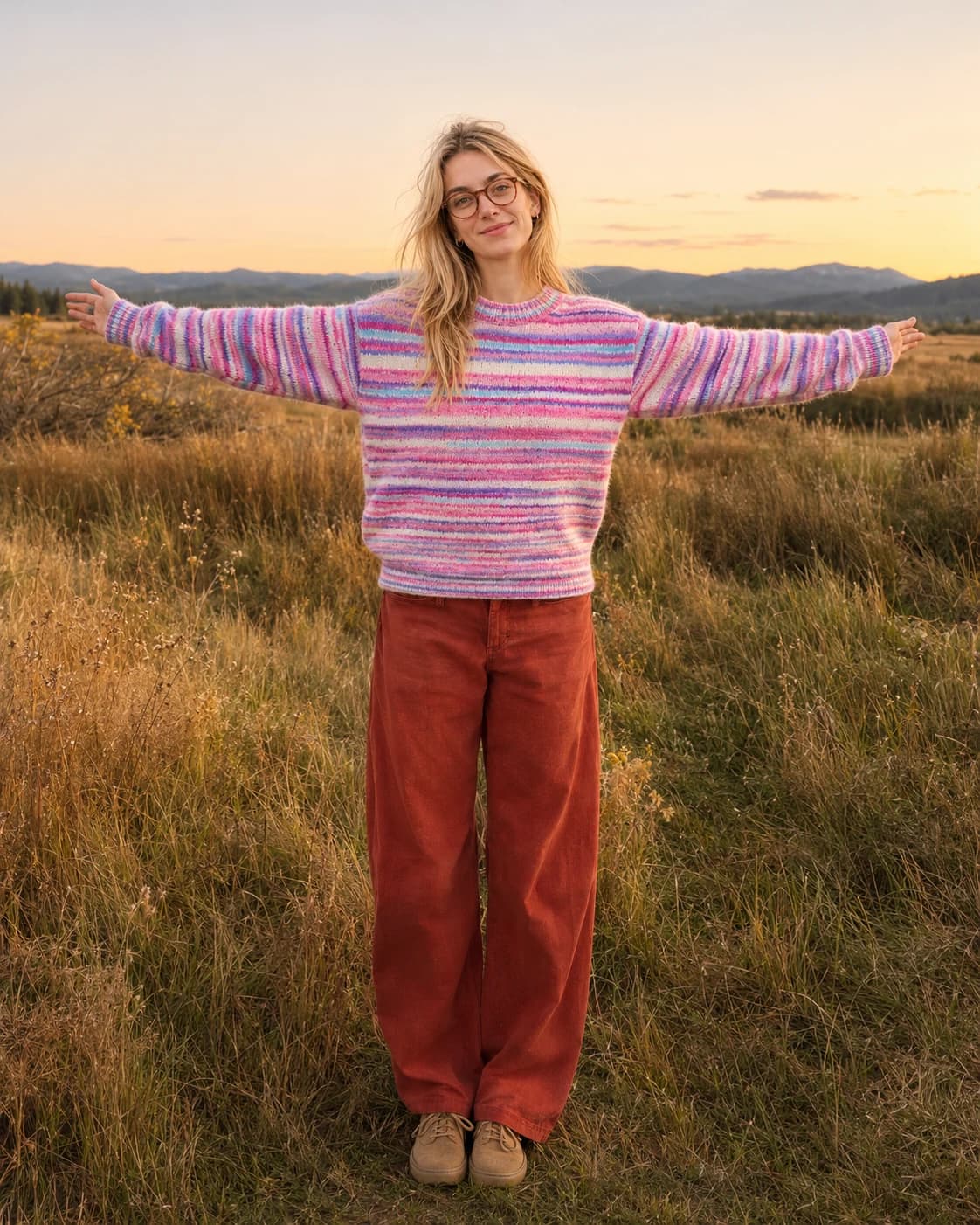
Outdoor looks in warm evening light.
Showcase your clothing details and styling ideas with Amazon A+ content images.
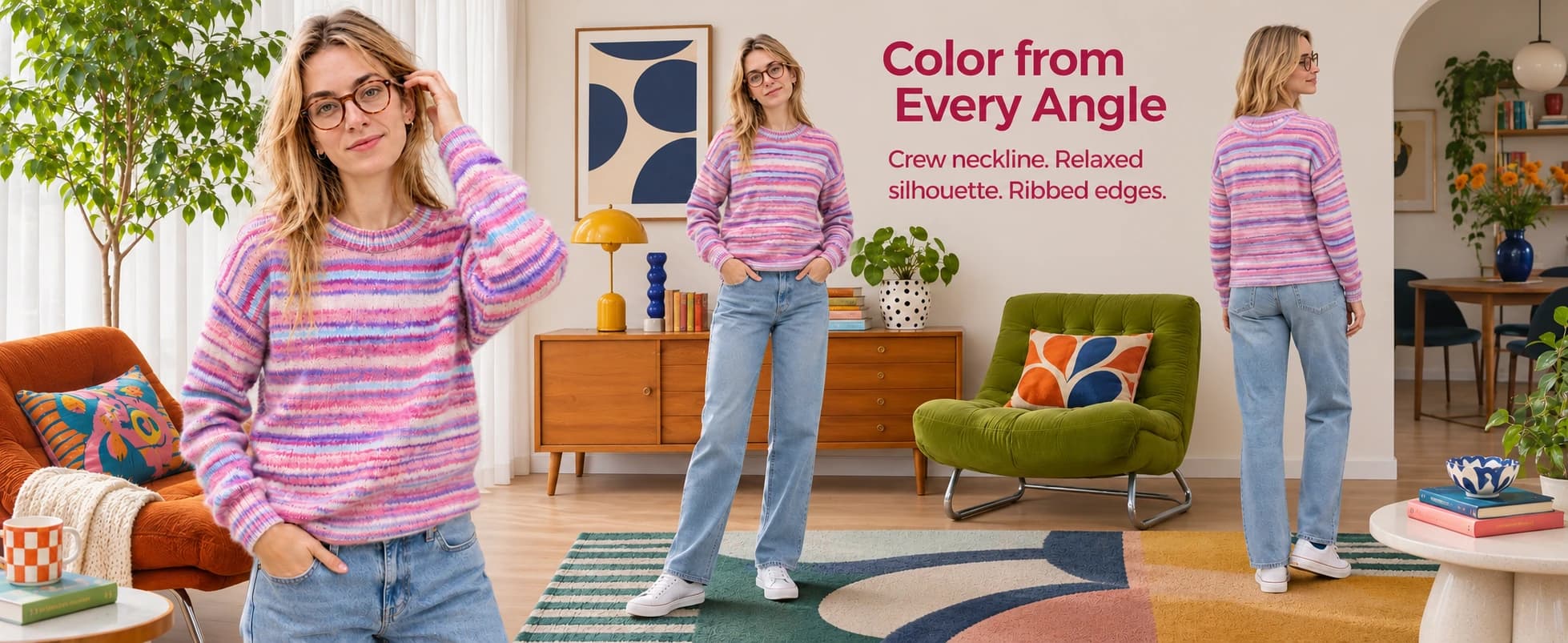
Create AI model photos from your clothing photos. Add model and scene references to show your apparel in a look that suits your store.
Create apparel product photos for your Shopify store, from clean white background images to lifestyle scenes and close-ups of key features.
Create Amazon A+ content images that highlight clothing details and outfit ideas. Add a layout reference to guide how the images and text are arranged.
Upload your clothing photos and describe the key features.
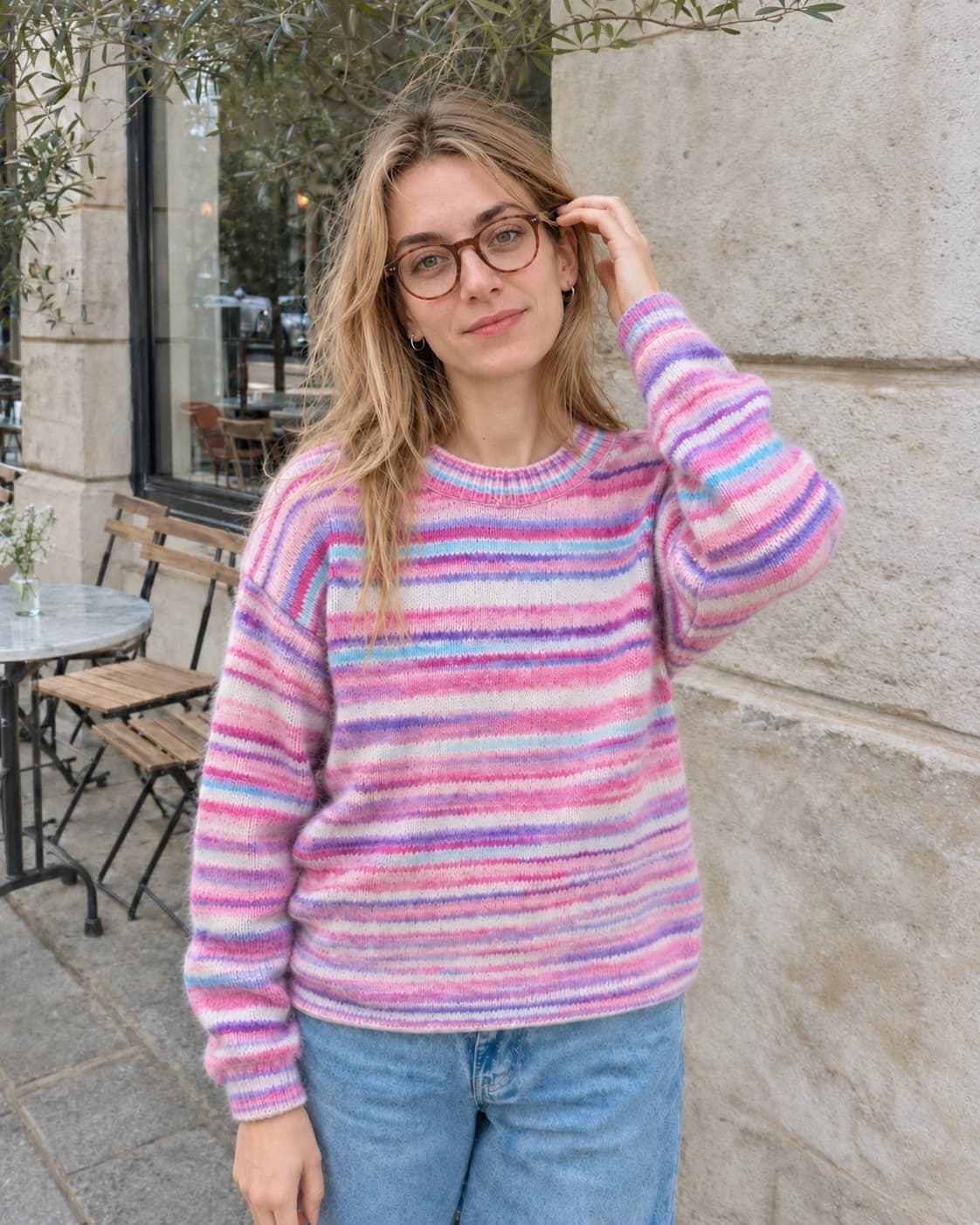 Model imagesLifestyle imagesA+ images
Choose the photo types, number of images and proportions your listing needs.
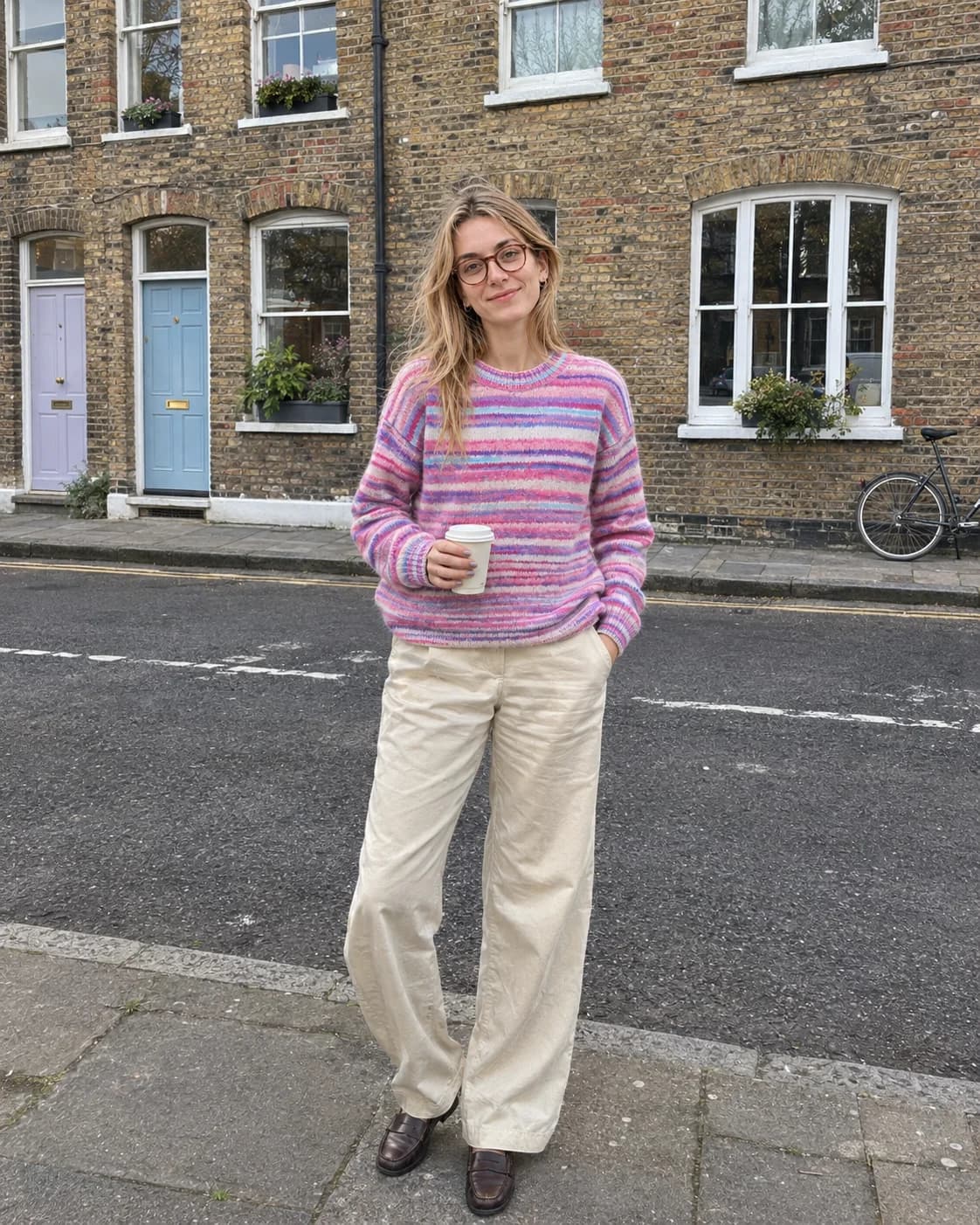
Generate your images, review the details and download your set.
Upload a clear clothing photo and add details such as fabric, design and key features. Choose Model images, select how many photos you need and choose their proportions. You can also add model and scene references. Check the credit cost, then confirm to generate your set.
Yes. Create model photos from your clothing photos, with optional references to guide the model and setting. These images help showcase styling for your listings; they do not predict how a garment will fit an individual shopper.
Yes. Choose white background images for a clean, product-focused view of your clothing. You can include these alongside model and lifestyle photos in your image set.
Choose A+ images and add the clothing details and selling points you want to highlight. If you have a preferred layout, upload it as a reference. Check the finished text and image dimensions against your selected Amazon A+ module before uploading.
Choose model photos, lifestyle scenes, white background images, selling-point images, size charts and A+ images. Mix the image types your listing needs and set the quantity and proportions for your set.
Use a clear photo showing the whole garment. Start with one photo here and add more views in the editor, up to five clothing photos in total. Accepted files are JPG, PNG or WebP up to 10 MB, with each side between 384 and 4096 pixels. Images must be no more than five times as wide as they are tall, or vice versa.
For Model images, add a model reference, a scene reference or a description of the look you want. Lifestyle images create their own model, setting and styling, so those references apply to Model images only. Model references need at least 1024 pixels per side; scene references need at least 768. Both support up to 4096 pixels per side.
Yes. Create clothing product images for Shopify product pages, Amazon listings and other online stores. Before publishing, compare colors, garment details, text and measurements with your actual product, and check the image requirements of your selling platform.
Yes. Choose size chart images and add your actual measurements in the product details or a reference image. Verify the numbers in the finished chart against your measurements before publishing.
Selecting a photo on this page does not start generation or use generation credits. Continue to the editor and sign in to upload it, then choose your images and settings. You will see the credit cost before confirming generation.
Turn the clothing photos you already have into model photos and product listing images.
Start Your Fashion Image Set