
10 Best LinkedIn MCP Servers in 2026

Table of Contents
A LinkedIn MCP server can give your AI assistant the tools to research companies, retrieve public posts, publish content, or work with a connected account. The right choice depends on which of those jobs you actually need done.
For a marketing team, the useful output might be a competitor-content brief with links to the original posts. For a creator, it might be a publishing queue. For a developer, it could be LinkedIn messaging inside a CRM. These workflows share a protocol, but require different tools and access.
Nexscope is our first pick for teams that want to bring public LinkedIn data into broader market and content research. Taplio is geared toward publishing and analytics, while Unipile is designed for building connected-account integrations. LinkedIn itself now offers Hiring Pro through an official MCP connector, with a specific job-posting workflow.
This guide compares ten options by their practical fit: what they expose to an assistant, how you connect, and where their scope ends. Start with the comparison table, then choose the section that matches your next task.
LinkedIn MCP Servers at a Glance
| Server | Best fit | Main LinkedIn capability | Access and deployment |
|---|---|---|---|
| Nexscope | Public-data research across channels | Profiles, companies, posts, available transcripts, ad-library data | Hosted MCP; Nexscope authentication |
| Bright Data | Data collection and dataset queries | Structured LinkedIn records through scraper and dataset tools | Hosted or local MCP; Bright Data account |
| Apify | Actor-based extraction workflows | Profile and other LinkedIn data, depending on the Actor | Hosted MCP or local client setup; Apify account |
| Anysite | Research across multiple sources | LinkedIn and other structured datasets | Hosted MCP; optional local bridge |
| Composio | LinkedIn actions within larger app workflows | Authorized publishing, comments, and supported account tools | Hosted toolkit; managed OAuth |
| Taplio | Creator publishing and analytics | Drafting, scheduling, publishing, and post performance | Hosted MCP; Taplio account |
| Unipile | Building LinkedIn integrations into software | Connected-account messaging, profiles, and search | Multi-channel MCP for coding agents; scoped API key |
| Linked API | Connected-account sales workflows | Search, profile research, and messaging | Hosted MCP; cloud browser and connected account |
| stickerdaniel/linkedin-mcp-server | Self-hosted control | Profiles, companies, jobs, and conversations | Local software; your browser session |
| LinkedIn Hiring Pro | Posting a job from Claude | Draft, review, and publish one free job for eligible members | Official hosted connector; LinkedIn sign-in |
Use this as a shortlist by task. A tool that retrieves company data is useful for research even if it cannot publish a post. A publishing tool can be useful without offering arbitrary profile searches.
What Can a LinkedIn MCP Server Do?
MCP, short for Model Context Protocol, lets an AI application discover and call tools supplied by another service. A LinkedIn-related server describes its available actions and their inputs, allowing the assistant to request data or perform a supported operation.
The assistant still needs an actual tool for the job. Connecting a server with a profile-reading function does not automatically add inbox access, Sales Navigator search, or post scheduling.
The main distinction is between research access and account actions. Research tools return records for your assistant to analyze. Account tools act through a connected service or LinkedIn account, using that connection's permissions and capabilities. Hiring Pro is a narrower example: its connector handles job creation rather than general LinkedIn research.
That distinction also changes your workflow. A research task can end with a sourced brief. A publishing or messaging task should end with a review of the proposed action before it reaches another person.
The 10 Best LinkedIn MCP Servers
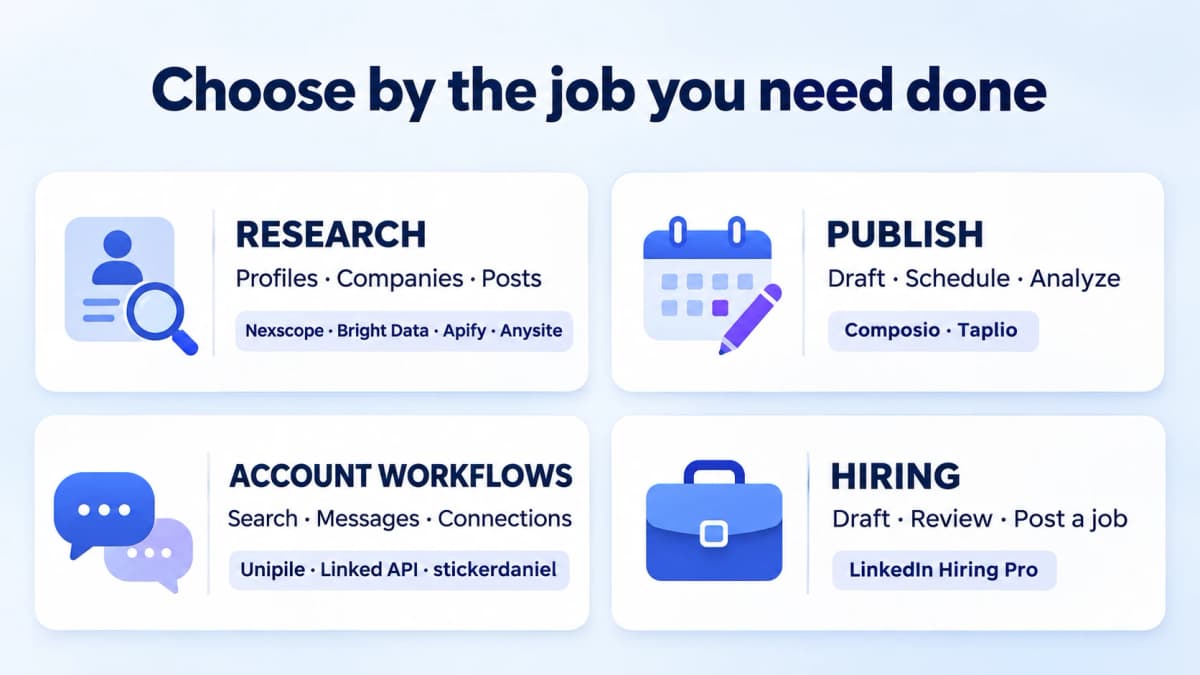
The groups show each tool's main use in this guide; available actions differ within each group.
1. Nexscope
Best for public LinkedIn research connected to wider market intelligence.
Nexscope Social Media APIs give your assistant structured social data through REST API or MCP. Its LinkedIn tools support research on people, organizations, content, and advertising without turning Nexscope into your AI assistant or publishing platform.
The strongest use case is a repeatable research brief. Supply a company or post URL, retrieve the available records, and ask your assistant to organize the evidence into competitor positioning, content themes, or partnership research. You can extend that brief with other social and marketing datasets through the same platform.
The LinkedIn MCP tool directory brings together eight tools: six for public LinkedIn data and two for LinkedIn Ad Library research.
Key features
- Public profile research: retrieve available LinkedIn profile data for a supplied profile URL. Keep the analysis to fields actually returned.
- Company intelligence: retrieve LinkedIn company details and company posts as inputs for your assistant to analyze positioning and recent communication.
- Content discovery: use LinkedIn post search to find Google-indexed public posts by keyword, then retrieve individual post details and available engagement fields.
- Video research: retrieve a LinkedIn video transcript when native captions are publicly available.
- Advertising research: use LinkedIn Ad Library search and LinkedIn ad details to retrieve available advertiser and creative information.
Best fit: marketing teams, agencies, ecommerce businesses, and developers building research workflows across LinkedIn and other channels.
Access and billing: connect a compatible AI client to Nexscope MCP, or use REST API in your application. Data APIs use pay-as-you-go Data Credits; no Data API subscription is required.
Scope to know: post discovery uses Google-indexed public results, not a complete native LinkedIn search. Available profile fields and transcripts vary. These research tools do not publish posts or send messages for you.
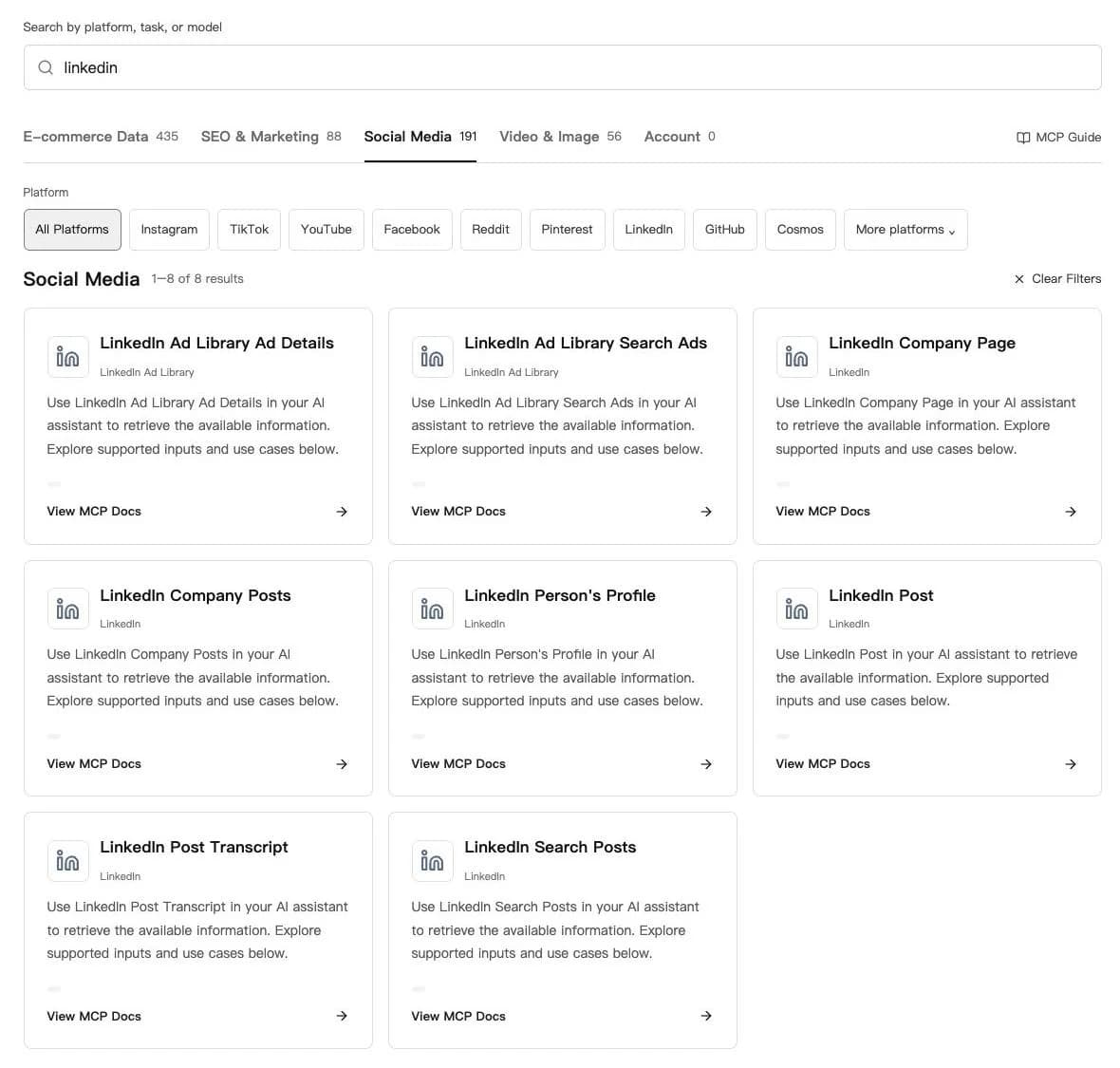
Source: Nexscope LinkedIn MCP tool directory, captured November 24, 2026.
Bring LinkedIn data into your next research brief
Browse all eight LinkedIn research tools, review their MCP documentation, and connect them to your assistant.
Explore LinkedIn Data →2. Bright Data
Best for structured data collection and LinkedIn dataset queries.
Bright Data's MCP server connects an assistant to its web-data infrastructure. It is a useful choice when your workflow needs structured records and you want to distinguish collecting a page from searching an existing dataset.
What you can do
- Discover available LinkedIn scrapers and inspect their expected inputs.
- Run a collection job and retrieve its results when ready.
- Inspect dataset fields before applying filters to supported people or company datasets.
- Combine LinkedIn research with other web sources exposed through the server.
Best fit: developers and data teams building collection pipelines or research applications.
Access and billing: Bright Data supports remote and local MCP configurations. Collection costs depend on the underlying product and operation; scraper runs are billed by returned records.
Scope to know: the current tool reference uses a discovery-and-execution workflow. An assistant may need to find a scraper, inspect its schema, run it, and retrieve a snapshot. Plan for those steps when building a reusable workflow instead of assuming every request returns a finished dataset immediately.
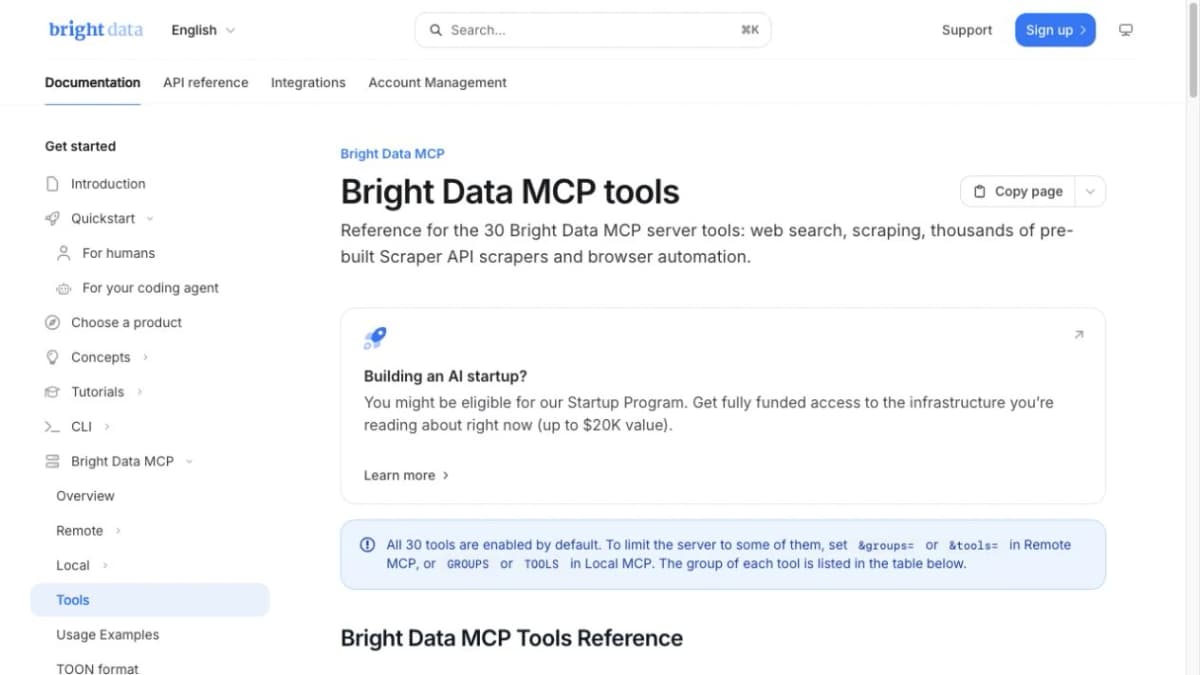
Source: Bright Data MCP tools documentation, captured November 24, 2026.
3. Apify
Best for choosing a specialized LinkedIn extraction Actor.
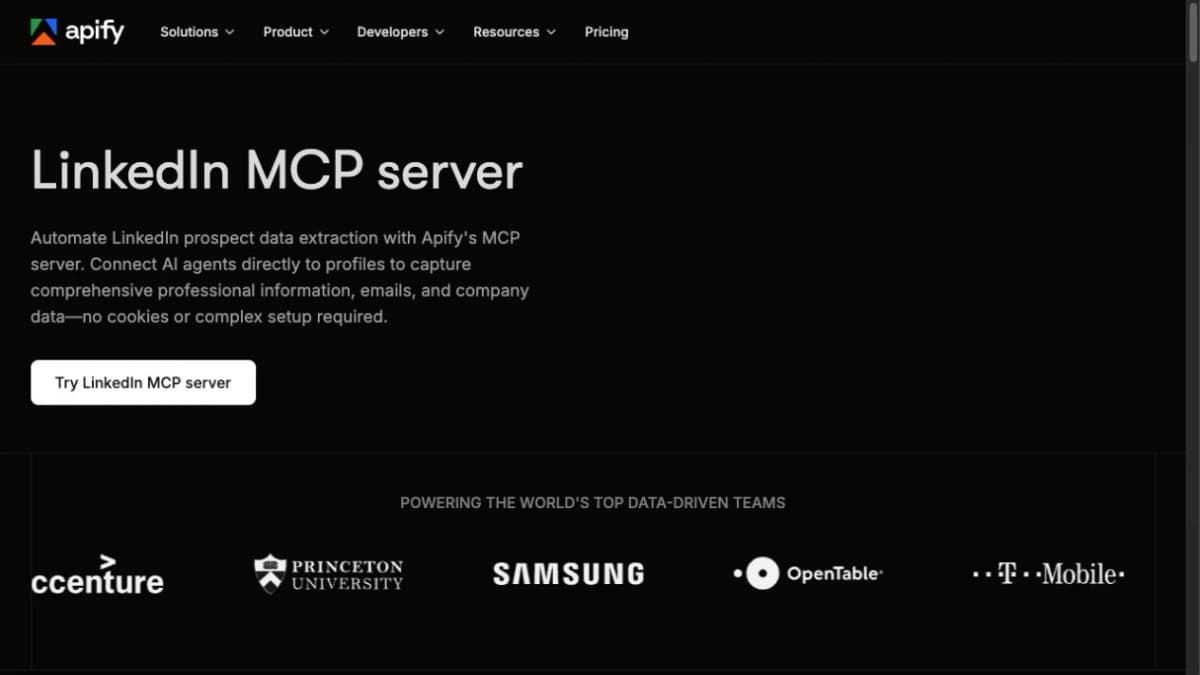
Apify exposes its Actors—individual scraping or automation programs—through MCP. Its LinkedIn MCP page provides a profile-extraction configuration, while the broader platform lets you select other Actors for different research tasks.
What you can do
- Pass profile URLs to a configured LinkedIn profile Actor.
- Process multiple inputs for a structured research dataset.
- Choose an Actor whose input and output match the task.
- Extend the same assistant with other Apify tools when a workflow needs additional sources.
Best fit: teams that want an existing extraction component rather than building a collector themselves.
Access and billing: use an Apify account and the supported MCP authentication flow. The selected Actor, its pricing model, and platform usage determine the cost.
Scope to know: Apify is an execution platform, so the Actor matters as much as the MCP connection. Check its sample output, required inputs, maintained status, and billing unit. A feature advertised by one LinkedIn Actor should not be assumed to exist in another.
Source: Apify LinkedIn MCP page, captured November 24, 2026.
4. Anysite
Best for combining LinkedIn with other structured research sources.
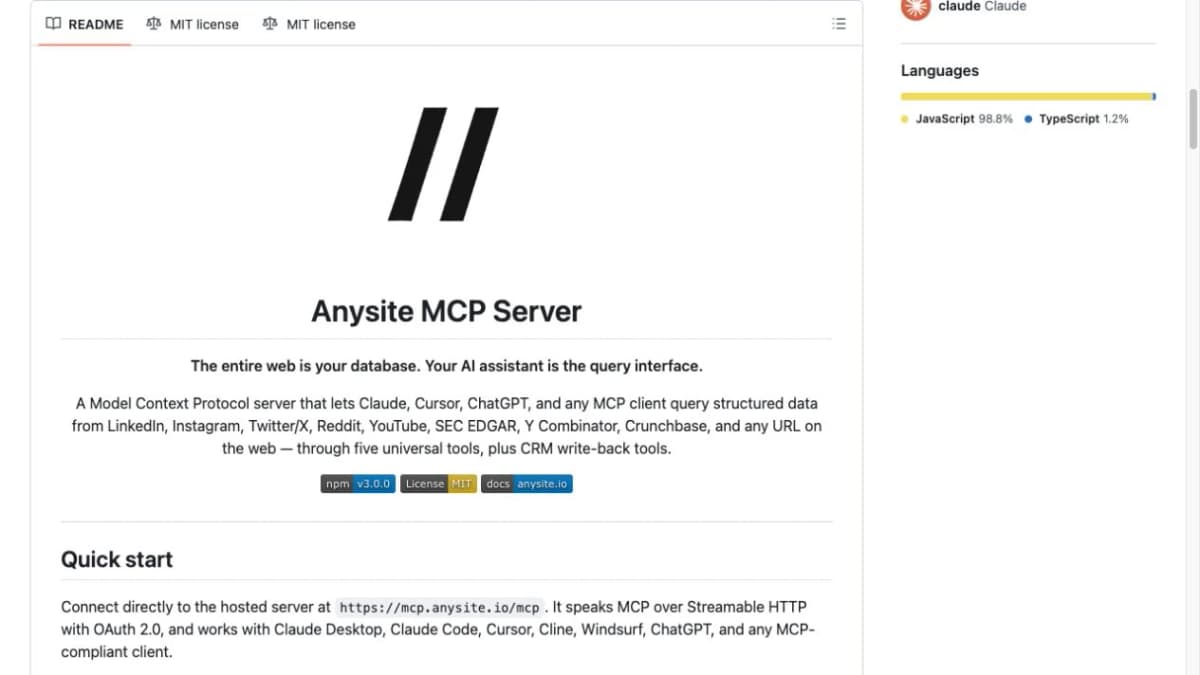
Anysite provides a hosted MCP server for querying data across LinkedIn and other sources. Its design centers on discovering the available capability and executing it through a shared interface.
What you can do
- Discover supported data endpoints from the assistant.
- Query LinkedIn alongside other social and business sources.
- Retrieve page information and use available cache or export tools.
- Connect directly over HTTP or use a local bridge for a stdio-only client.
Best fit: research teams that want to move between sources without managing a separate MCP connection for each one.
Access and billing: hosted MCP access is tied to an Anysite account and the selected plan. Its repository describes both a dedicated MCP plan and credit-based plans.
Scope to know: API availability and MCP availability are not interchangeable. Use the server's discovery results to establish which operations the assistant can call, particularly for specialized LinkedIn searches or account-related endpoints. Evaluate the actual output fields against your brief before designing a larger workflow around them.
Source: Anysite MCP repository, captured November 24, 2026.
5. Composio
Best for incorporating LinkedIn actions into a multi-app workflow.
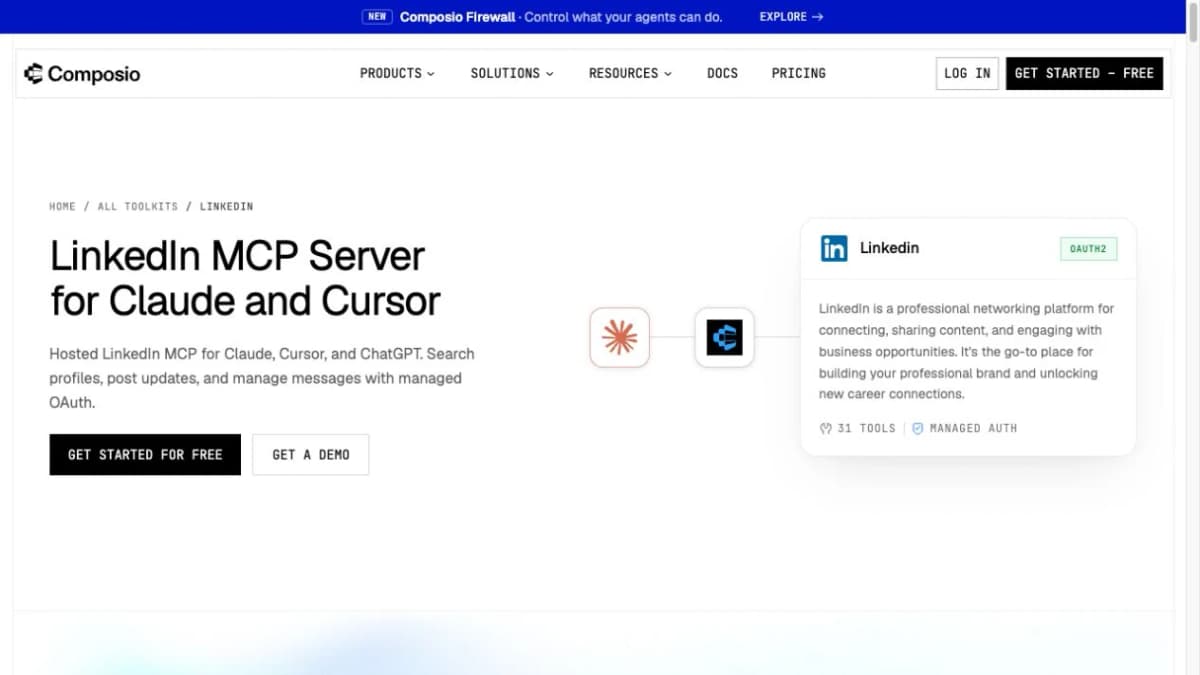
Composio provides a LinkedIn toolkit with managed authentication. Its value is especially clear when LinkedIn is one step in a larger process involving content preparation, approvals, and other connected applications.
What you can do
- Create supported LinkedIn posts for an authenticated user or managed organization.
- Create comments through the available social-action tools.
- Retrieve supported profile or organization information.
- Combine the toolkit with other applications exposed through Composio.
Best fit: developers building assistants that need authorized LinkedIn actions as part of a broader application workflow.
Access and billing: Composio manages the OAuth connection; usage is governed by the relevant Composio plan and connected toolkit permissions.
Scope to know: start from the concrete action list. A request to publish an approved update needs a different capability from a request to search arbitrary members or read an inbox. Confirm the exact tool, required permissions, and account context rather than treating “LinkedIn integration” as unlimited access.
Source: Composio LinkedIn toolkit page, captured November 24, 2026.
6. Taplio
Best for a creator's publishing and performance workflow.
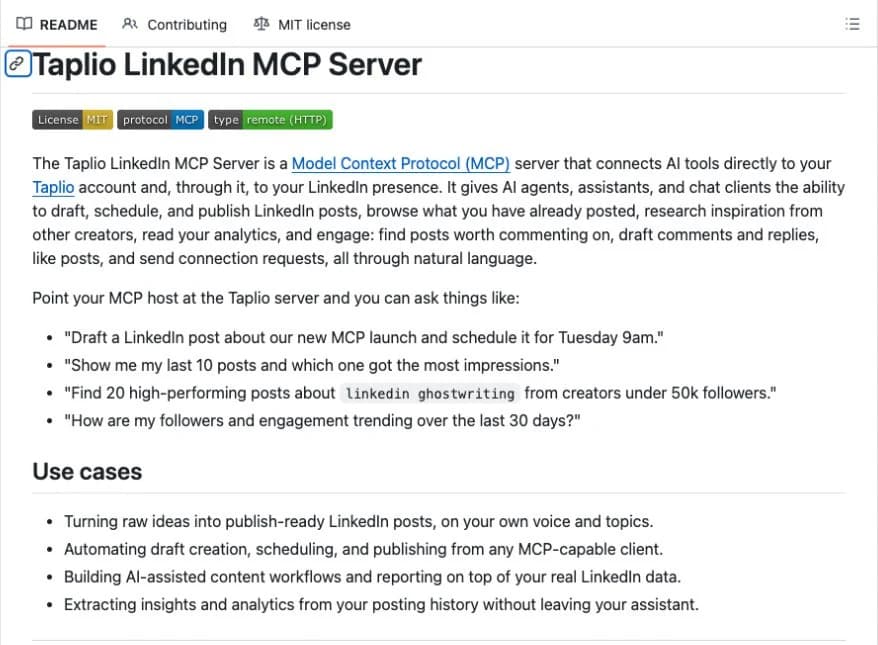
Taplio provides a dedicated LinkedIn content MCP server at https://mcp.taplio.com/, connecting an AI assistant to your Taplio account and its LinkedIn workflows. It is a natural fit when the task begins with a draft and ends with a scheduled post or a review of content performance.
What you can do
- Write and refine posts, then schedule or publish them.
- Reschedule content or remove unused drafts.
- Review account and individual-post analytics.
- Find content inspiration and use supported engagement tools.
Best fit: founders, creators, and marketing teams already organizing their LinkedIn presence around a content calendar.
Access and billing: sign in to Taplio through its supported connector or remote MCP setup. Access depends on the Taplio account and applicable product plan.
Scope to know: distinguish Taplio's account analytics from the public engagement counts returned by a research tool. They answer different questions. For an editorial workflow, keep the final wording, publishing identity, and scheduled time visible before confirming publication; Taplio's guide describes confirmation before posting.
Source: TaplioOfficial/taplio-linkedin-mcp on GitHub, captured November 24, 2026.
7. Unipile
Best for developers building LinkedIn features into their own product.
Unipile provides a multi-channel MCP server with LinkedIn-specific routes and setup guidance. It is designed for coding agents building LinkedIn features into an application; LinkedIn uses the same hosted server as Unipile's other channels. Its documented workflow starts with a Development application and scoped accounts, helping developers build and test features before using them in production software.
What developers can build and test
- Explore LinkedIn messaging and conversation operations.
- Build profile, connection-request, and supported search features.
- Work with supported LinkedIn account types, including Sales Navigator and Recruiter contexts.
- Combine LinkedIn with supported email or messaging channels in one application.
Best fit: CRM, recruiting, and customer-communication software teams that need users to connect their own accounts.
Access and billing: the hosted server uses a scoped API key. Unipile's pricing is based on connected accounts; its MCP page states that MCP is included in its plans.
Scope to know: MCP helps the coding agent discover endpoint contracts and test real requests; the generated production application uses Unipile REST APIs or SDKs. Define which test accounts a key can reach, and keep the production application's authentication and account selection explicit. A coding agent's ability to call an endpoint does not eliminate the need to design the user-facing workflow around it.
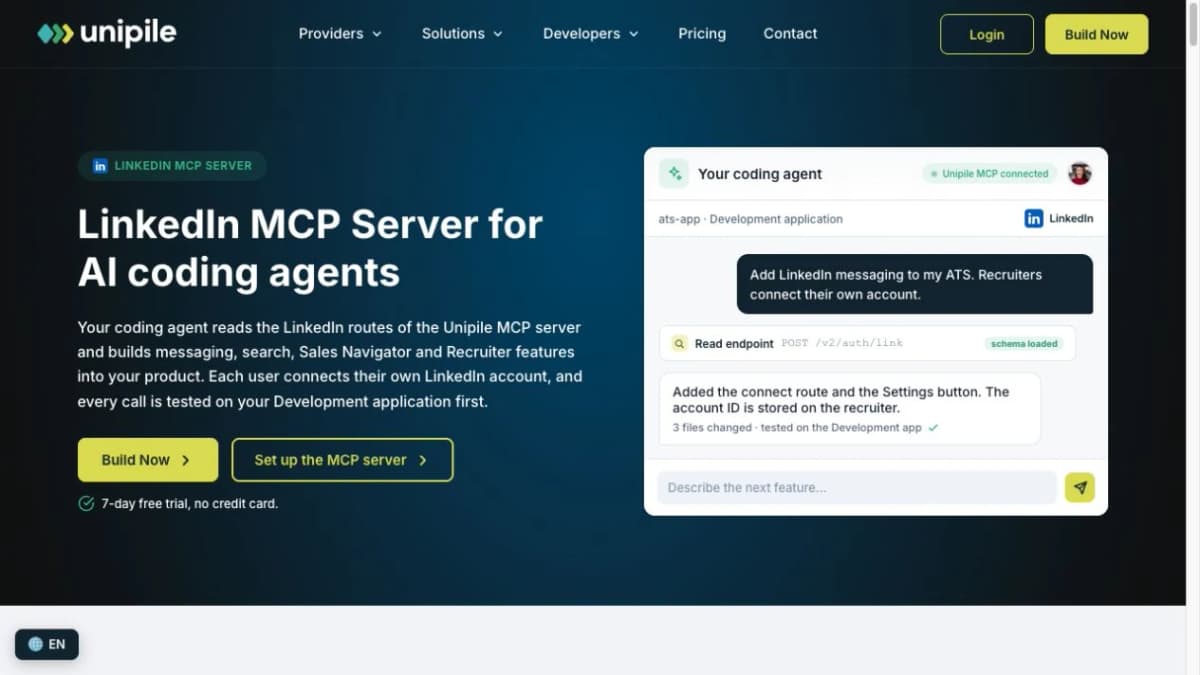
Source: Unipile LinkedIn MCP product page, captured November 24, 2026.
8. Linked API
Best for hosted workflows operating through a connected LinkedIn account.
Linked API connects an assistant to LinkedIn through a dedicated cloud browser. Its MCP offering is oriented toward tasks such as finding leads, reviewing profiles, and working with messages from the connected account.
What you can do
- Search people and companies for a defined research task.
- Read supported profile and post information.
- Work with messaging and other available account actions.
- Use the same service from a compatible assistant rather than maintaining a local browser server.
Best fit: teams that specifically need connected-account actions and prefer hosted infrastructure.
Access and billing: configure the Linked API MCP connection and the account it should operate through. Commercial access depends on the provider's plan and connected-account setup.
Scope to know: the cloud-browser access model differs from a public-data API or a publishing integration using OAuth. Account state and available LinkedIn features affect the workflow. Separate research from sending: first review the target and proposed message, then authorize the action you intend to take.
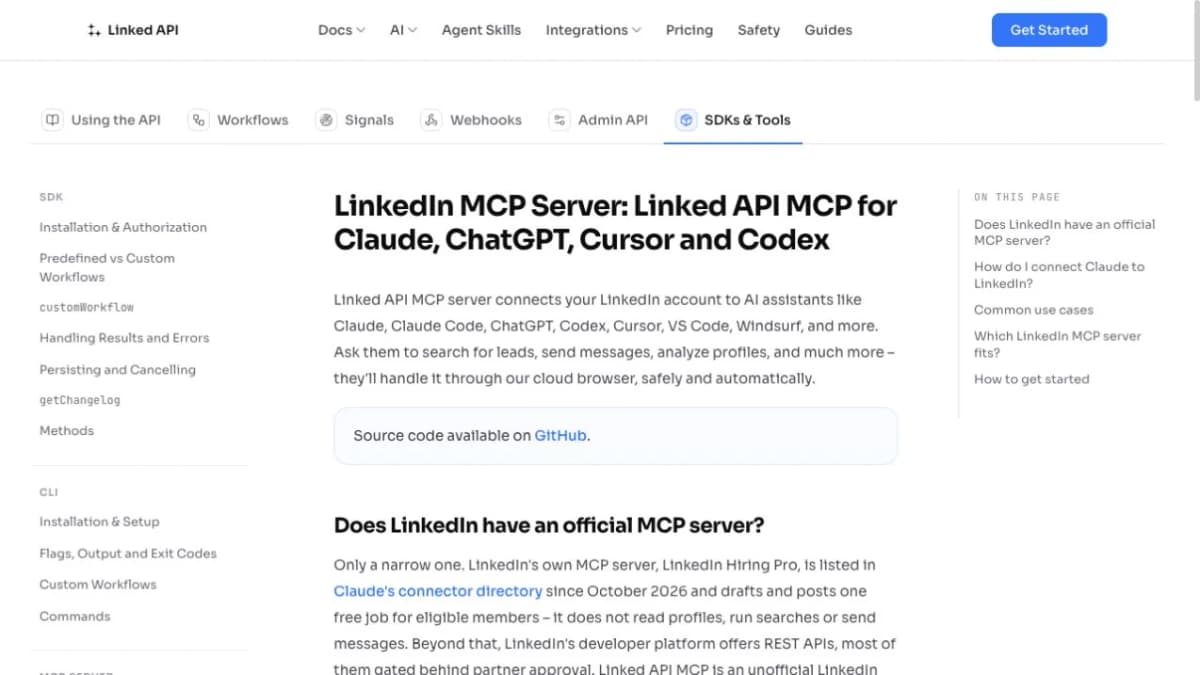
Source: Linked API MCP overview, captured November 24, 2026.
9. stickerdaniel/linkedin-mcp-server
Best for technical users who want a self-hosted option.
This open-source project runs through your own browser session. Its current README describes access to LinkedIn profiles, companies, jobs, and conversations, with several installation options for technical users.
What you can do
- Retrieve profiles and research company information.
- Search supported people, company, job, or post views.
- Read conversations and use supported messaging functions.
- Inspect the source and control the local runtime yourself.
Best fit: developers who value local control and are comfortable maintaining browser-based software.
Access and billing: the software is open source. You provide the local environment, an appropriate LinkedIn account, and any infrastructure required for your setup.
Scope to know: a free software license does not remove maintenance work. Your browser session, dependencies, and changes to LinkedIn's interface can affect operation. This project is independent of LinkedIn; using it requires understanding the account-session approach rather than assuming it behaves like an official LinkedIn integration.
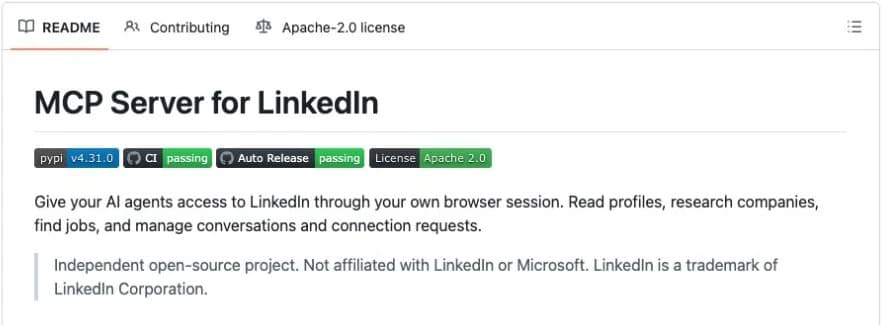
Source: stickerdaniel/linkedin-mcp-server repository, captured November 24, 2026.
10. LinkedIn Hiring Pro
Best for an official job-posting workflow in Claude.
LinkedIn Hiring Pro is a connector made by LinkedIn. It helps eligible members draft, review, and post one free job from Claude, making it a focused option for a business that needs to advertise a role.
What you can do
- Supply the role, company, location, responsibilities, and required skills.
- Turn those details into a draft job description.
- Resolve company or location matches and complete required verification.
- Review the full job before choosing to post it, then see its publication status.
Best fit: eligible hirers who want to move from a role brief to a published job.
Access and billing: add the LinkedIn-made connector in Claude and sign in. The documented connector workflow covers one free job for eligible members.
Scope to know: it does not create promoted jobs, edit or close existing jobs, or manage applicants. It also does not replace a general profile-research, content-publishing, or messaging MCP server. Its official status is meaningful, but its specific job-creation scope is what determines whether it fits your task.
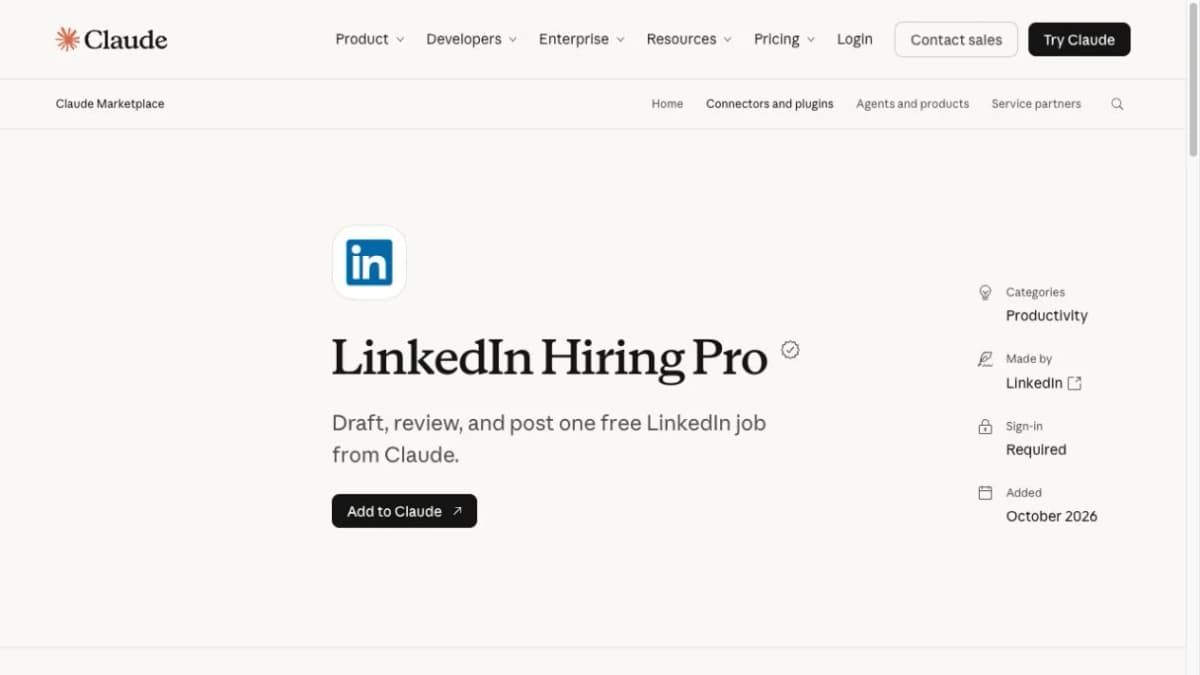
Source: Claude connector directory, captured November 24, 2026.
How to Choose the Right LinkedIn MCP Server
Public Data Research
Start with the records you need: a known profile, company page, post, keyword search, or advertisement. Nexscope fits cross-channel marketing research; Bright Data and Apify fit collection workflows; Anysite offers another multi-source research interface. Compare sample fields, pagination, and how the service reports missing data.
Publishing and Scheduling
Choose a tool with explicit publishing actions. Taplio brings a content-product workflow; Composio supplies actions you can combine with other applications. Check which account or organization will publish, whether your required format is supported, and where approval happens.
Messaging and Account Workflows
Unipile, Linked API, and the self-hosted project serve different implementation needs. Decide whether you are building a customer-facing application, operating a hosted account workflow, or maintaining your own local server. Account access should match the task rather than being added simply because it is available.
Hiring and Recruitment
Choose Hiring Pro when the immediate goal is a new job post. Candidate research, applicant management, and outreach are separate requirements. Do not assume a connector that publishes a vacancy also exposes those surrounding recruitment operations.
Hosting and Usage Costs
Compare the cost of a completed task, not just a nominal call. A research brief may require search, several detail lookups, pagination, and result retrieval. A self-hosted tool adds maintenance time; a connected-account service may charge by account. Pilot one representative workflow before estimating a monthly budget.
Conclusion
Choose your LinkedIn MCP server around the job you need completed. Public-data research, publishing, connected-account operations, and job creation each require a different set of capabilities. The comparison becomes much simpler once you make that choice.
Build LinkedIn Research Workflows With Nexscope
Nexscope's LinkedIn MCP tools connect LinkedIn research with broader social and marketing data. Bring those datasets into your own AI assistant to build company briefs, study content themes, and prepare better-informed campaigns.
Key Features
- Company intelligence: retrieve available company details to ground an account or competitor brief.
- Company content research: examine available posts and their publication context.
- Post analysis: retrieve public post details and available engagement information.
- Public profile research: inspect supported public fields for a supplied profile URL.
- Ad-library research: discover available advertising records for creative and advertiser research.
- Available video transcripts: turn native captions into source material for a research or content brief.
Access the tools through MCP in a compatible assistant, or integrate them through REST API. Data usage is paid with Data Credits, so you can start with a focused research task and expand the workflow as needed.
Bring LinkedIn data into your next research brief
Browse all eight LinkedIn research tools, review their MCP documentation, and connect them to your assistant.
Explore LinkedIn Data →FAQ
What is a LinkedIn MCP server?
It is a service that exposes LinkedIn-related tools through Model Context Protocol. Depending on the provider, those tools may read public data, publish content, operate through a connected account, or handle a specific task such as posting a job.
Does LinkedIn have an official MCP server?
Yes. LinkedIn Hiring Pro is a LinkedIn-made connector listed in Claude's directory. It helps eligible members draft, review, and post one free job. That narrow workflow should not be confused with general LinkedIn search, messaging, or account management.
Can I connect a LinkedIn MCP server to Claude?
Yes, when the provider supports the relevant Claude client and connection method. Hosted connectors and locally installed servers have different setup steps. Follow the selected provider's instructions and check that the required tools appear after connecting.
Which LinkedIn MCP servers can publish posts?
Taplio supports LinkedIn publishing and scheduling, while Composio provides supported post-creation actions. Hiring Pro publishes job listings rather than ordinary feed posts. Public-data research tools should not be assumed to include publishing capabilities.
Do all LinkedIn MCP servers require a LinkedIn account?
No. Public-data services may require only an account with the data provider. Tools that act on your LinkedIn account need an appropriate connection or session. Check whether you are authorizing data retrieval, your own account actions, or access to a separate product.
Are there free or open-source LinkedIn MCP servers?
The stickerdaniel project is open source and can be self-hosted. Some hosted products offer trials or limited free access. Compare what is included and whether costs apply to the software, underlying data, connected accounts, or infrastructure.
Sources
- Nexscope. LinkedIn API Documentation and MCP Tool Map. November 2026.
- Bright Data. Bright Data MCP Tools Reference. November 2026.
- Apify. LinkedIn MCP Server and Actor Connection Guide. November 2026.
- Anysite. Anysite MCP Server Repository and Documentation. November 2026.
- Composio. LinkedIn Toolkit and Supported Tools. November 2026.
- Taplio. Getting Started with the Taplio MCP. November 2026.
- Unipile. LinkedIn MCP Server for AI Coding Agents. November 2026.
- Linked API. LinkedIn MCP Server Overview and Installation. November 2026.
- stickerdaniel. LinkedIn MCP Server Repository and README. November 2026.
- LinkedIn. Making It Easier for Small Businesses to Hire on LinkedIn. October 2026.
- Anthropic. LinkedIn Hiring Pro Connector Listing. November 2026.